
Build a WordPress Member and Staff Directory
The WordPress Members Directory plugin allows you to create a staff or member directory on your WordPress site.
Build and manage a curated list of employee profiles, professional listings, and member details. This searchable directory supports detailed contact information, profile content, images, documents, and custom links, making it ideal for online communities, businesses, and professional networks.
Member Directory Listings in WordPress
|
Show members, staff, or experts in a fully customizable WordPress directory index page, including profile photos, names, and positions.
Display locations on an interactive Google Map using your API key, making it easy for visitors to find professionals. Users can search, filter, and sort listings by categories, tags, area of expertise, services, or supported languages, helping your community or clients connect with the right people efficiently. |
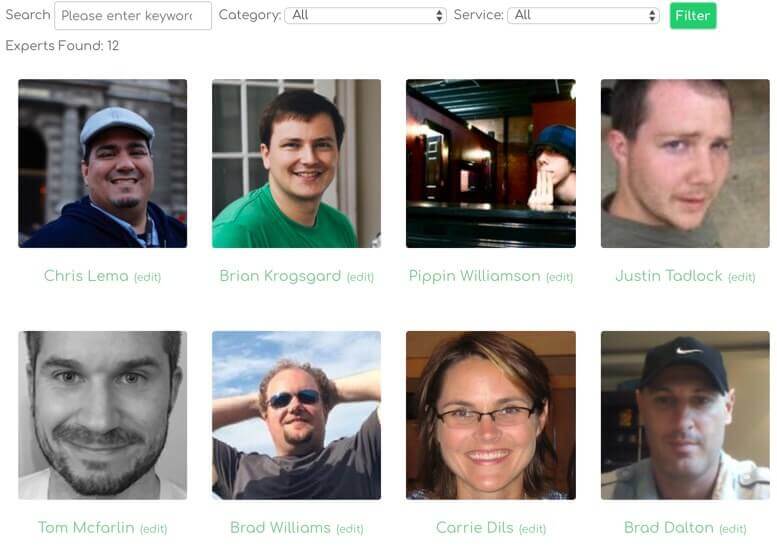 Showing a Member Directory Index Page
|
WordPress Member Directory Profile Page
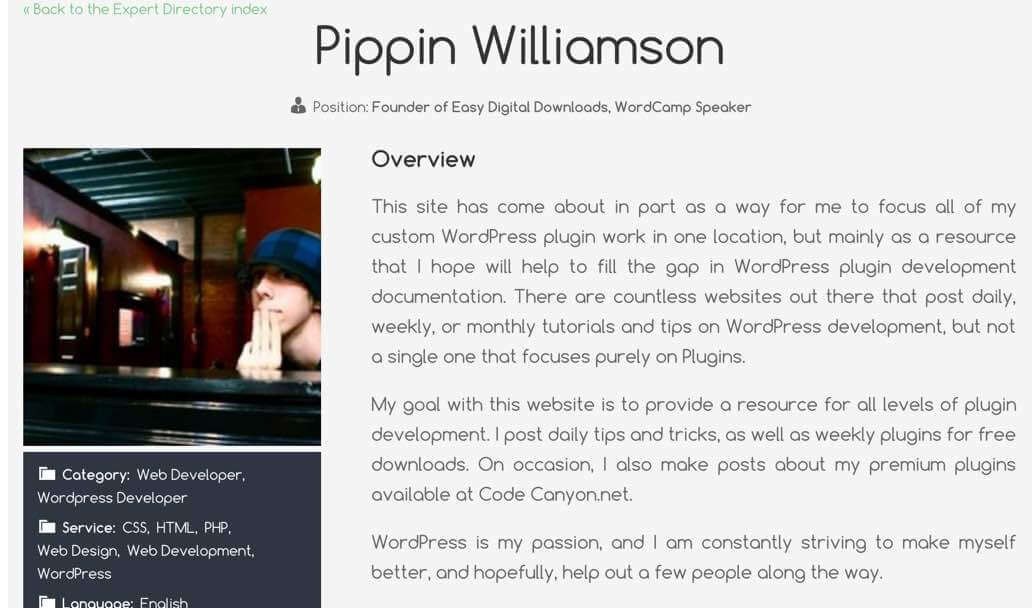
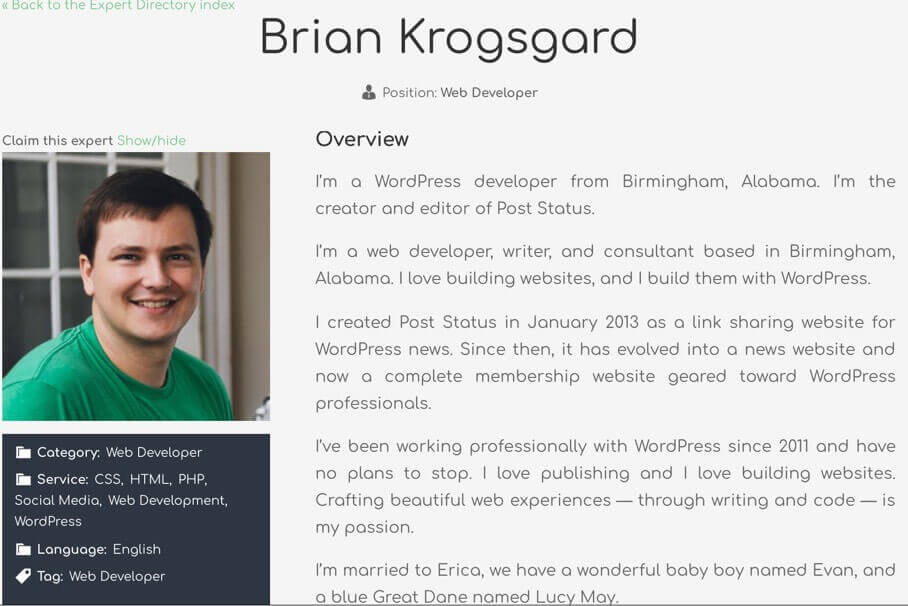 A Member Profile Page
|
The WordPress Member Directory plugin allows you to create detailed member profiles for academic institutions, organizations, consultants, or business communities.
All labels and terminology in the directory can be customized to match your industry, niche, or preferred language. You can enhance each member profile with additional custom fields, links, and resources, providing a complete and professional listing experience for your directory users. |
Create a WordPress Member Directory
|
Want to build a searchable WordPress member and expert directory?
Follow our step-by-step guide to add members, organize profiles, and set up the directory index for a professional look. Learn how to create a directory from scratch! |
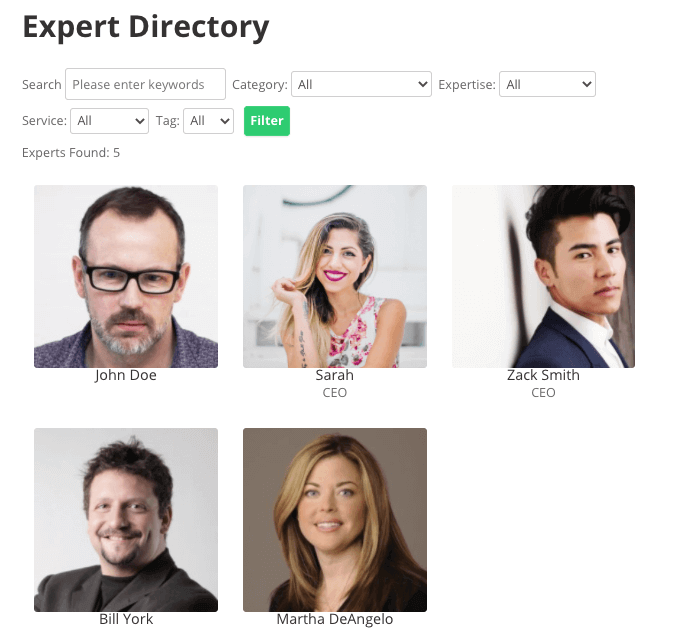 Expert Directory
|
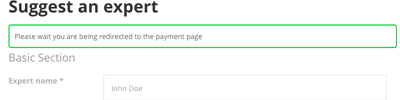
Let Members Submit and Manage Their Own Profiles
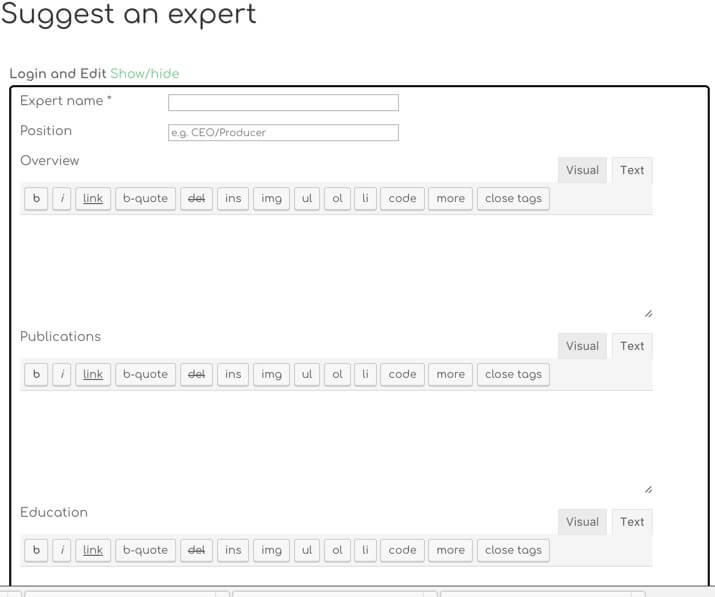 The directory listing submission form to post or update a member profile
|
The Community Add-on allows users to submit, claim, and manage their profiles in your WordPress directory.
Admins can review submissions before they appear, keeping your expert and member listings organized. Learn how users can suggest experts for your directory.
|
Monetize Your WordPress Member Directory
|
Turn your WordPress member directory into a revenue source by charging for profile listings. The Payments Add-on allows you to set fees for new submissions and renewals, giving you full control over paid placements.
You can even display part of a profile for free while restricting premium sections to paying members. Make your directory profitable while keeping it user-friendly. |
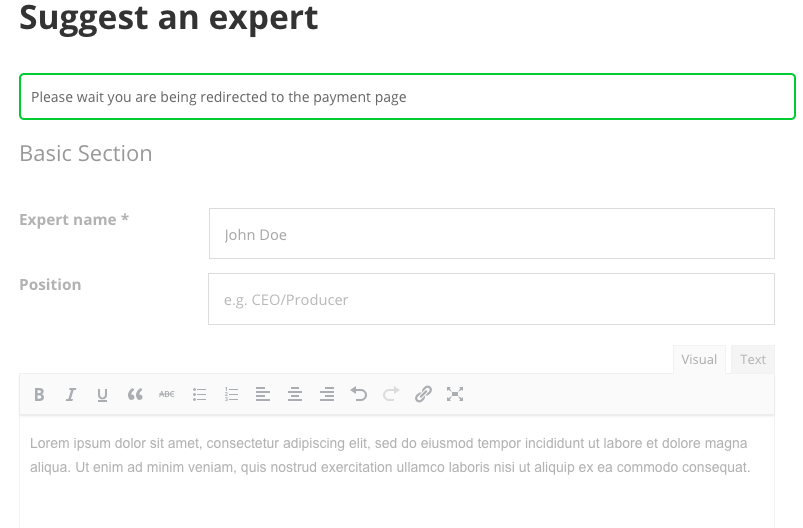 Checkout cart with member listing purchase
|
Accept Payments for Profile Submissions and Renewals
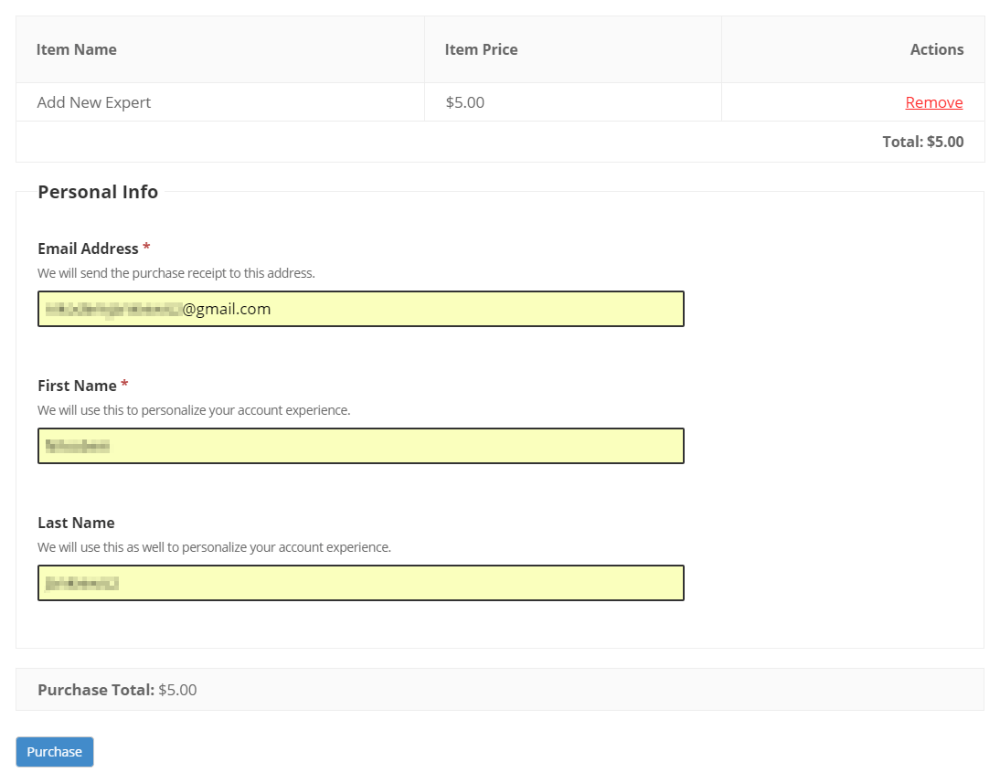 Checkout cart with member listing purchase
|
Charge users for submitting and renewing directory listings using WooCommerce or Easy Digital Downloads.
The built-in integration supports over 100 payment gateways, including Stripe, PayPal, and Authorize.Net, allowing you to accept payments worldwide. Create paid profile submissions with secure checkout and flexible billing options for your WordPress directory. Read Use Case - Charging Users For Suggesting Experts in Your Directory. |
Paid Membership Levels and Subscription Plans
|
Create paid membership levels to control how much information appears on each expert profile. Users can choose a one-time payment or a recurring subscription plan, depending on the access level you define.
The system integrates with WooCommerce Subscriptions and WooCommerce Payments, allowing secure recurring billing for your WordPress directory. |
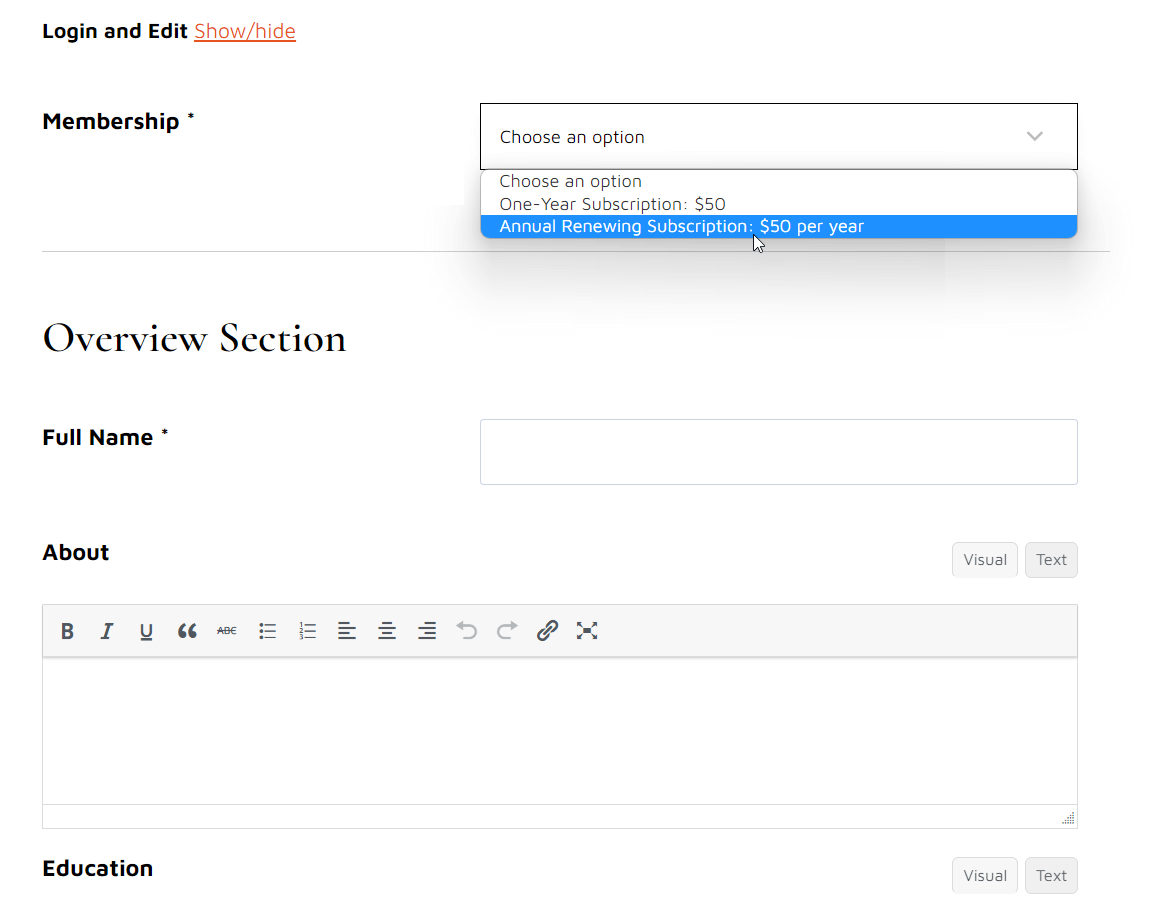 Example of using variable subscription: the user can choose between one-time payment or annual renewing subscription
|
Directory Advertisement Tools
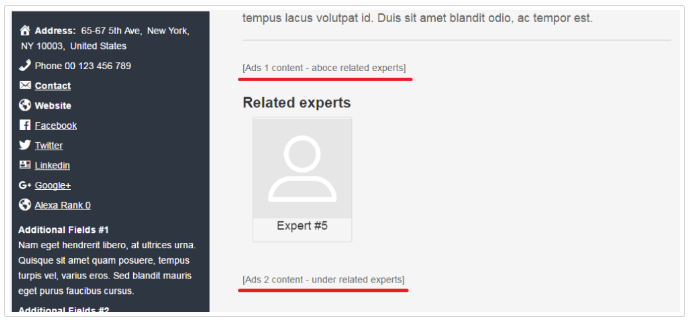 Location options for ad placement
|
Display advertisements within profile pages and search results to further monetize your directory.
You can place ads above, below, or between profile content and maps for maximum visibility. The plugin supports Google Ads and other ad networks via shortcodes, making it easy to manage banner placements and increase revenue. |
Ready to Launch Your Member Directory?
Appointment Booking Calendar for Directory Profiles
|
Add an appointment booking system to your WordPress directory and allow members to manage their own calendars. Visitors can book appointments directly from expert profile pages, creating a seamless scheduling experience.
Integrate booking calendars into your directory to turn profile views into confirmed meetings. Learn how to how to integrate a booking calendar into expert pages.
|
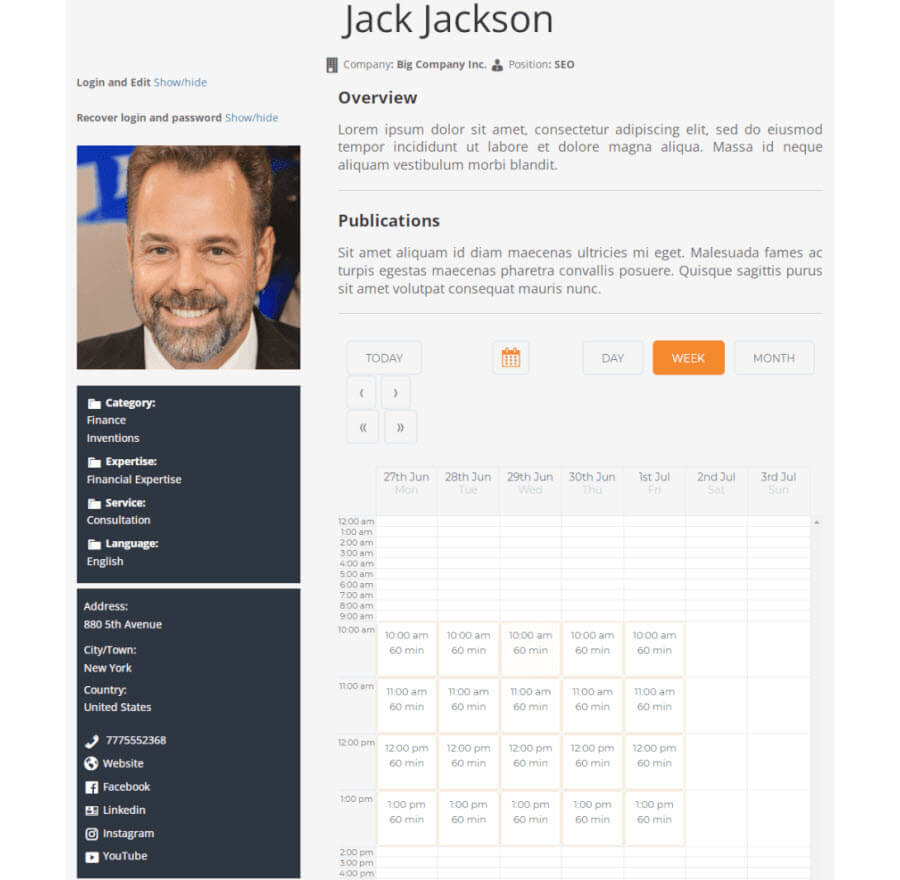 Booking calendar integrated to the expert page
|
Interactive Map of Member Locations
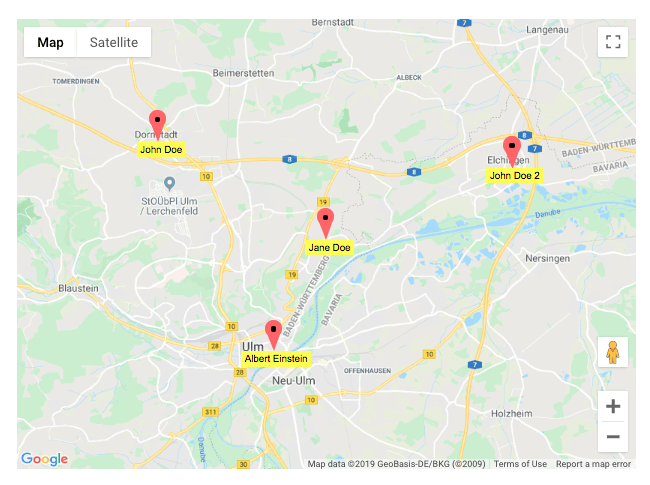 Map of Members Locations
|
Display an interactive Google Map showing the locations of all members in your directory.
Visitors can search by location and filter results by category, making it easy to find nearby professionals. A searchable directory map is ideal for staff directories, employee listings, educators, and professional teams that need clear geographic visibility. Requires the Map Locations WordPress Plugin. |
Member Directory Plugin Additional Resources
Start Building Your Professional Directory Today
WordPress Member Directory Plugin Features
Please read the user guide for detailed descriptions about each feature.
Directory Management Features
Directory Index Style

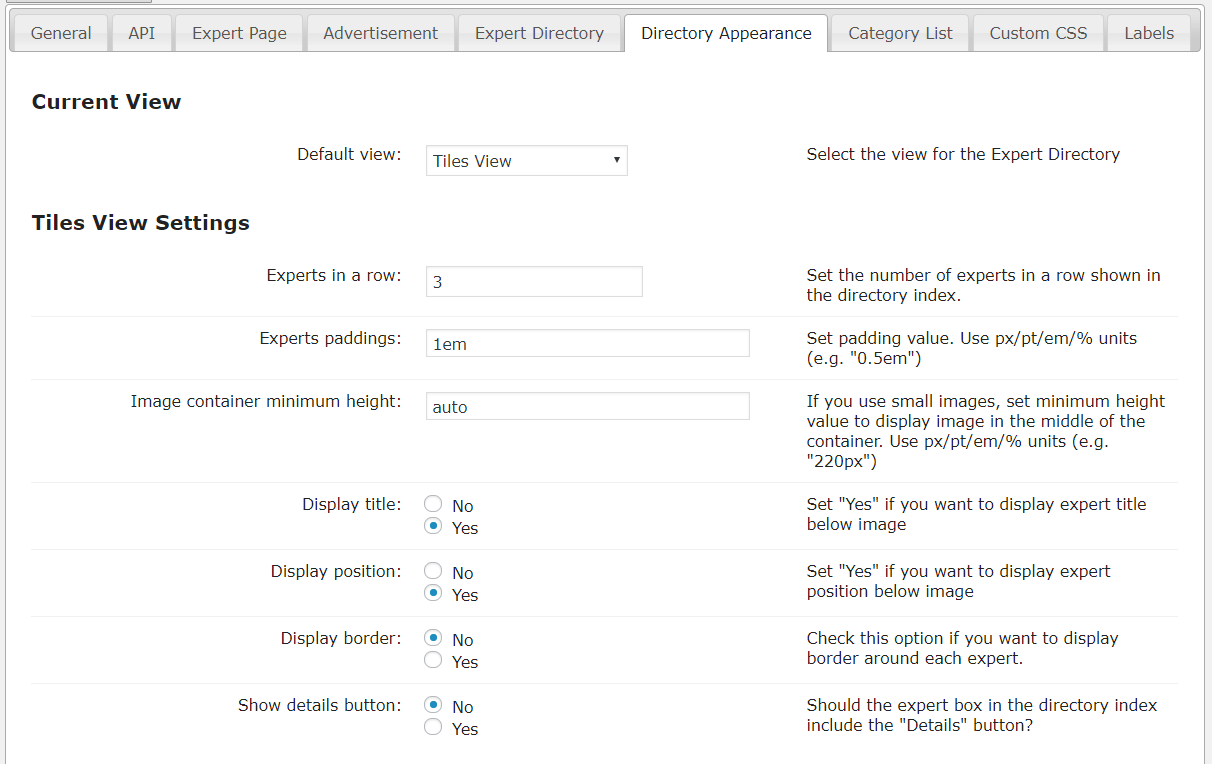
Easily change the look and feel of the member directory index page from the plugin settings. This includes layout, size of each profile box, theme and much more. The plugin comes with two preloaded templates.
Search and Filters
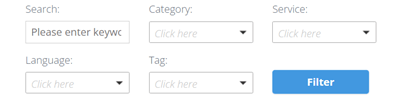
Filter member profiles by category, tags or free text search.
Categories Support
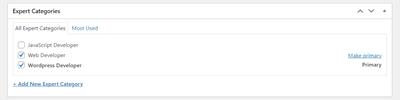
Add categories to each member profile to keep them organized and easy to sort.
Custom Taxonomies
Create a custom taxonomy and filtering options to fit your niche.
Alphabetical Index
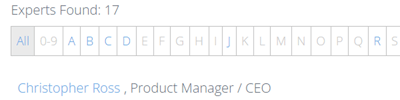
The alphabetical index can be shown on the top if you choose the List View and help to to filter members profile by name.
Ajax Support
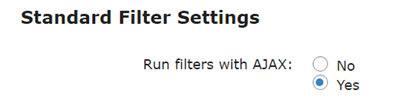
Allows to dynamically filter and search results without reloading the page.
Tags Support

Add tags to each member profile to keep them organized and easy to sort.
Profile Promotions
Promote specific member profiles in the search results and through the related profiles widget.
Member & Expert Profile Features
Extended Member Profile
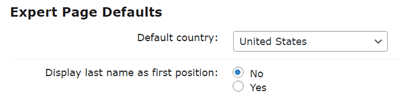
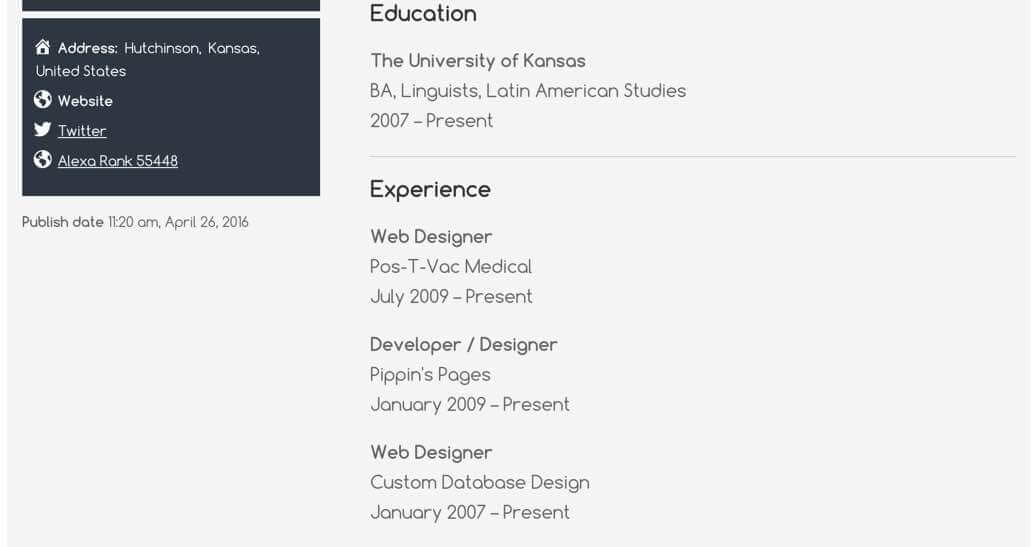
Each member profile can be customized to display the following details: overview, publications, education, experience, address, phone number, email, website URL, and social links such as Facebook, Twitter, and LinkedIn.
Show Expert Posts

Display the posts published by a certain user on the expert page that he owns.
Show Position

Show job position with the experts’ name on the expert page.
Custom Links Builder
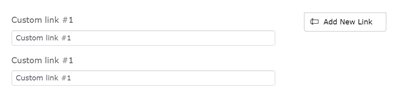
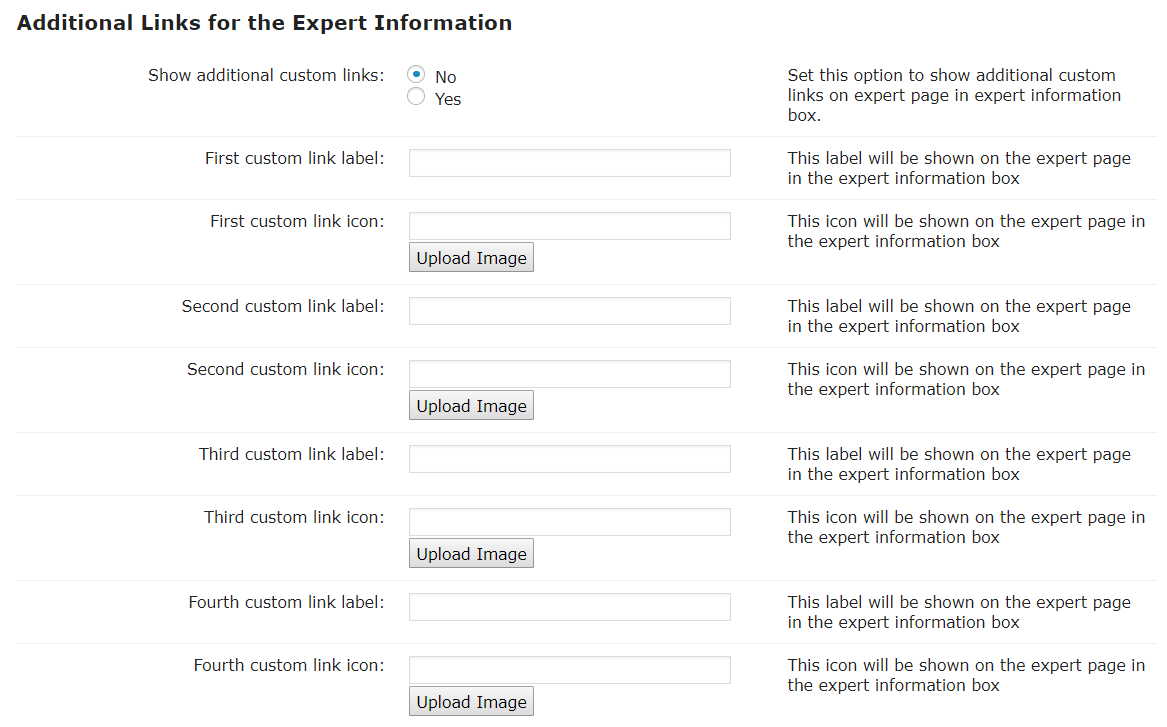
Use the built-in form builder to add custom link fields. The admin can create any number of custom links to include additional URLs in expert profiles.
Display City/State
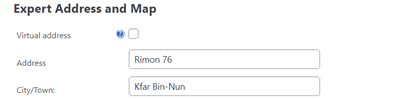
Job city or state can be shown with the List View.
Image Gallery
You can add pictures to the image gallery on the members’ profiles.
Star Rating
Let visitors rate each expert listing. Customize the rating display and location.
Member Profile Page Design
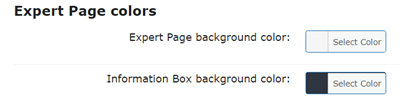
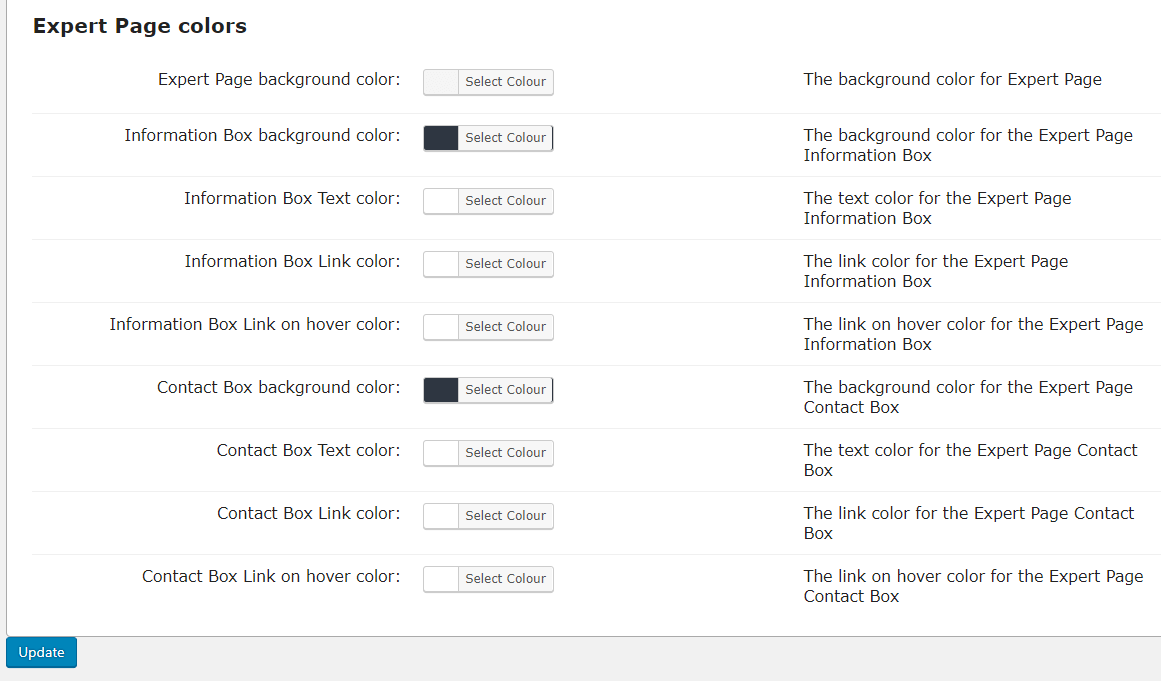
Customize member profile page look and feel to fit your style.
Add Products to Expert Pages
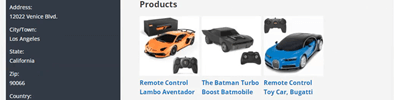
Place products related to experts in their profiles.
QR Codes

Add a unique QR code to each expert page to let users quickly access the page on their mobile devices.
Custom Fields Builder
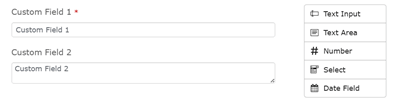
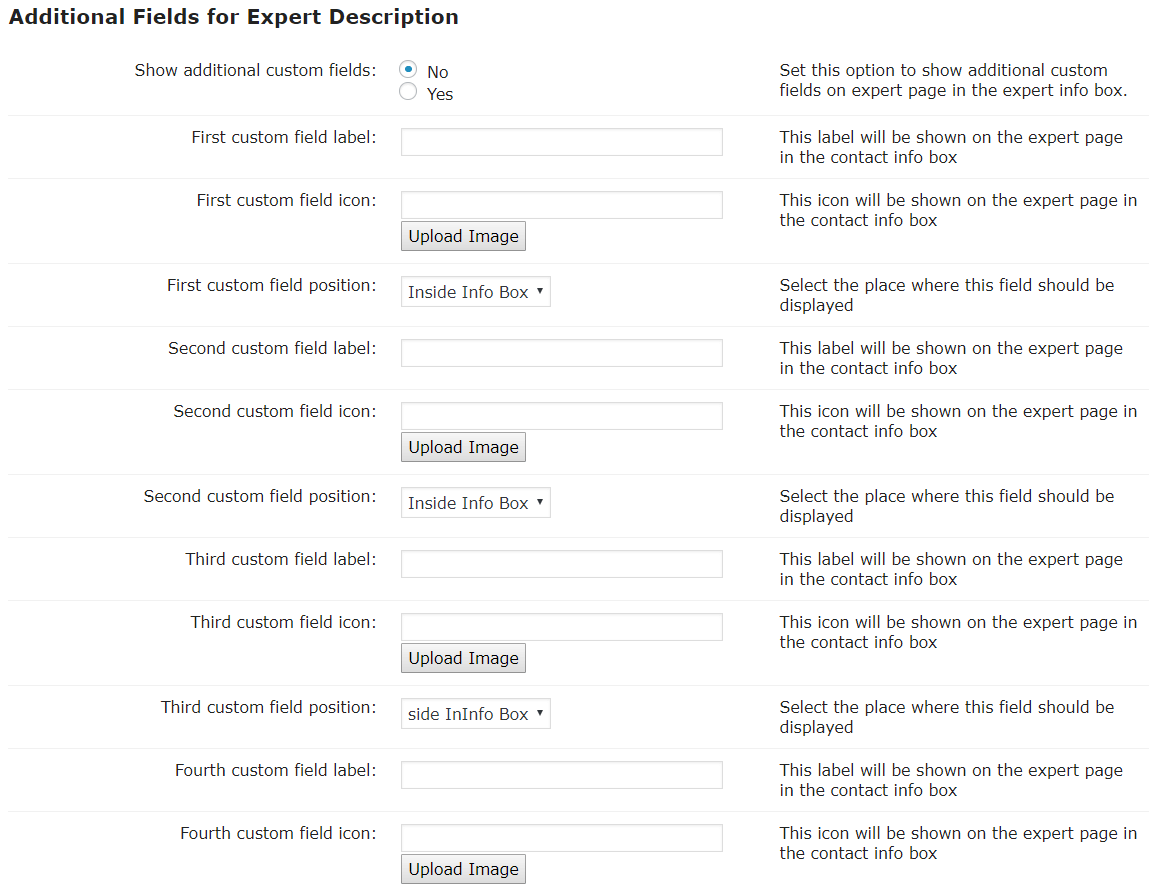
Use the built-in form builder to add custom fields of various types. The admin can create any number of custom fields to store additional expert metadata.
Google Maps Support
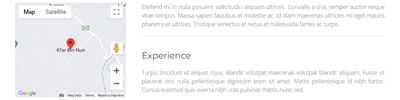
Show a Google Map with the expert address on the expert pages.
Lightbox
Enable the lightbox option to auto apply WordPress Thickbox on the pictures and videos on the expert pages.
WhatsApp Support
Allow each member to integrate his WhatsApp account and receive direct messages.
Directory Tools & Utilities
Shortcode Support
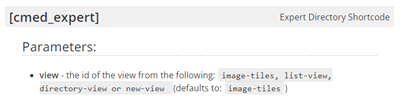
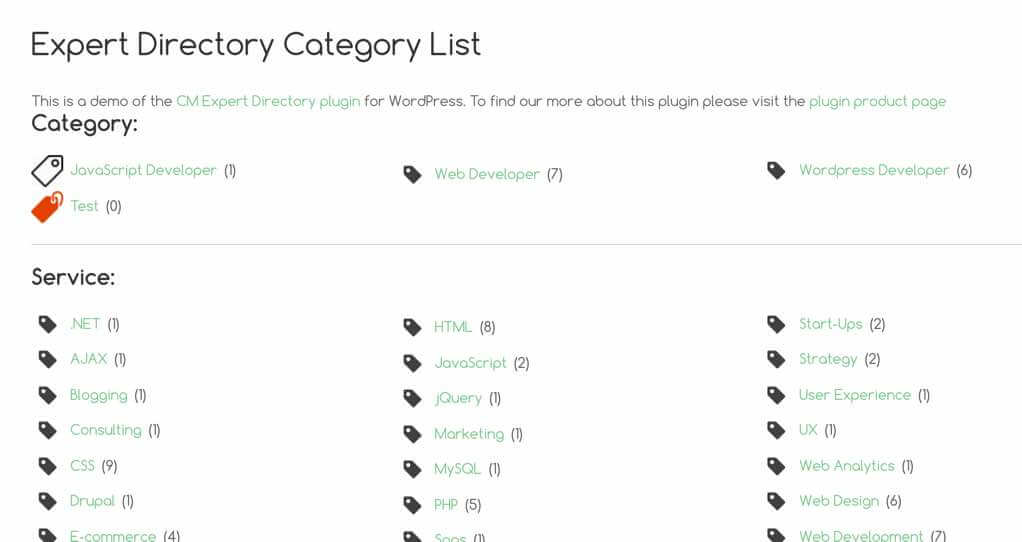
Use shortcodes to display a list of all categories, a single member profile widget and more on any page or post.
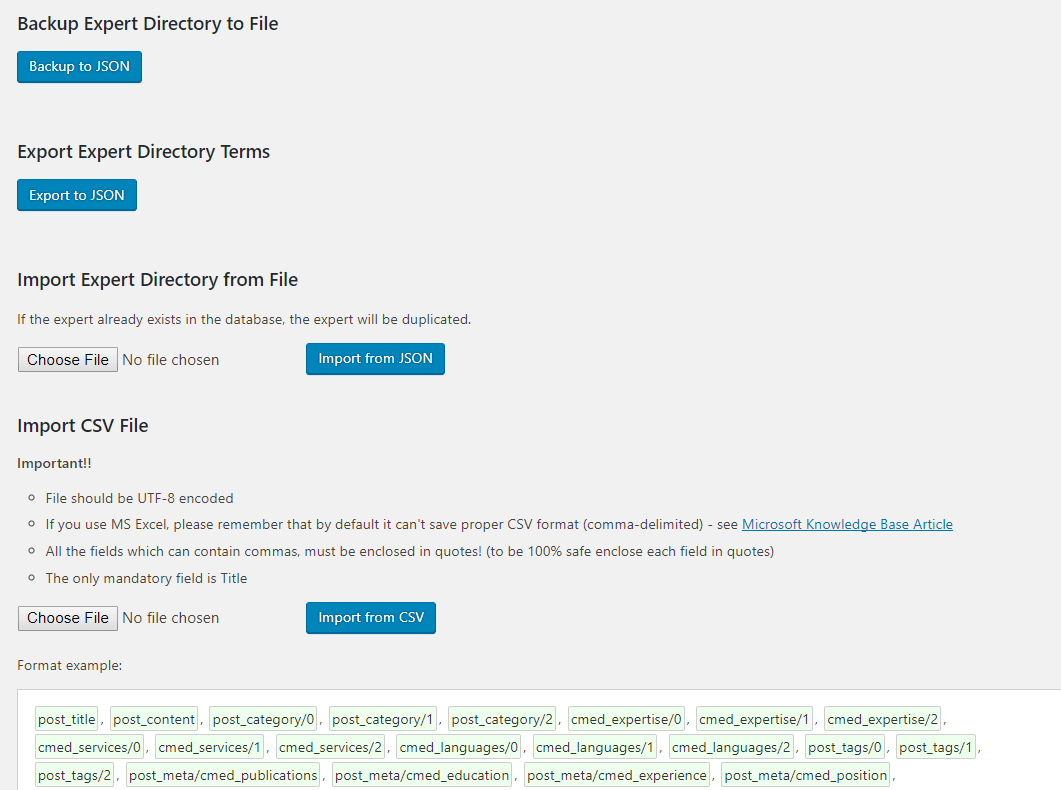
Export / Import
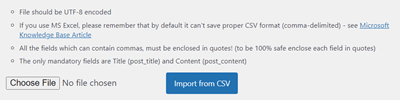
Export and import member profiles to quickly transfer directories between different websites.
Moderation and Notifications
Moderate new member profile listings and be notified when a new member profile is posted (with the Community Plan).
Editable Labels
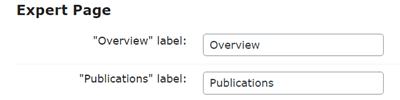
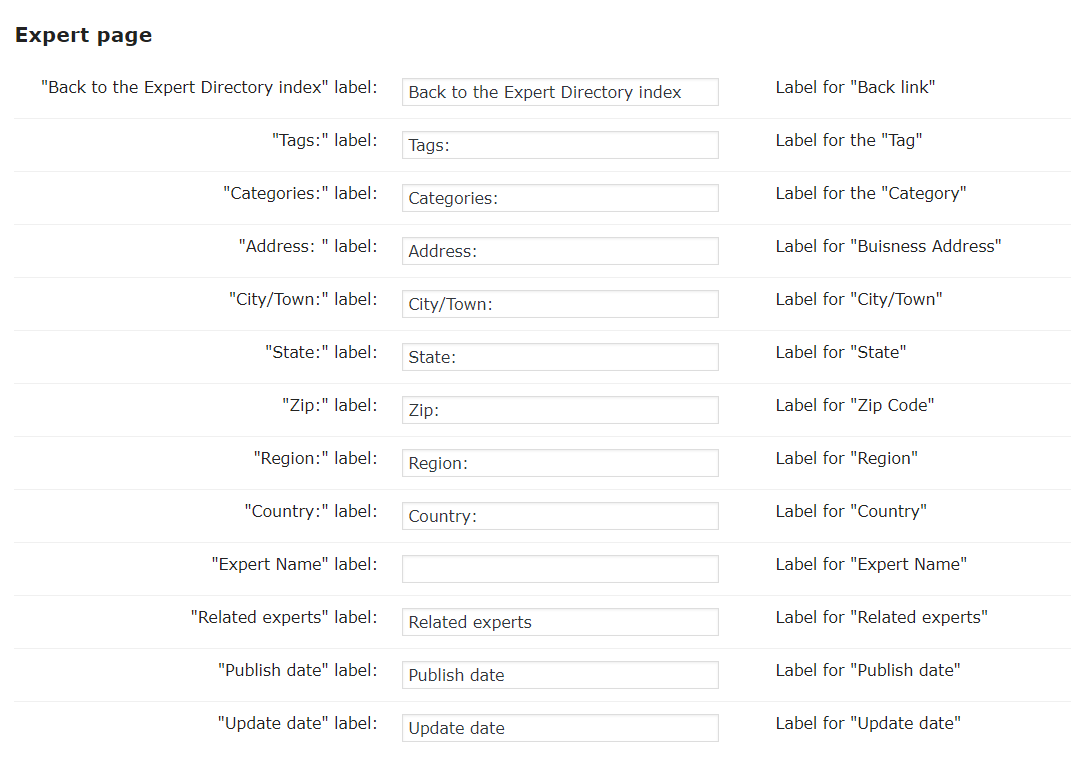
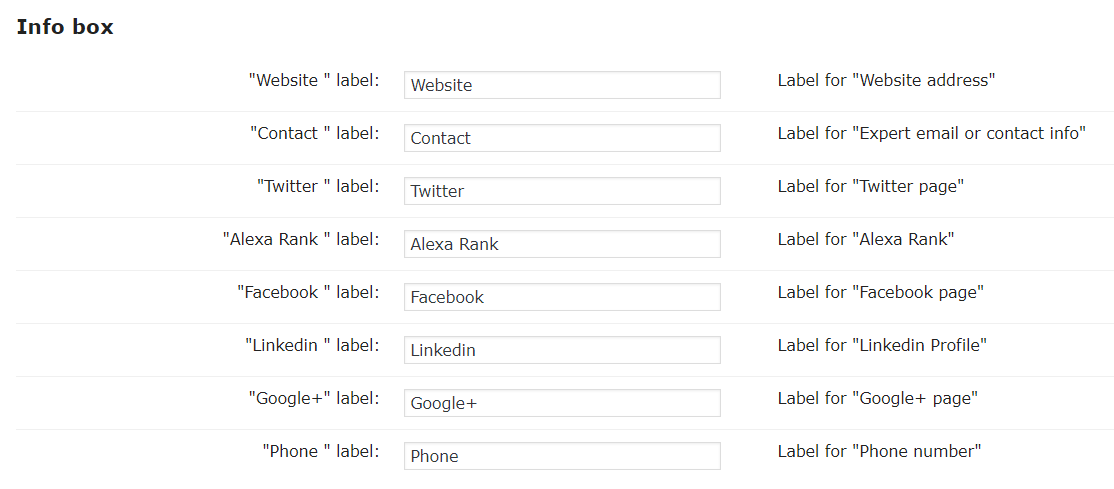
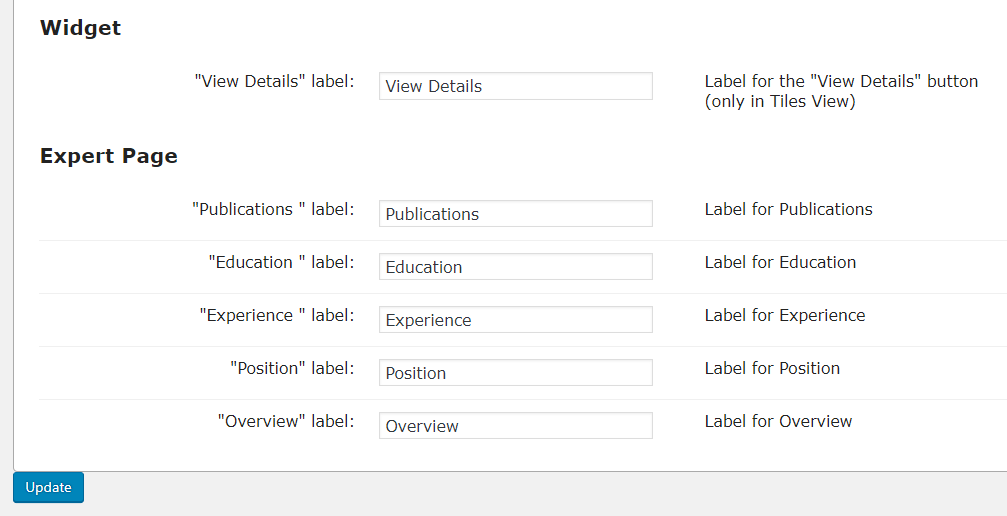
All plugin labels can be edited and localized to fit your language or niche.
Related Profiles Widget
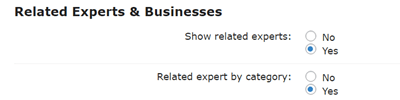
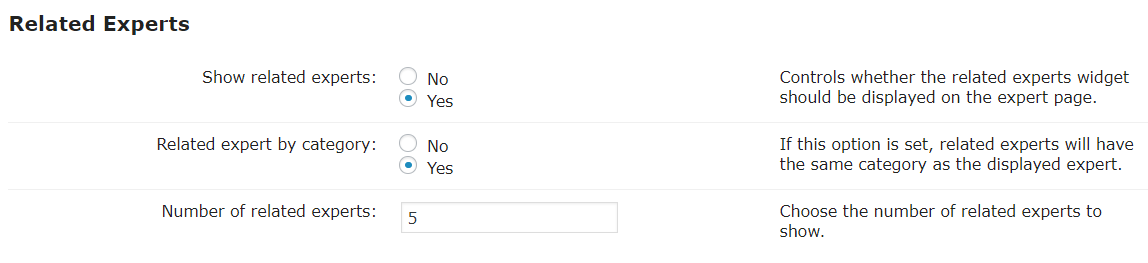
Show related member profiles on each member profile page.
Ads and Promotions
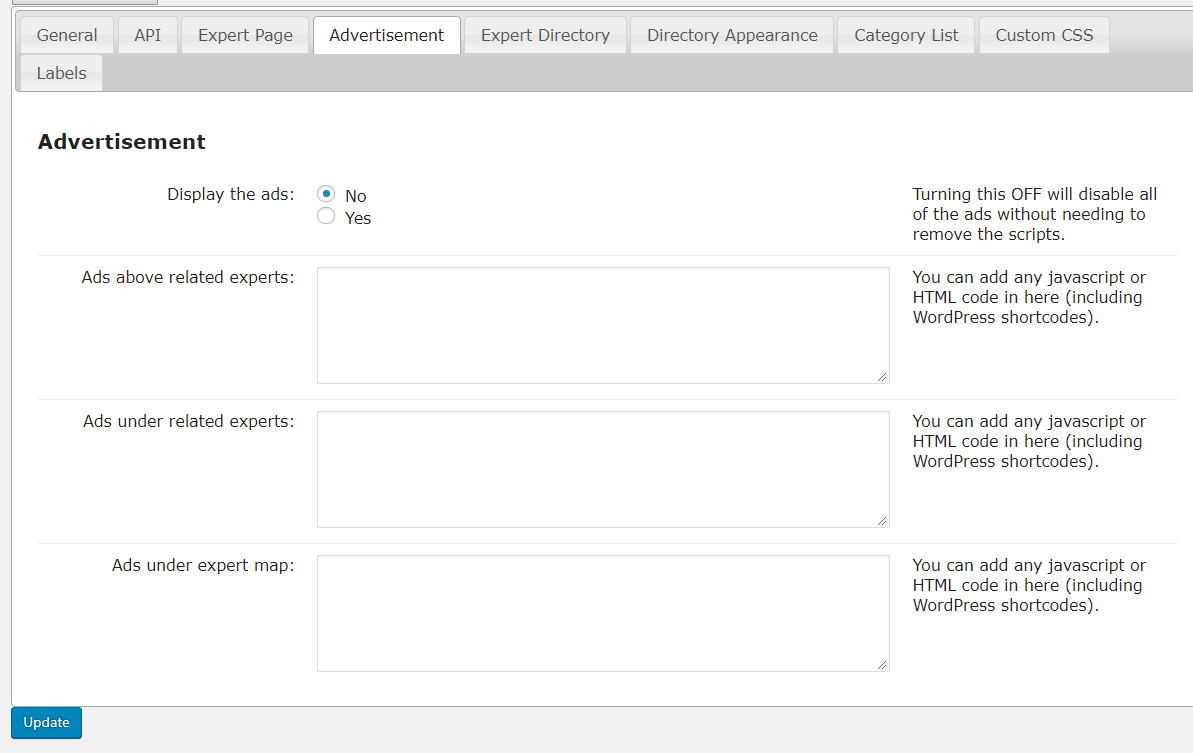
Insert Google Ads or advertisements from other plugins onto member profile pages or on the directory search results page.
Add-Ons & Plugin Integrations
Expert Directory Community Add-on
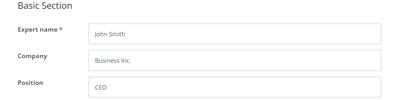
Community add-on allows users, both logged in and guests, to add a new member profiles, claim existing ones, and manage their profiles.
Expert Directory Levels Add-on
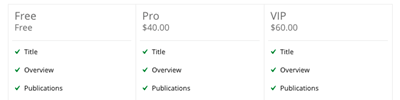
Levels add-on offers multiple member level types in the directory, each with unique appearance options and control over fields like description, logo, and videos.
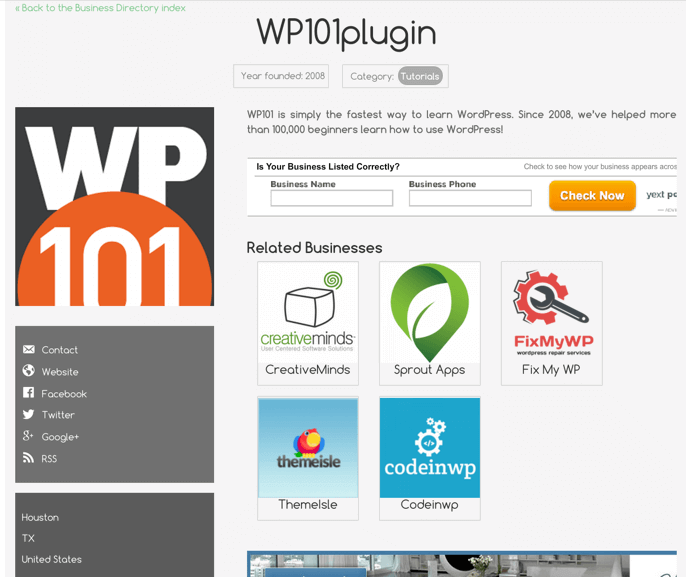
Business Directory Plugin

Compatible with the CM Business Directory plugin. You can select businesses to relate them with experts.
Reviews and Ratings Plugin
You can allow users to leave a review for the individual user profiles by integrating the CM Reviews and Rating Plugin.
Registration and Invitation Codes Plugin
Automatically create expert pages for existing users on your site. Create a form which users can fill during the registration or after it, and all this data will be displayed on the users’ expert pages (requires installing the CM Registration plugin).
Expert Directory Payments Add-on
Payments add-on enables charging for new listings or renewals, supporting multiple payment options through Easy Digital Downloads or WooCommerce.
Expert Directory Forms Add-on
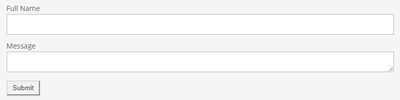
Forms add-on supports adding a configurable contact form to the member profile page, with messages sent to the admin or directly to the member.
Map Locations Plugin
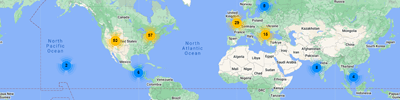
Show a Google Map with all your experts, where users can search based on address. Supports searching experts by ZIP and radius. Requires the CM Map Locations Plugin.
Questions and Answers Forum Plugin
Create a forum like other advanced online communities for your groups with the CM Questions and Answers Forum Plugin.
Appointments Booking Plugin
Compatible with the CM Appointments Booking Plugin. Allows each expert profile to have a calendar that allows their customers to schedule the appointments with experts.
Member and Staff Directory Plans and Pricing
Choose from different license options and pricing plans for the Member Directory plugin to find the version that best fits your website needs.
Compare License Options
| PLANS | Pro | Pro Community | Ultimate |
| Price includes 1 year support/updates. Manual renewal with 40% discount, not a subscription | $49 | $79 | $119 |
| Number of Websites / License Activations | 1 | 3 | 5 |
| BASIC FEATURES | |||
| Create any number of member profile listing |  |
|
|
| Choose the default member image | |
|
|
| Choose the member category | |
|
|
| Extended profile information | |
|
|
| Custom fields builder | |
|
|
| Custom links builder | |
|
|
| Show expert posts | |
|
|
| Additional taxonomies | |
|
|
| Tags Support | |
|
|
| Search and Filters | |
|
|
| Ajax Support | |
|
|
| Permalink Settings | |
|
|
| Star Rating | |
|
|
| QR Codes | |
|
|
| APPEARANCE FEATURES | |||
| Directory Index Templates | |
|
|
| Profile Page Styling | |
|
|
| Google Maps Support | |
|
|
| Related profiles widget | |
|
|
| Editable Labels | |
|
|
| TOOLS | |||
| Promote Profiles | |
|
|
| Promote Products | |
|
|
| Advertisements Support | |
|
|
| Import / Export | |
|
|
| Shortcodes Support | |
|
|
| INTEGRATIONS | |||
| WhatsApp Integration | |
|
|
| Booking Calendar Integration | |
|
|
| Reviews and Ratings Integration | |
|
|
| Questions and Answers Forum Integration | |
|
|
| CM Business Directory Integration | |
|
|
| CM Registration Integration | |
|
|
| CM Map Locations Integration | |
|
|
| ADD-ONS FEATURES | |||
| User can list a profile |  |
|
|
| User can claim existing profile | |
|
|
| User can edit and manage his profile | |
|
|
| Admin can moderate new posted profiles | |
|
|
| User can pay for posting a profile | |
|
|
| User can pay for renewing a listing | |
|
|
| User can pay for claiming a profile | |
|
|
| Member forms support | |
|
|
| Member levels support | |
|
|
| SUPPORT | |||
| Product Knowledge Base |

|
|
|
| Priority email support |
|
|
|
| Product updates |
|
|
|
| PLANS | Pro | Pro Community | Ultimate |
| Number of Websites / License Activations | 1 | 3 | 5 |
| Price includes 1 year support/updates. Manual renewal with 40% discount, not a subscription | $49 | $79 | $119 |
How to Choose the Right Plan
Compare the features and benefits of each license to find the one that suits your needs.
- Essential: A great starting point for creating a structured staff or member directory with detailed profile pages. Ideal for organizations that need searchable professional listings without community or payment features.
- Advanced: Designed for directories where members manage their own profiles. Supports user submissions and moderation, helping you build a growing, community-driven expert directory.
- Ultimate: Best for projects that require paid listings, membership levels, and advanced customization. Suitable for launching a scalable expert directory or professional marketplace.
Choose the plan that matches your goals and start building your directory today.
Member Directory Additional Addons and Modules
The following list is additional modules and addons which can be installed together with the Member Directory plugin and provide additional functionality.
Member Directory Add-ons
These add-ons expand the capabilities of the directory plugin, allowing you to add advanced features such as payments, membership levels, community submissions, map integrations, and additional customization tools.
For an all-in-one solution, choose the “Ultimate Member Directory” plan to receive the Pro version and all available add-ons in one package.


Member Directory Related Plugins
Explore other CreativeMinds plugins that can enhance your website alongside the Member Directory plugin.



WordPress Members Plugin Frequently Asked Questions
Please check the user guide to learn more about this plugin.
Setup, Customization, and Filters
How do I enable shortcodes for the directory so I can have a gallery above the description?
Can I customize the expert directory widget to match my WP theme?
Does this Plugin support creating directories of businesses?
It could be used for this purpose but our Business Directory plugin is much better suited for this purpose.
Read more about it by clicking here
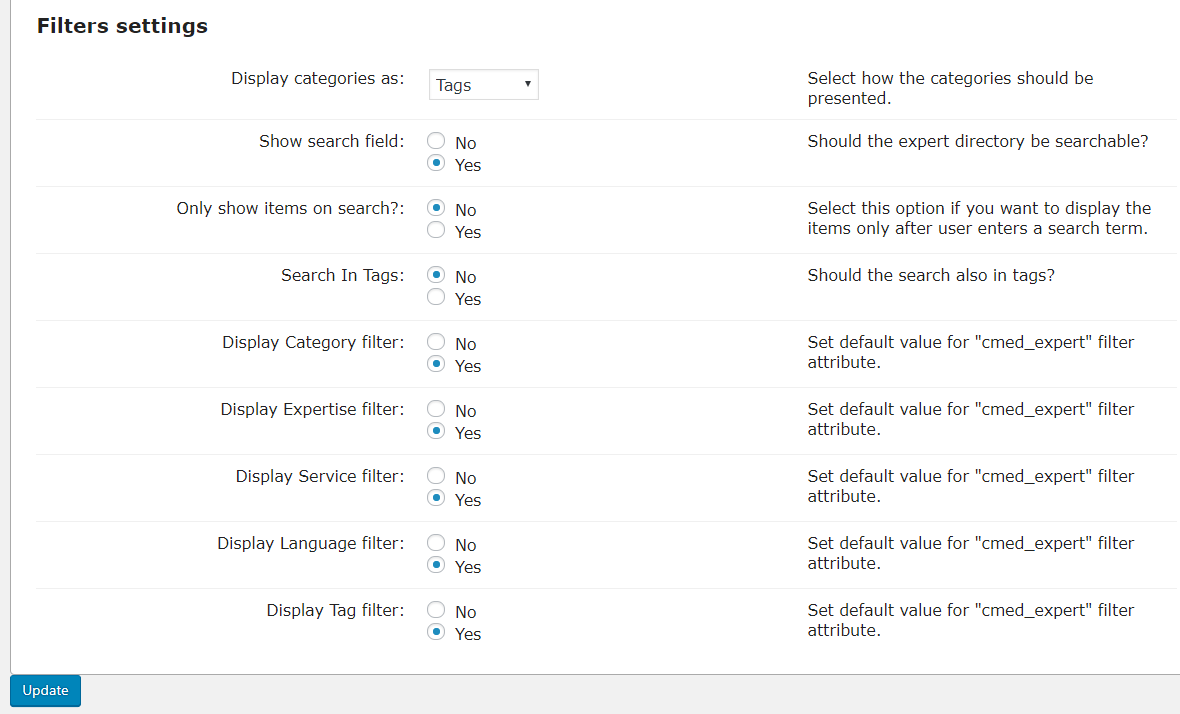
What filters can I have on my expert directory page?
Can I filter which expert listings appear on my site
Member Profiles, Community, and Monetization
Can I add my social media links to my expert listing?
How can I allow expert listing owners to add or manage their own listings?
Can experts offer products in their profiles?
Does this plugin allow me to take payments from people for adding listings?
To take payments the Expert Directory Payments addon is required, the core plugin does not handle payments alone.
Learn more about the Expert directory payments add-on by clicking here.
Integrations and Additional Features
Can I show a Google Map with experts location?
Learn more: CM Map Locations (CMML) – Integration with CM Business/Expert Directory.
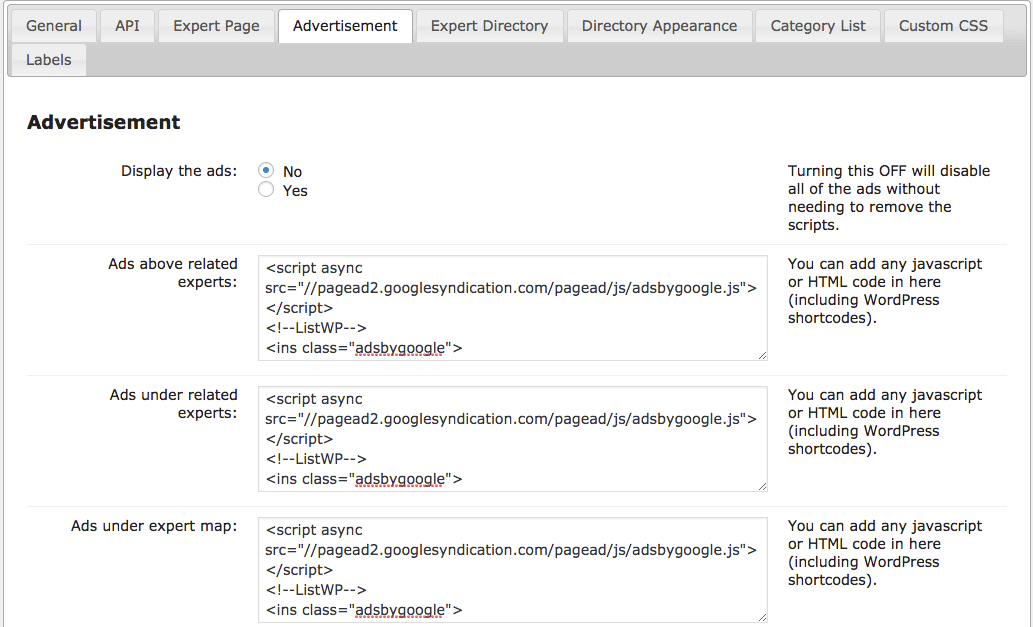
Can I embed ads from Google AdSense?
Absolutely! In fact you can embed ads from any external source by copying the campaign code and pasting it into the location where you want them to appear. This includes Google adsense campaigns, CM Ad changer, or any internal or external source of adverts. Embedded ads are displayed in between your expert directory listings on locations that you define, as shown in the image below:
Does this plugin have BuddyPress integration if I want to integrate BuddyPress profile page?
Does this plugin integrate with s2Member?
Other Questions
Is this an open source Plugin and can we customize it?
Is there a free plugin version?
WordPress Member Directory Online Demo
EXPERT DIRECTORY DEMO

EXAMPLES OF SITES USING THE EXPERTS DIRECTORY





WordPress Member and User Directory Image Gallery
-

- Expert Directory – Expert Page Address and Education Section
-
- Expert Directory – Related Experts Widget

-
- Expert Directory – Expert Page View
-
- Expert Directory – Expert Catalog View

-
- Expert Directory – Expert Categories Shortcode Output
-
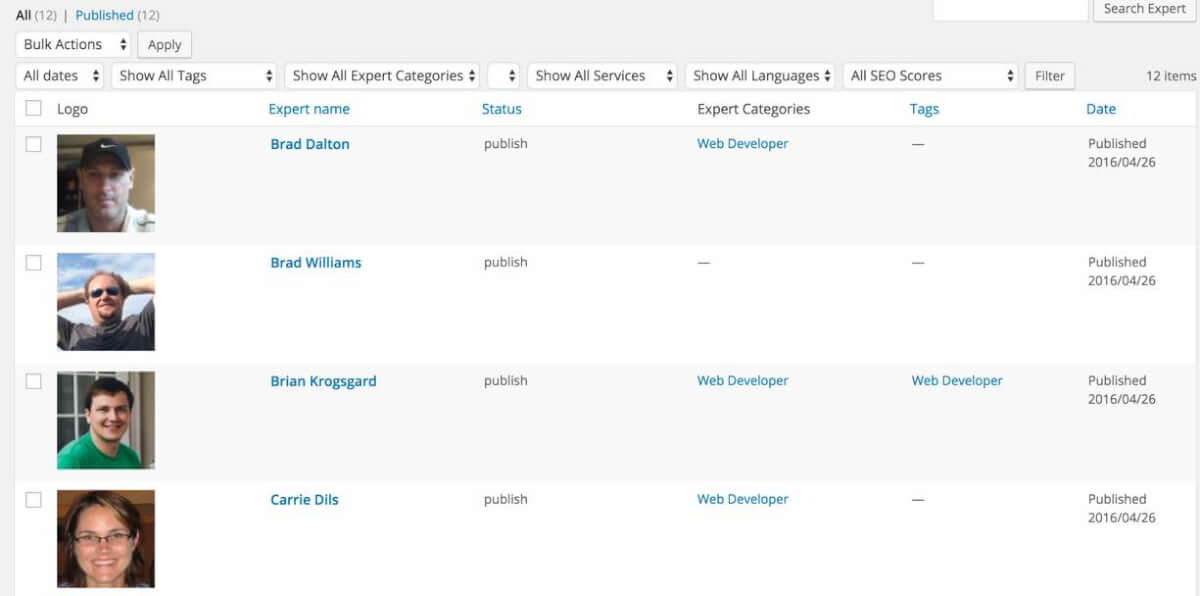
- Expert Directory – Expert Grid Admin Section
-
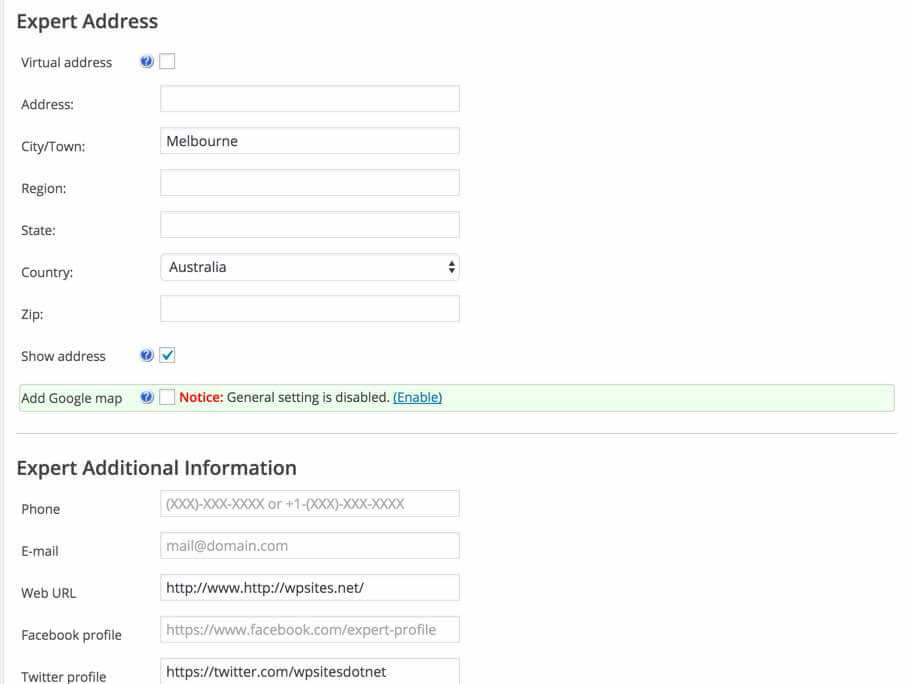
- Expert Directory – Expert Address Edit Section
-
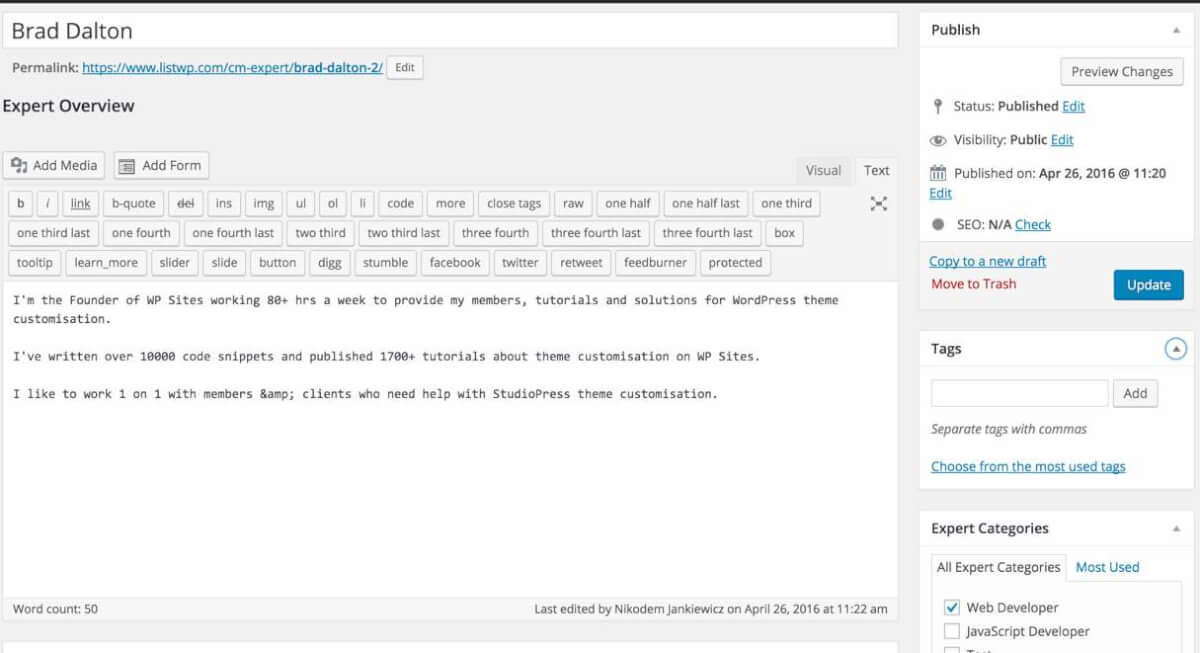
- Expert Directory – Expert Overview Edit Section
-
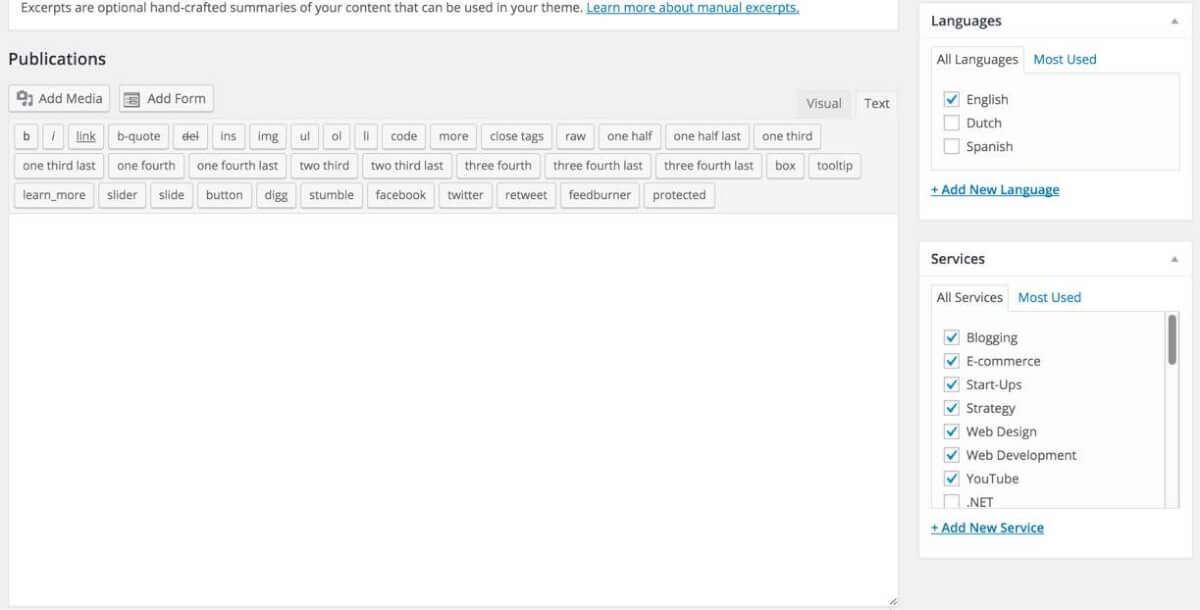
- Expert Directory – Expert Publications Edit Section
-
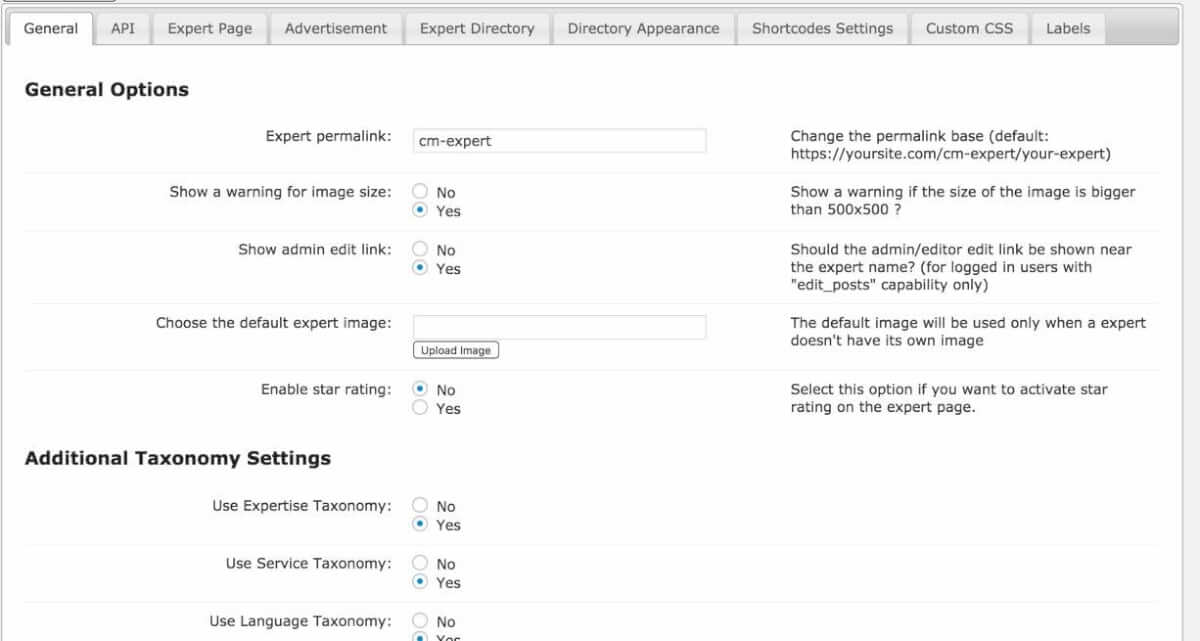
- Expert Directory – General Plugin Settings
-
- Expert Directory – Expert Page Settings
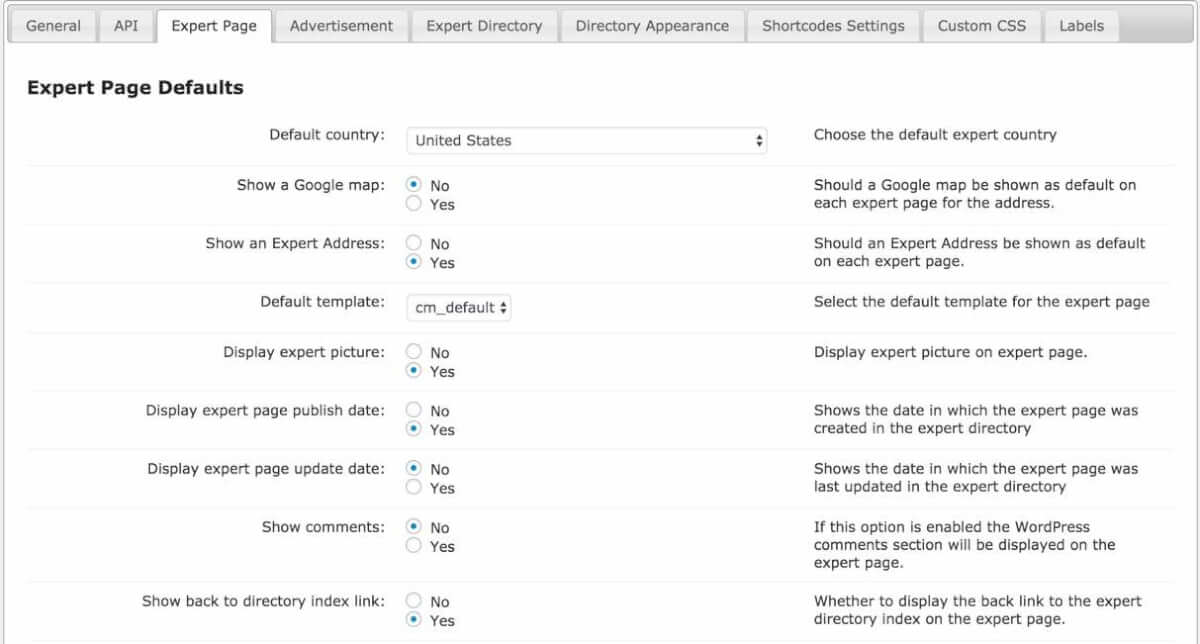
-
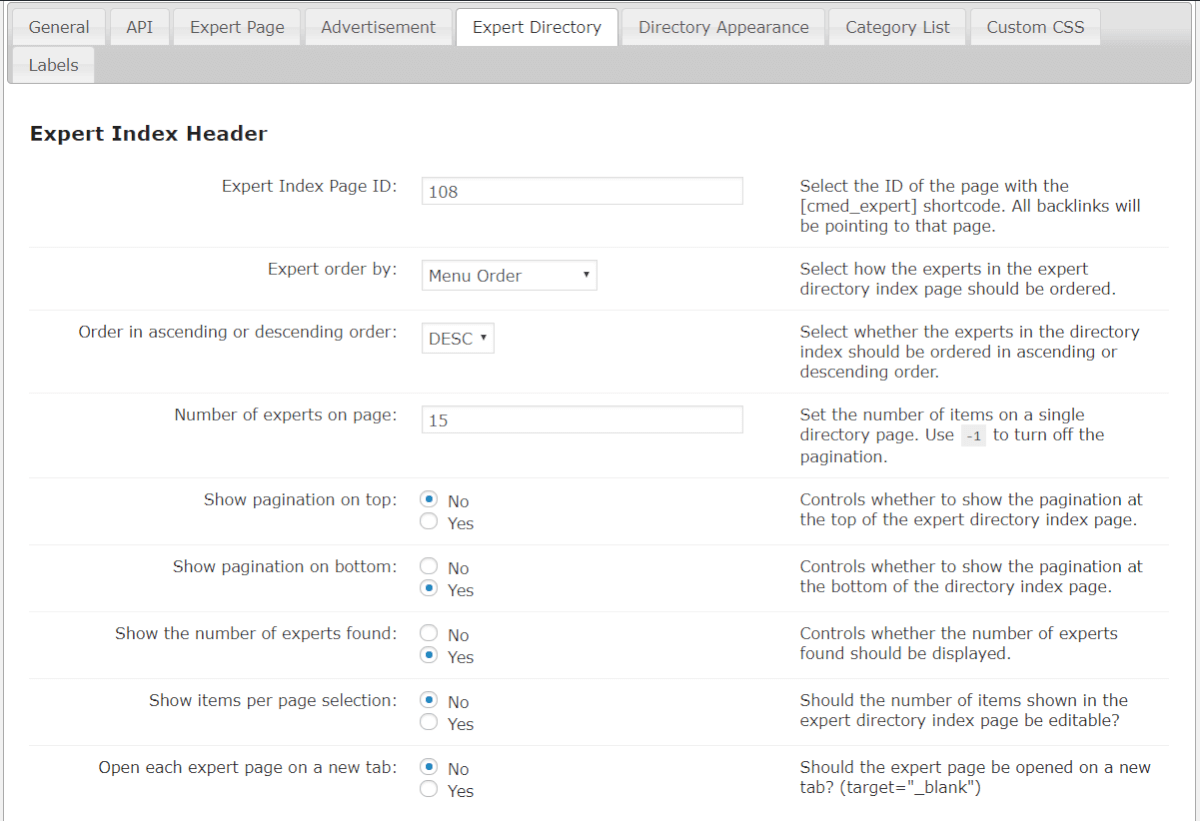
- Expert Directory – Index Page Settings

Back-end Gallery
-
- Add New Expert – Expert Overview

-
- Add New Expert – Publications, Education, Experience
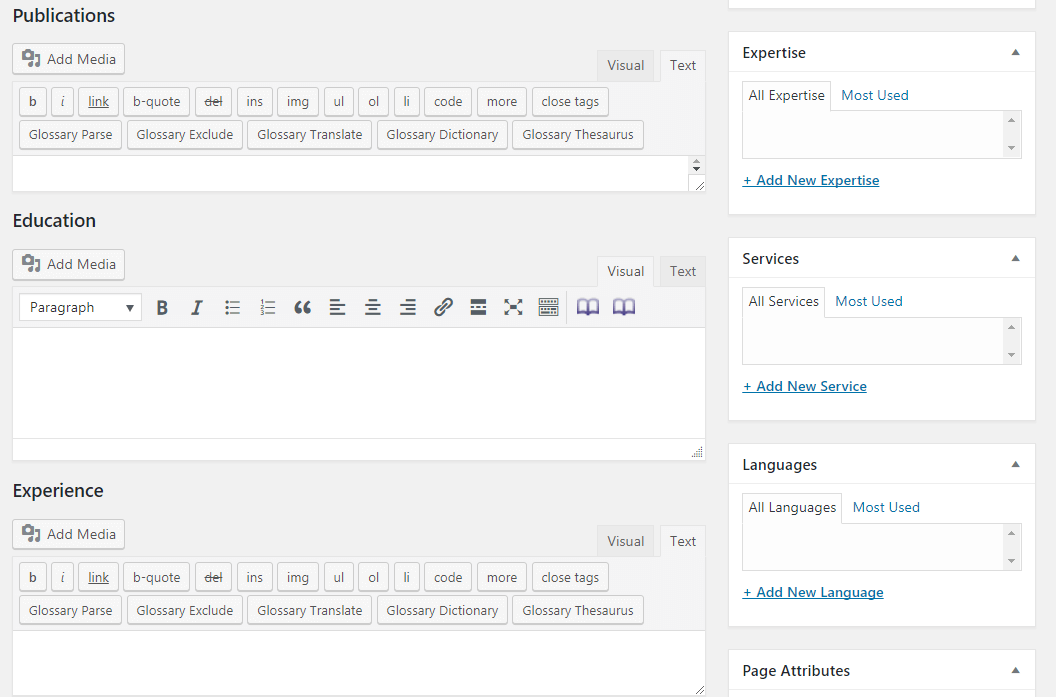
-
- Add New Expert – Custom Fields
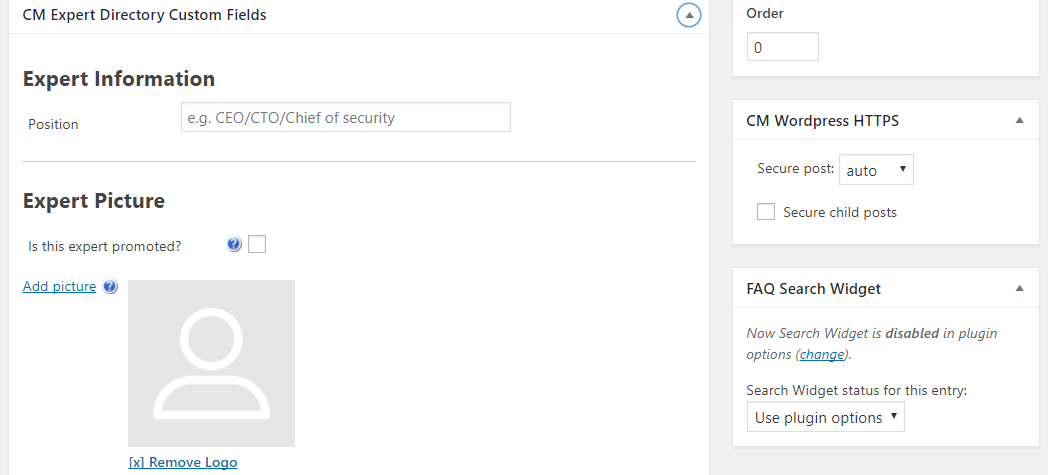
-
- Add New Expert – Additional Information
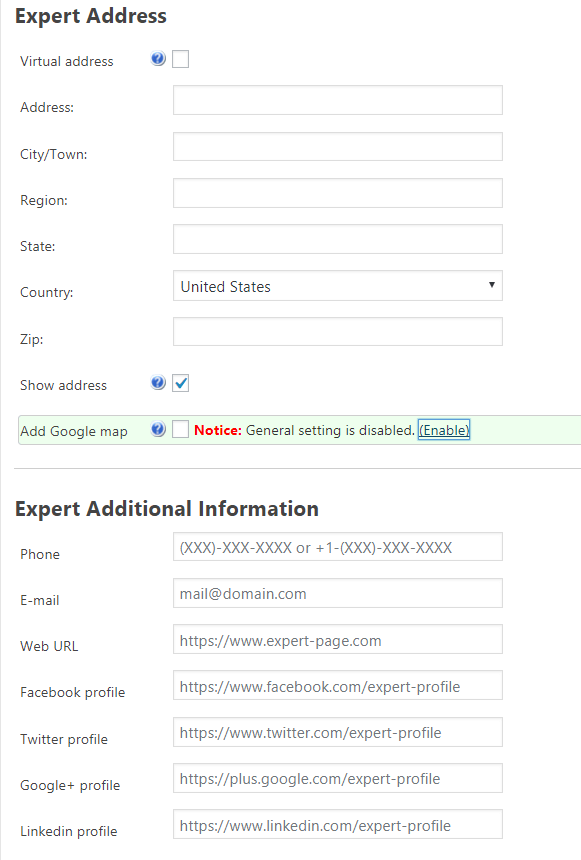
-
- Add New Tag

-
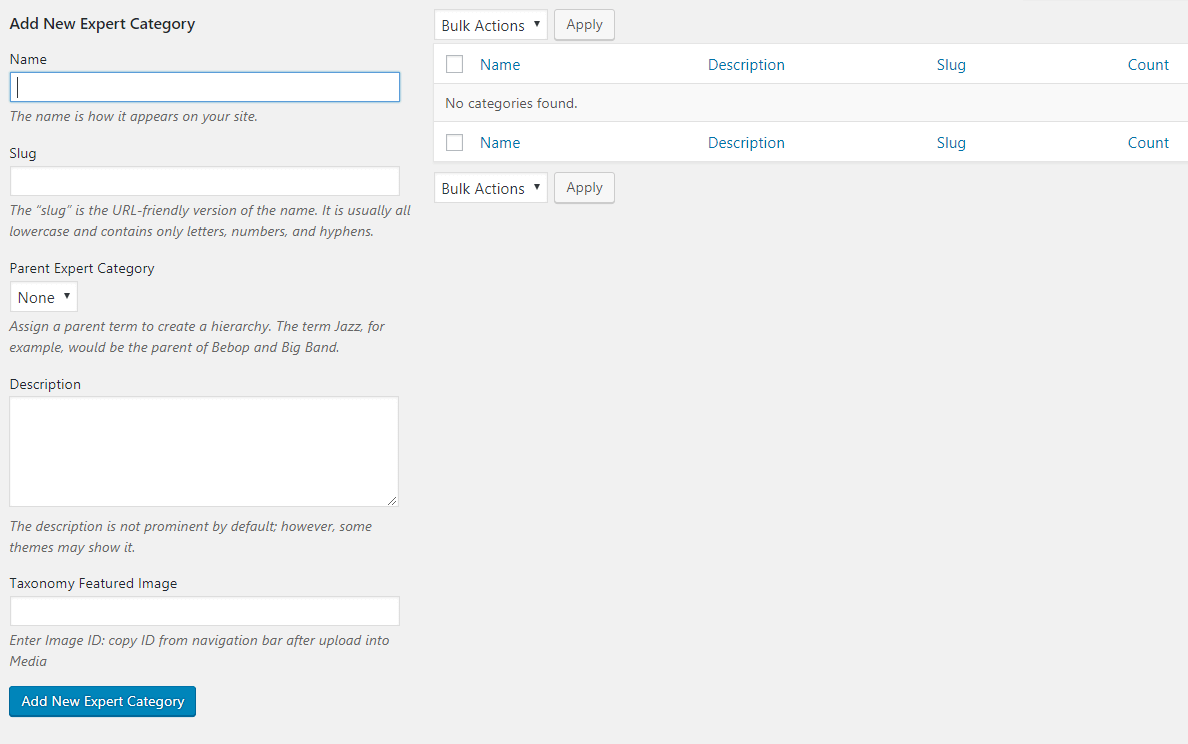
- Add New Expert Category
-
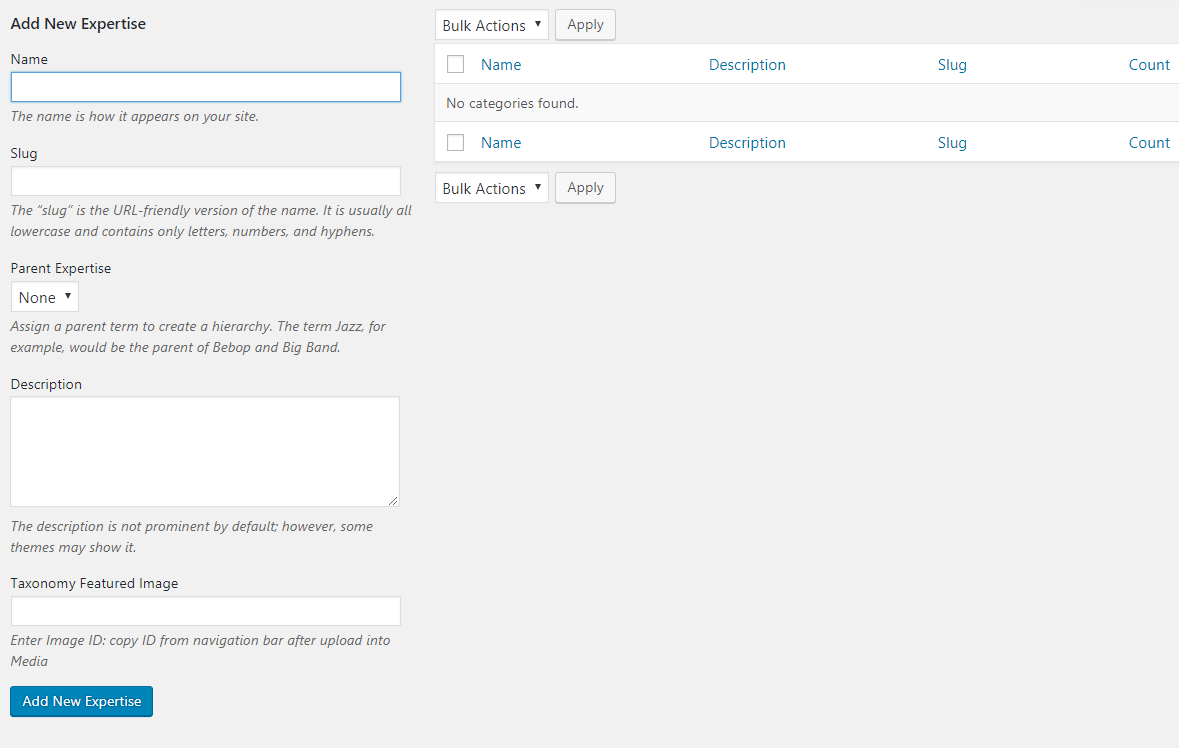
- Add New Expertise
-
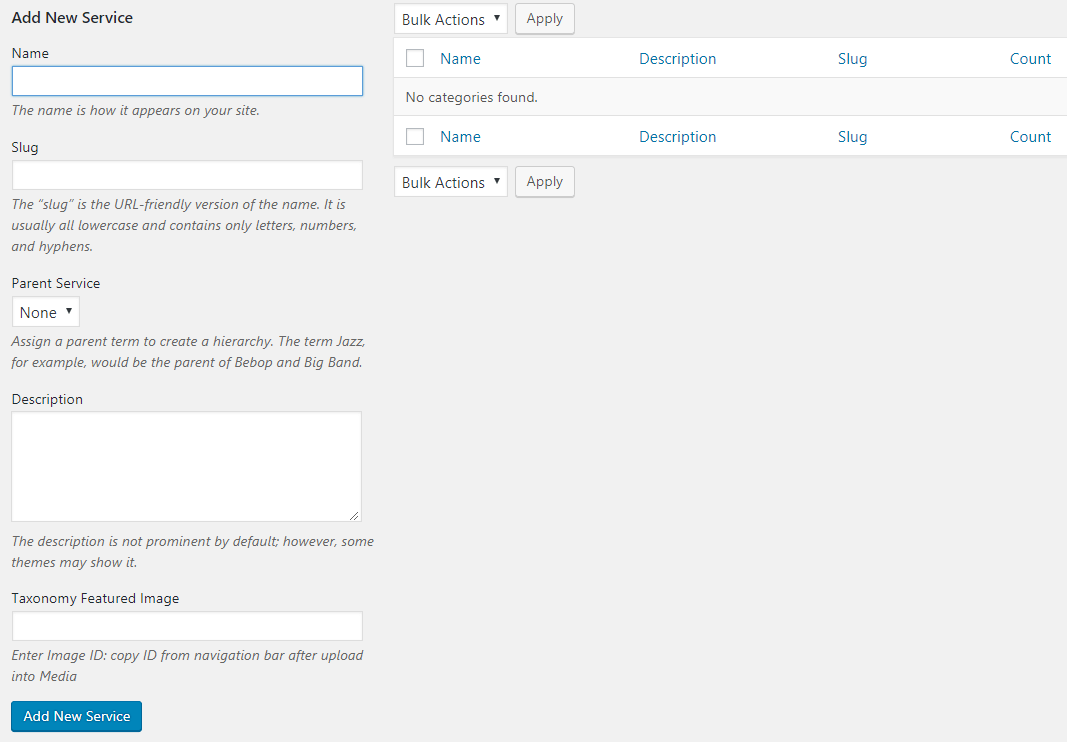
- Add New Service
-
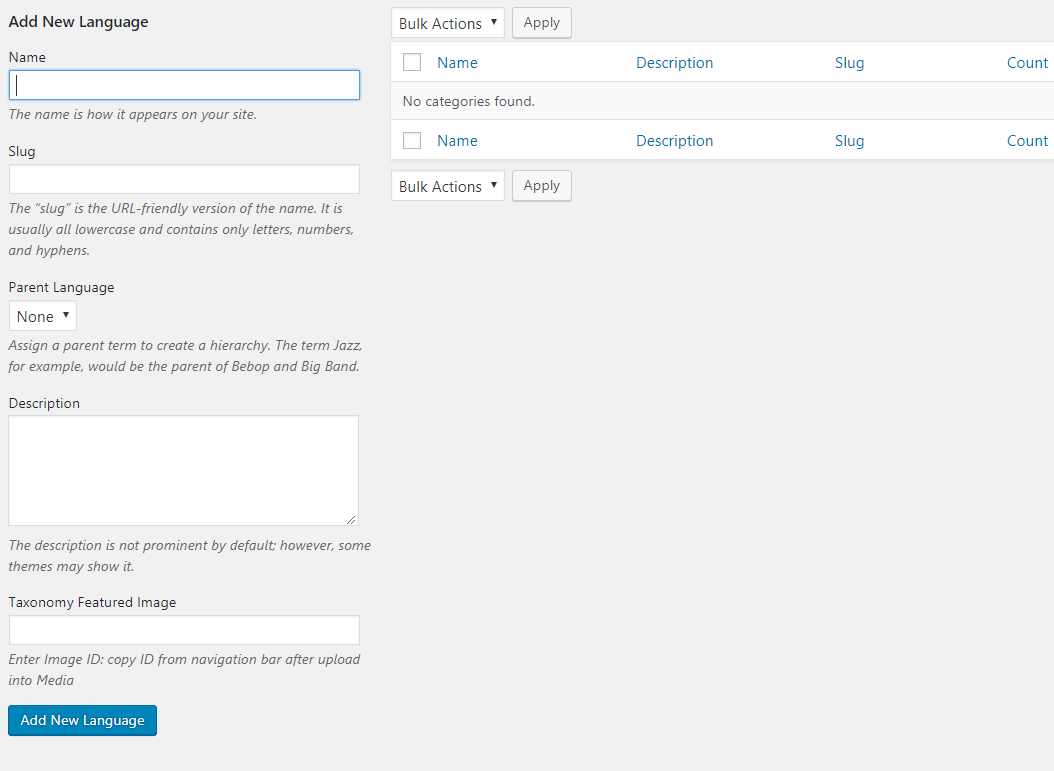
- Add New Language
-
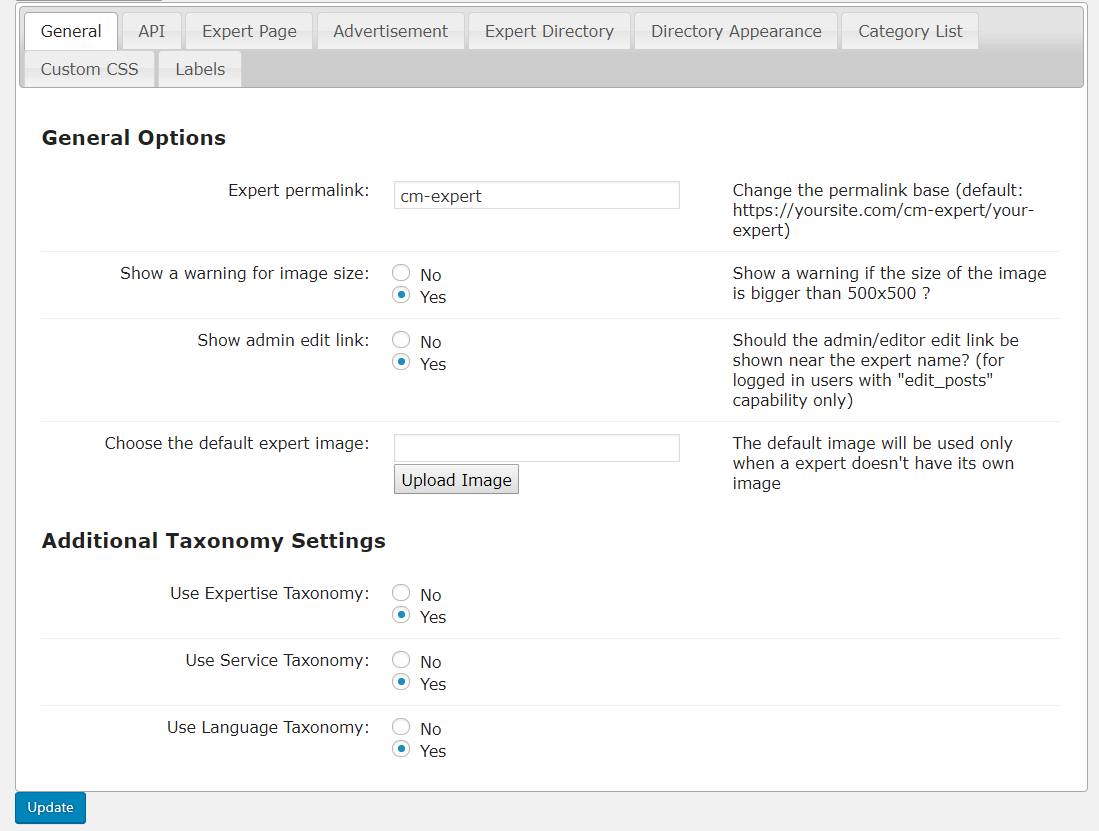
- Settings – General
-
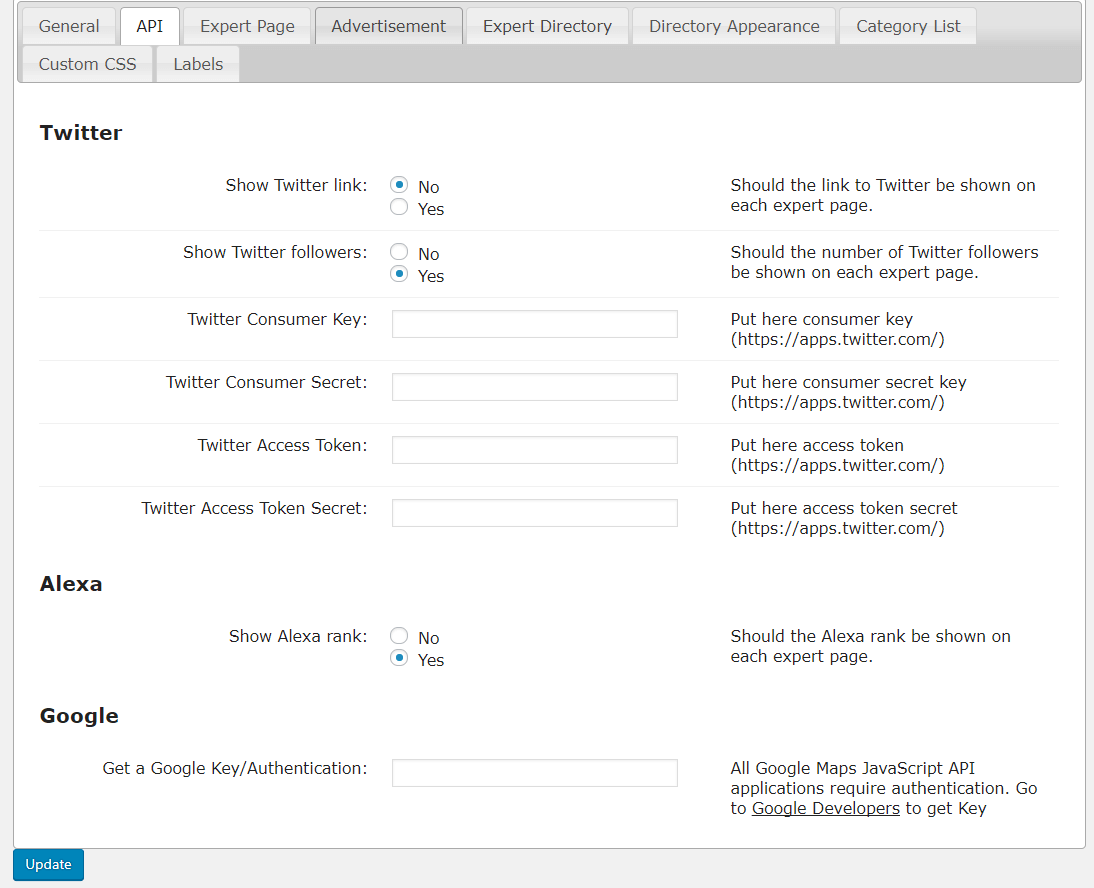
- Settings – API
-
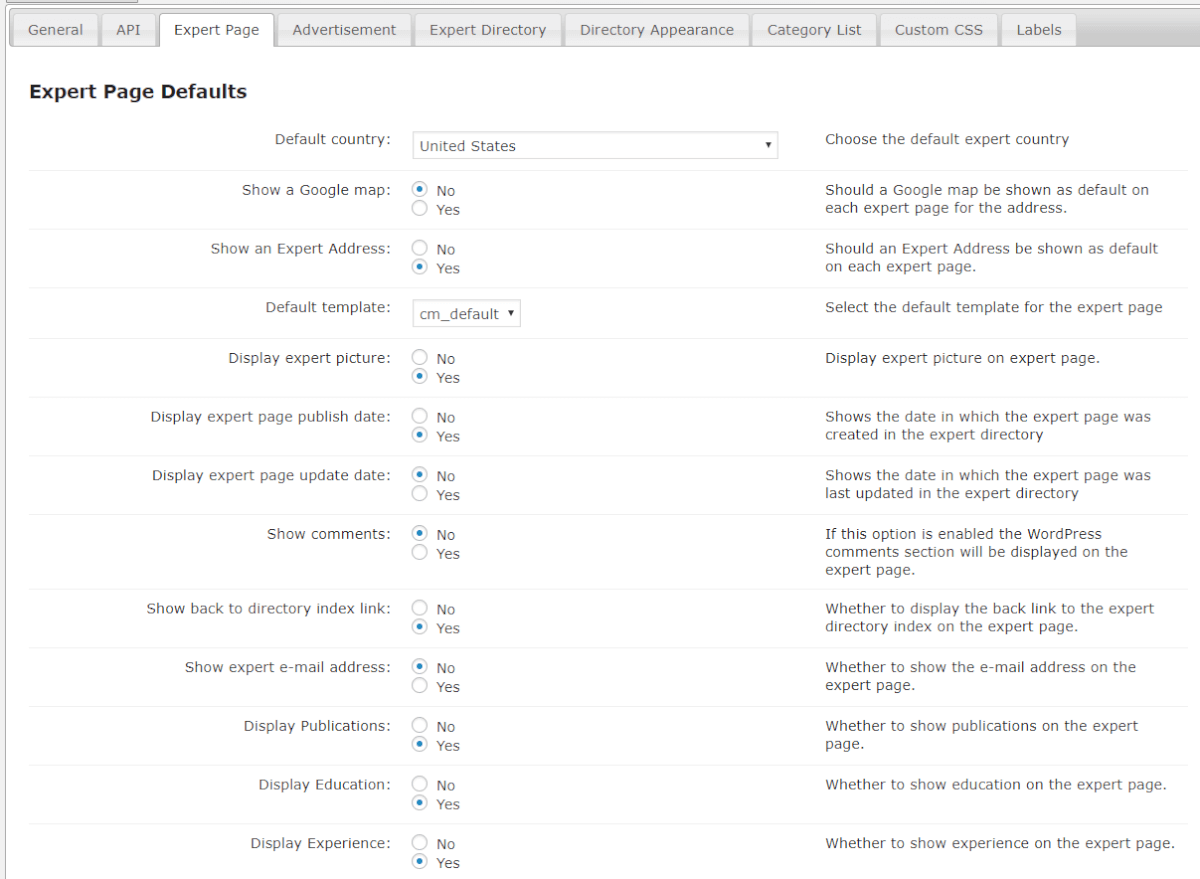
- Settings – Expert Page
-
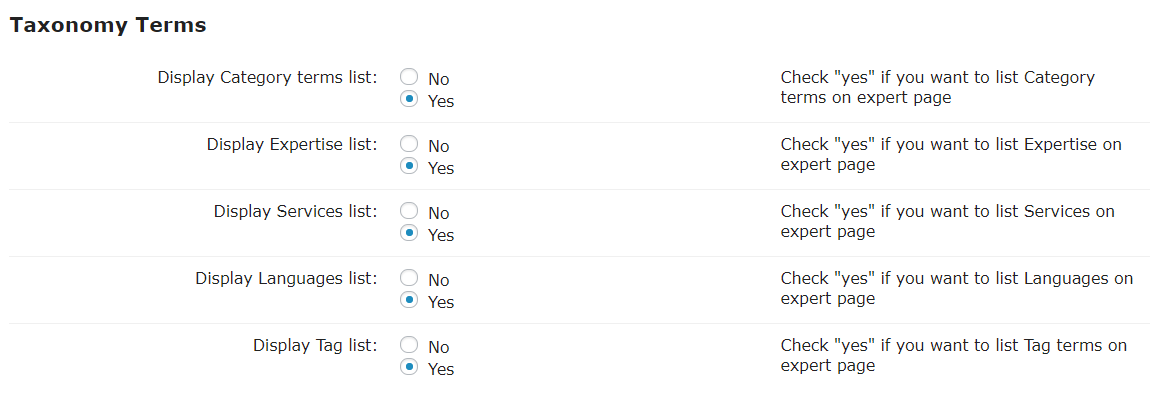
- Expert page – Taxonomy Terms
-
- Expert Page – Additional Links for the Expert Info
-
- Expert Page – Additional Fields
-
- Expert Page – Related Experts
-
- Expert Page – Page Colors
-
- Advertisement
-
- Expert Directory
-
- Expert Directory – Filters Settings
-
- Directory Appearance
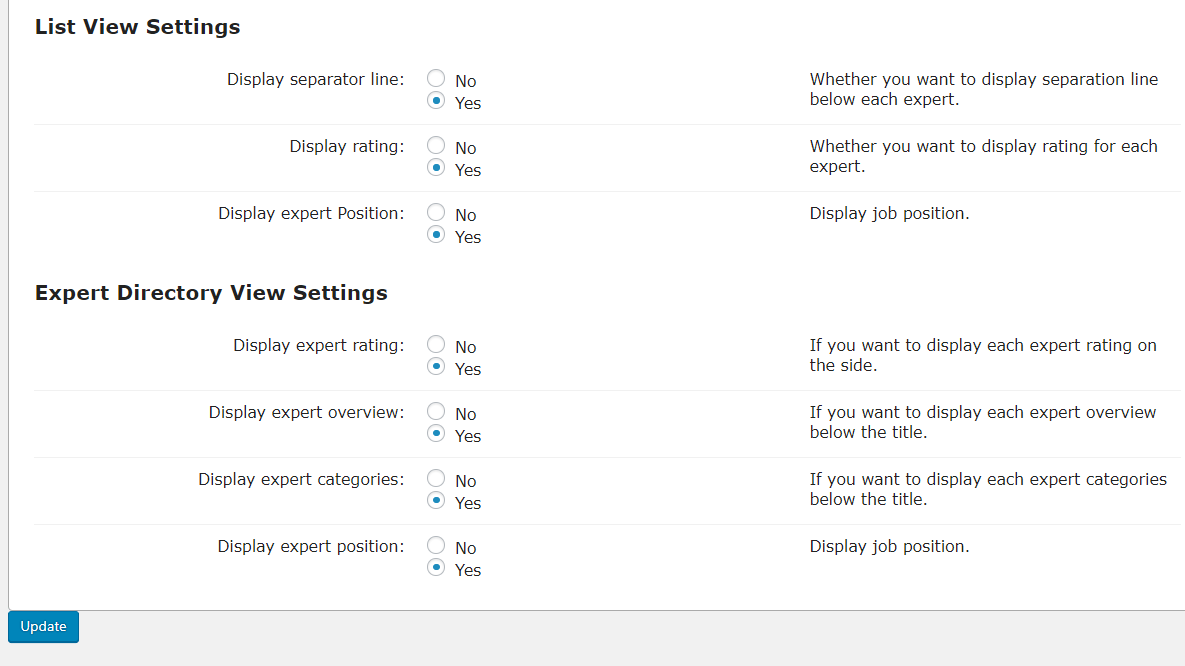
-
- Directory Appearance – View Settings
-
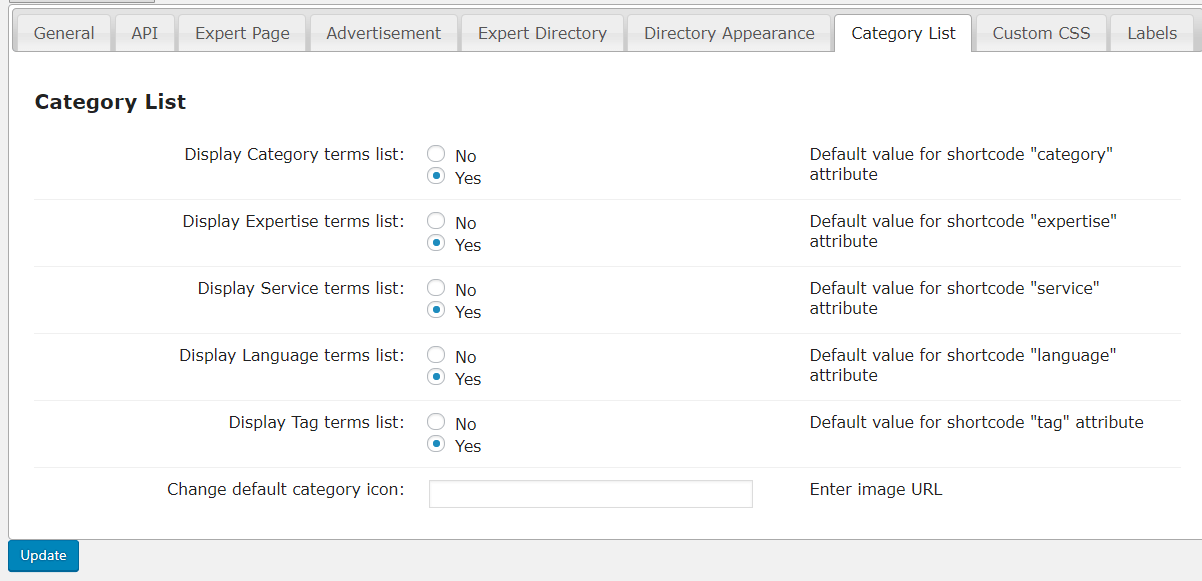
- Category List
-
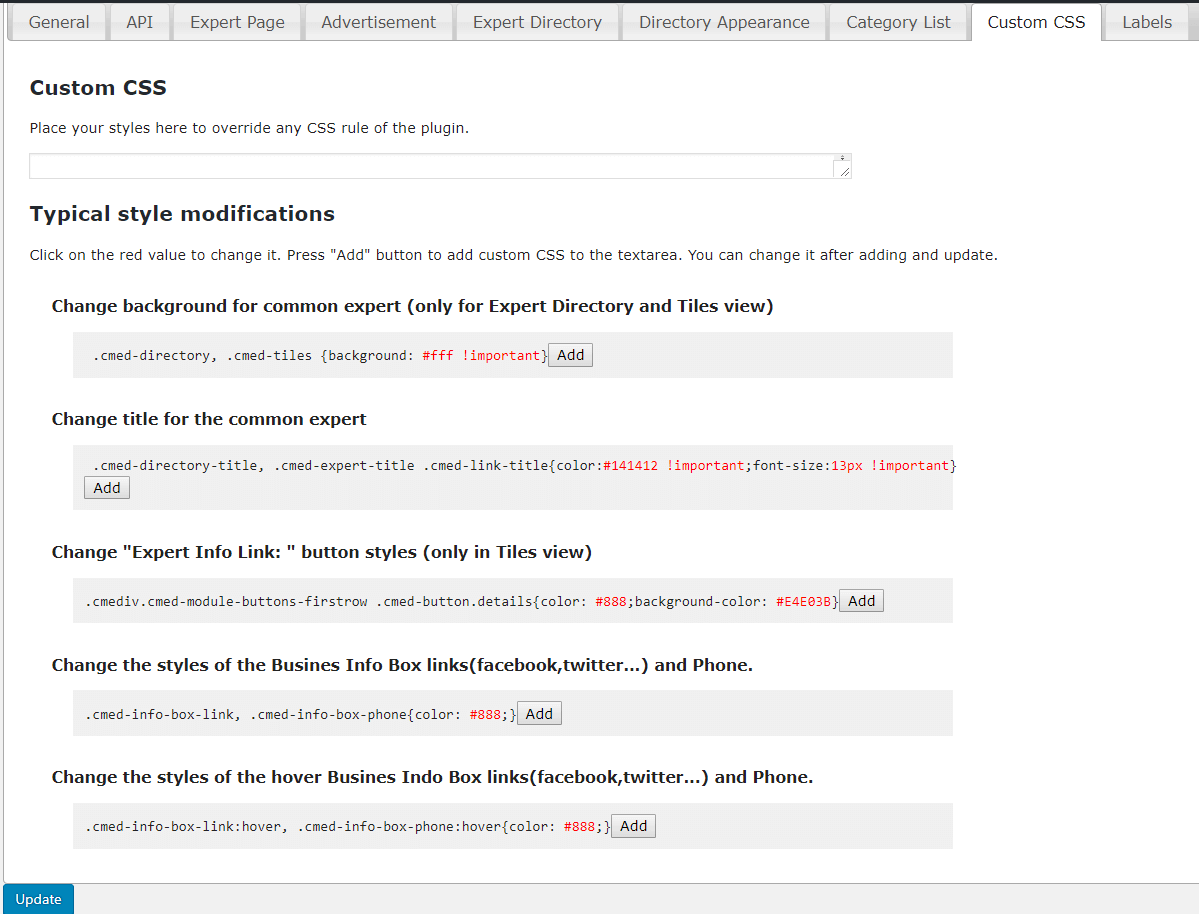
- Custom CSS
-
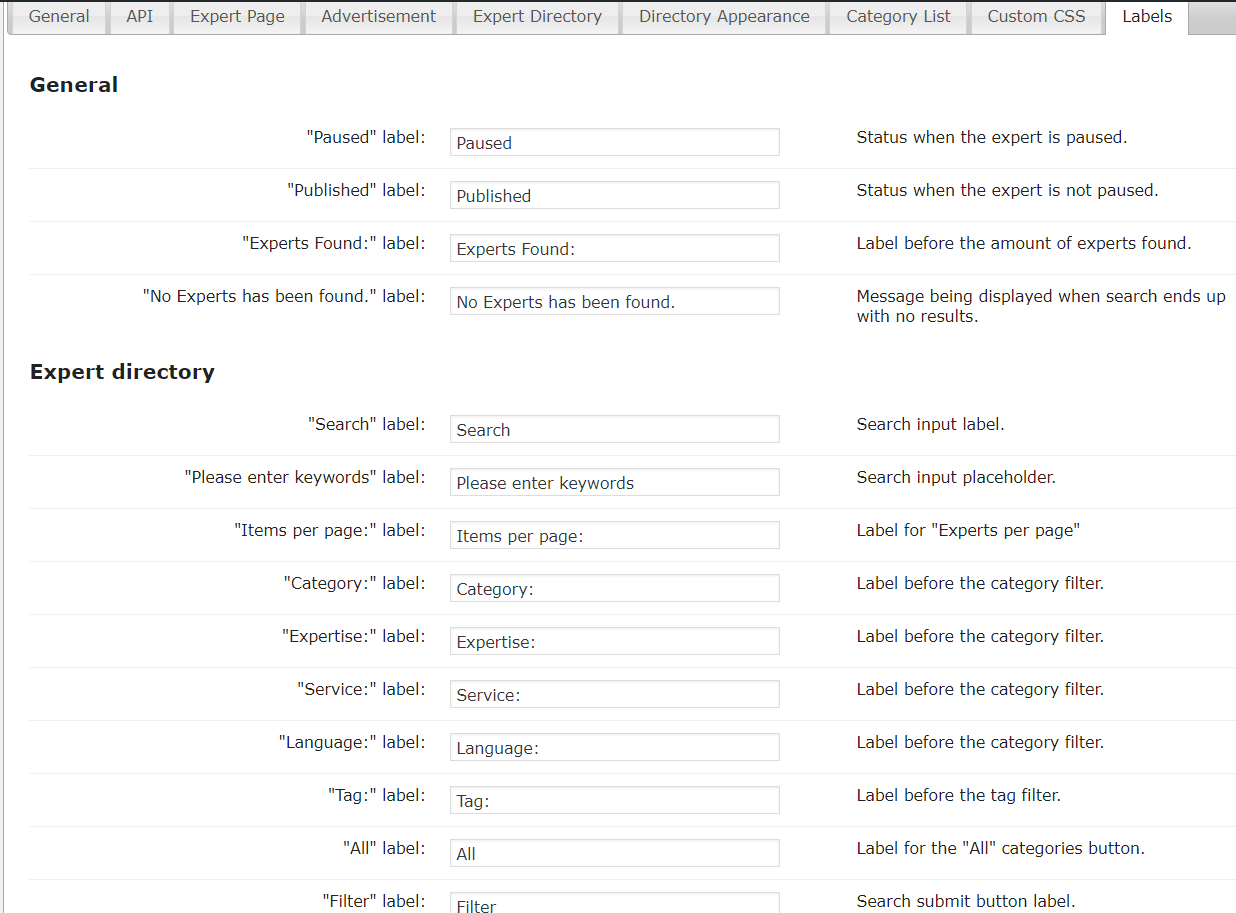
- Labels
-
- Labels – Expert Page
-
- Labels – Info Box
-
- Labels – Widget
-
- Import – Export