
WordPress RSS Feed Importer Plugin
Import RSS feeds into WordPress and automatically create posts whenever your selected feeds are updated. Manage multiple feeds from one place and turn incoming content into published posts on your site.
Go beyond basic feed aggregation by creating full posts from RSS items, with the option to retrieve extended content from the original source when needed. Keyword filters help you control which feed items are imported.
Enhance imported content using AI integrations like ChatGPT and Gemini to turn short feed updates into full, unique articles.
The plugin supports multiple RSS sources, allowing you to consolidate feeds and control how often new content is fetched, giving you full control over your content flow.
Import Full-Text RSS Content as WordPress Posts
|
The RSS importer plugin does more than simply pull feed data. It lets you turn RSS and Atom feeds into standalone WordPress posts, making each imported item a complete entry on your site.
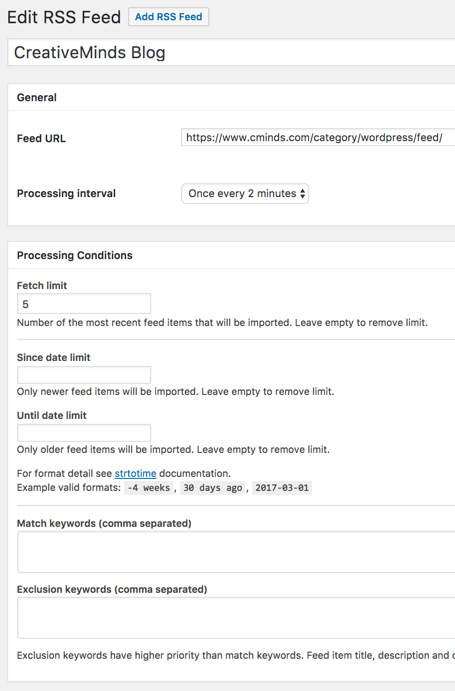
Display full article content for each feed item and manage multiple RSS sources at once, all from a single setup. Control how your feeds are imported by setting update frequency, limiting the number of posts per source, and filtering content using keywords.
|
 WP RSS Feed Importer Conditions
|
Filter RSS Content by Keywords
 Match and Exclusion Keywords Settings
|
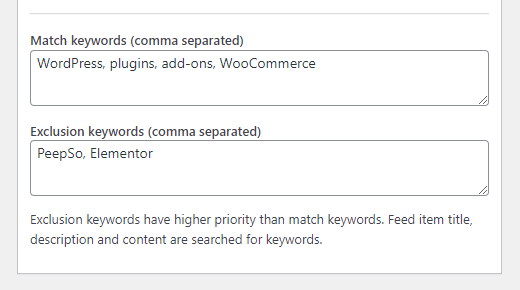
Use keyword-based filters to control which RSS items are imported into your WordPress site. Include or exclude content based on matching terms to keep your posts relevant.
This allows you to focus on specific topics, import only what matters, and avoid publishing irrelevant feed content.
|
Import and Manage Multiple RSS Feeds
|
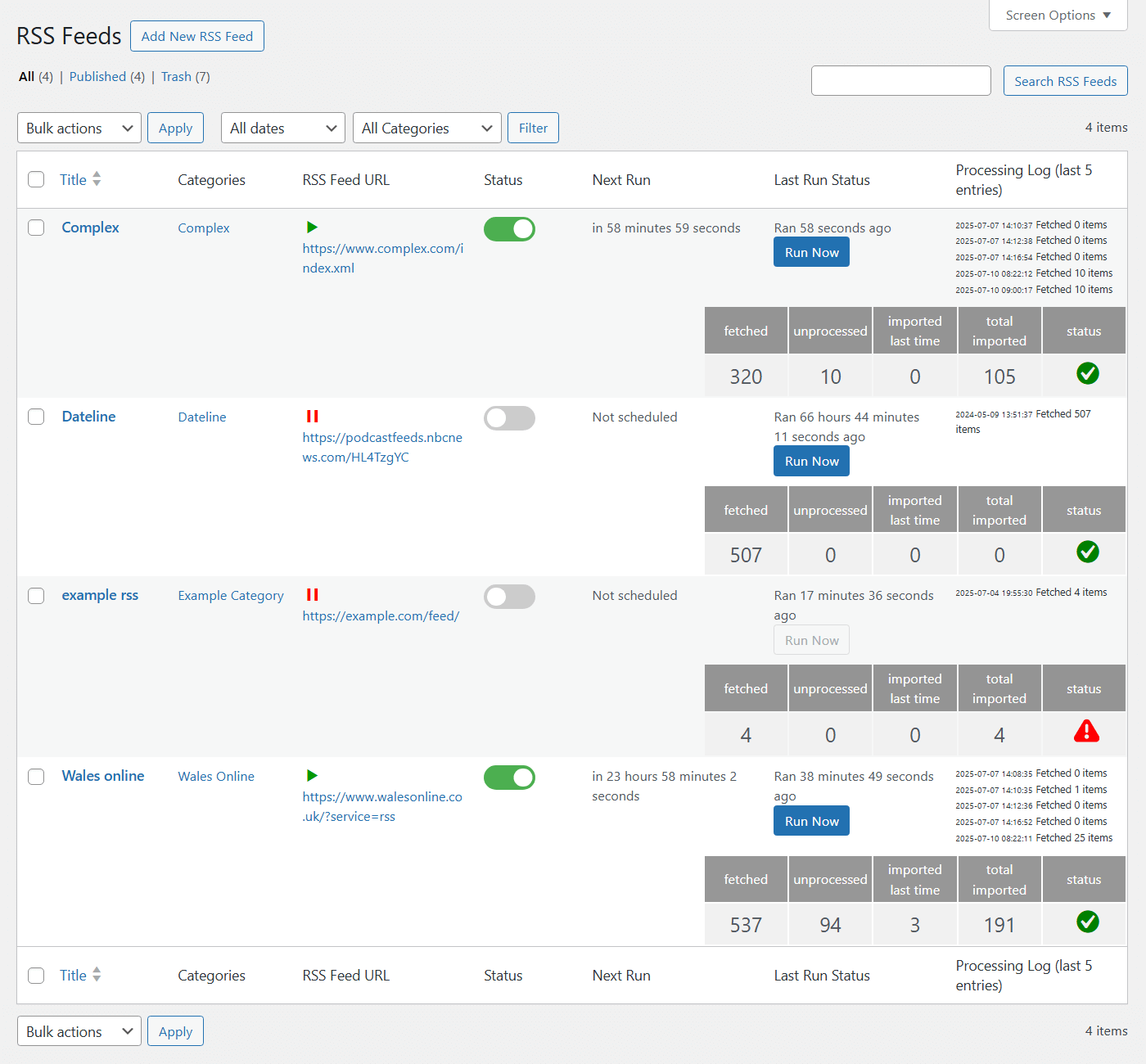
Import content from multiple RSS sources and turn them into posts across your WordPress site.
You can also create multiple imports from a single feed, allowing you to organize content by topic and assign it to different categories. Track feed activity with detailed processing data, including fetch status, import counts, and error logs, so you always know how your imports are performing. |
 Importing Content From Multiple RSS Feed Sources
|
Display Recent RSS Posts on Your Site
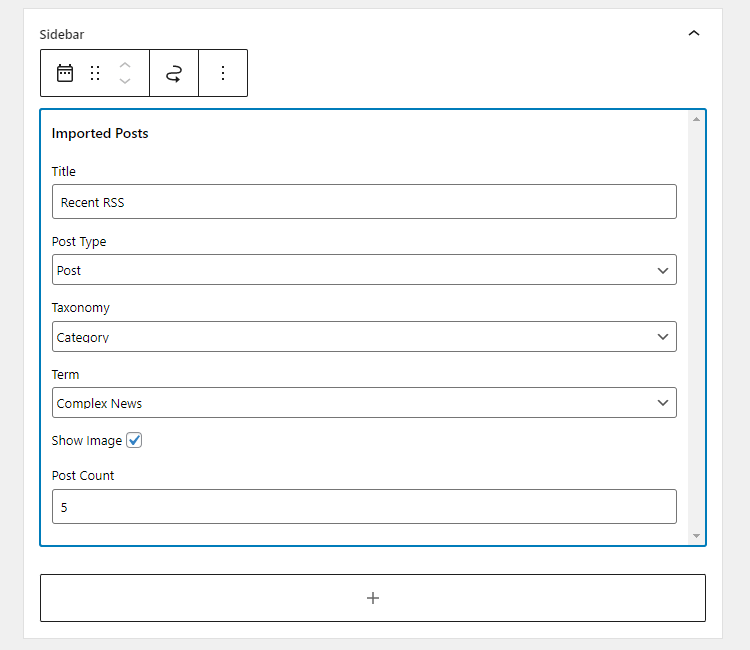 Recent Posts Widget Settings
|
Show recently imported RSS posts anywhere on your WordPress site using a widget or shortcode. Control how content is displayed by selecting categories, setting the number of posts, and adjusting other display options.
Posts are shown in descending order, ensuring the latest content appears first. |
Customize Imported Post Structure
|
The WordPress RSS importer plugin automatically publishes feed content as posts on your site. You can assign categories, set post authors, and automatically tag content based on matching keywords.
Control how imported posts are structured and organized to fit your website, making it easy to build a consistent and well-organized content flow from multiple RSS sources. |
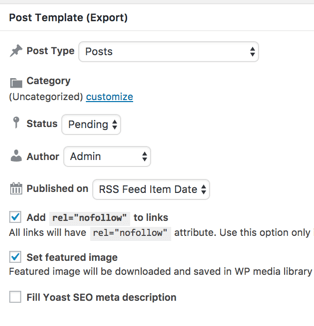 RSS Import Conditions
|
AI Content Generation with ChatGPT and Gemini
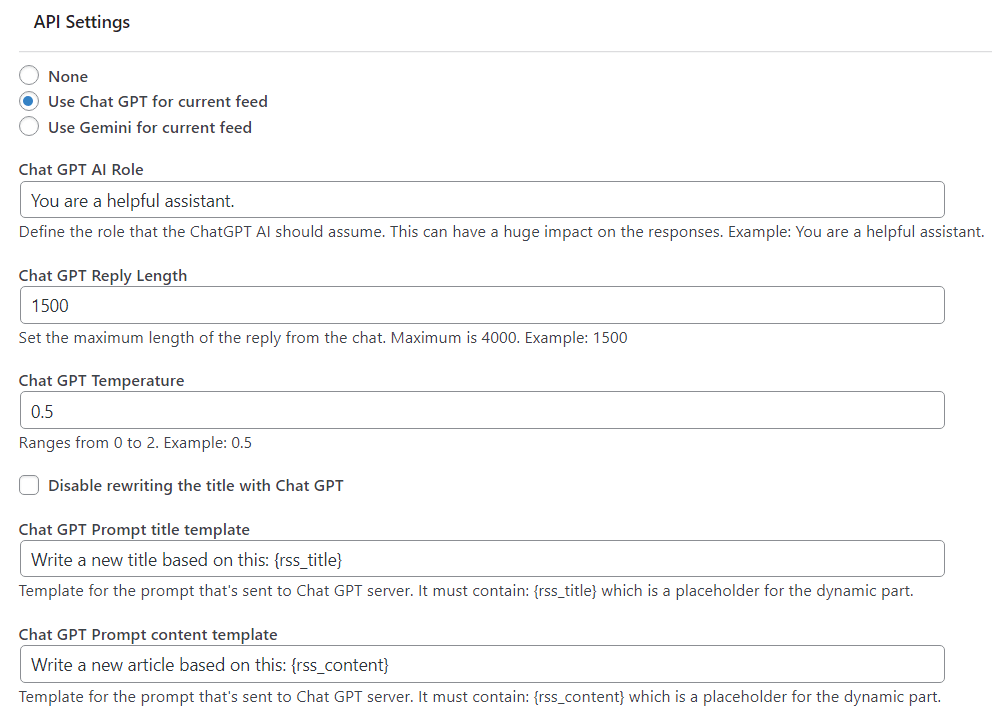 ChatGPT Integration Settings
|
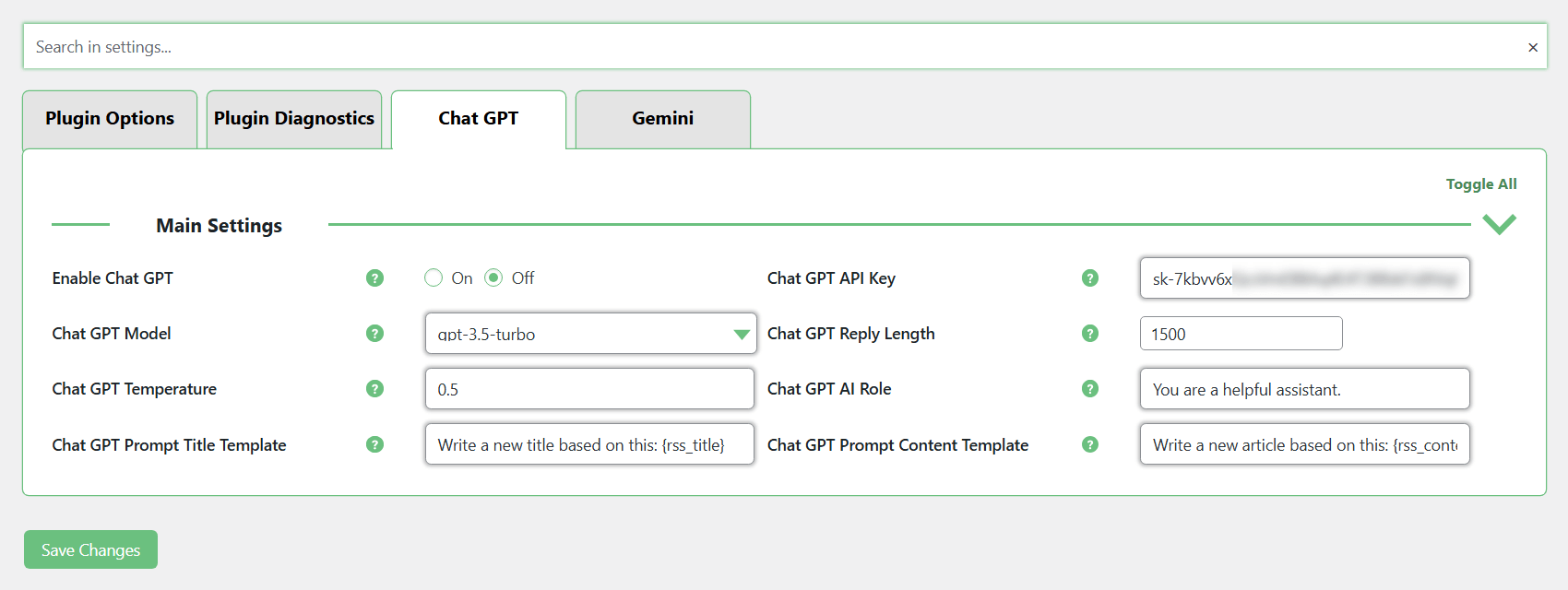
Integrate your RSS importer with ChatGPT and Gemini to generate unique articles based on imported feed content. Instead of publishing short excerpts, you can automatically expand them into full posts for your site.
Customize how content is generated by defining prompts for titles and articles, giving you control over tone, structure, and output. You can review and edit generated posts before publishing them. |
Import Full Articles from RSS Sources
|
Some RSS feeds provide only short excerpts instead of full article content. In such cases, you can use the RSS Content Importer Add-on to retrieve complete articles directly from the original source.
The add-on scans the source page and extracts the full content, allowing you to import complete posts instead of brief summaries. You can control how content is extracted, either automatically or by manually selecting the specific sections you want to include. |
 Post created from extracted full content
|
RSS Post Importer vs. RSS Feed Aggregator
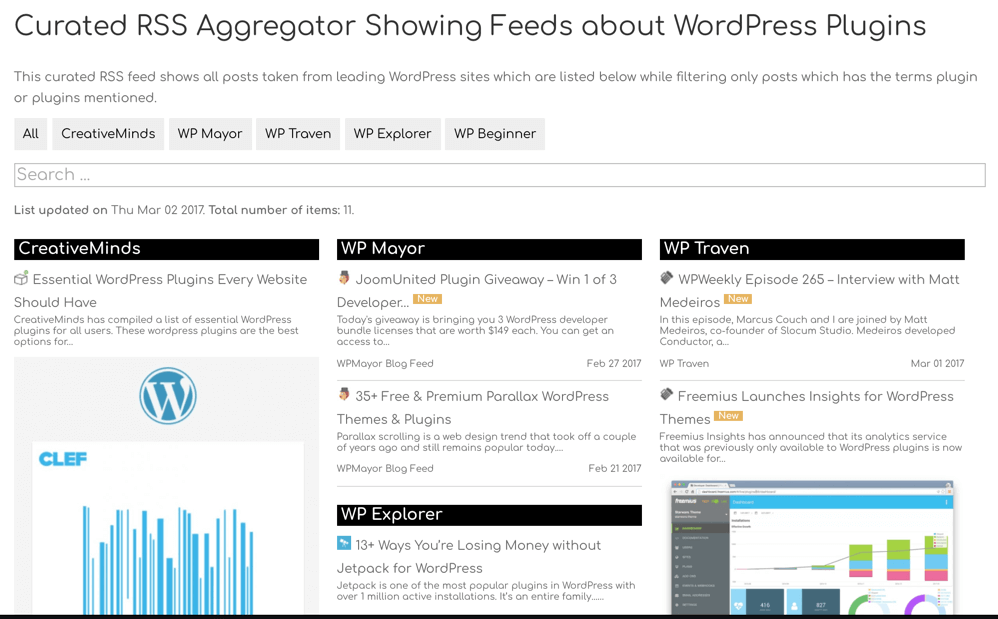 Example of RSS Feed Aggregator Content
|
The RSS Importer plugin creates WordPress posts from RSS feeds, automatically turning each feed item into a published post on your site.
If you prefer to display RSS feeds as lists or widgets without creating posts, consider using the RSS Aggregator plugin instead. |
Ready to Automate Your WordPress Content?
How to Import RSS Feeds into WordPress
- Enter the RSS feed URL you want to import.
- Set how often the plugin checks for new content.
- Choose where imported posts will be published.
- Assign categories, authors, post status, and publish settings.
- Customize how imported content is displayed using templates and shortcodes.
Import, Filter, and Enhance RSS Content with WordPress
- Import Full RSS Articles – Pull content from external RSS feeds and publish full available articles on your WordPress site.
- Syndicate Complete Content – Display the entire content from the feed source for each imported post.
- Control Displayed Content – Decide which parts of each RSS feed article are shown on your site.
- Customize Post Layout – Use simple templates to format imported content exactly as you want.
- Filter by Keywords – Import posts that match your selected keywords or block content with blacklisted keywords.
- Enhance with AI – Optionally expand feed content into unique, full-length posts using ChatGPT or Gemini integrations.
Additional Resources for the WP RSS Post Importer
Start Importing RSS Feeds Into Your Site Today
WordPress RSS Post Importer Plugin – Features and Tools
Please check the user guide to learn more about this plugin
Core Features
Post Importer Filters

Per each feed – filter imported content by using positive and negative keywords.
Limit Post Imports
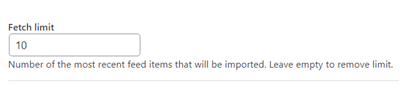
Limit the total number of imported posts for each feed source.
Choose Post Type

Define the post type to use for displaying RSS content to be used in each imported feed.
Choose Post Status After Import
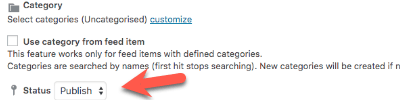
Define new imported content post status.
Custom XML Tags
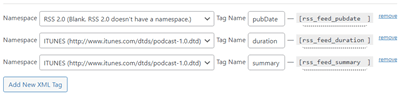
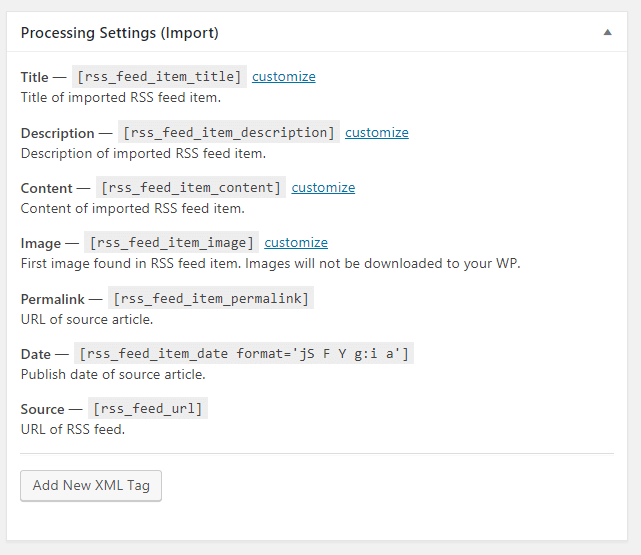
Extract specific information from the RSS feed by creating custom XML tags and adding them into the post template.
Imported Content Category
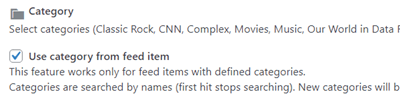
Define which category to use for imported content.
Author Name
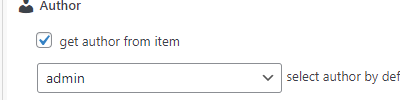
Fetch the author name from the original imported content. Alternatively, set a WordPress user as the author.
Import from Multiple Feed Sources
Define one or more import feed sources to import to your WordPress site with this RSS Feed Plugin.
Feedburner Compatibility
Supports importing info from RSS feeds based on Feedburner.
RSS Feed Import Timeframe

Per each feed – define the period of time for which to import posts.
Feed to Post Template
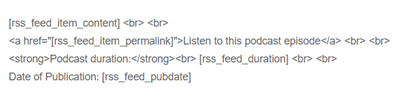
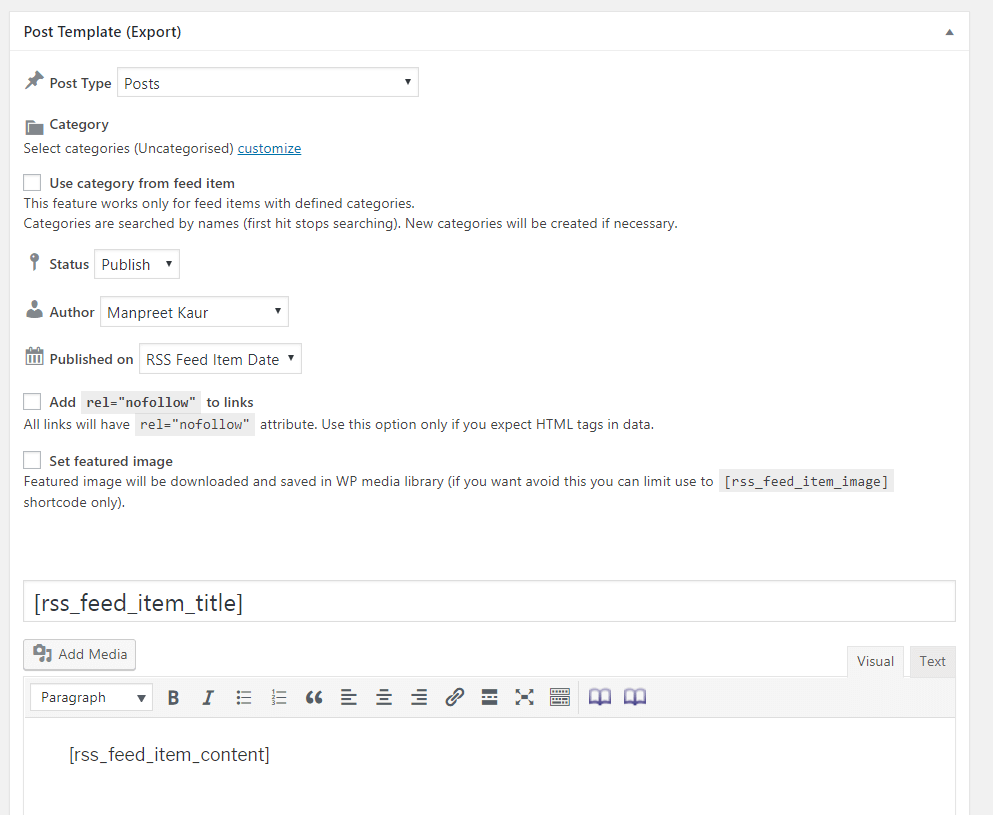
For each imported feed, Build new post structure using an easy to use templating system. Include HTML and shortcodes inside the template.
Featured Image
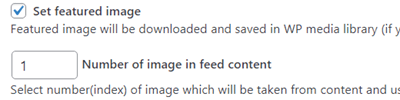
This plugin also works as a RSS image feed plugin. Import featured images and set them as such in new posts.
Content Publish Date
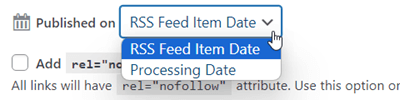
Fetch content and define which publish date to use for imported content.
Imported Content Tags
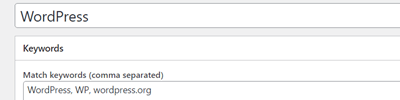
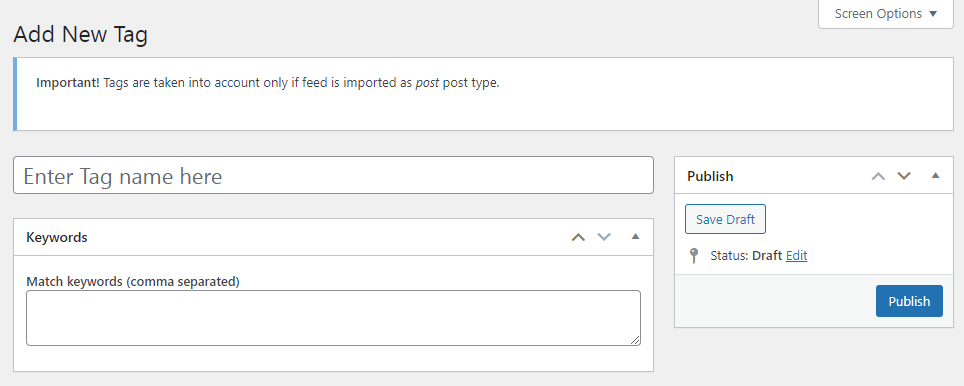
Define which tags to automatically assign to posts based on post content.
RSS Fetching Agent

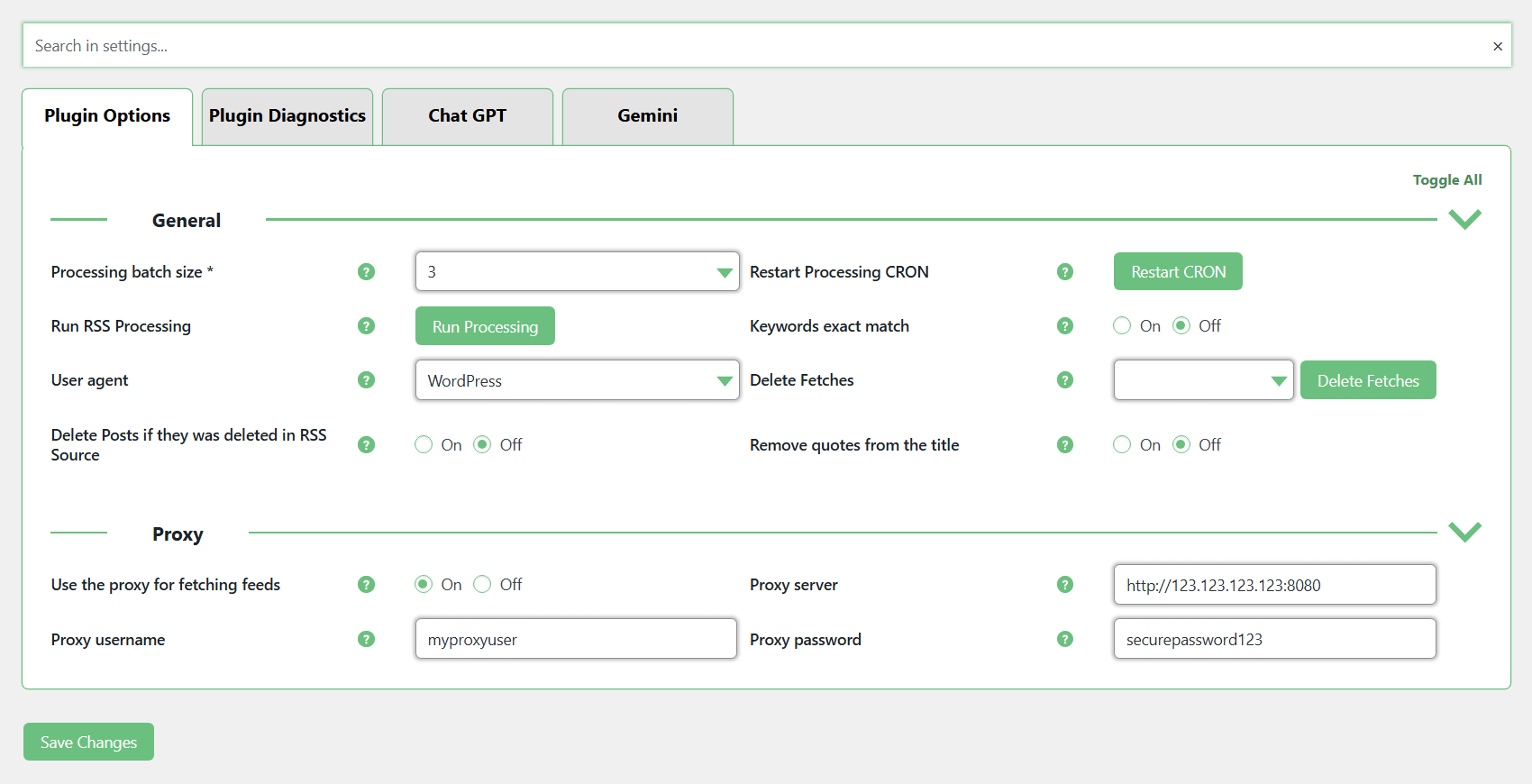
Define imported content fetching agent to bypass restrictions set by sites.
RSS Fetching Interval

Define imported content fetching interval per each feed. Define how many times a day to import content and how many times a day to process new imported content.
Full Text WordPress RSS Import
The entire text made available by RSS feed sources is imported, including images (optional), not just an excerpt. Note that some feeds might be configured to only offer snippets of their content for each feed.
Management Tools
Shortcodes
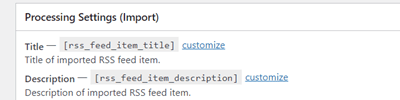
Parse the imported content into shortcodes which can be used in the post template.
Re-Import Feed
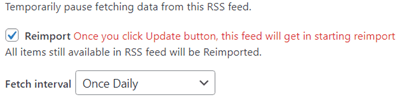
Import the same feed after changing import settings or the post template.
Feed Processing Stats
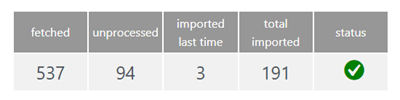
Monitor detailed processing info for each feed, including fetched items, pending entries, imported posts, and status indicators.
Post Importer Log
This feed to post RSS solution allows you to follow all imported content and rejected posts using imported feed log.
Latest Posts Widget
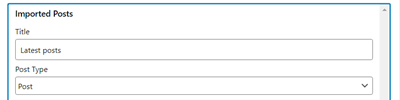
Use a widget to display latest posts that were fetched from RSS Feed.
Duplicate Feed
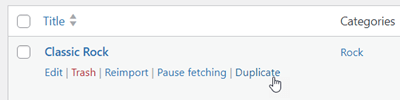
Easily duplicate existing feed import settings and change their origin and settings.
Proxy Support
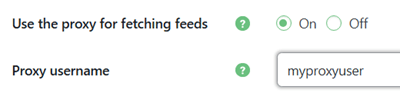
Use a proxy server to fetch RSS feeds when direct access is restricted or limited.
SEO Support
Supports SEO settings such as no-follow and Yoast post metadata.
AI and Add-on Integrations
Content Importer Add-on
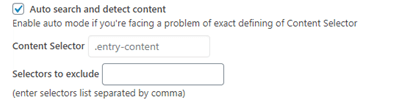
Content Importer add-on scrapes and imports full content, including text and images, from a remote page or post, irrespective of the RSS feed content.
Gemini Integration
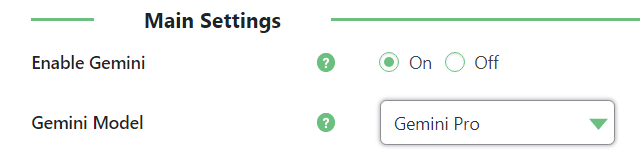
Automatically generate unique articles based on RSS feed content using Gemini.
ChatGPT Integration
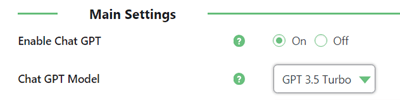
Automatically generate unique articles based on RSS feed content using ChatGPT.
WordPress RSS Post Importer Plans and Pricing
Choose from different license options and pricing plans for the WordPress RSS Post Importer plugin to find the version that fits your site’s content needs.
Compare License Options
| PLANS | Essential | Advanced | Ultimate |
| Price includes 1 year support/updates. Manual renewal with 40% discount, not a subscription | $49 | $79 | $119 |
| Number of Websites / License Activations | 1 | 3 | 5 |
| BASIC FEATURES | |||
| Multiple Feed Sources |  |
|
|
| Full Text Import | |
|
|
| Filters | |
|
|
| Time Frame & Publish Date | |
|
|
| Post Type and Status | |
|
|
| Content Category | |
|
|
| Content Tags | |
|
|
| Post Template | |
|
|
| Featured Image | |
|
|
| Custom XML Tags | |
|
|
| Feedburner Compatibility | |
|
|
| TOOLS | |||
| Import Log | |
|
|
| Feed Processing Stats | |
|
|
| Shortcodes | |
|
|
| Latest Posts Widget | |
|
|
| Re-Import Feed | |
|
|
| Duplicate Feed | |
|
|
| Proxy Support | |
|
|
| INTEGRATIONS | |||
| SEO Support | |
|
|
| ChatGPT Support | |
|
|
| Gemini Support | |
|
|
| ADD-ONS | |||
| CM Content Importer Addon |  |
 |
|
| CM Curated RSS Aggregator Plugin | |
|
|
| SUPPORT | |||
| Product Knowledge Base |
|
|
|
| Priority email support |
|
|
|
| Product updates |
|
|
|
| PLANS | Essential | Advanced | Ultimate |
| Number of Websites / License Activations | 1 | 3 | 5 |
| Price includes 1 year support/updates. Manual renewal with 40% discount, not a subscription | $49 | $79 | $119 |
How to Choose the Right Plan
Compare the features and benefits of each license to select the one best suited for your website.
- Essential: Perfect for websites that want to automatically import posts from multiple RSS and Atom feeds. Great for content marketing and syndicating feed content efficiently.
- Advanced: Includes RSS Post Importer with the Content Importer Add-on and RSS Aggregator. Ideal for sites that need full-text articles from source feeds and also want to curate RSS feed lists for visitors without creating posts for every item. License valid for 3 sites.
- Ultimate: Same features as Advanced, with license valid for 10 sites. Ideal for sites that require multiple installations.
Choose the plan that fits your site’s needs and start automating content import from your favorite RSS feeds on WordPress today.
RSS Feed Importer Plugin – Frequently Asked Questions
Please see the user guide to learn more about this plugin
RSS Basics and Setup
What is RSS? Why should I use it?
RSS is an acronym for Rich Site Summary or Really Simple Syndication.
More importantly RSS “translates” multiple types of content (such as blogs, weather reports, newscasts) into a standardized, easy to read format. You can then fetch and display that content into WordPress.
With the RSS Feed Importer plugin, in particular, you are able to create a new post for each feed item. For example, every time a blog of choice publishes a post, your site will publish one as well based on that content.
Learn more: Long Live RSS! Useful List of RSS Topics to Follow.
Can I import a feed from YouTube?
Note that you will be linking to the original source, and not downloading any content.
Learn more in this guide.
Is there a limit to the number of feed sources I can use?
For each feed source you can define keyword filters as well as a unique content template so syndicated posts will match the original post structure.
Importing and Displaying Content
Can I store imported feed items as posts?
You choose if the new item will be a post, page or even a custom post type.
Also, you can structure the template of the imported content to be displayed the way you prefer on your site.
How do I display imported feed items?
You can also control the title, author name, and the length of the content taken from the original imported post.
The featured image is also imported.
Can you change where the RSS newsfeed posts appear on the site?
Advanced Features and Integrations
Some RSS feeds only give a short excerpt. Is there a way to change that?
You can bypass the feed and fetch content directly from the page by using the RSS Content Importer Addon.
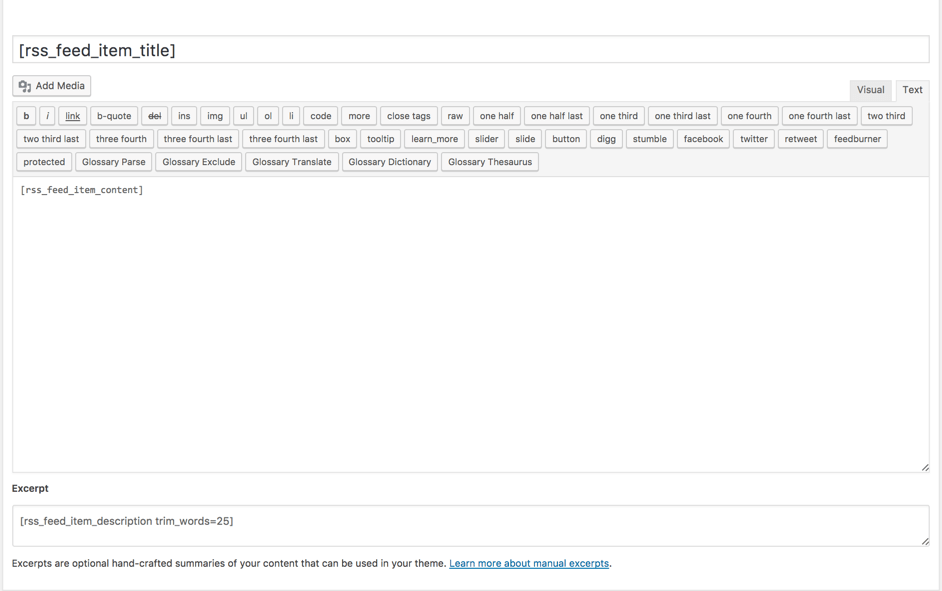
Additionally, you can control the length of the content published on your post by combining content coming from the imported post content or by adding your own text.
The imported post content is parsed into fragments which you can later use while building the template used for the post which will be shown on your site. That also includes the ability to include additional content in the excerpt field.
If the RSS feed is protected by password, can you read it?
Can I generate full posts using AI from RSS feeds?
WP RSS Post Importer Image Gallery
Back-end Gallery
-

- RSS Feeds Import Dashboard
-

- Post Import Template
-

- Post Import Settings
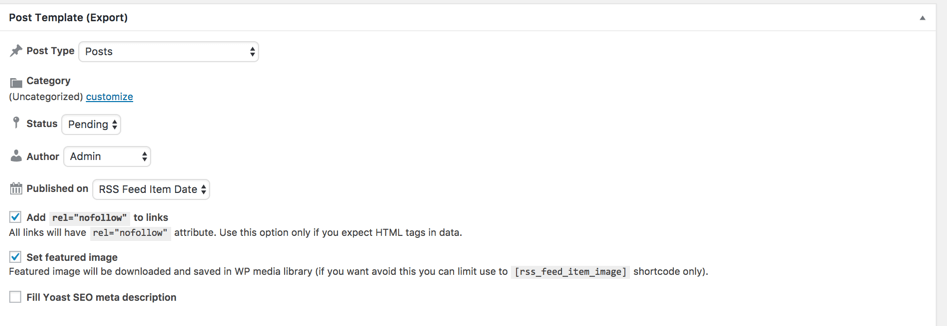
-

- Single Feed Import Setting
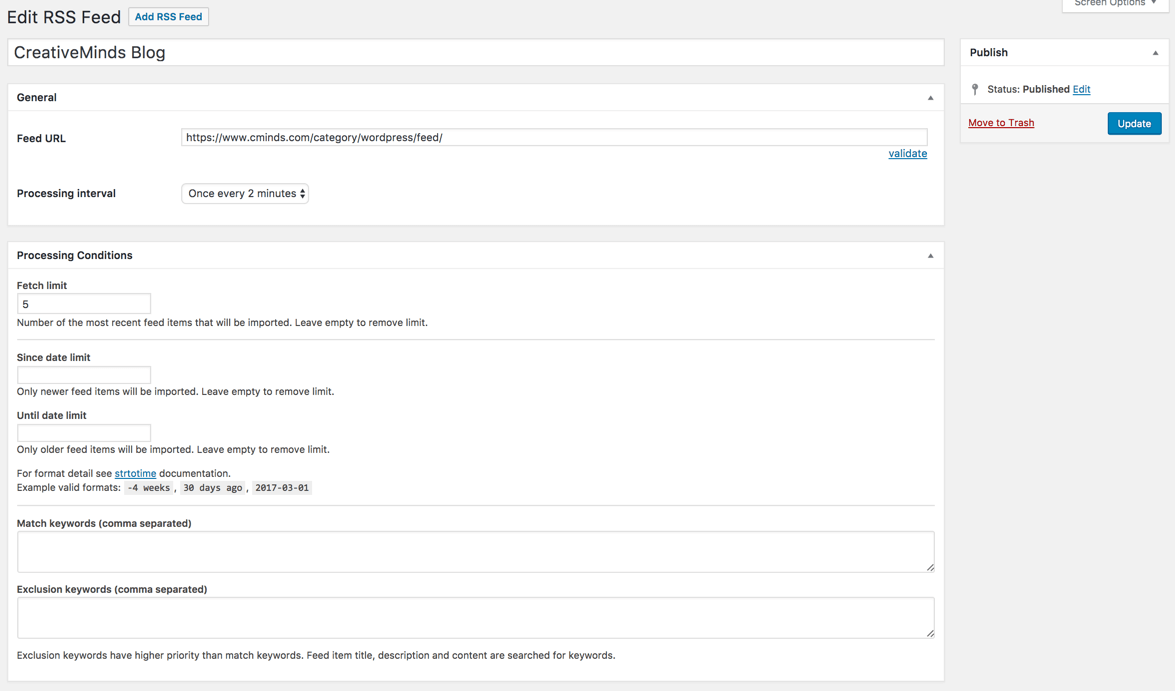
-

- Add New RSS Feed
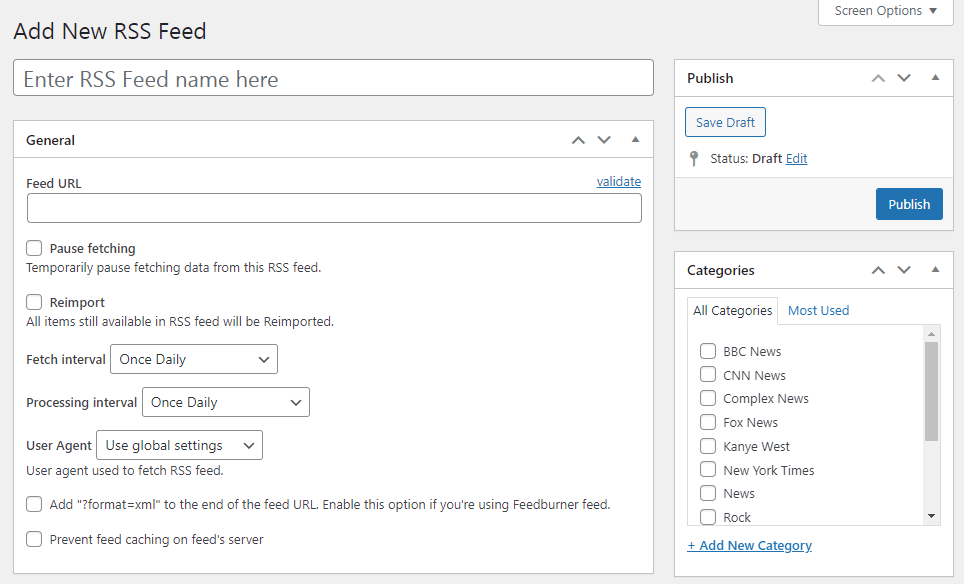
-

- Add New RSS Feed – Processing Conditions
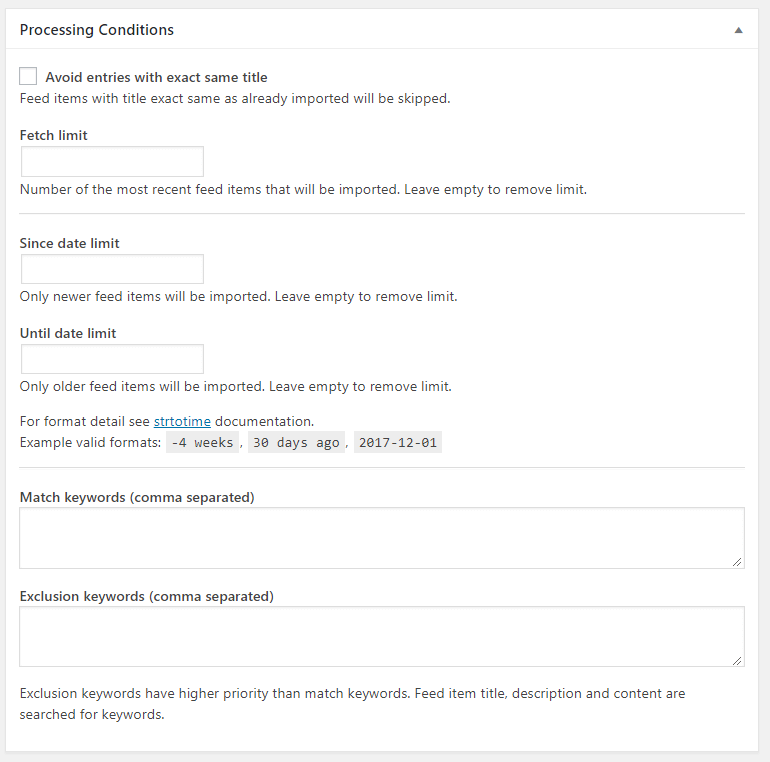
-

- Add New RSS Feed – Processing Settings (Import)
-

- Add New RSS Feed – Post Template (Export)
-

- Feed Items
-

- Tags
-

- Add New Tag
-

- General Plugin Options
-

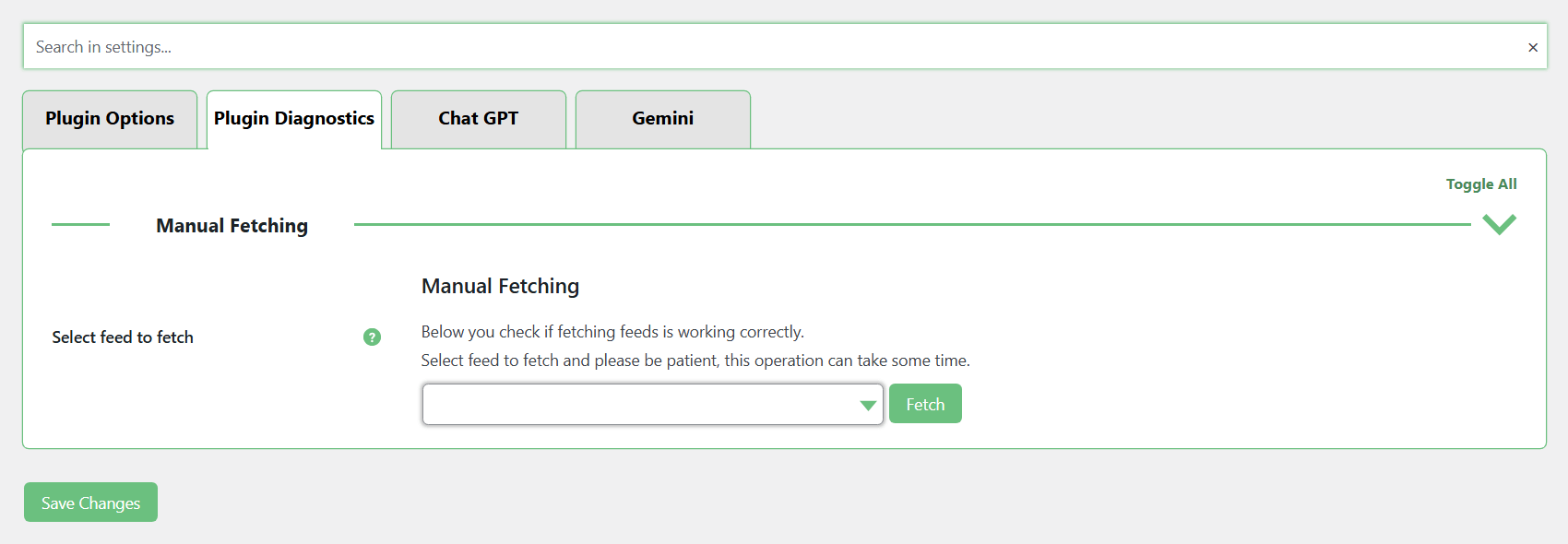
- Plugin Diagnostics
-

- ChatGPT Integration Settings
-
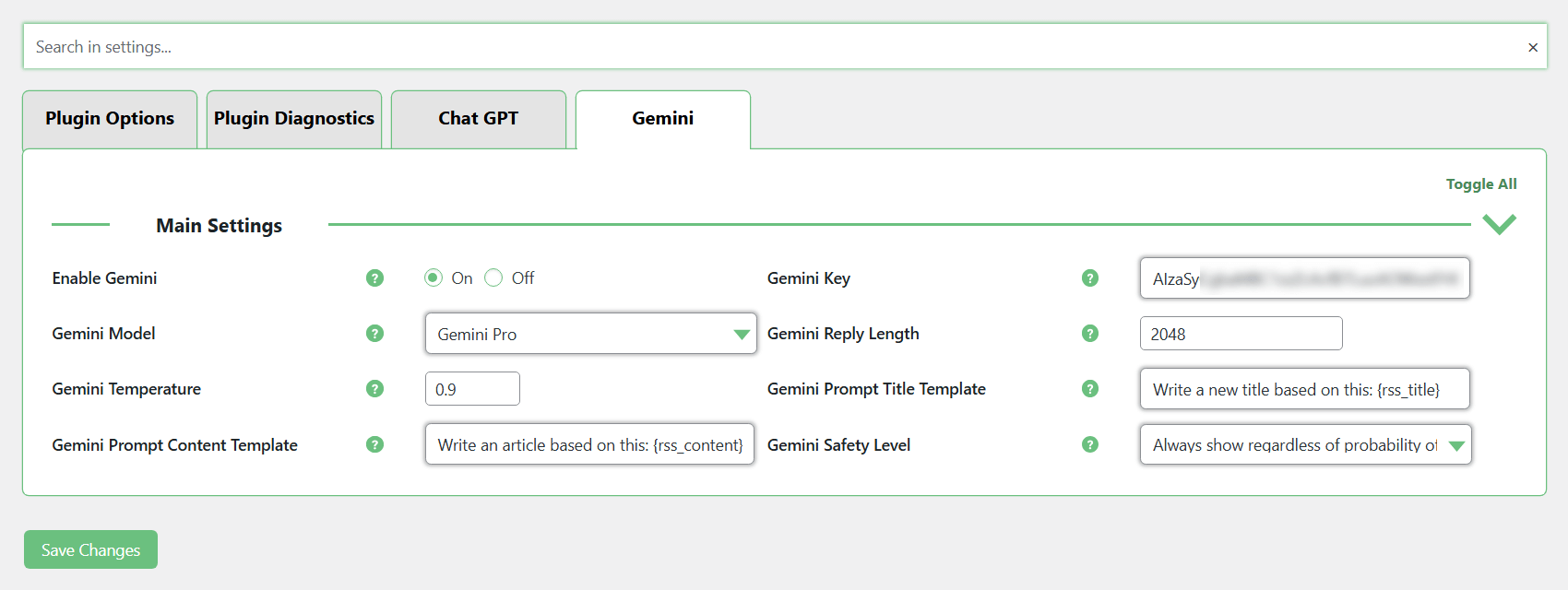
- Gemini Integration Settings
RSS Importer for WordPress Add-ons
Extend your RSS importing capabilities and explore additional tools that can enhance your content workflow.
Post Importer for WordPress Related Plugins
Discover other CreativeMinds plugins that can help you manage, restrict, and monetize your content.