
WordPress Invitation Code Content Restriction Plugin
Easily create and manage temporary invitation codes to control access to specific pages, URLs, groups of URLs, or files on your WordPress site!
The Invitation Code Content Access plugin lets you restrict full or partial content on any page, granting access only to users with valid invitation codes.
It also supports payments, allowing you to sell invitation codes for access to premium content on your website.
Private Content Access
|
Control who can access private content on your WordPress site. You can choose if the restrictions will apply to all users or only to guests. Once you create an invitation code, the associated page or list of pages or files will be locked automatically. Visitors must enter the invitation code to gain access, giving you full access control in WordPress. |
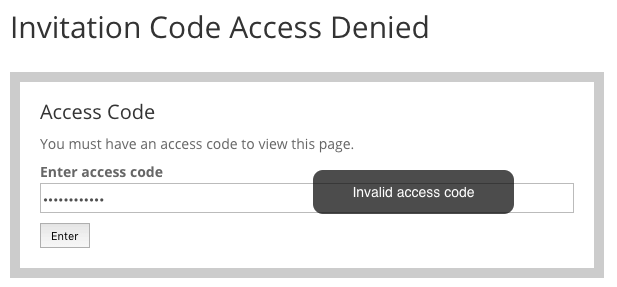 Prompt users to input invitation access codes
 |
Create Multiple Invitation Codes
 Sample spreadsheet with invitation codes
 |
Create codes individually or in bulk - sequentially, randomized, or from a CSV file. Each invitation code has an optional use limit and expiration date. WordPress invitation codes have one or multiple URL paths associated with them. That can include single pages (example.com) or list of pages or a whole path with subdirectories (example.com/*). Start using invitation codes to control access today. |
Collect User Information
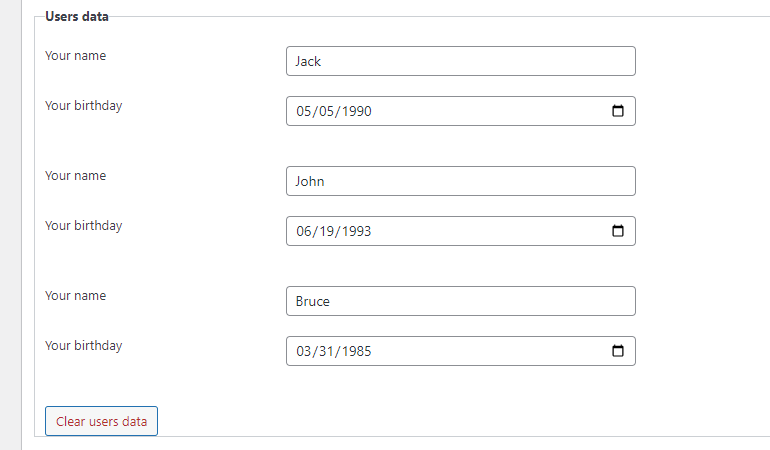
The private content access plugin allows you to request additional information from users who use invitation codes. It can be anything – name, email, phone, date of birth, etc.
The built-in drag-and-drop form builder makes creating flexible custom forms in WordPress simple. All collected data can be found on the back-end of the invitation code page.
-

- Form Builder
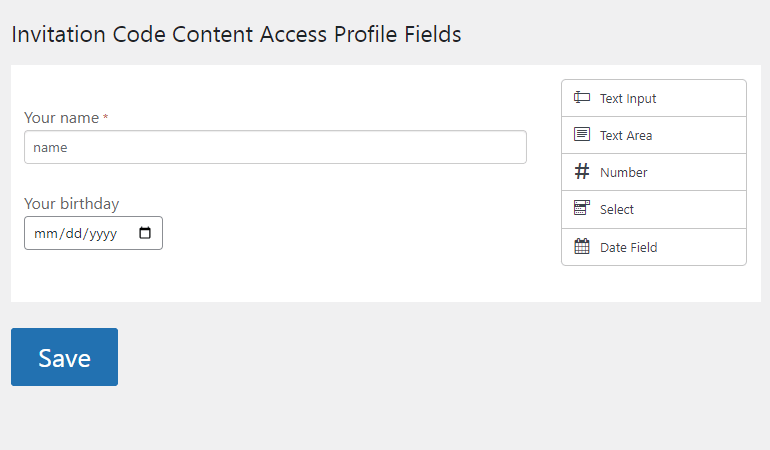
-

- Access Code Required Fields
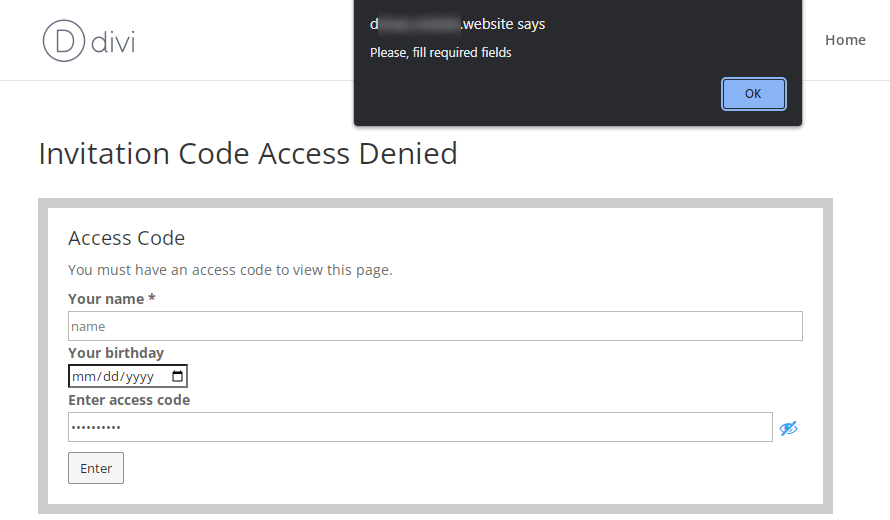
-
- Collected User Data
Restrict Content by Invitation Codes
|
Each invitation code can lock multiple posts or pages at once. Just choose needed posts from the list or enter the list of URLs that you want to restrict. Use the whitelist feature to keep certain content unlocked while all other pages and posts are blocked, providing flexible content restriction for WordPress sites. |
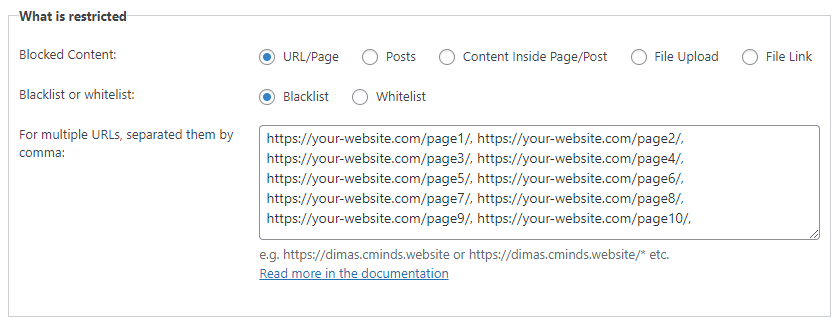 Content Restriction Settings For the Code
 |
Invitation Code Settings
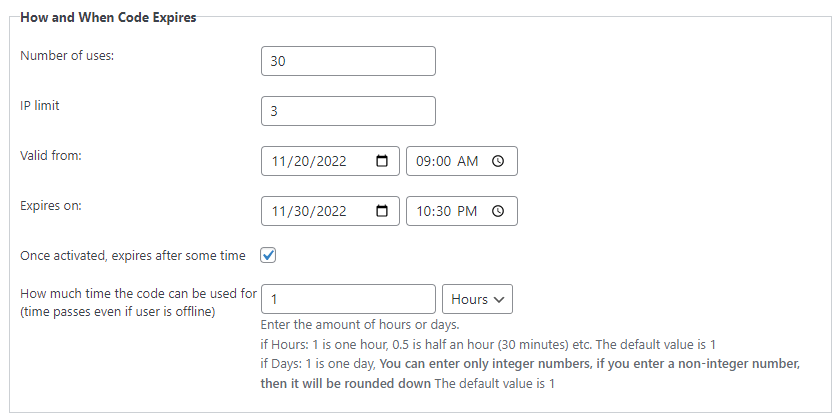 Code Limitation Settings
 | Each WordPress invitation code can be optionally limited by a few parameters, such as the number of uses, the number of IPs that can use the code, the start and end dates and time when the code can be used, and the duration of each code - how long the content is unlocked after entering the code. |
Access via Invitation Links and QR Codes
|
Users can access restricted content using unique invitation links. Each link includes the invitation code as a GET parameter, so there is no need to enter the code manually - simply opening the link grants access. Each invitation link can also have a unique QR code. By scanning the QR code with a mobile device, users are automatically redirected to the restricted content without needing to enter the invitation code manually. Give users access with just a few clicks. |
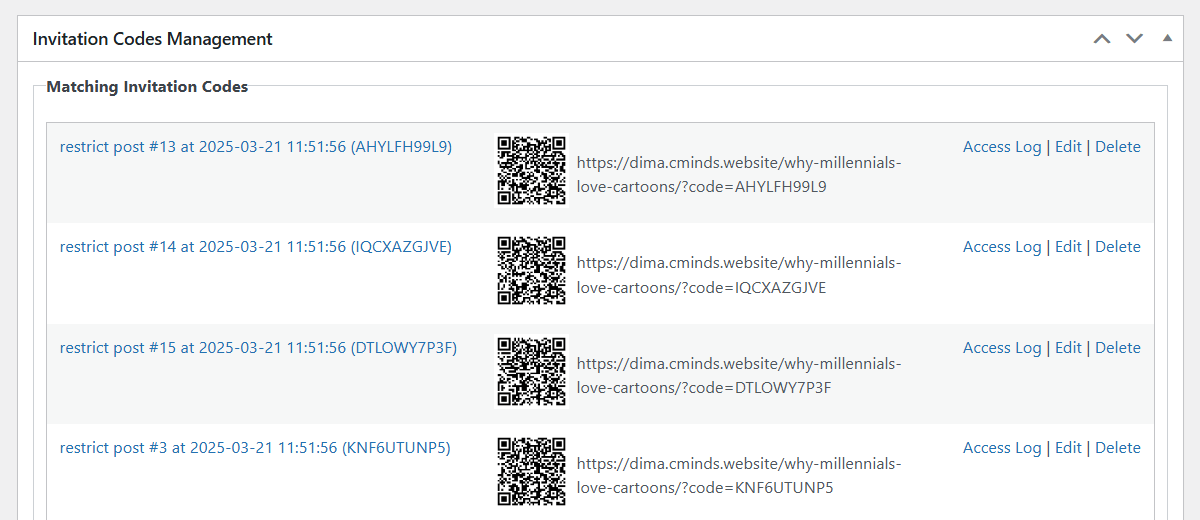 Access Links and QR Codes
 |
Send Notification to Users
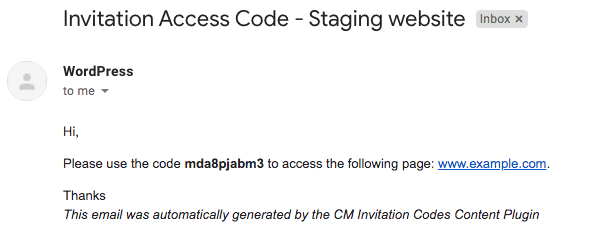 Notification sent by plugin
 |
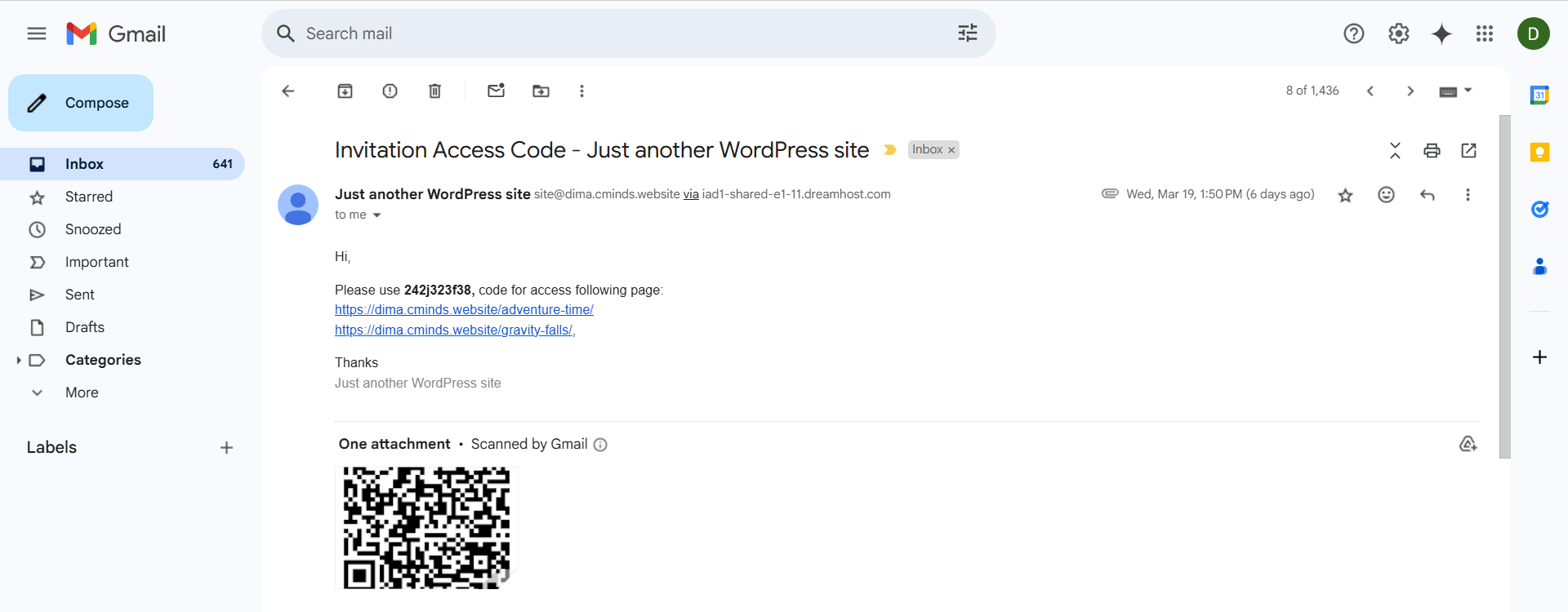
When importing WordPress invitation codes via CSV or creating single invitations, notify users on the spot. Send multiple emails when importing a CSV file and track if each was sent. Customize the message template and translate the text. You can also include images, HTML formatting, and placeholders to ensure the content is dynamic. |
Monetize Content with Invitation Codes
|
Have users purchase invitation codes via PayPal, Stripe, or other payment gateways. The payment is done via integration with WooCommerce, a free payment plugin. Create as many WordPress invitation codes as you need and charge users for accessing the content. Turn your website into an exclusive content hub! |
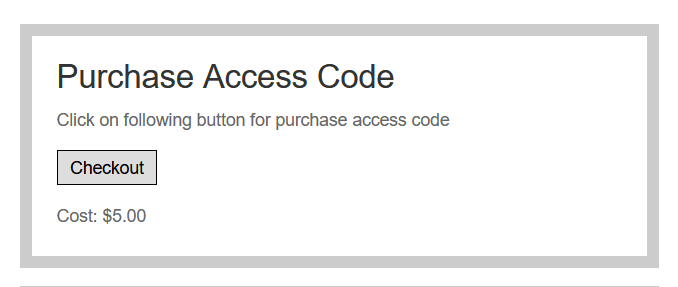 Paid Code
 |
Sell Access Codes via WooCommerce
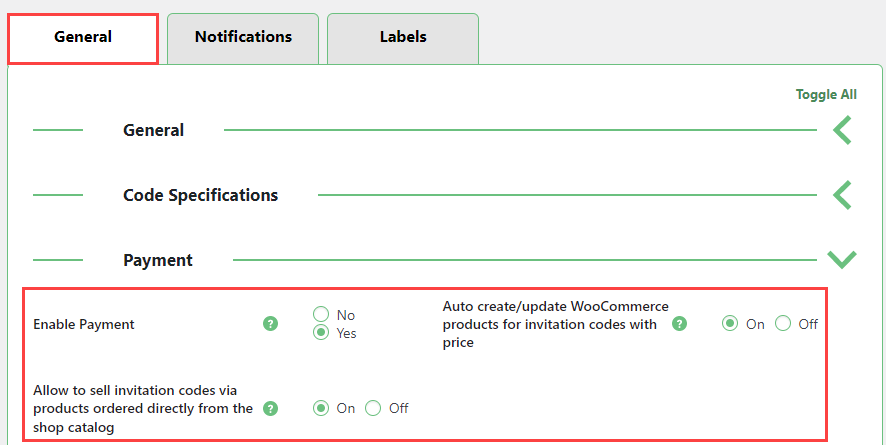 WooCommerce Shop Direct Sells
 |
Sell access codes directly from your WooCommerce shop. Templates can be generated for every purchase, making it simple to provide invite-only access to content on your WordPress website. |
Ready to Control Who Can Access Your Content?
Ways to Generate Invitation Codes
- Single Code – the best option for sending the same access code for a large number of users
- Multiple Codes – bulk creation is ideal for tracking different uses
- From CSV File – Lock different pages/files and create multiple access codes with individual expiration dates and use limits
Additional Resources
Start Using Invitation Codes Today
WordPress Invitation Code Content Access Plugin Features
Please check the user guide to learn more about this plugin.
Basic Features
Lock Content
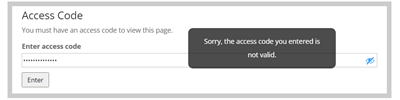
Restrict the access of specific pages only to users who have an invitation code.
Flexible Code Creation
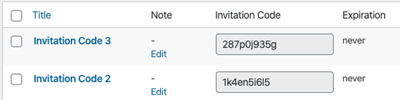
Generate invitation codes individually or in bulk.
Import and Export Codes
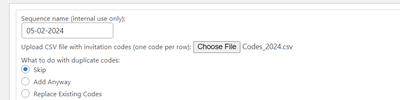
Upload and download CSV files containing all code information.
Recover Management
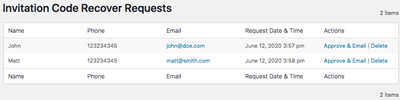
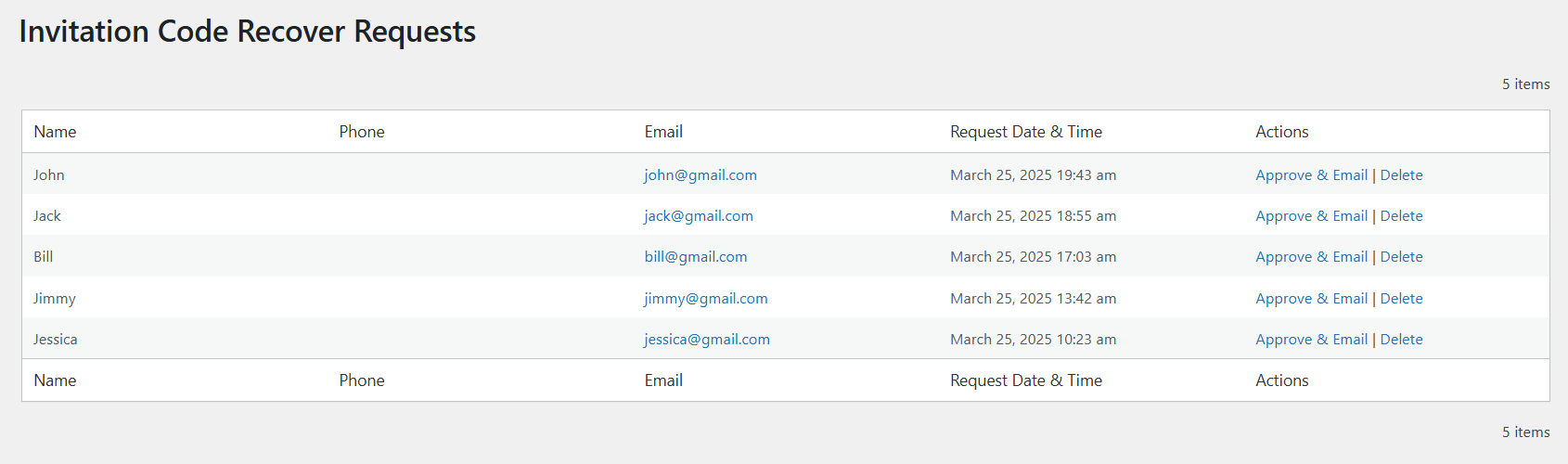
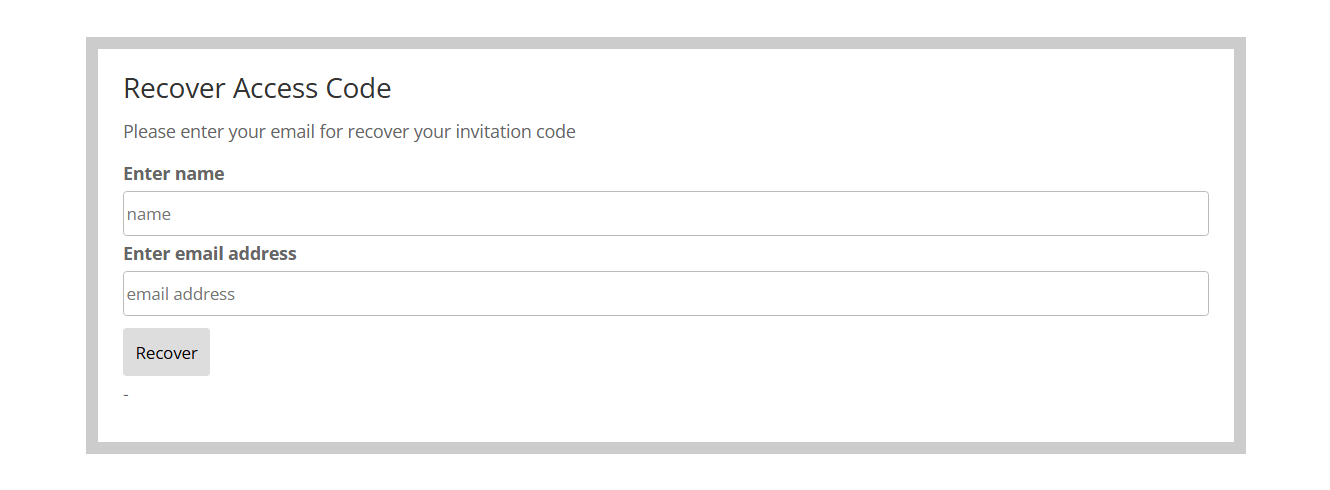
Allow users to request code recovery. Optionally, you can ask them for a name and telephone number and moderate the request.
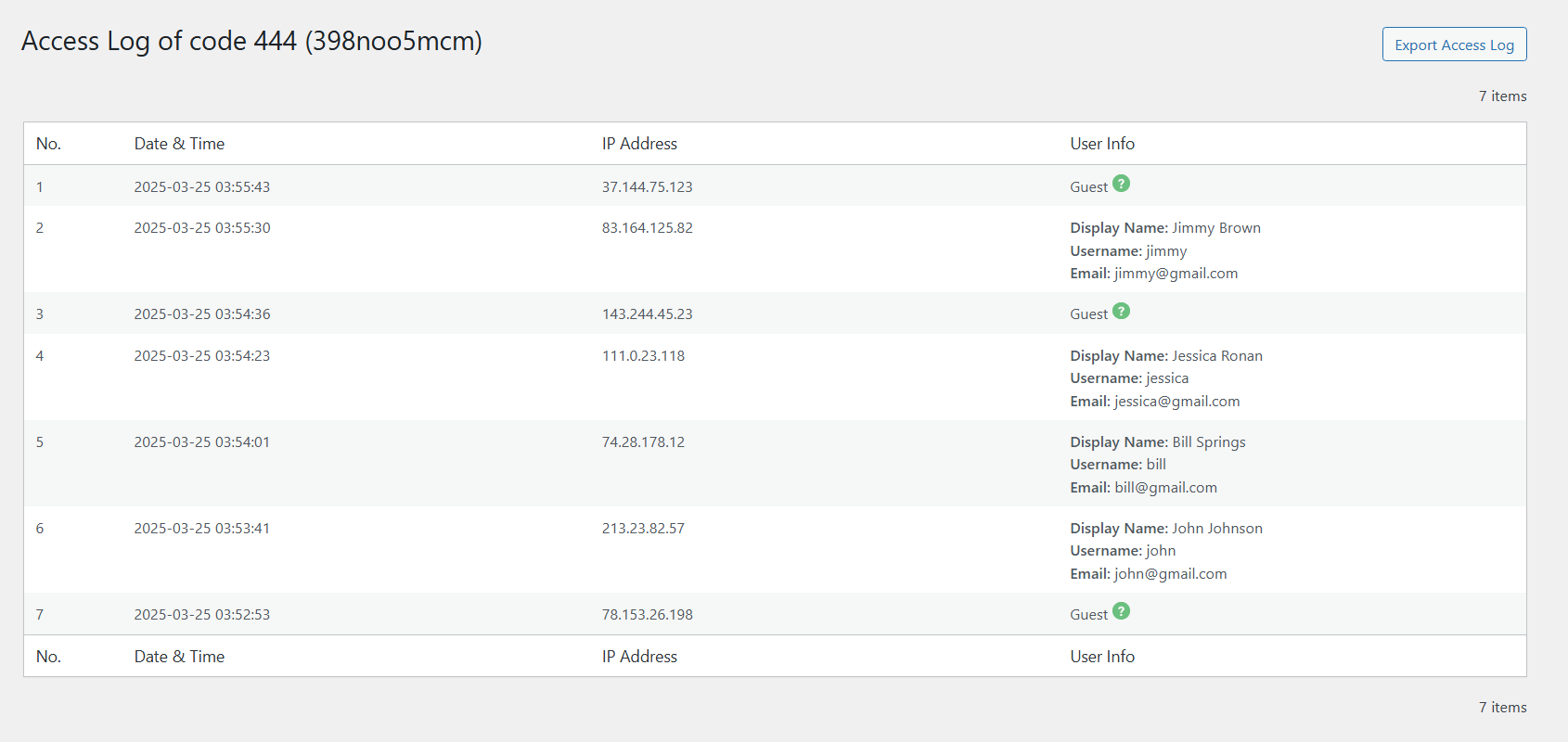
Access Log
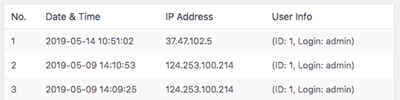
Track each usage of your codes, including date and user account.
GDPR And Data Privacy
The admin can display Terms of Service. Users that refuse to comply will not be able to apply codes.
Google ReCaptcha
Secure the form for entering invitation codes with Google ReCaptcha v2.
Control Code Usage
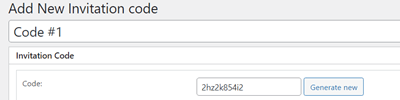
Set a unique name, use usage limit, set expiration date and add internal notes for each invitation code.
Sequential or Randomized
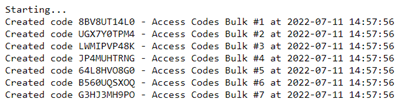
When creating multiple codes at once, make their numbers sequential or completely random.
Import List of Emails
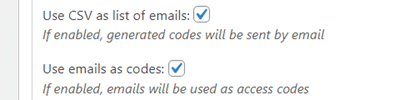
You can import a CSV file containing a list of emails. The codes will be automatically generated and sent to the listed email addresses. The emails can also be used as codes.
User Notification
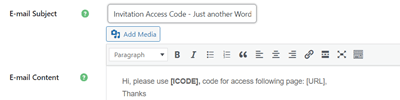
Notify users with a personalized message when a code is created. Works with single codes and CSV imported codes.
Easy to Translate

All relevant text can be adjusted via straightforward labels settings.
Google Tag Manager
Track the usage of forms submissions with your GTM data layer.
Multi-Factor Authentication
It’s possible to require users to perform SMS authorization after inputting an access code. Requires installing the plugin CM Secure Login.
Content Access Features
Access Form
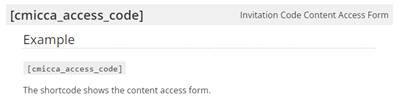
Add the invitation codes access form, where users type the code, anywhere on your site either automatically or using a shortcode.
Email Required
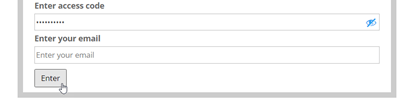
You can require users to enter an email along with an invitation code in order to access the restricted content. If the email does not match the code access will be denied.
Direct Access Links
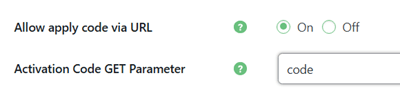
Let users use direct access links without need to enter the invitation code.
Don’t Lock For Admins
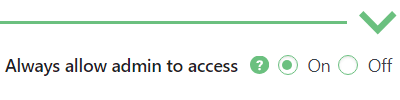
Prevent the content from being blocked to admin accounts.
Access Code Locked by Logged-In User
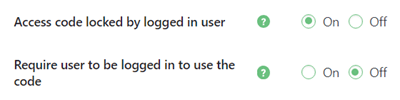
If a logged-in user uses the access code, it will be locked and no other user will be able to use the same code. This is useful when a code is created to provide access to your registered users.
First Used Page
If one invitation code is assigned to multiple pages, after the code is used on one of the listed pages, other pages from the list can’t be unlocked by the used code. This option can be overridden for each code.
Invitation Form Builder
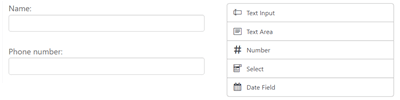
You can extend the access form used to enter the invitation code by adding custom fields to require users to provide more data about them when using invitation codes.
2FA Verification
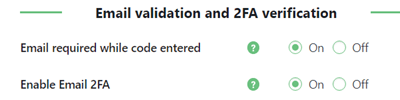
Avoid sharing invitation codes between users by enabling 2FA verification together with using invitation codes.
QR Codes for Access

Allow users to access restricted content by scanning a QR code.
Access Denied for Specific User Roles
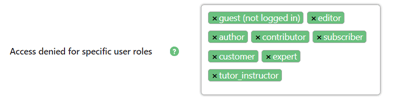
Select user roles for which you want to restrict the content using invitation codes.
Remember Used Code for User
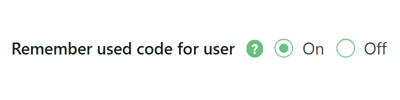
If the logged-in user uses the access code, he will not need to use it again.
Content Restriction Types
Restrict Posts and Pages

Select one or multiple posts (including custom post types) or specify specific URLs to be locked by each code.
Homepage Restriction
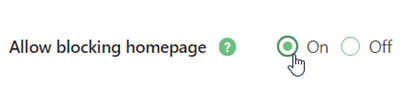
The plugin allows to exclude your homepage from being locked, as the homepage can provide details on using codes.
File Restriction
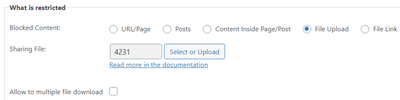
Restrict a downloadable file, such as an image, video or ZIP package.
URL Blacklist/Whitelist
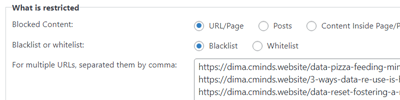
If specified URLs are whitelisted, then all pages on your site will be locked except the specified URLs. If specified URLs are blacklisted, then only the specified URLs will be locked and will require an invitation code to access them.
Partial Content Restriction
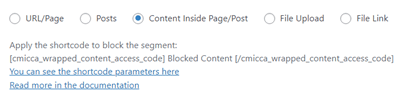
Select part of a page to be locked by each code.
File Link Restriction
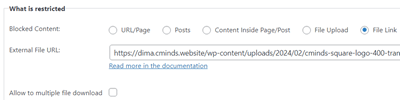
Restrict a link to the file (can be a link to an external resource).
Invitation Code Specifications
Four Digits Invitation Code
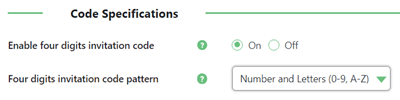
Optionally you can limit the access code length only to 4 symbols. Decide if it should be only numbers, only letters or mix of both.
Specific Invitation Code
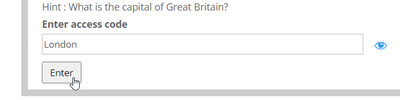
The access code form displayed on the front-end will be shown with a defined hint/question (randomly from all codes for a specific post); only correct answers to a specific question give the user access to the locked content.
Number of Uses
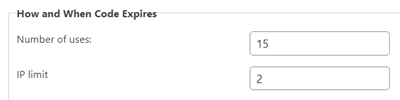
Limit the amount of uses for each code.
IP Limit
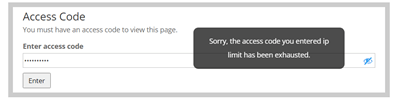
Limit the amount of IP addresses that can use each code.
Code Prefix
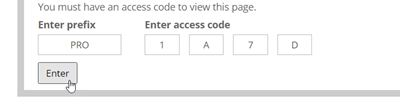
Allows to add a prefix for the four digits codes generated in bulk.
Duration of Access
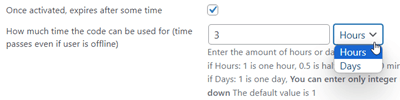
Define how long the user can access the content after using the invitation code for the first time.
Expiration Period
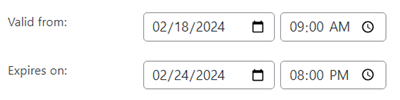
Define the period in which the code can be activated.
Front-end Code Generation by Specific User Roles

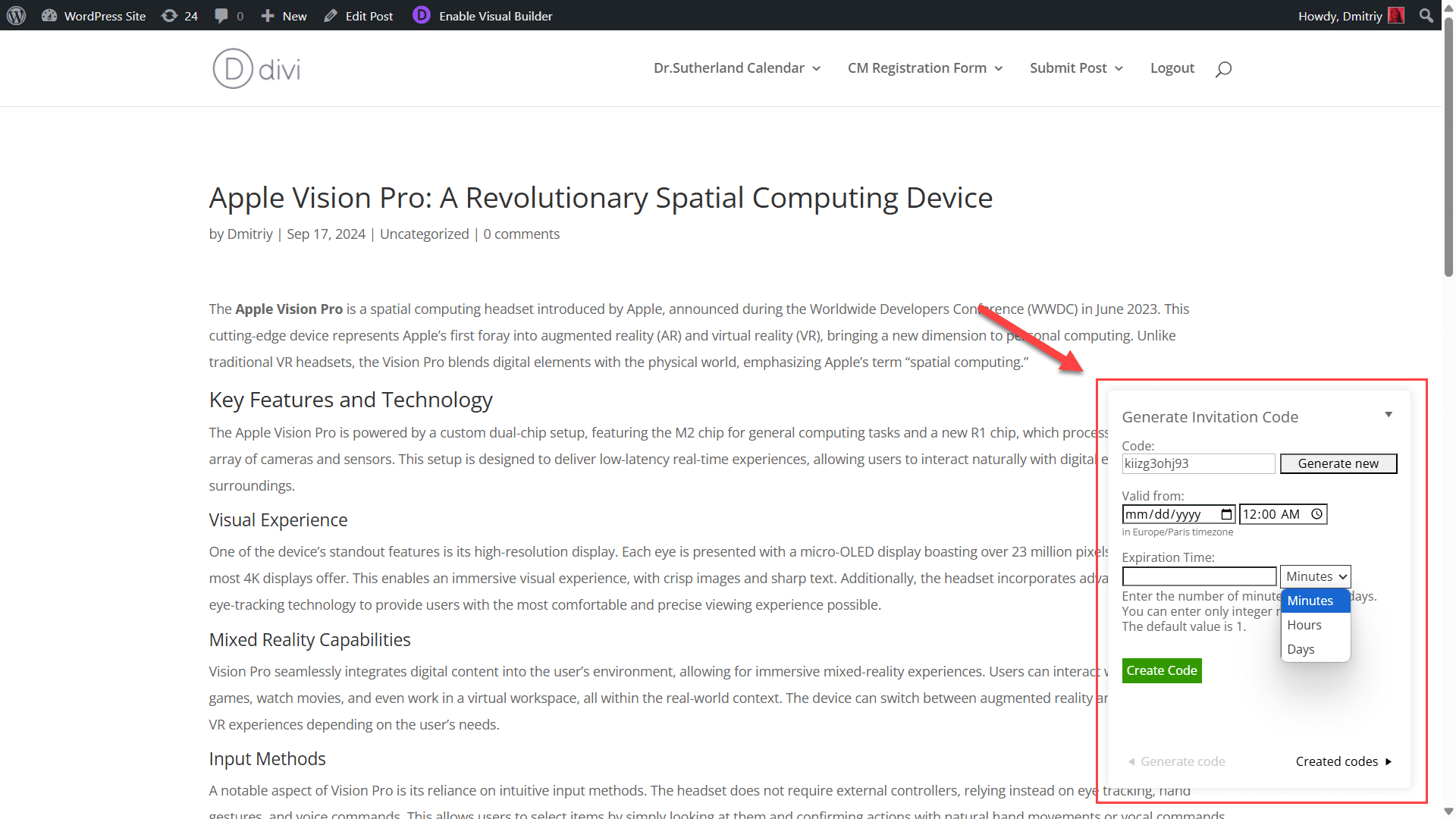
Allow specific user roles to generate invitation codes via a simplified front-end form or floating widget, streamlining the process and enhancing content access management flexibility, without the need for backend access.
Ecommerce Features
Charge User Once Accessing a Page
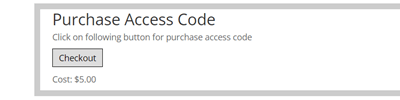
Have users pay to access a specific page using PayPal, Stripe and other payment gateways and receive a specific invitation codes. The payment is done via integration with WooCommerce. The price for each code can be set. The purchase button will appear once viewing the page.
Gift Codes
Create gift access codes that will be sent to customers when they purchase specific products in the WooCommerce shop. For example when a user purchase a radio you can send him an access code to the user guide of this radio.
Sell Codes in WooCommerce Shop
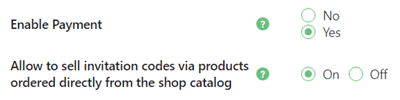
Sell access codes directly from your WooCommerce shop the same as products are sold. Each code can have it’s own unique product page and will be shown in the products catalog. The codes will be generated automatically for every purchase based on the code template that you create.
Integrations
Site Access Restriction

Integrate with CM Site Access Restriction to enhance content access management. Use invitation codes to override general restrictions set by CM Site Access Restriction, allowing precise control over who can access specific content.
WordPress Invitation Code Content Access Plugin Plans and Pricing
Choose from different license options and pricing plans for the WordPress Invitation Code Content Access plugin to find the version that fits your needs.
Compare License Options
| PLANS | ||
| Price includes 1 year support/updates. Manual renewal with 40% discount, not a subscription | $69 | $149 |
| Number of Websites / License Activations | 1 | 5 |
| BASIC FEATURES | ||
| Lock Content |  | |
| Create Single Codes | | |
| Create Multiple Codes In Bulk | | |
| Import and Export Codes | | |
| Import List of Emails | | |
| Recover Management | | |
| Email Notifications | | |
| ACCESS FEATURES | ||
| Access Form | | |
| Form Builder | | |
| Email Required | | |
| 2FA Verification | | |
| Access Denied for Specific User Roles | | |
| Direct Access Links | | |
| QR Codes for Access | | |
| Don’t Lock For Admins | | |
| Access Code Locked by Logged-In User | | |
| Remember Used Code for User | | |
| First Used Page | | |
| RESTRICTION TYPES | ||
| Homepage Restriction | | |
| URL Restriction | | |
| Posts Restriction | | |
| Partial Content Restriction | | |
| File Restriction | | |
| File Link Restriction | | |
| URL Blacklist/Whitelist | | |
| CODE SPECIFICATIONS | ||
| Four Digits Invitation Code | | |
| Code Prefix | | |
| Specific Invitation Code | | |
| Number of Uses | | |
| IP Limit | | |
| Expiration Period | | |
| Duration of Activation | | |
| Front-end Code Generation by Specific User Roles | | |
| ECOMMERCE FEATURES | ||
| Charge Users | | |
| Sell Codes in WooCommerce Shop | | |
| Gift Codes | | |
| ADMIN FEATURES | ||
| Access Log | | |
| Easy to Translate | | |
| GDPR And Data Privacy | | |
| INTEGRATIONS | ||
| Google Tag Manager | | |
| Google ReCaptcha | | |
| Multi-Factor Authentication | | |
| CM Site Access Restriction Plugin | | |
| SUPPORT | ||
| Product Knowledge Base |
 |
|
| Priority email support |
|
|
| Product updates |
|
|
| PLANS | ||
| Number of Websites / License Activations | 1 | 5 |
| Price includes 1 year support/updates. Manual renewal with 40% discount, not a subscription | $69 | $149 |
Choose the Right Plan
Compare the two available license options to find the one that fits your WordPress site needs:
Single-Site License: Perfect for those who want to use the plugin on a single website. Includes all features for creating and managing invitation codes, content restriction, and access tracking.
Five-Site License: Ideal for developers or businesses managing multiple websites. All features included, with the flexibility to use the plugin across up to five WordPress sites.
Choose the license that best matches your setup and start controlling access to your content with ease today.
Extend Control on Your WordPress Content
The following related plugins can be used alongside the Invitation Code Content Access plugin to enhance functionality and provide additional ways to manage content access on your WordPress site.




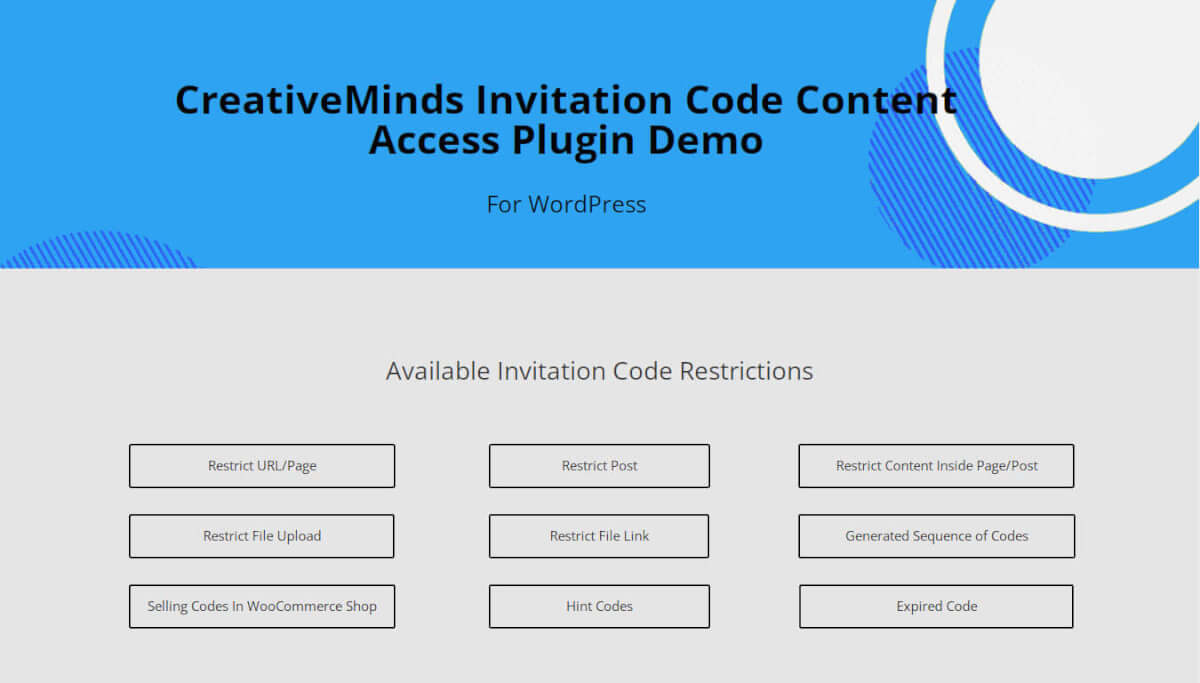
Invitation Code Content Access Demo
To see the major features of the Invitation Code Content Access Plugin, visit our demo site.
WordPress Invitation Code Content Access Demo
Front-end Interface
-

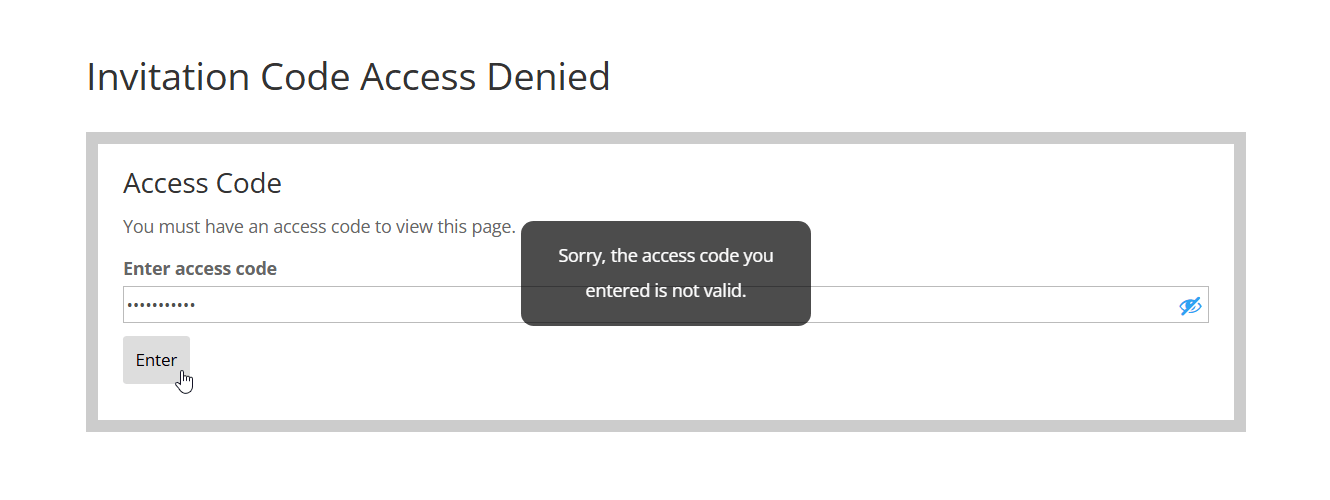
- Restricted Content – Access Form
-

- Form for Purchasing Invitation Code

-

- Form for Recovering Invitation Code
-

- Front-end Form for Creating Invitation Codes
-

- Email Notification Example
Settings and Shortcodes
-

- General Settings – Part 1

-

- General Settings – Part 2
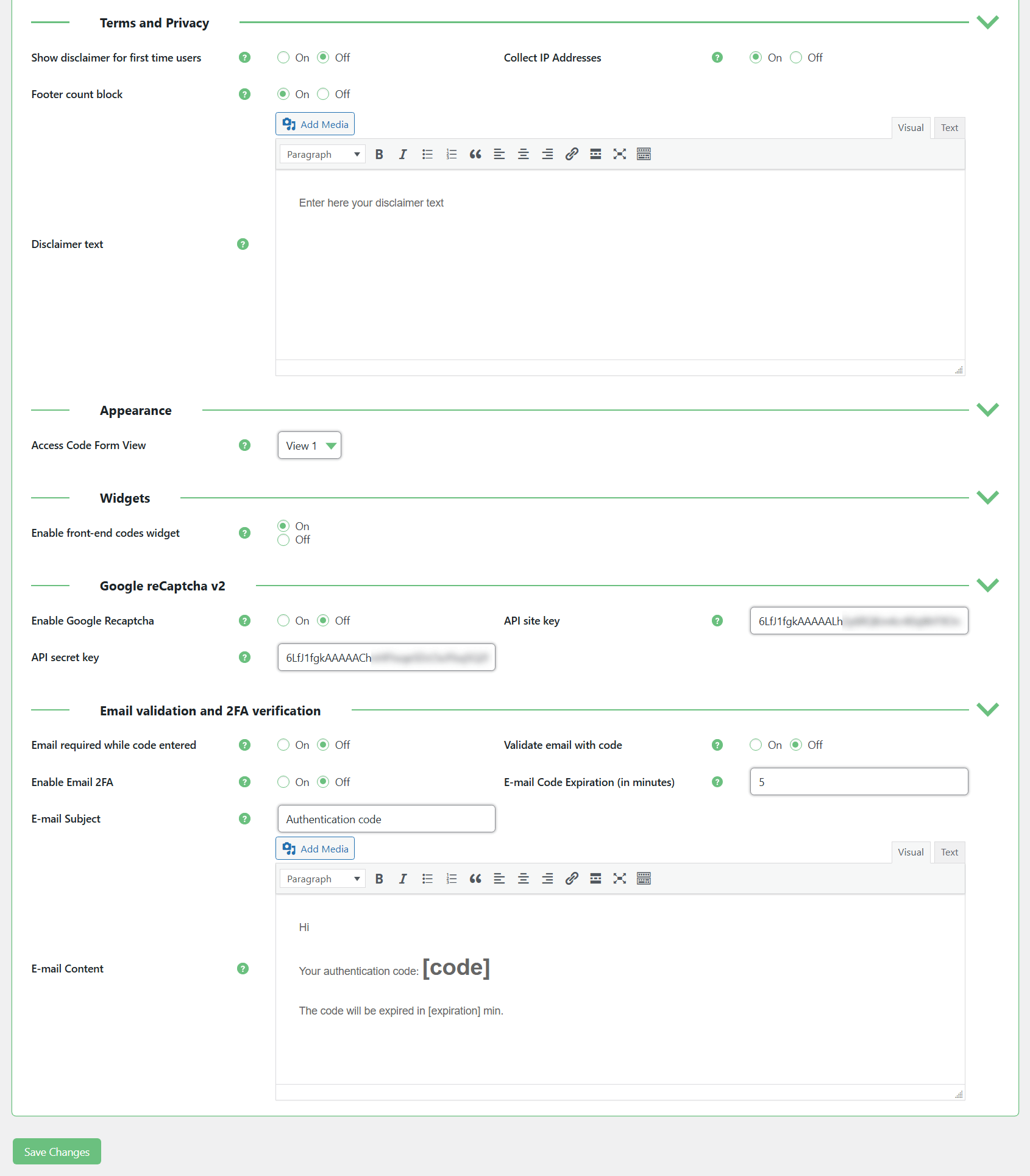
-

- Notifications Settings – Part 1
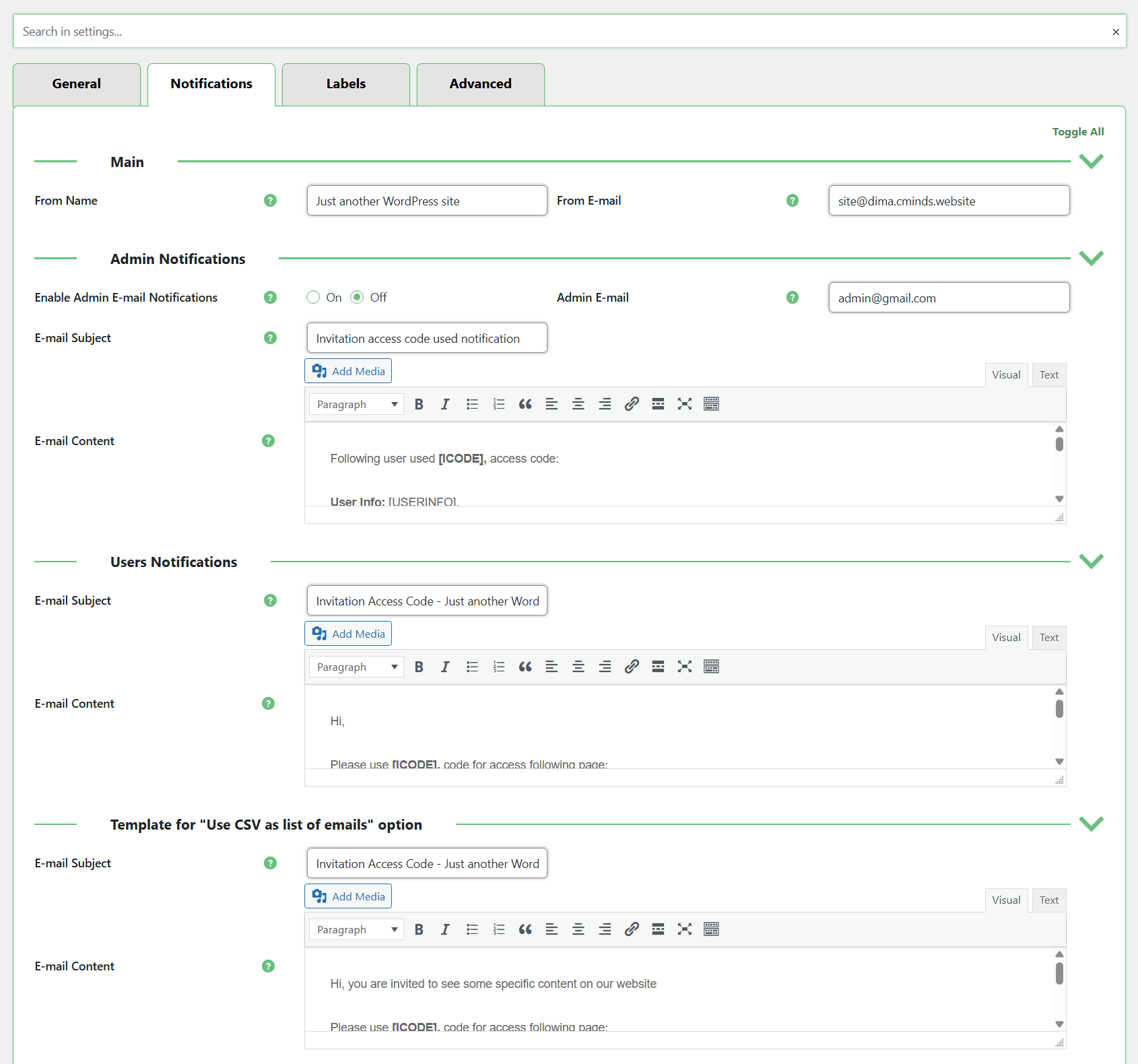
-

- Notifications Settings – Part 2
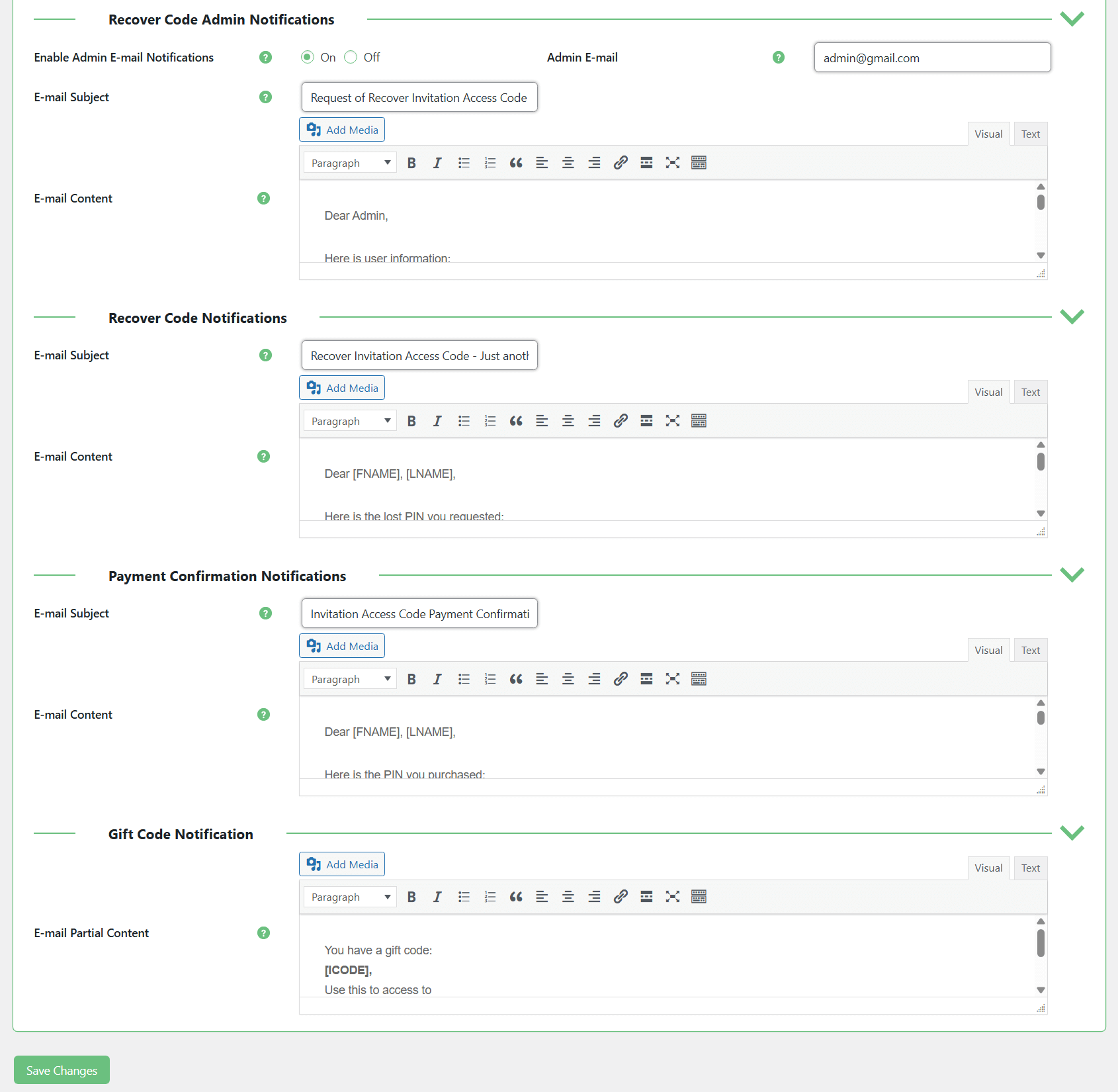
-

- Labels Settings – Part 1
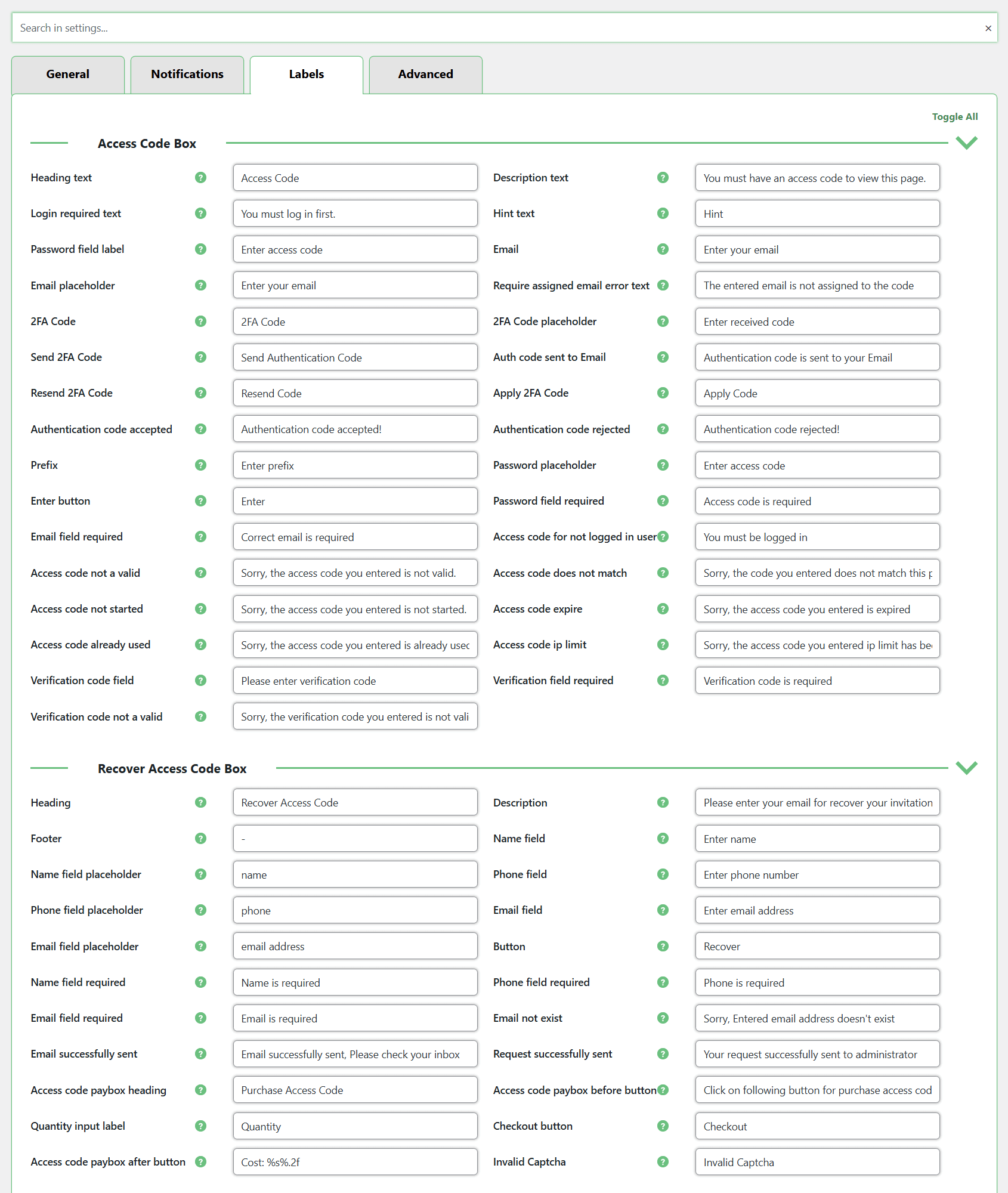
-

- Labels Settings – Part 2
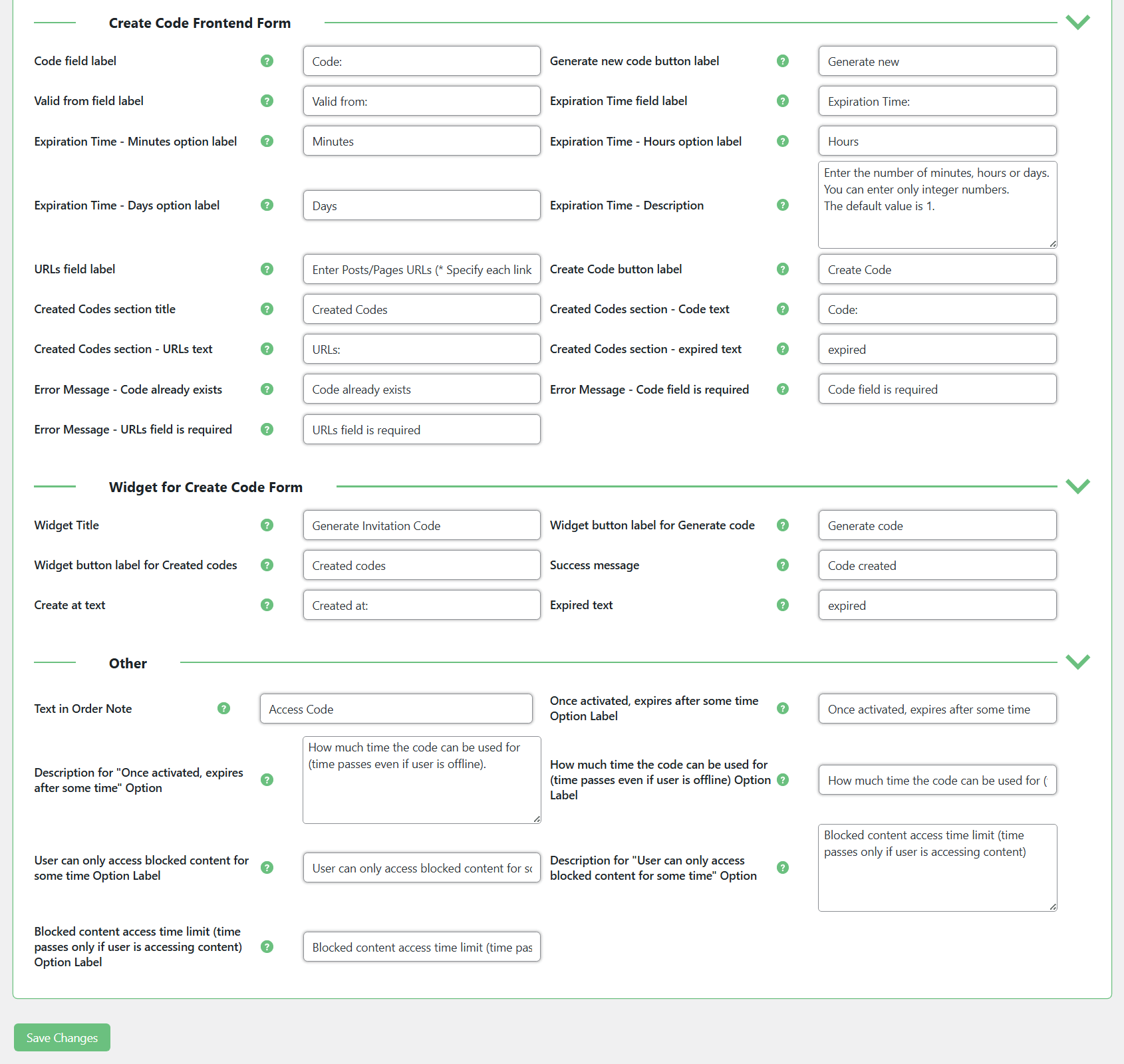
-

- Advanced Settings

-

- Form Builder for Adding Custom Fields to the Access Form

-

- Available Shortcodes
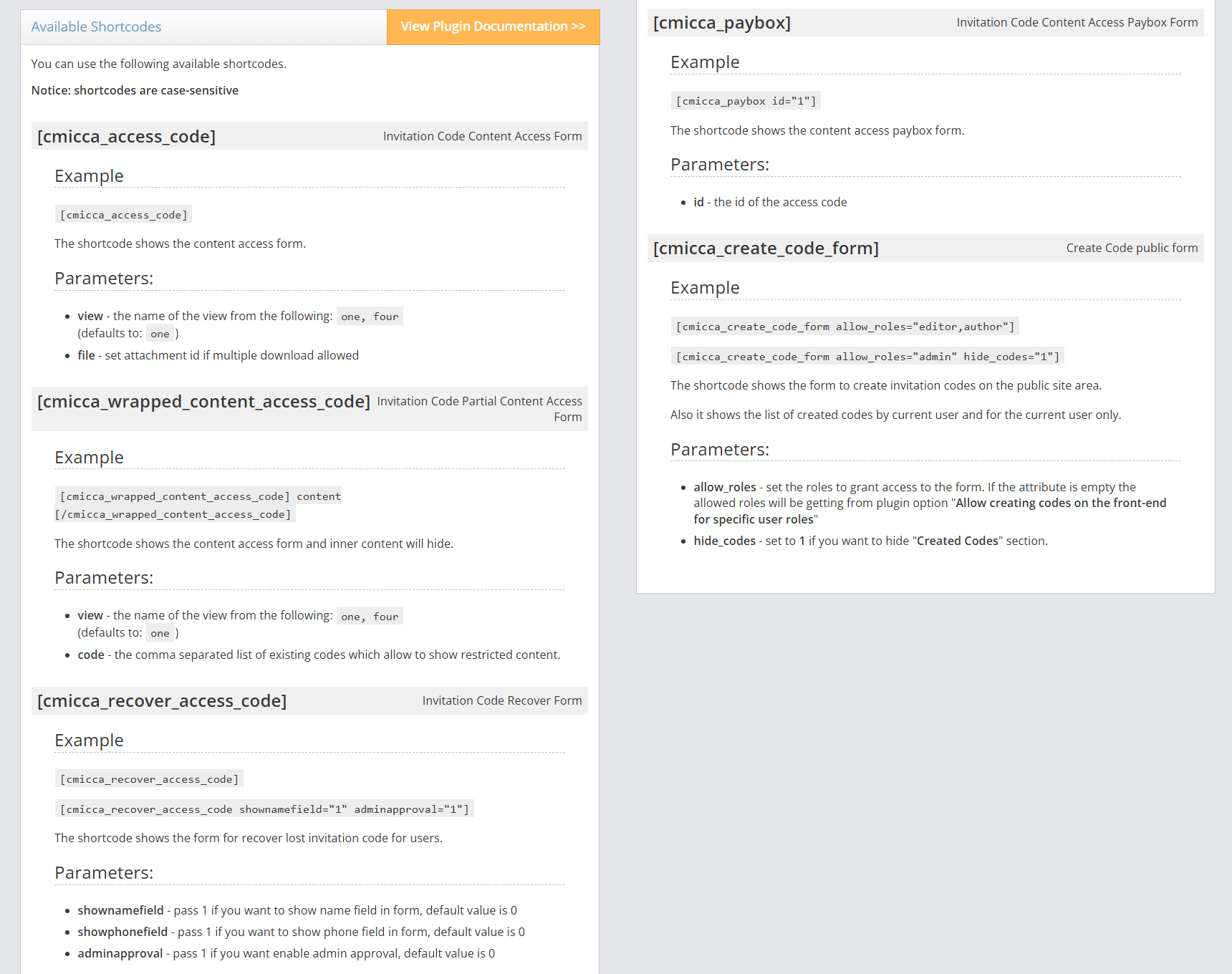
Managing Invitation Codes
-

- Form for Creating Invitation Codes
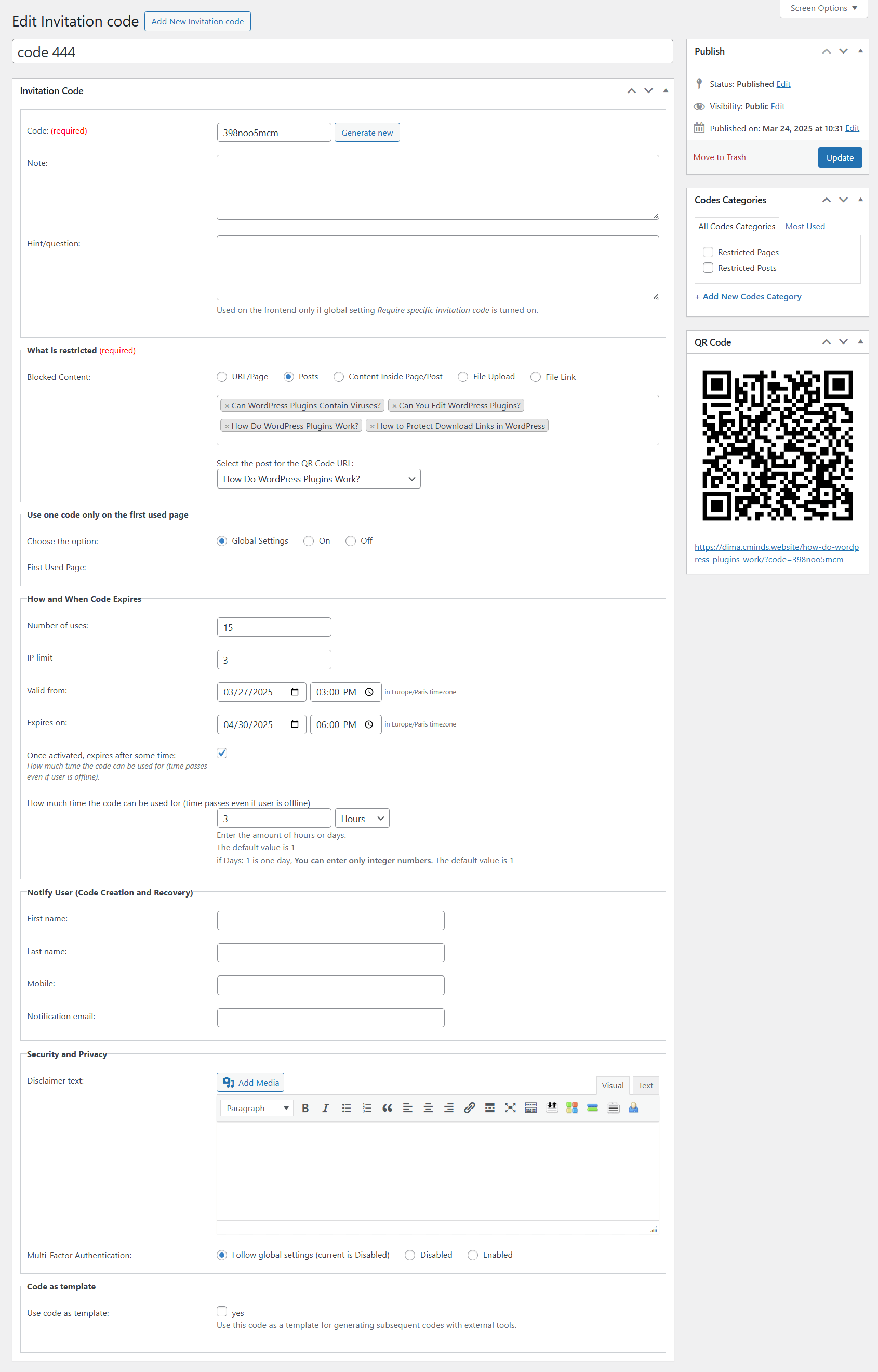
-

- Form for Creating Invitation Codes In Bulk
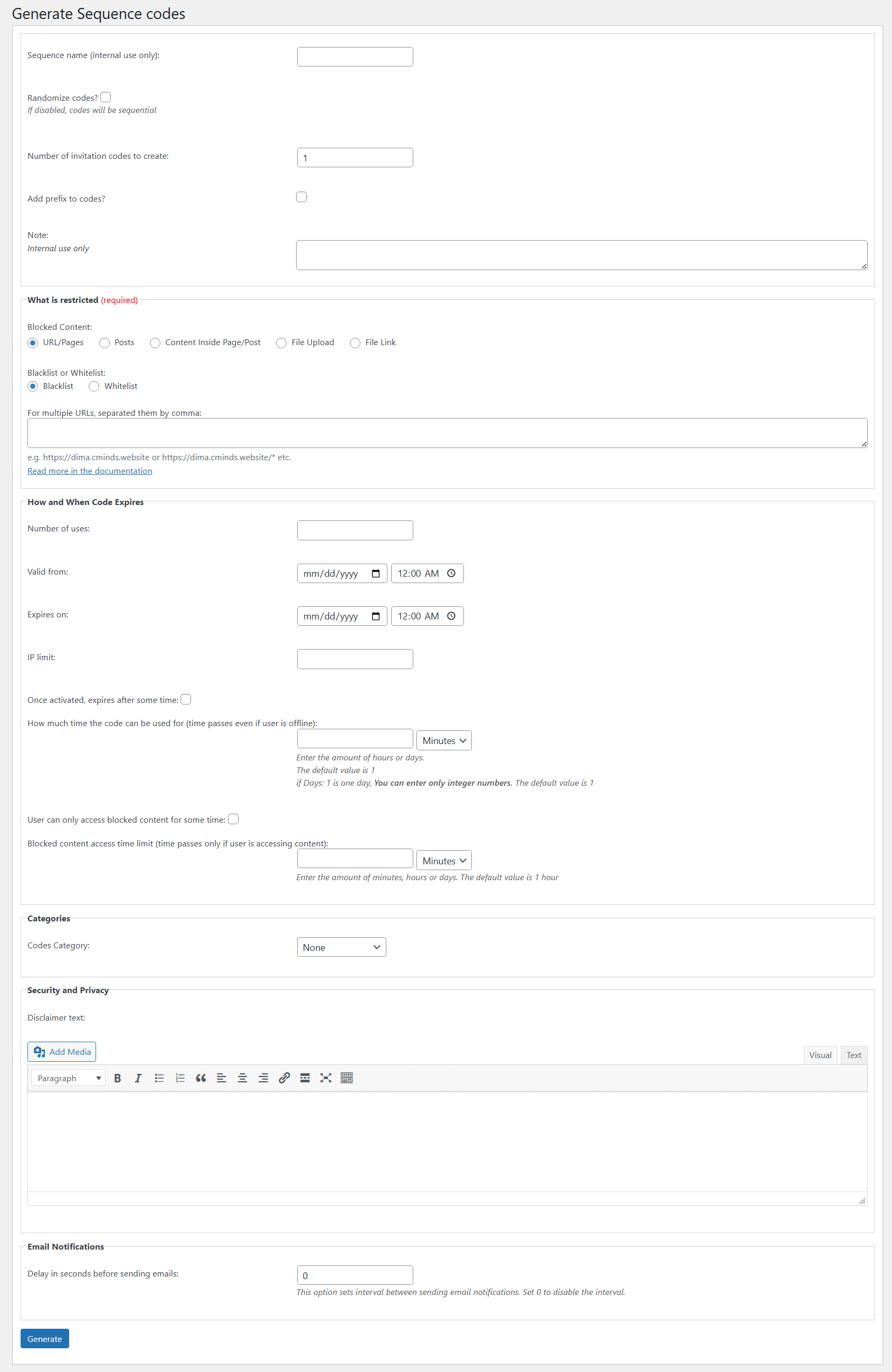
-

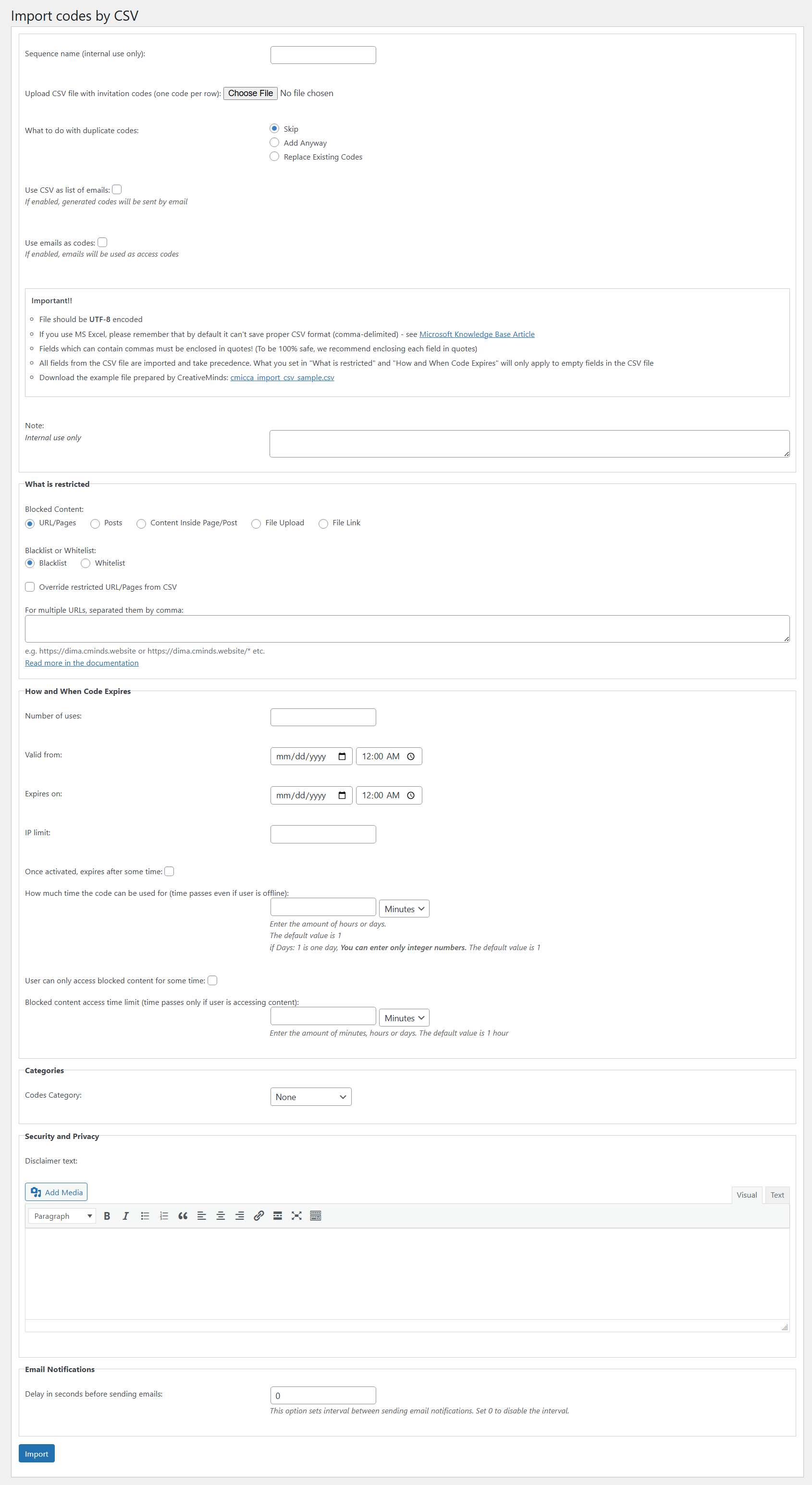
- Form for Importing Invitation Codes Via CSV
-

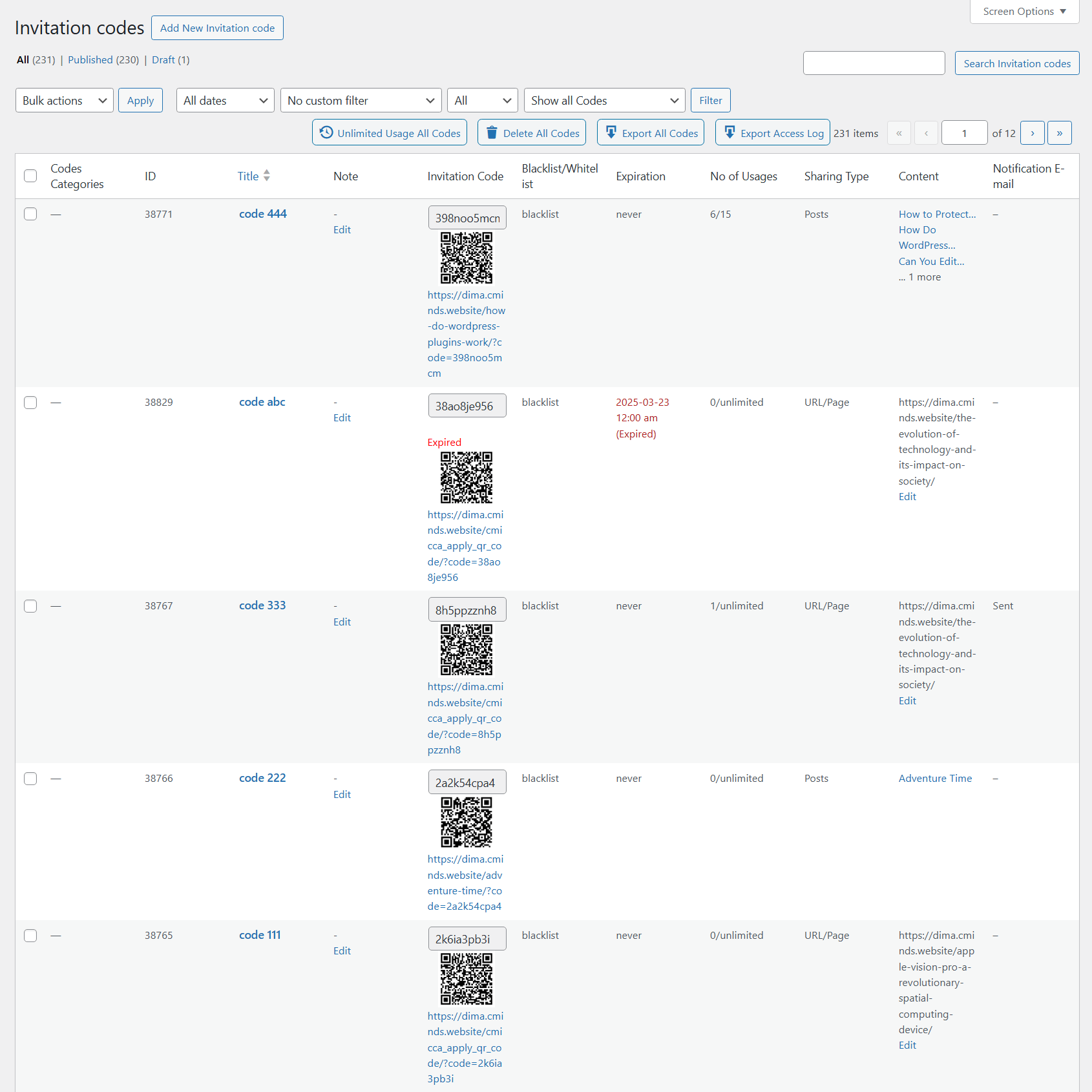
- Dashboard forManaging Invitation Codes
-

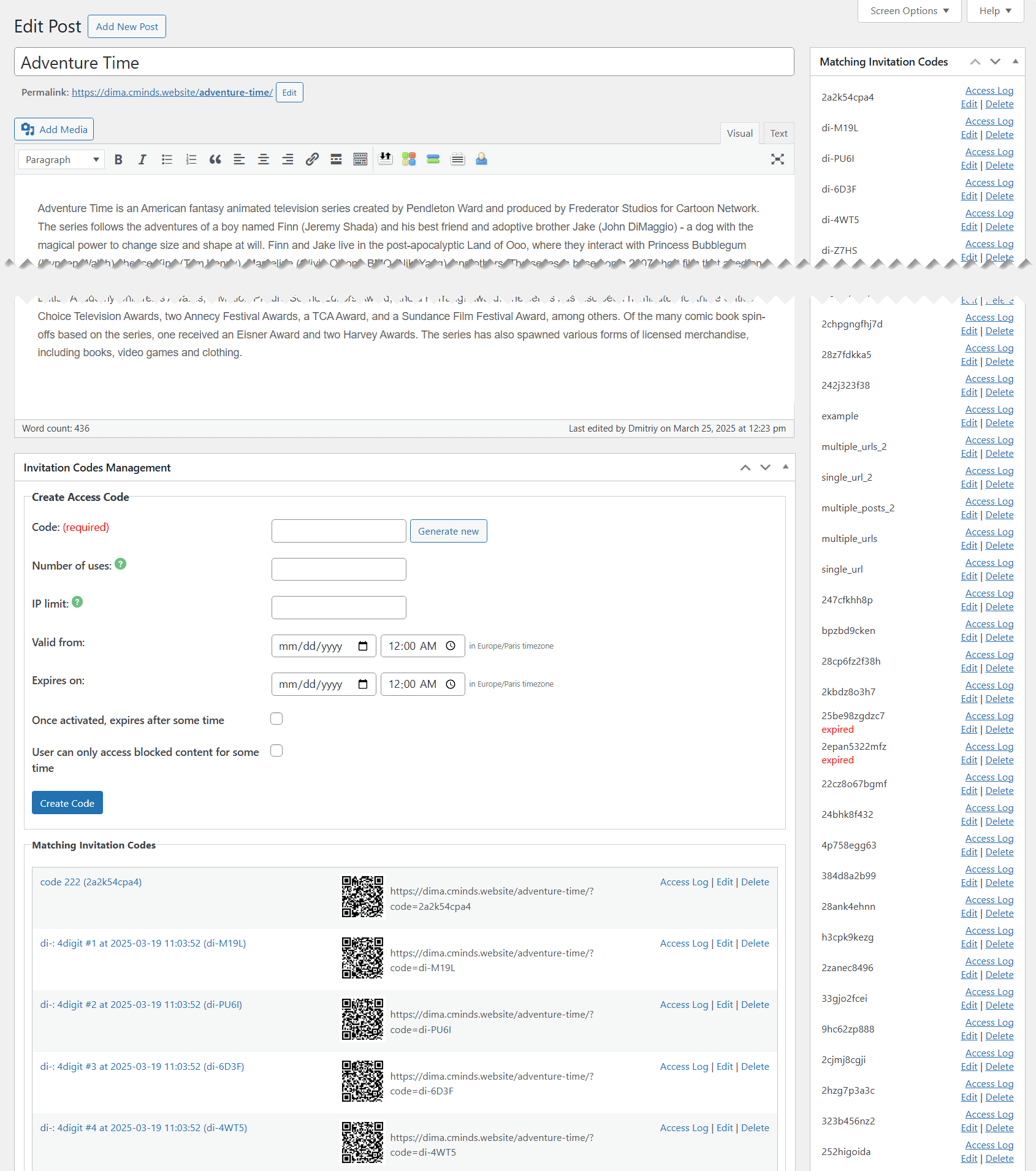
- Managing Invitation Codes for Specific Post or Page
-

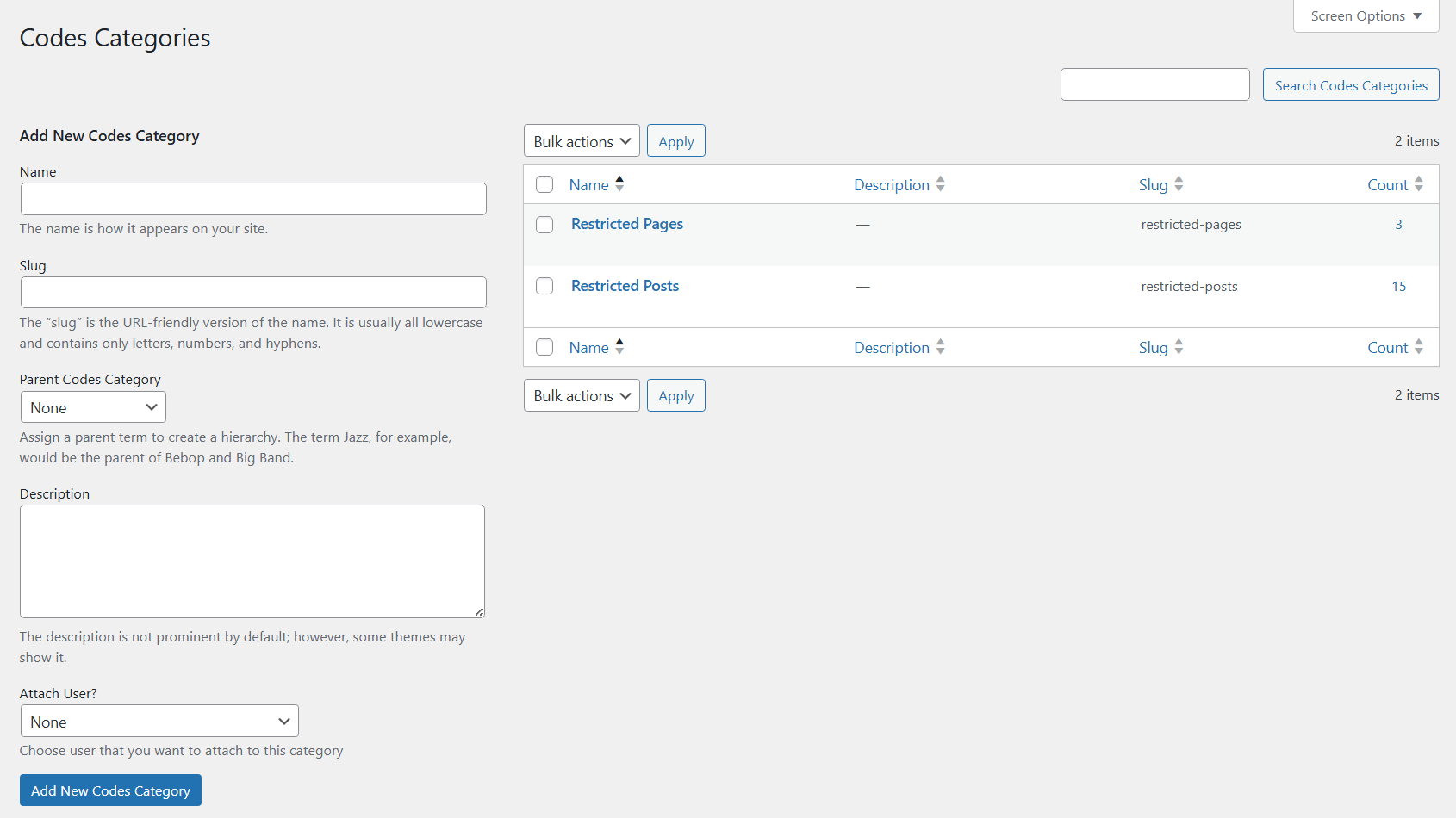
- Dashboard for Managing Categories
Logs and Reports
-
- Invitation Code – Access Log Example
-

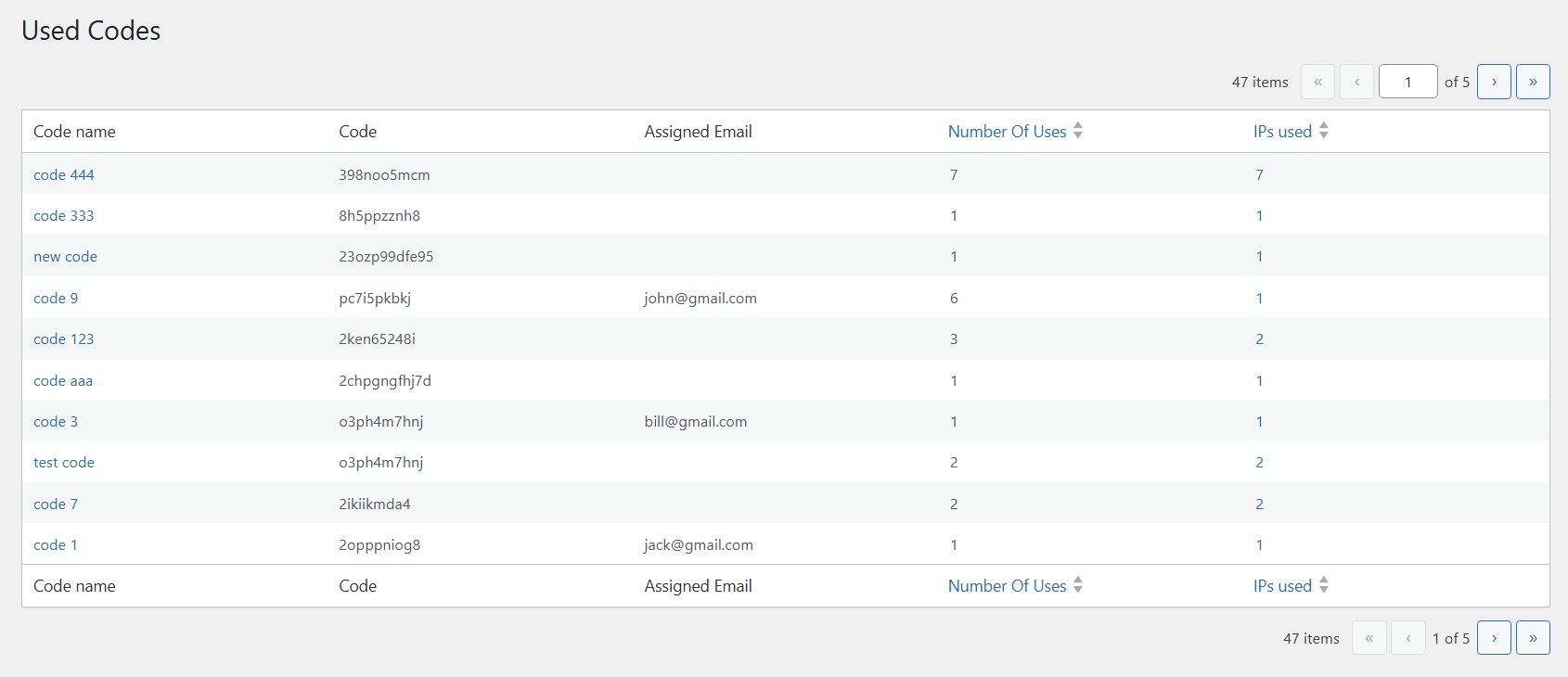
- Used Codes Log Example
-

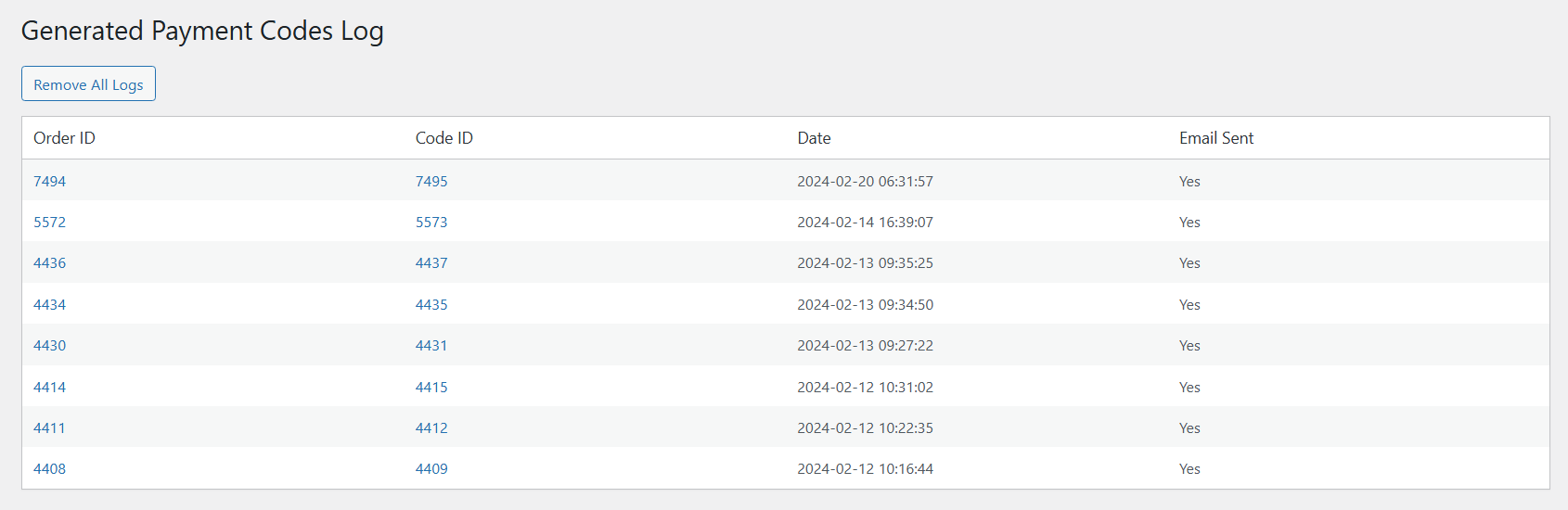
- Log for Tracking Generated Payment Codes
-

- Dashboard for Managing Recover Requests