Build Your Own Video Course Platform on WordPress
This WordPress Video LMS plugin lets you create, organize, and manage online video courses directly on your website. Build structured courses with detailed lessons, track student progress, and deliver professional eLearning experiences from a centralized dashboard.
Monetize your courses using flexible payment integrations, extend functionality with quizzes and certificates, and launch a fully branded video learning platform tailored to your needs.
What Is a WordPress Video LMS?
|
A WordPress Video LMS is a system that allows you to create and manage online video courses directly from your website. It helps you structure learning content into courses and lessons, upload video materials, and provide a guided learning experience for your students. You can attach supporting documents to lessons, track student progress, add quizzes to reinforce knowledge, and award certificates upon course completion. Everything is managed from within your WordPress dashboard, giving you full control over your training platform. |
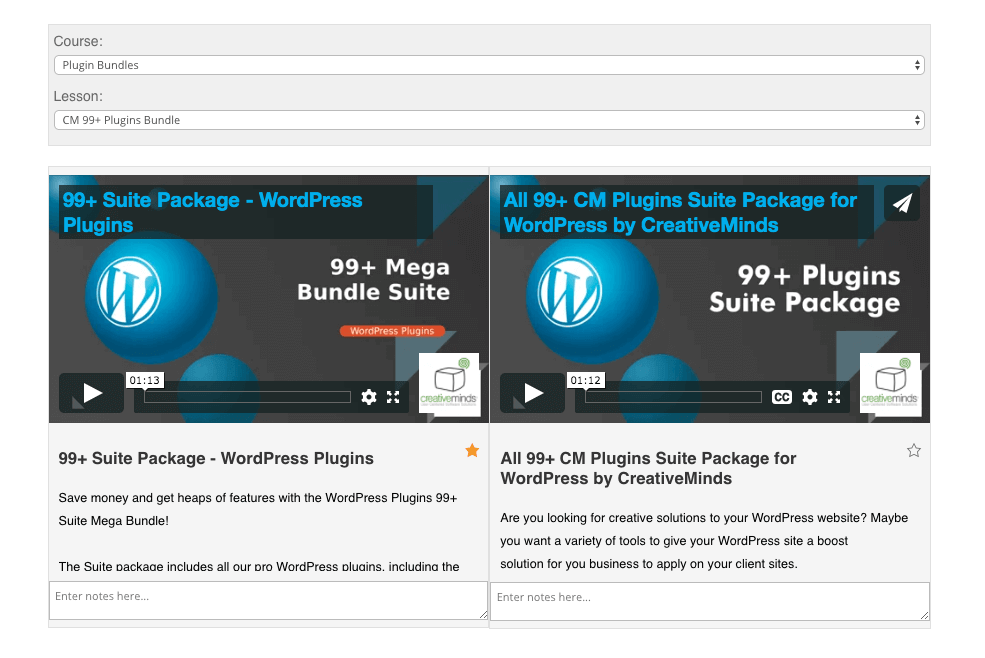 Build Multiple Online Video Courses With Our WordPress LMS video Plugin
 |
Import Videos from Vimeo and Wistia for Your WordPress Courses
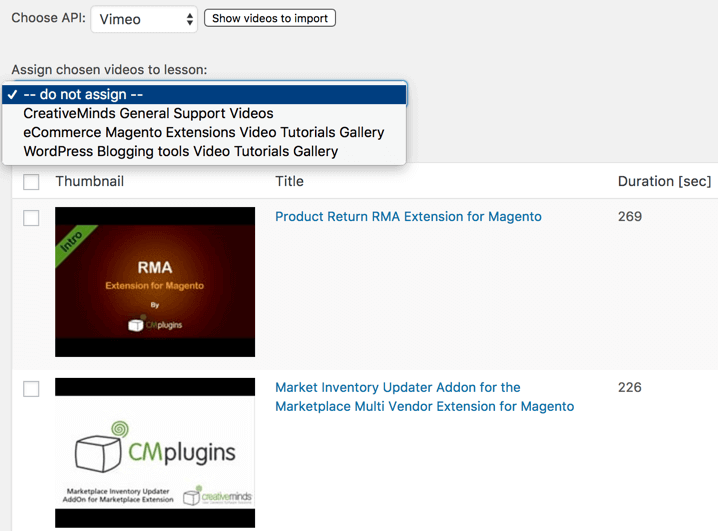 Import Dashboard Showing Videos as Accessed from a Vimeo Account
 |
This WordPress Video LMS plugin lets you import and manage video content from Vimeo or Wistia, including videos set to private. After connecting your account via API key, you can create unlimited courses and lessons directly from your imported videos. Display video lessons on any page or post using shortcodes. Students can watch videos, leave comments, bookmark videos, search within lessons, and track their progress for each video lesson. |
How to Create Reports and Statistics for Your Video Courses
|
Administrators can view detailed progress reports for individual students as well as overall reports for lessons, courses, and videos completed. Users can also access their own course progress stats directly, giving them insight into their learning journey. |
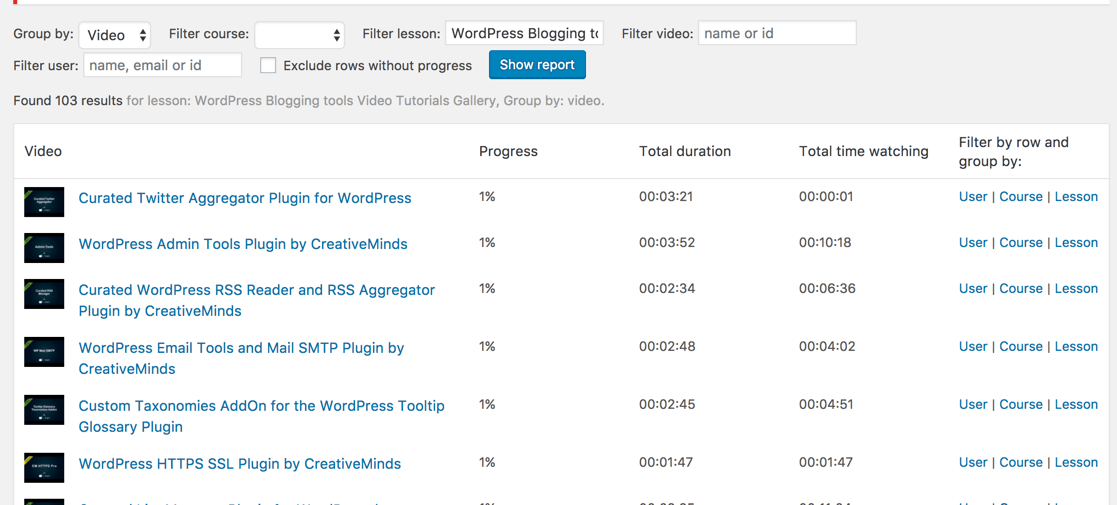 Report Showing Online Course Progress
 |
Using Layouts and Templates for Your Video Courses
Customize the appearance of your video courses by choosing from multiple layouts and displaying them on separate pages using shortcodes. Each layout includes flexible settings that let you control elements such as the search bar, lesson dropdown, and video grid display.
Adjust visual parameters to match your website’s design and create a seamless learning experience for your students.
-

- Tiles layout
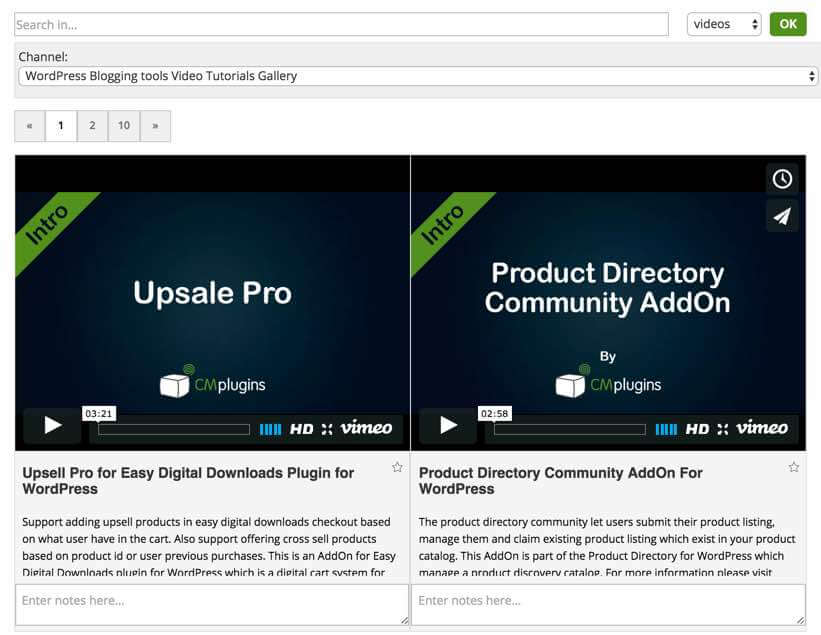
-

- Bottom grid layout
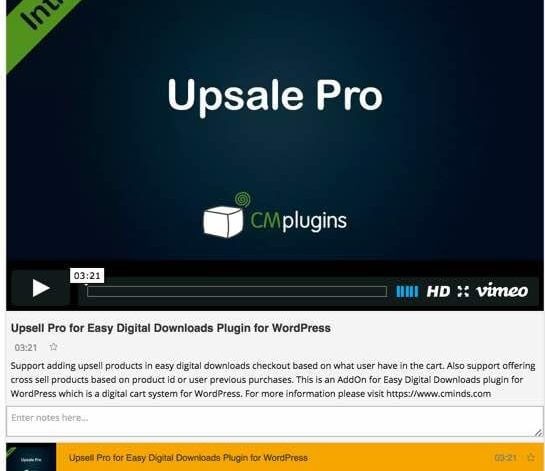
-

- Left side layout
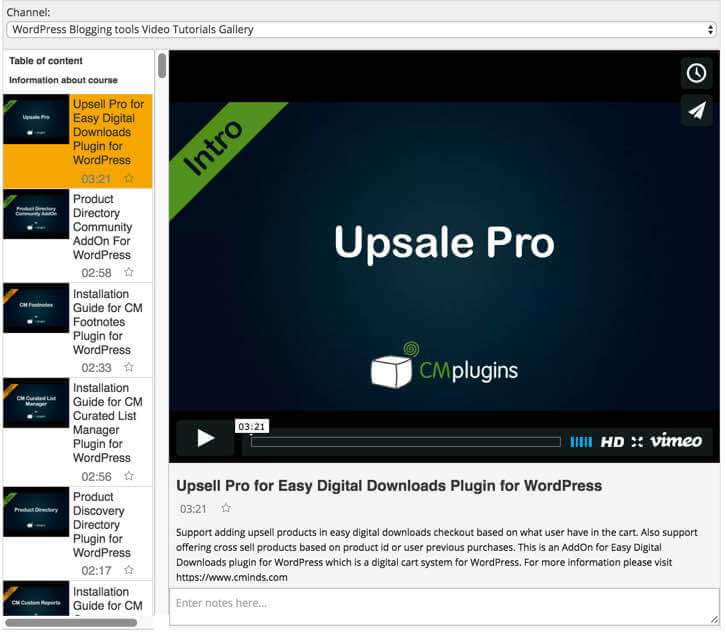
A Quick Look at the Student eLearning Dashboard
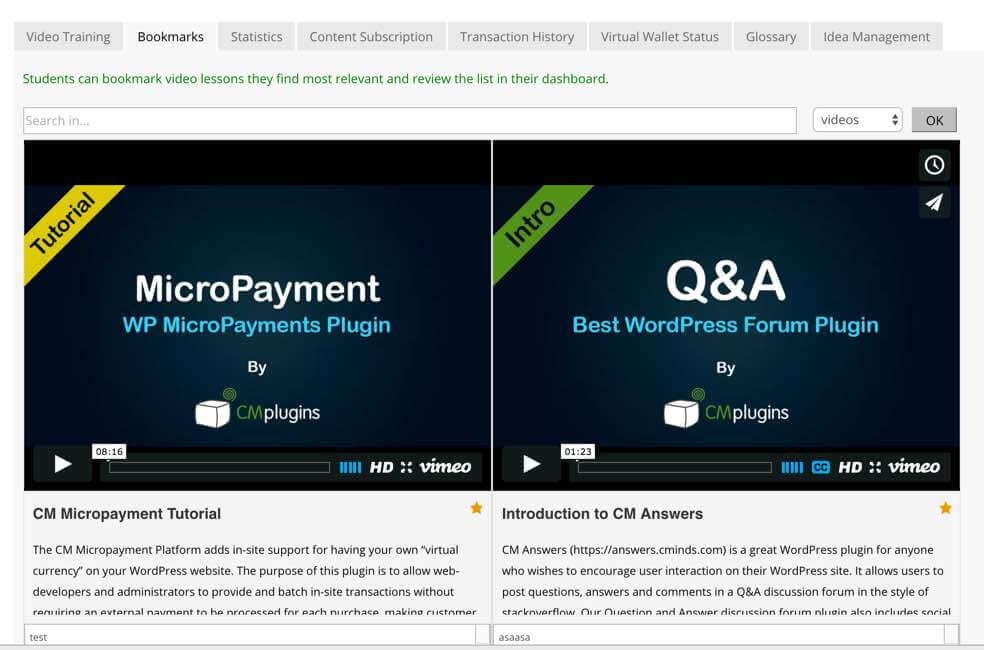
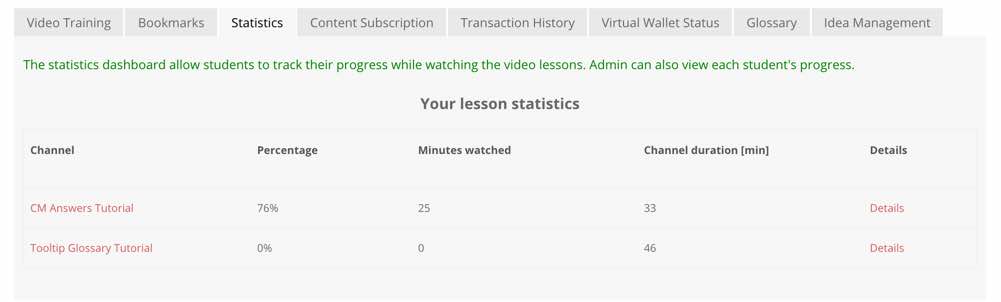
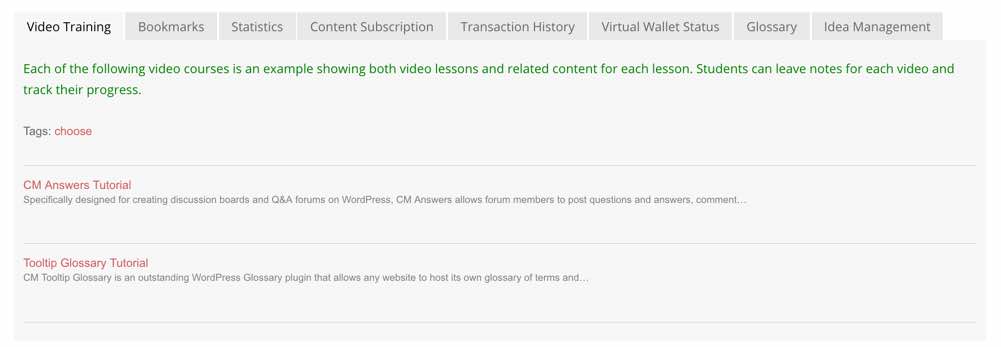
The built-in student dashboard provides a centralized view of all enrolled video courses, progress details, and related learning information. You can also display additional data from other plugins using shortcodes, creating a unified learning environment tailored to your website.
-

- Student Dashboard
-

- Student Statistics
-

- List of Available Courses
Creating Online Courses Step by Step with the WordPress Video Course Plugin
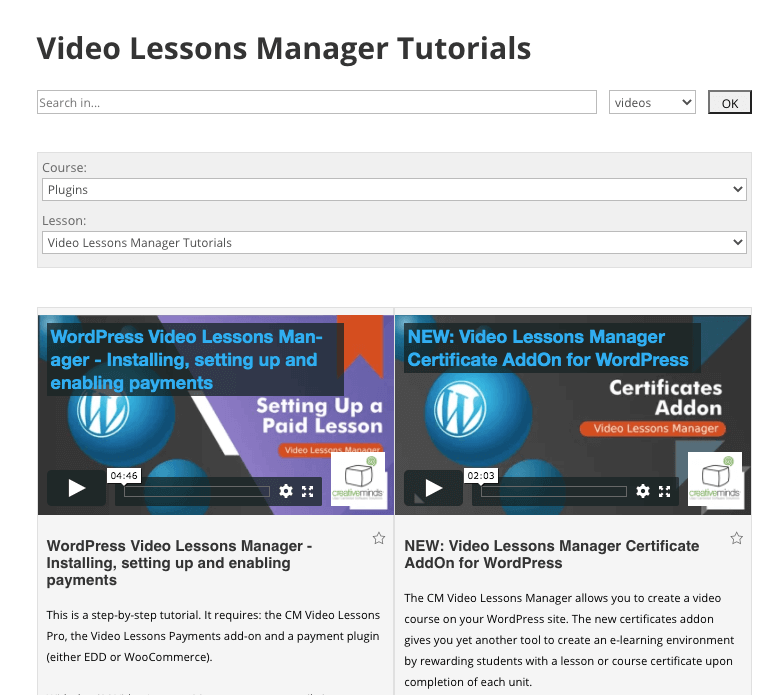 Course Library Page
 |
Follow our step-by-step guide to set up your WordPress Video LMS, connect Vimeo, organize videos into lessons and courses, and configure the student dashboard on your site. Explore the full use case guide: Creating a Video Lessons LMS and Tracking Student Progress to see how to launch and manage your online training platform effectively. |
How to Monetize Your Online Video Courses in WordPress
|
Monetize your online video courses by restricting access to lessons and charging users through the Payments add-on. You can set time-based access and control how long students can view your course content. The plugin integrates with the WordPress MicroPayments plugin, WooCommerce, and Easy Digital Downloads (EDD), giving you flexible options to sell individual courses or complete course collections directly from your WordPress site. |
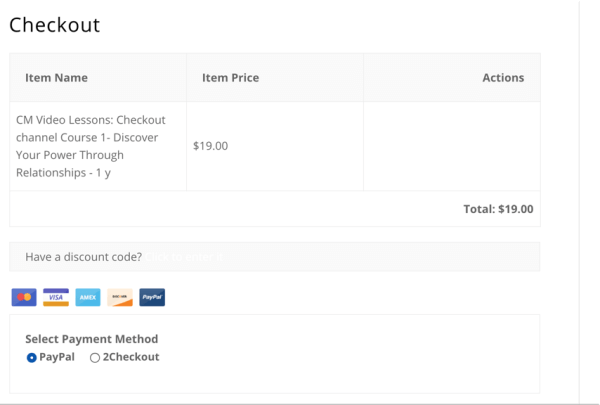 Cart Screen Showing A Video Lesson in the Cart
 |
Payment Gateways for Your WordPress Video Courses
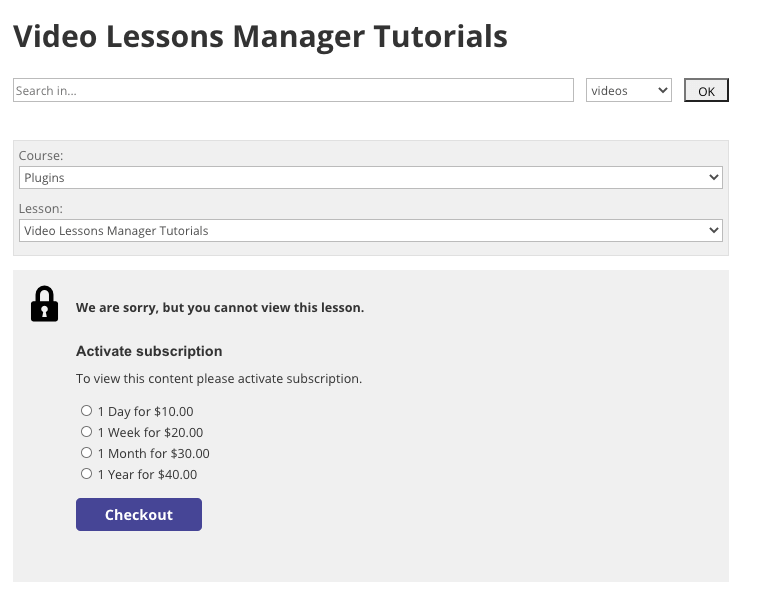 Paying Screen Shown for Watching A Video Lesson
 |
With WooCommerce or Easy Digital Downloads integration, you can accept payments through a wide range of supported gateways, including PayPal, Stripe, Authorize.Net, 2Checkout, Skrill, PayMill, and Amazon Pay. You can charge users for access to individual videos, full lessons, complete courses, or even the entire course catalog on your site, giving you full control over how your video content is sold and accessed. Learn how to set up a paid online course platform in our detailed use case on charging users for access to your video lessons portal. |
Integrating MicroPayments Wallet with Your Video Courses
|
The WordPress MicroPayments plugin adds a flexible internal wallet system for course payments. You can configure the wallet to hold real money or operate using a points-based system. Users can purchase virtual currency or use your predefined points to unlock access to videos, lessons, or entire courses, giving you full control over how content is accessed and paid for. |
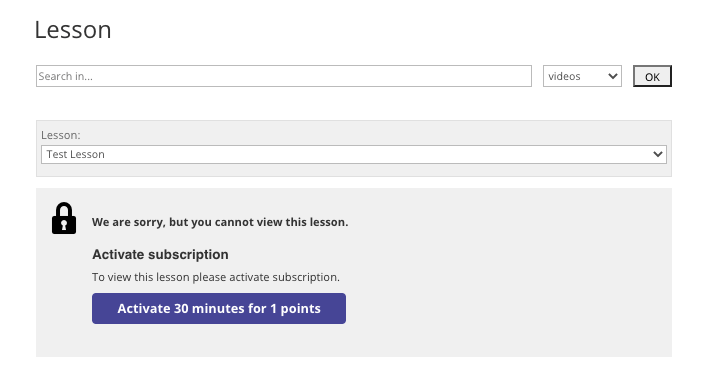 Paying for Access with Points
 |
Achievement Badges
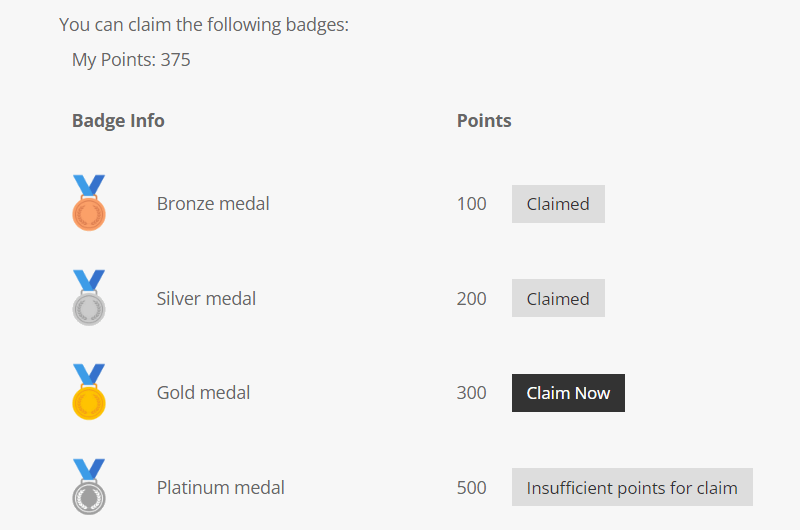 Unlocking Badges
 |
Boost user engagement by letting students earn points for watching videos, completing lessons, and finishing courses. As an admin, you have full control over the points system, including assigning different point values to each lesson or course. You can determine how badges are unlocked - either letting users claim any badge once they reach the required points or requiring them to follow a set sequence. This flexible system motivates learners to progress through your courses while visibly rewarding their achievements. |
How to Add Documents, Quizzes, and Certificates to Your Video Lessons
To further extend your WordPress video courses, install the WordPress Download and File Manager plugin to include downloadable files and documents for each lesson.
The Video Lessons Manager Certificate Add-on lets you create fully customizable certificates of completion, which can be generated automatically or manually for your students.
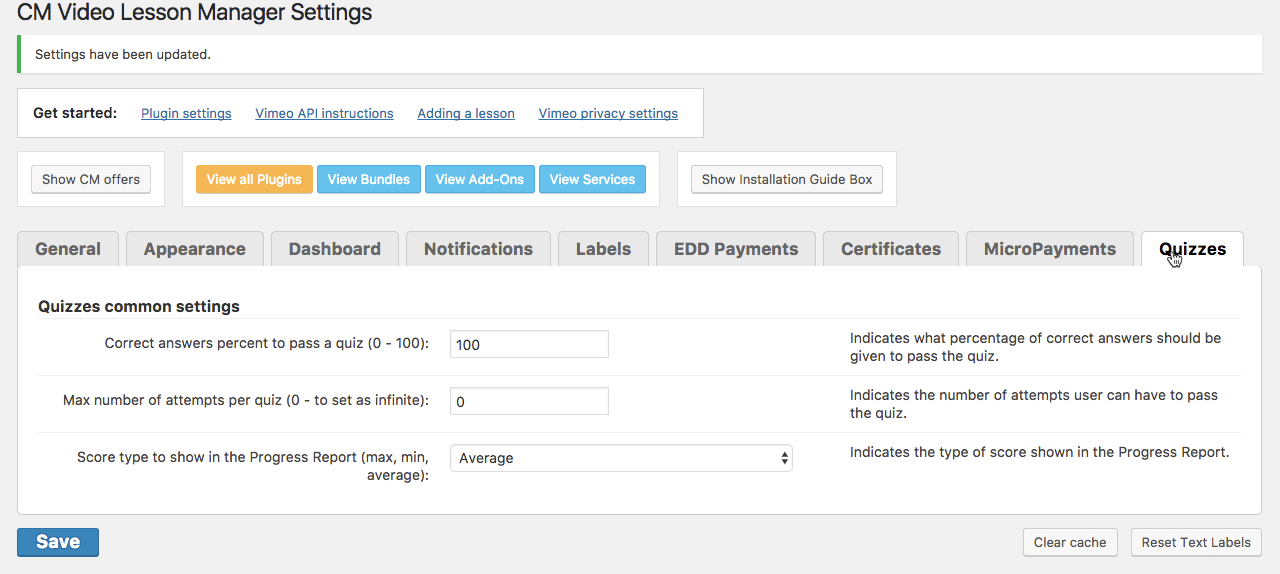
The Video Lessons Manager Quiz Add-on enables you to build multiple-choice quizzes with embedded video or image content. You can limit attempts, set passing scores, and track results in the student’s course progress report.
Combined, these tools allow you to create a complete e-learning experience with content drip, gamification, quizzes, and certificates, while providing students with a clear overview of all videos and files on their dashboard.
Ready to Launch Your Online Video Courses?
Step by Step of Installation and Configuration of the Video Course Plugin
- Connect Vimeo or Wistia to the plugin
- Import your videos and organize them into lessons and courses
- Include rich description to each video or lesson page
- Add links of your lessons pages and course listing to your site’s menu
- Charge users for access (requires payments addon)
- Create a LMS in WordPress such as Udemy and Coursera
Watch our online WordPress video tutorial library, to see the CM Video Lessons Manager plugin in action!
Additional Resources to Enhance Your Online Courses
Blog Posts Related to WordPress Video Courses Plugin
Start Creating and Selling Your Video Lessons Today
Core Features of the WordPress Video Course Plugin
Please check the user guide to learn more about this plugin.
Core Features
Vimeo

Supports videos hosted on Vimeo (even free accounts). Use any videos hosted, including private videos.
Restrict By Time
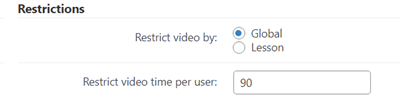
Restrict video access by time per user or lesson. When a user exceeds their viewing limit, access will be blocked and a warning will display with option to renew.
Video Lessons Layouts
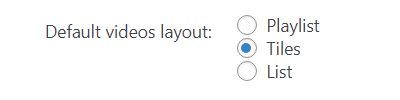
Supports several view layouts for each lesson. The admin can choose the layout on a per lesson basis.
Customize Template
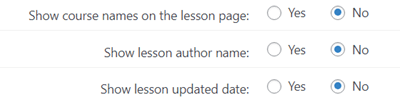
Decide what will be shown on the front-end short and full descriptions of videos, lessons and courses, author name, lesson update date, etc.
Create Multiple Lessons
You can set as many lessons or video courses as needed within the site. Each show a different video from Vimeo or Wistia. Displaying each can be done using a shortcode and can be embedded on any post or page.
Video Autoplay
The plugin supports enabling autoplay of the main video when using with the playlist layout. Optionally, the video can be autoplay with mute on load.
Wistia

Supports any videos hosted on Wistia (even free accounts).
Drip-feed Videos
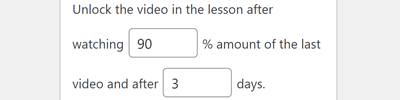
Unlock videos one-by-one for each user. Set the conditions of how many % of the video the user should watch and how many days should pass to unlock the next one.
File Attachments
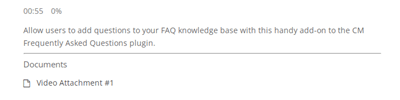
Add file attachments to each video or course. Attachments can include powerpoint presentation, PDF documents, MS-Word documents and more.
Order Videos
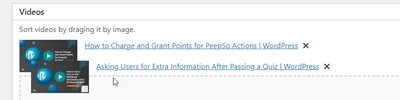
Easily order videos in each lesson by just dragging-and-dropping them to the needed place.
Create Multiple Courses
Video lessons can be grouped by courses. This can support a video course structure where each chapter is divided into lessons.
Custom CSS
Customize the CSS style of your front-end LMS.
Admin Tools
Statistics and Reports
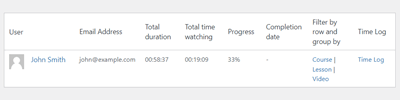
Show progress reports per user, lesson, course, and videos viewed. Report which video was watched by each user, total views by video or lesson, and the amount of time watched.
Email Notifications Support
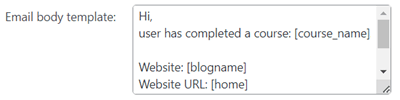
Supports sending an email notifications to each student upon progress. For example when a student has finished watching a video or a lesson or a course.
Lesson Notes Dashboard
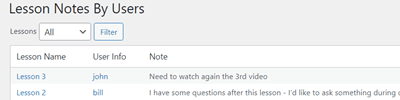
Users can add personal notes to each lesson. The admin can see these notes in the admin dashboard.
Search Videos
Search videos in courses or lessons, by video title, description and user notes.
Localization and Labeling
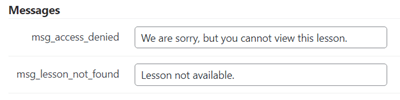
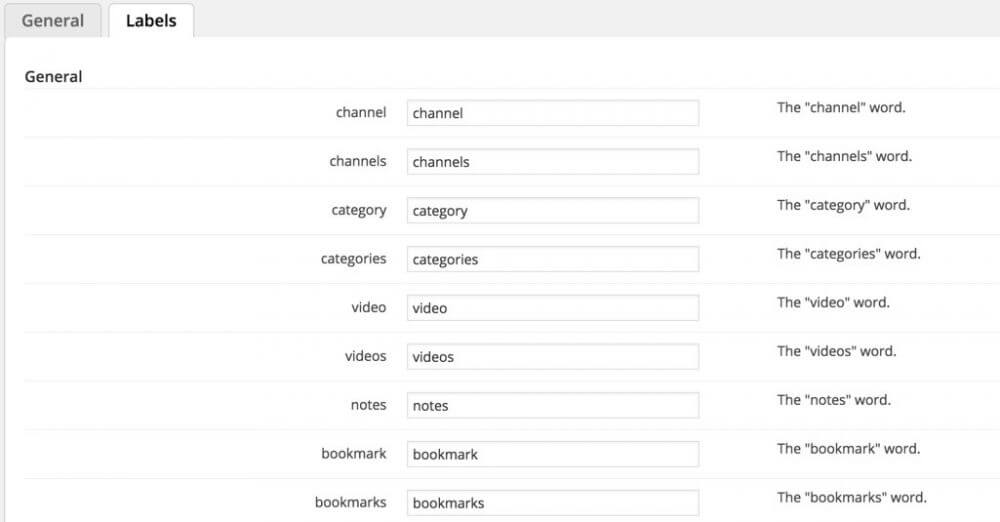
This Video LMS plugin for WordPress lets admin edit the video lessons plugin labels and messages, letting the admin to customize how the Video LMS fit his own language or terminology.
Shortcodes
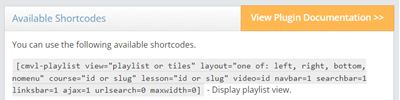
Numerous shortcodes are available, allowing to display a lesson / course / specific video and the user dashboard anywhere on your website.
CPD Hours
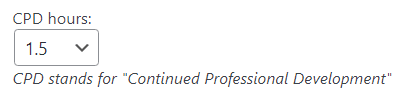
Add CPD (Continuous Professional Development) Hours to each lesson.
Access Control
Restrict watching the videos to logged-in users and block anonymous users from watching.
Student Tools
Student Dashboard
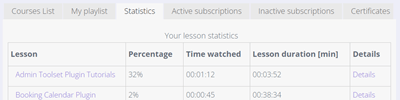
The student dashboard allows students to track progress, show bookmarks, show paid lessons and more.
Bookmarks
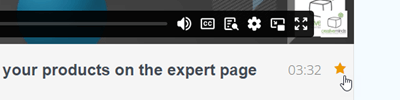
Users can bookmark specific videos. Admin can add a shortcode to the user dashboard so users can view all their bookmarked videos.
Badges
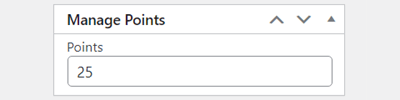
Let your users earn points by watching lessons and courses, which can be used to unlock achievement badges.
User Notes
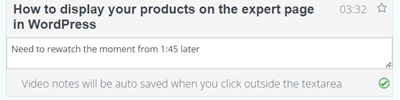
Add personal notes to each video. Notes are available only to the user who created them and can be edited.
Progress Report
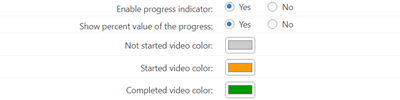
Mark the progress of watching in the playlist view – mark not watched, started and completed videos. Additionaly, you can display how much % of the video is watched.
Add-ons and Integrations
Payments Add-on
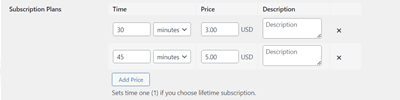
Paymets add-on allows to set a price for watching lessons or videos. You can charge a pay-per-view rate for each video lesson or create customizable payment schemes within different time intervals for students to view course content, payable through Easy Digital Downloads payment gateways.
Certificates Add-on
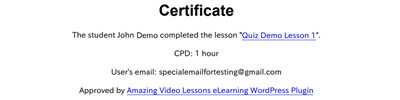
Certificates add-on lets give each student a certificate upon completion of a lesson or course.
Appointments Booking Plugin Integration
Appointments Booking Plugin lets students book one-on-one lessons with teachers using a handy calendar for booking.
Restrict User Account Integration
Set an expiration date for the user account based on the user invite or user role or restrict user login to specific days. Requires installing and activating the CM Restrict User Account plugin.
Secure Login Integration
Protect the login process with two factor authentication. Requires installing and activating the CM Secure Login plugin.
Theme Compatibility
The Video Lessons Manager plugin has been thoroughly tested with all major themes. As such, it is compatible with Divi, Avada, Enfold and other known themes.
Quiz Add-on
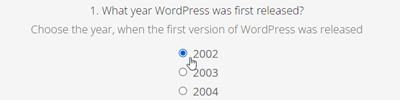
Quiz add-on allows to build quizzes for each lesson to test the understanding of course curriculum before students complete the course. Quiz questions are customizable and can include video and images, and can be answered using customizable multiple choice options.
MicroPayments Plugin Integration
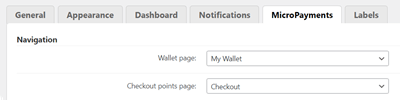
MicroPayments Plugin allows to charge users for watching video lessons with virtual points.
Registration Plugin Integration
A perfect pairing with the CM Registration and Invitation Codes Plugin, which allows you to invite students to register and gain access to the student dashboard using a personalized registration code.
Site Access Restriction Integration
Support providing users access to member only information once they login to the site which is not available to others. Requires installing and activating the CM Site Access Restriction plugin.
HubSpot Integration
When the user finishes watching some video or a lesson, the plugin sends to HubSpot the following information: name of the watched video/lesson, date when it was watched, and an email address of a user who watched it.
S2Member Pro Integration
Integrate with the membership plugin S2Member Pro and support S2Member content access scheme.
Video Lessons Manager Plans and Pricing
Choose from different license options and pricing plans for the WordPress Video Lessons Manager plugin to find the version that fits your eLearning needs.
Compare License Options
| PLANS | Pro | Advanced | Ultimate | |
| Price includes 1 year support/updates. Manual renewal with 40% discount, not a subscription | $39 | $69 | $99 | |
| Number of Websites / License Activations | 1 | 3 | 5 | |
| BASIC FEATURES | ||||
| Wistia Support |  | | | |
| Vimeo Support | | | | |
| Private Vimeo Videos Support | | | | |
| Create Multiple Lessons | | | | |
| Video Courses | | | | |
| Video Display Methods | | | | |
| Drip-feed Videos | | | | |
| Restrict By Time | | | | |
| ADMIN TOOLS | ||||
| Access Control | | | | |
| Search Support | | | | |
| History and Statistics | | | | |
| Edit Labels | | | | |
| Notification Support | | | | |
| Shortcode to Include Video List | | | | |
| STUDENT TOOLS | ||||
| Student dashboard | | | | |
| User Notes | | | | |
| Bookmarks | | | | |
| Badges | | | | |
| CPD Hours | | | | |
| INTEGRATIONS | ||||
| CM Appointments Booking Integration | | | | |
| CM Registration Integration | | | | |
| CM MicroPayments Integration | | | | |
| HubSpot Integration | | | | |
| S2Member Pro Integration | | | | |
| ADD-ONS | ||||
| Pay for Viewing |  | | | |
| Quiz Support | | | | |
| Certificate Support | | | | |
| SUPPORT | ||||
| Product Knowledge Base |
 |
|
| |
| Priority email support |
|
|
| |
| Product updates |
|
|
| |
| PLANS | Pro | Advanced | Ultimate | |
| Number of Websites / License Activations | 1 | 3 | 5 | |
| Price includes 1 year support/updates. Manual renewal with 40% discount, not a subscription | $39 | $69 | $99 | |
How to Choose the Right Plan
Compare the features and benefits of each license to find the one that suits your eLearning site.
- Essential: Best suited for educational websites that need a simple video-based learning tool, allowing admins to organize online courses, webinars, lectures, or video lessons efficiently.
- Advanced: Ideal for sites that need to sell access to video lessons, as it includes the Payments add-on. Supports multiple payment methods via WooCommerce or Easy Digital Downloads carts.
- Ultimate: Designed for larger or more complex eLearning sites, including the Video Lessons Manager plugin with Payments, Quiz, and Certificates add-ons. Build a full-featured video Learning Management System with courses, quizzes, certificates, and monetization options.
Choose the plan that fits your site’s needs and start creating and managing online video courses on your WordPress website today.
Video Lessons Manager Additional Add-ons and Modules
The following list includes add-ons and modules that can be installed alongside the Video Lessons Manager plugin to provide enhanced functionality and improve your online video courses.
Video Lessons Manager Add-ons
These add-ons expand the capabilities of the Video Lessons Manager plugin, providing extra features such as quizzes, certificates, and flexible course payments with the WordPress MicroPayments plugin to enhance your online video learning experience.

Video Lessons Manager Related Plugins
Explore other CreativeMinds plugins that can complement your Video Lessons Manager setup and enhance your WordPress eLearning site.
Frequently Asked Questions
Please check the user guide to learn more about this plugin.
Basic Questions
I use Vimeo. Can I use a free Vimeo account? What's the difference in paid plans?
Yes. You can import videos, even private ones, from basic (free) Vimeo accounts. Currently, Vimeo provides API access to all account types.
Lower Vimeo account tiers may have limited uses (for example, 25 API calls/minute in the free plan). But, since the plugin only makes calls when importing videos, this should not affect your experience.
Note that some Vimeo features are only available in different plans, and this is not related to our plugin. Examples:
- Some embedding options such as hiding the play, volume and fullscreen controls
- Ad-free videos (Plus)
- Chapters, video templates, playback speed control (Pro)
- Player call-to-action, custom logos (Business)
- Live streaming (Premium)
Discover More Resources for Online Video Courses
Learn more how Vimeo affects the plugin: Video Lessons Manager – Vimeo Free vs. Vimeo Premium Accounts.
Learn more about Vimeo’s plans: Vimeo API Rate Limits guide.
Can I embed Youtube videos in my online course page?
No. Currently, the plugin only works with Vimeo and Wistia.
Can I upload videos to Vimeo or Wistia from WordPress with this Video Course Plugin?
No. This plugin works by importing videos which are already online on those platforms.
Is there any limit to video length?
No, the limit depends on your Vimeo account. The plugin does place any restriction on the amount of videos or the length of each. If you have a Vimeo Pro account, you probably can also upload extremely long videos and serve them using the plugin.
Can this video WordPress plugin be used for teaching coursework or video training?
Yes, this LMS plugin can be used for internal training videos and improving video learning experience of the students or users.
Does the WordPress Video Course plugin have a free version?
Yes, this is one of the best Free LMS WordPress Plugins. You can download the free version here and upgrade to the Pro anytime.
Note that some features are exclusive to the pro version, such as allowing users to check their progress, search and bookmark videos, shortcodes to embed content anywhere and more.
Advanced Questions
Does this WordPress LMS plugin have BuddyPress or bbPress integrations ?
No, This WordPress LMS plugin does not integrate with BuddyPress or bbPress.
How do you modify the order of videos displayed on the course page?
Can I set up a pay-per-view channel for one night only?
Yes. You can set up a pay-per-view option for any defined amount of time. You can also include multiple option so user can choose between one night and one week for example. Note that it requires the Payments addon.
How to Integrate Payments with the WordPress Video Course Plugin?
Requires the payment addon.
Do I have to use a virtual currency or can I also use regular payments?
You can use regular payments only, with PayPal, credit cards and more via Easy Digital Downloads or WooCommerce. This requires the Payments Addon
See the Video Lessons Manager Payments Addon page or see our Documentation page regarding Payments.
Demo Sites Using WordPress Video Course Plugin
WordPress Video Course Plugin Demo Sites
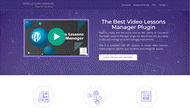
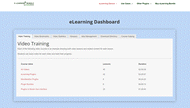
Websites That Implemented the WordPress Video Course Plugin

Watch the video clips below to see each Video Lessons Manager feature in action
For more in-depth descriptions, visit our User Guide.
Understanding the Core Features of This Plugin
How to Manage User Access to Your Video Courses
How to Use Addons and Advanced Features
Video Lessons Manager Plugin Image Gallery
-

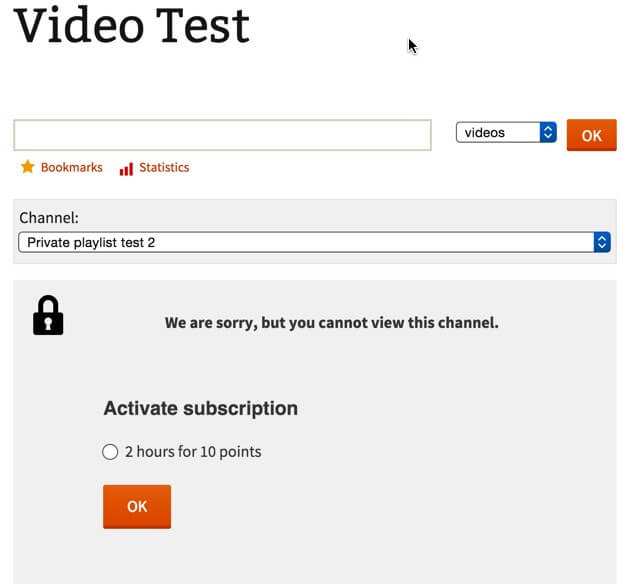
- Video Lessons Manager Payment Option
-

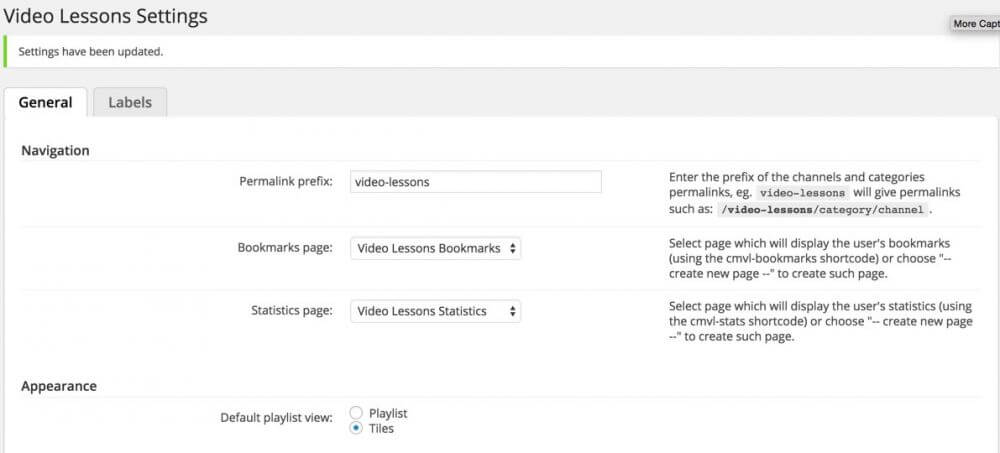
- Video Lessons Manager General Settings
-

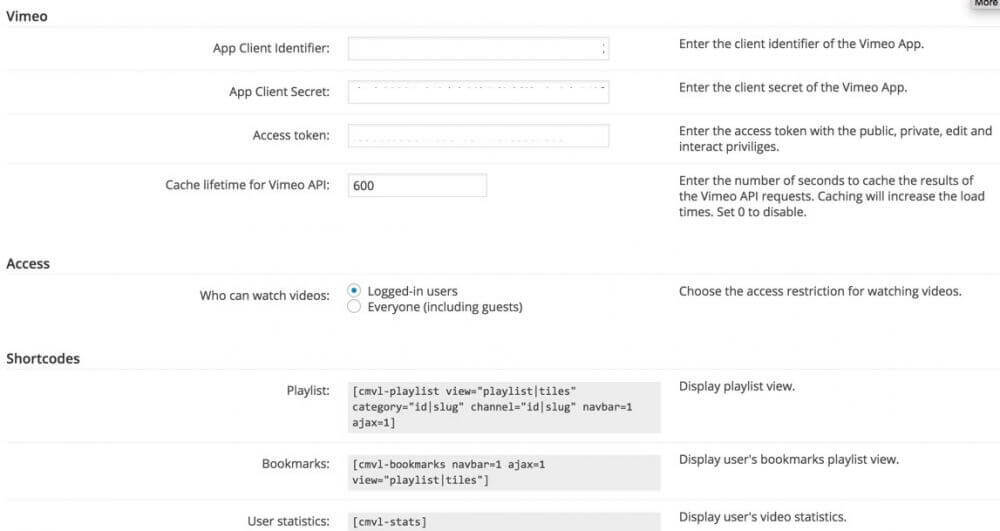
- Video Lessons Manager API Keys Settings
-

- Video Lessons Manager Labels Settings
-

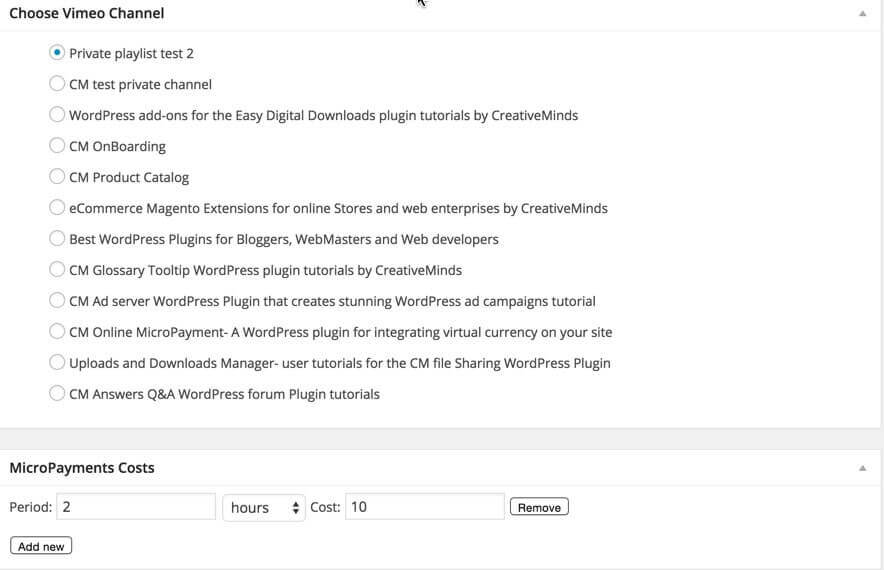
- Video Lessons Manager Channel Settings
-

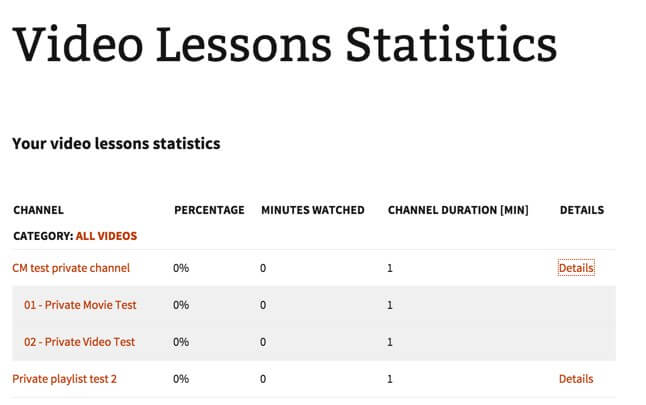
- Video Lessons Manager Frontend Statistics
-

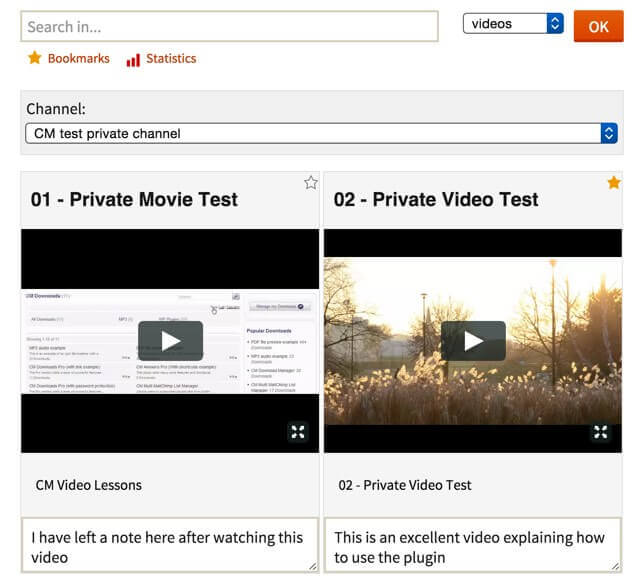
- Video Lessons Manager Plugin for WordPress frontend example
-

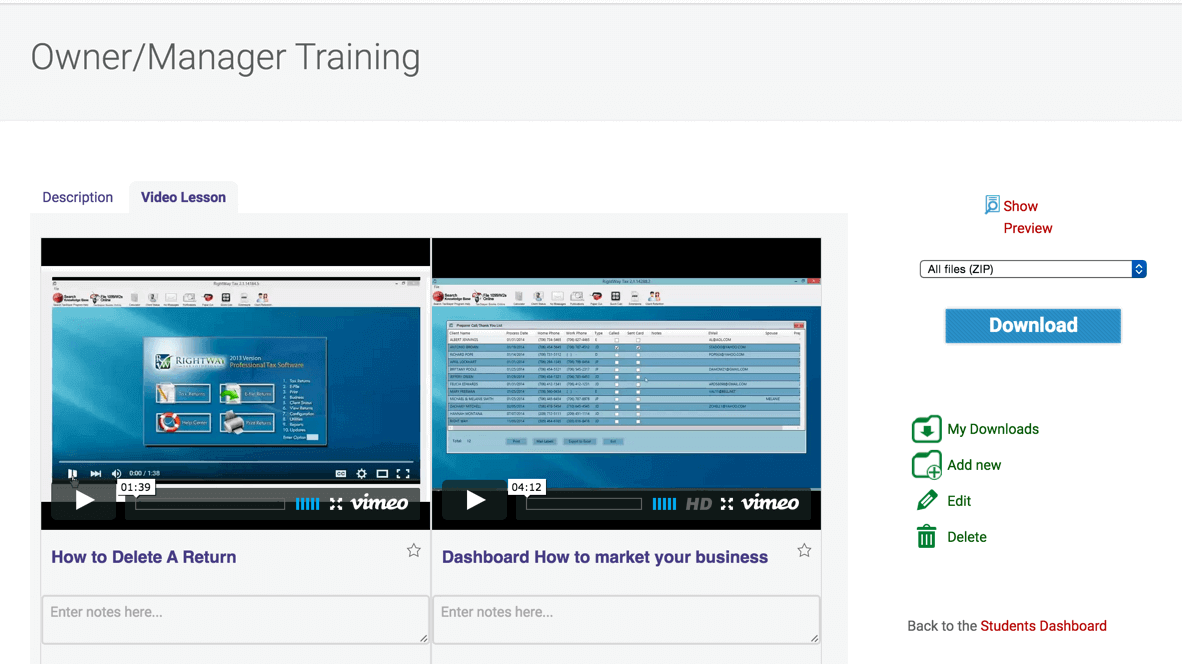
- Integration with CM Download Manager
-

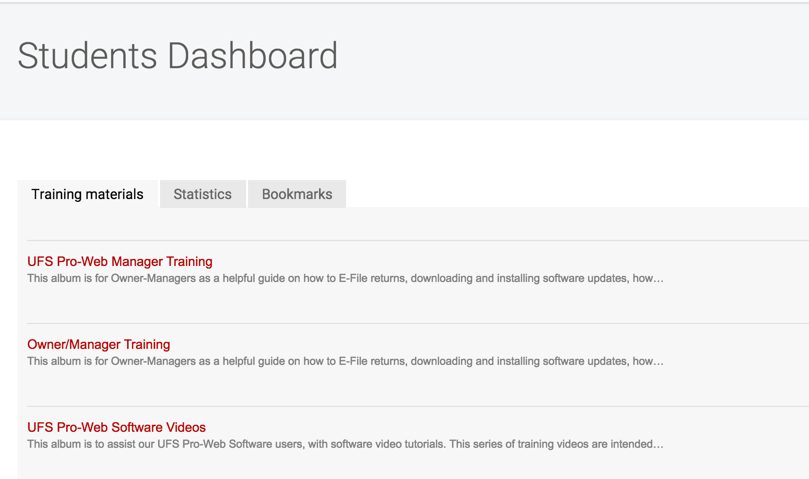
- Video Dashboard
-

- Tiles layout
-

- Bottom grid layout
-

- Left side layout
-

- List layout
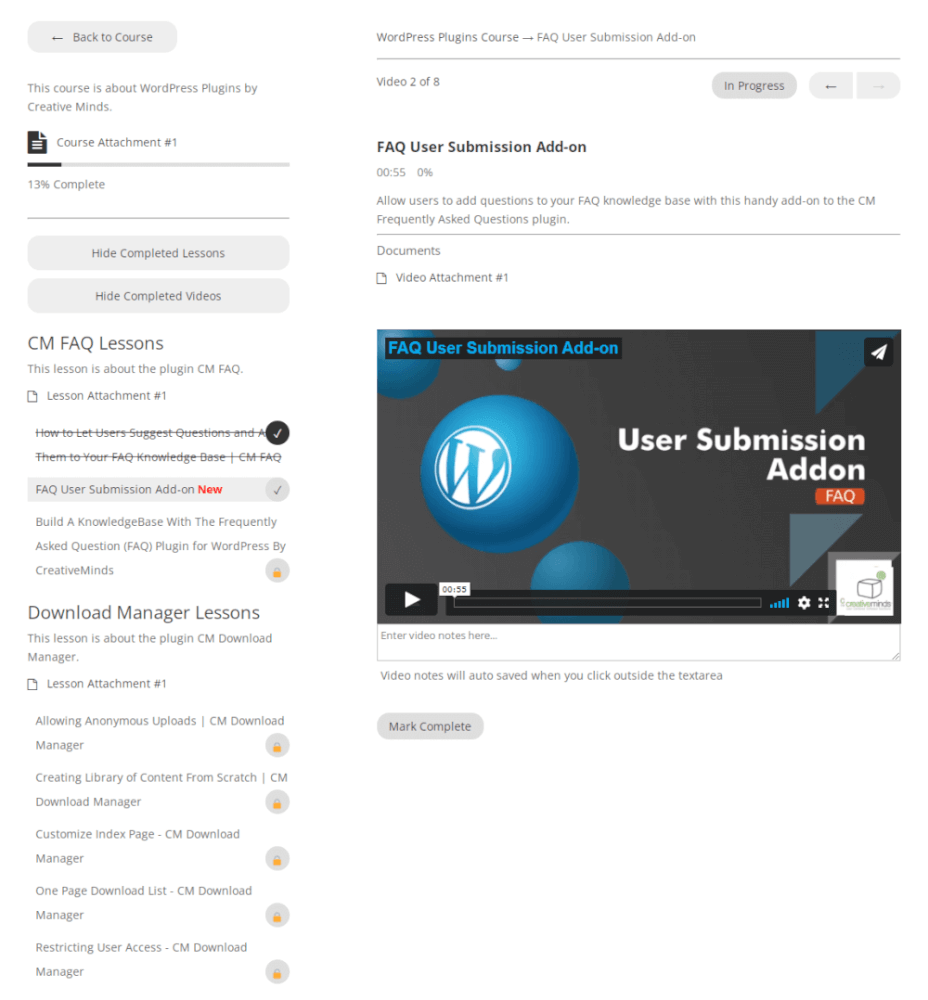
-
- Report by videos
-

- Report by lessons
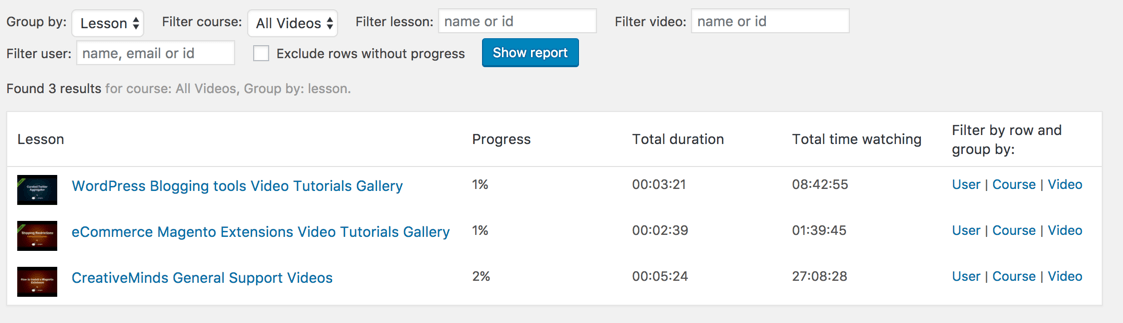
-

- Report by courses

-

- Report by users progress
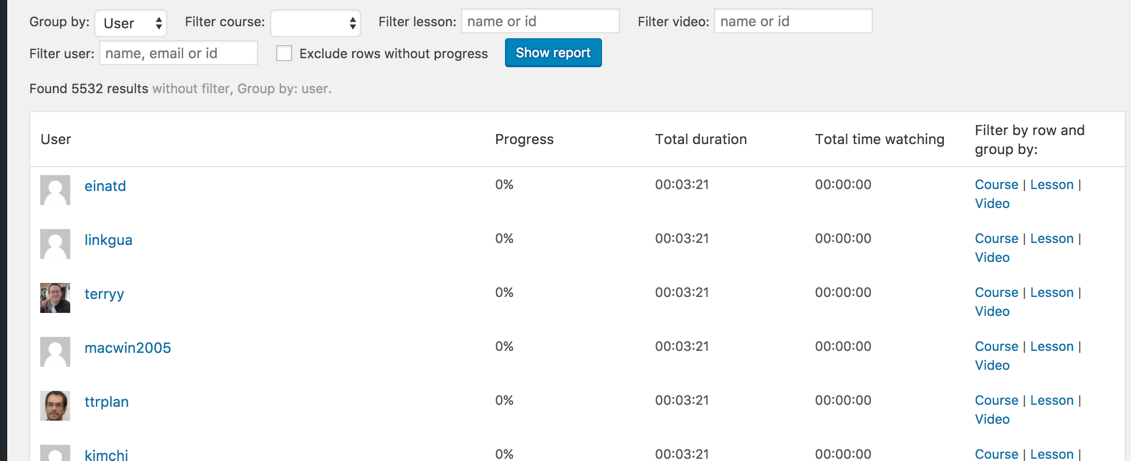
-

- Admin Reports Filtering Options

WordPress Video Course Plugin from the Back-end
-

- General
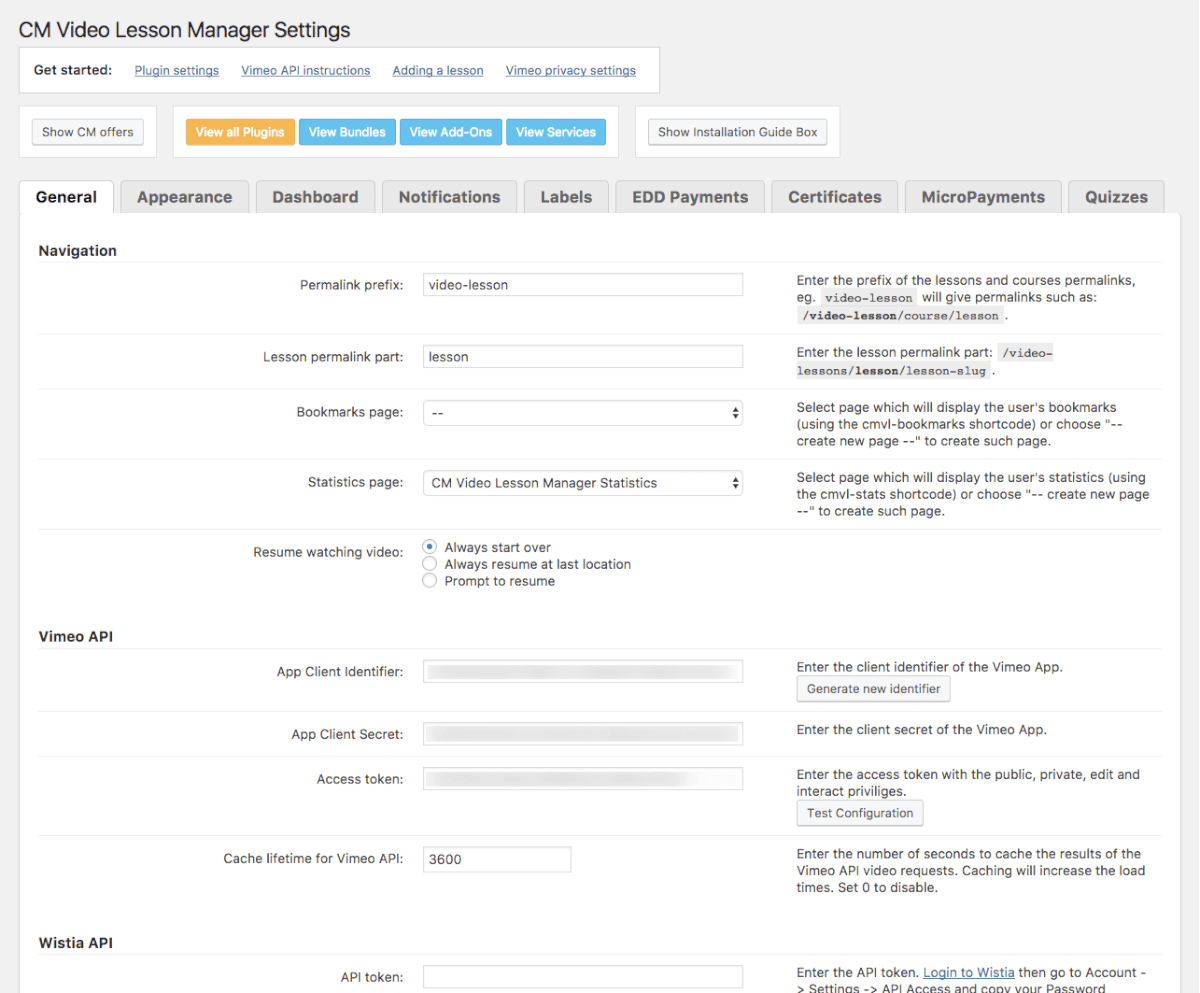
-

- General – Navigation

-
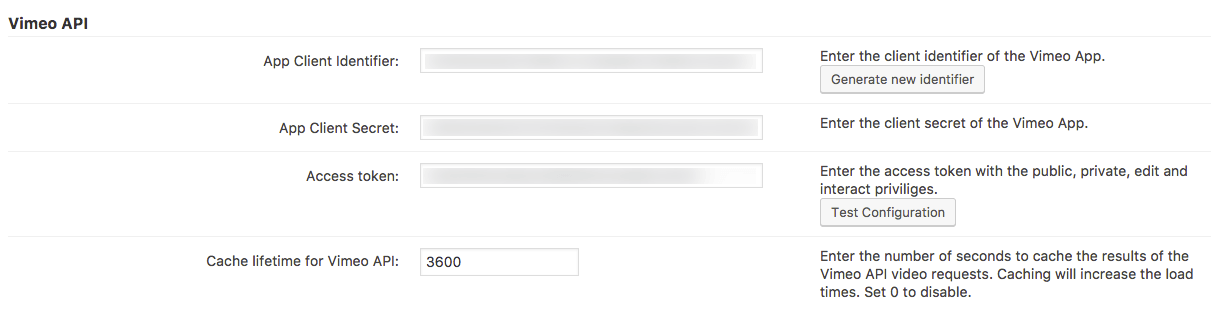
- General – Vimeo API settings
-

- General – Wistia API settings

-

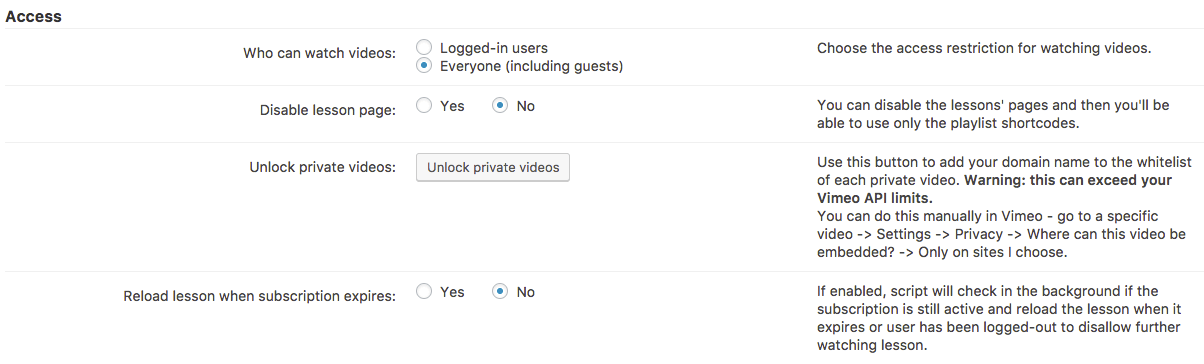
- General – Access Settings
-

- General – Statistics settings

-

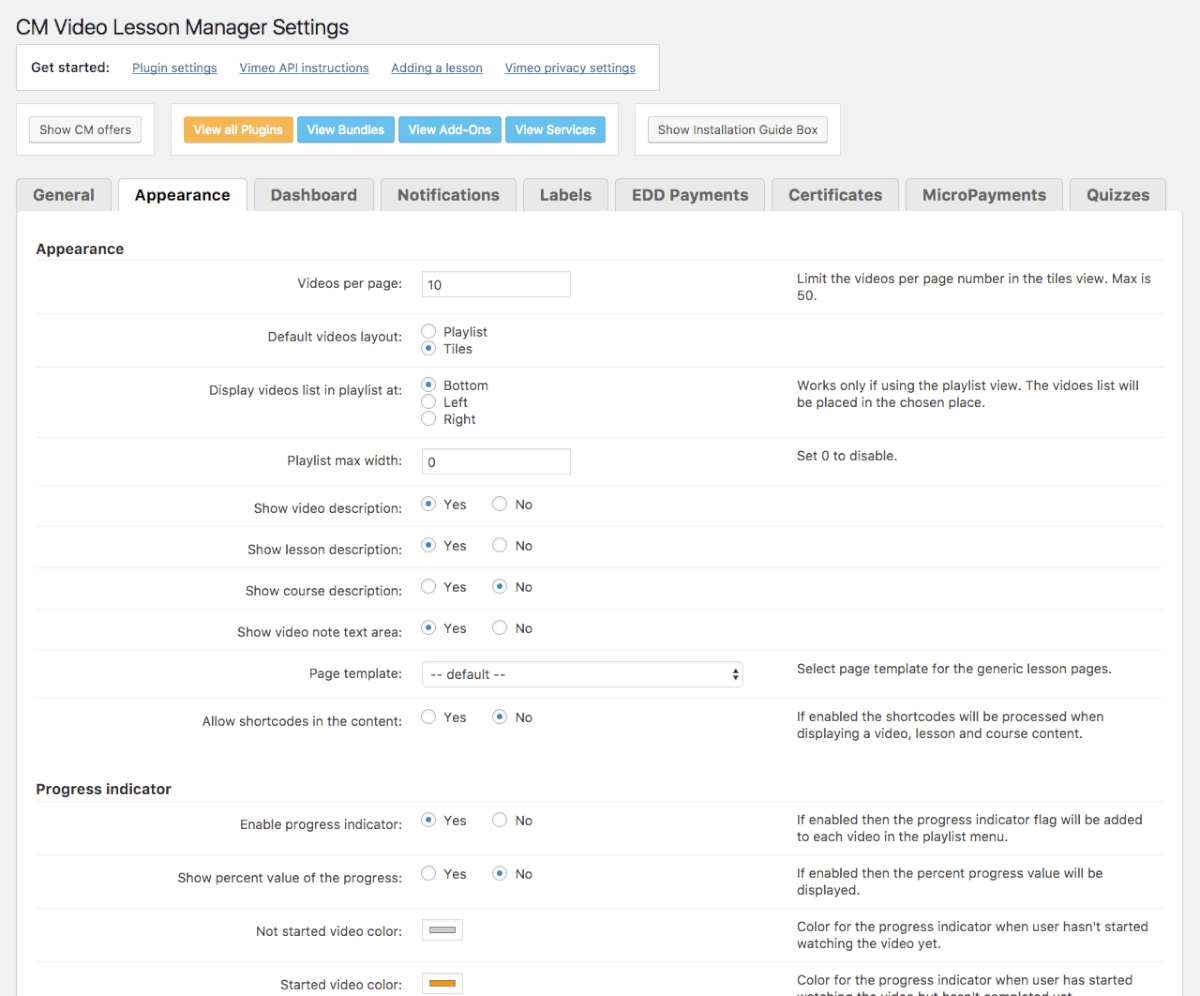
- Appearance
-

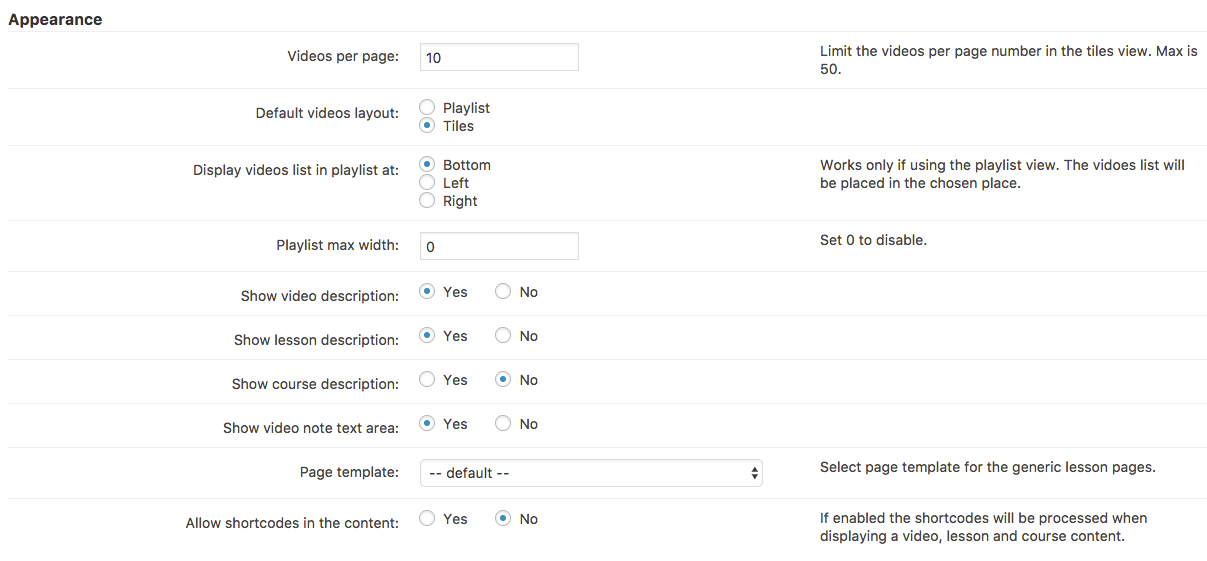
- Appearance – General settings
-

- Appearance – Progress Indicator Settings
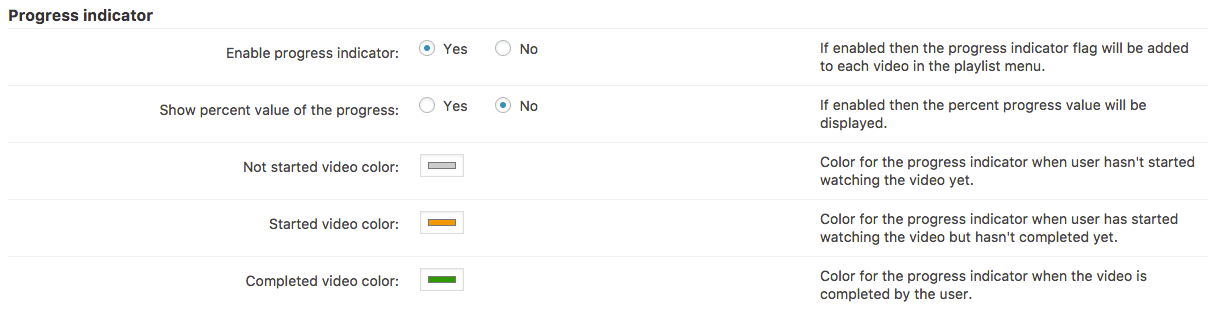
-

- Appearance – Custom CSS

-

- Labels
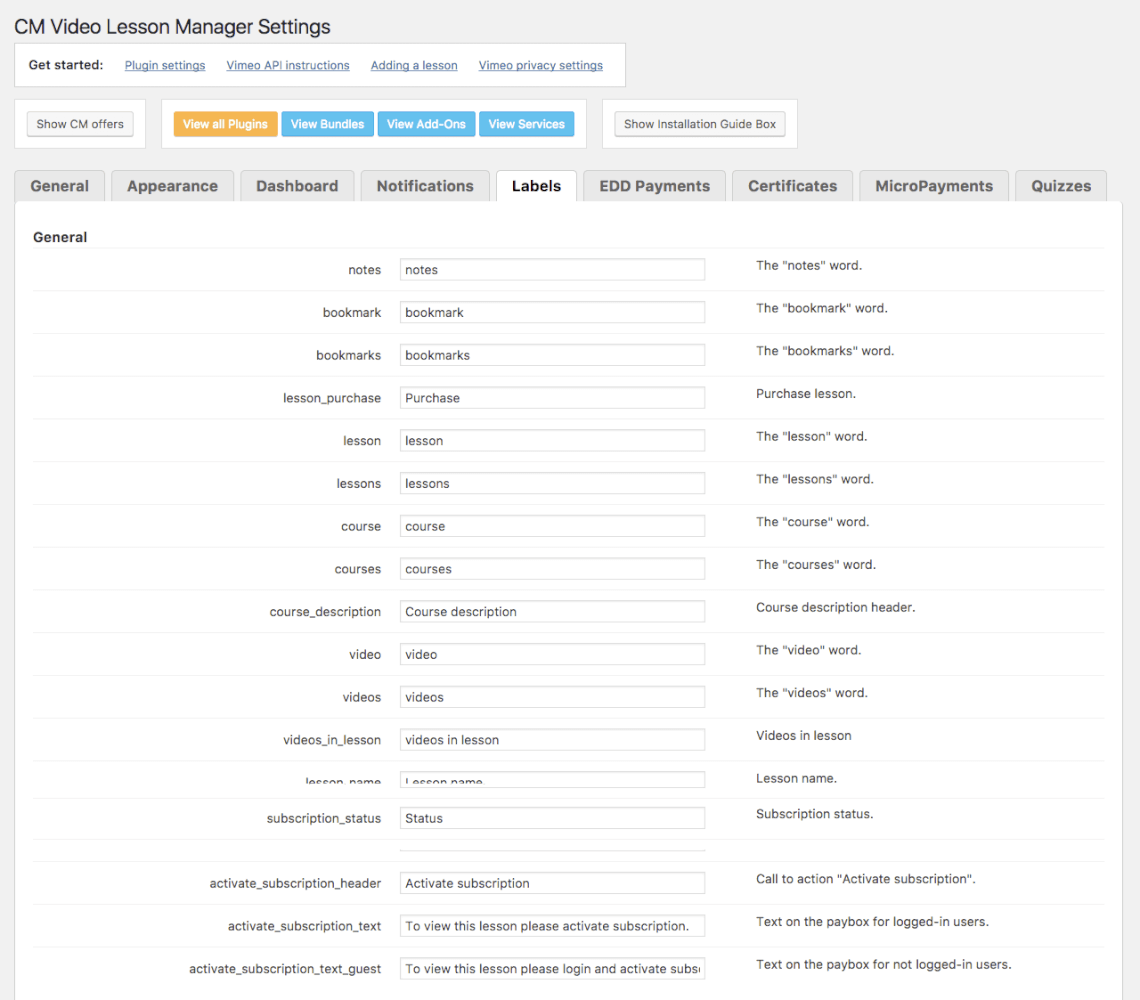
-

- Labels – Instant EDD Payments
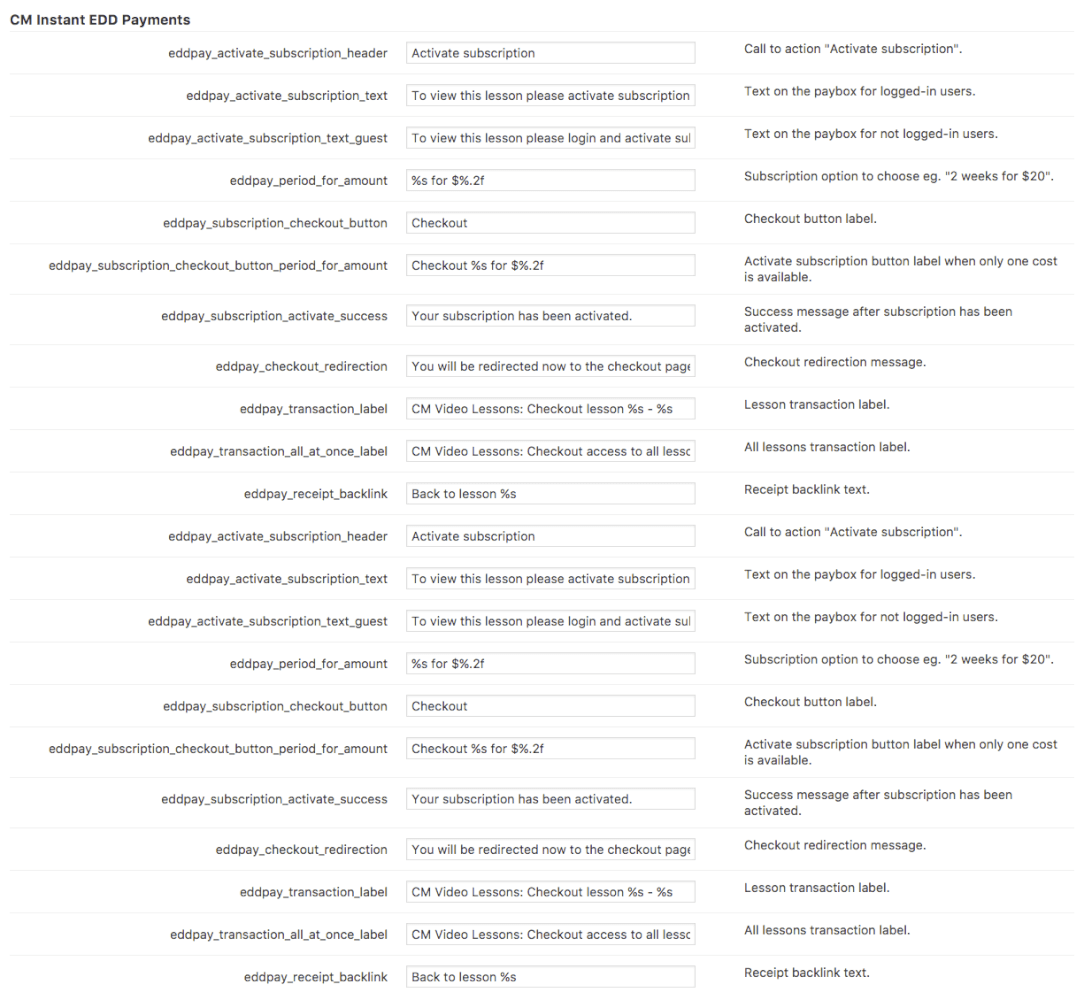
-

- Labels – Micropayments
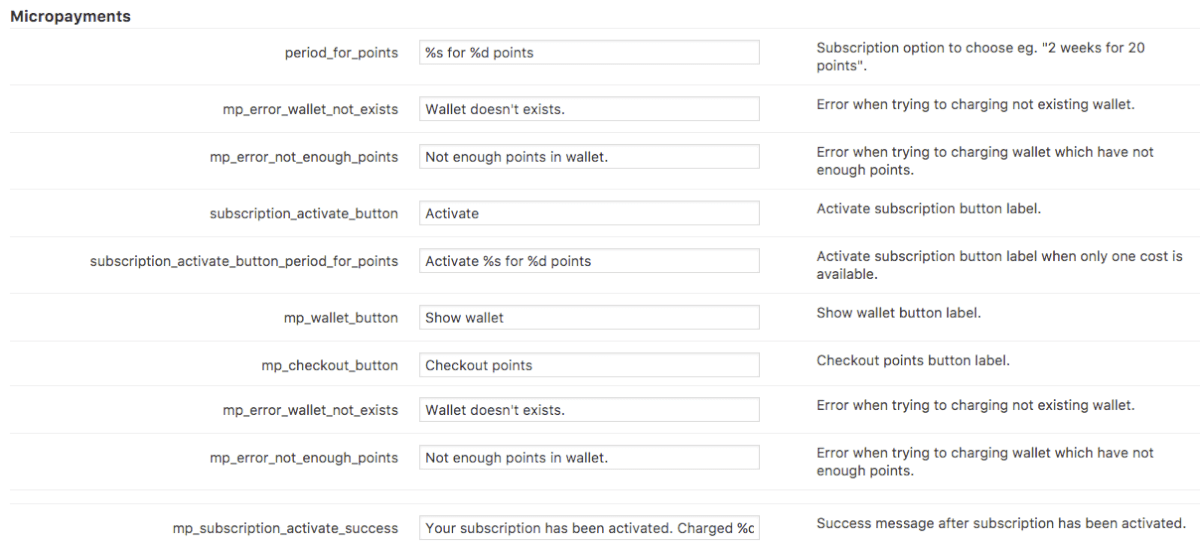
-

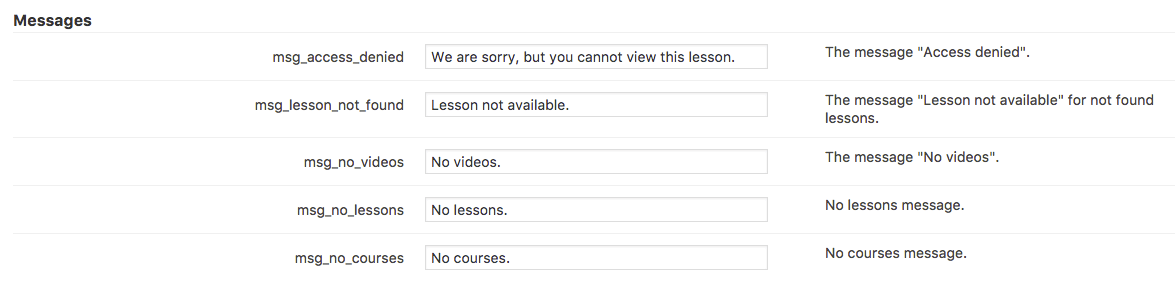
- Labels – Messages
-

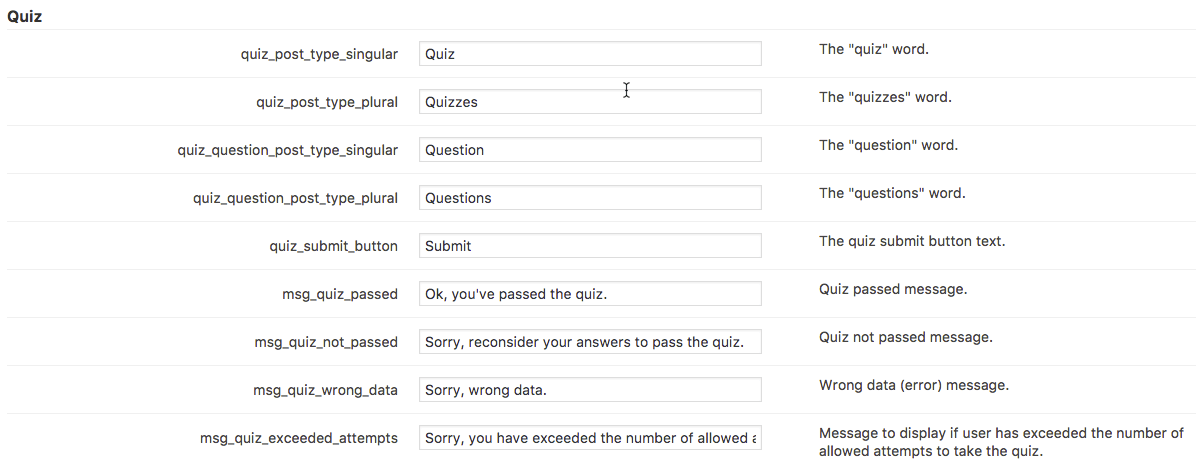
- Labels – Quiz
-

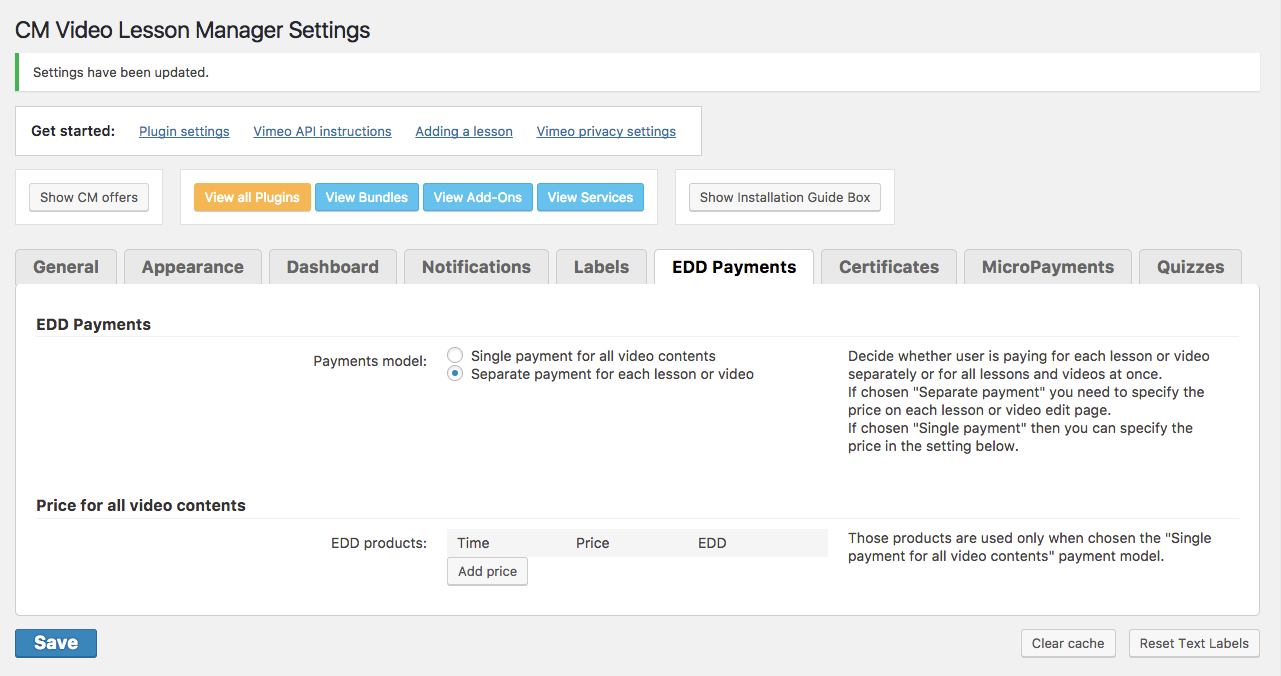
- EDD Payments
-

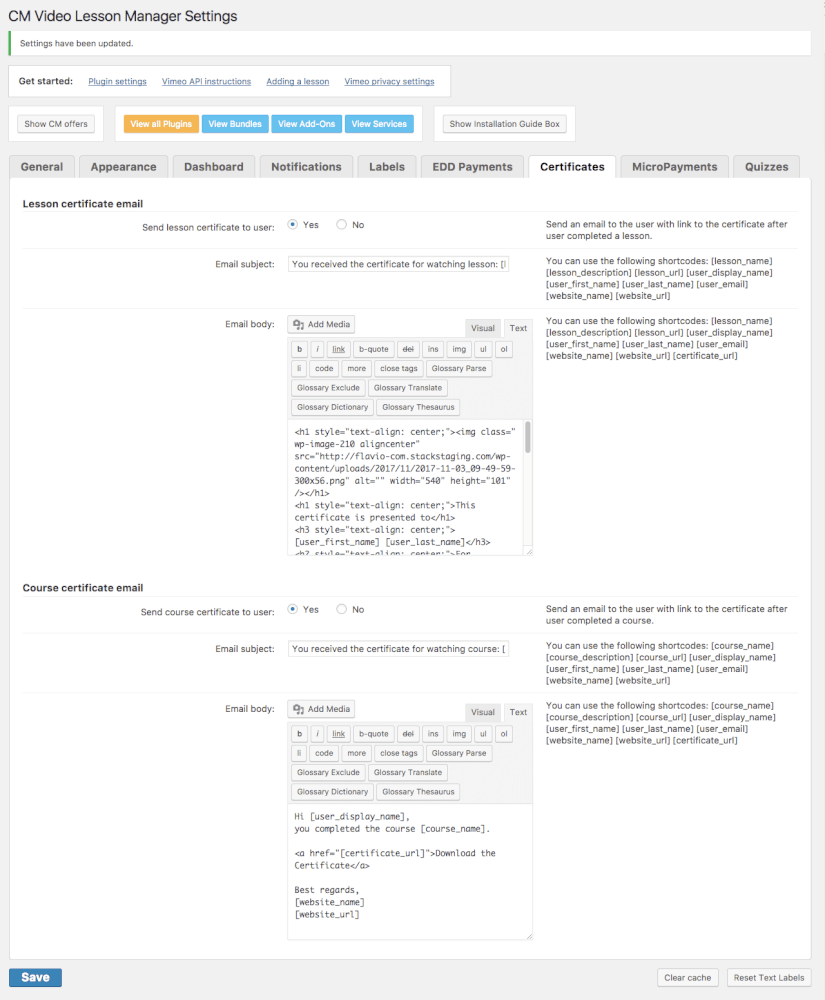
- Certificates
-

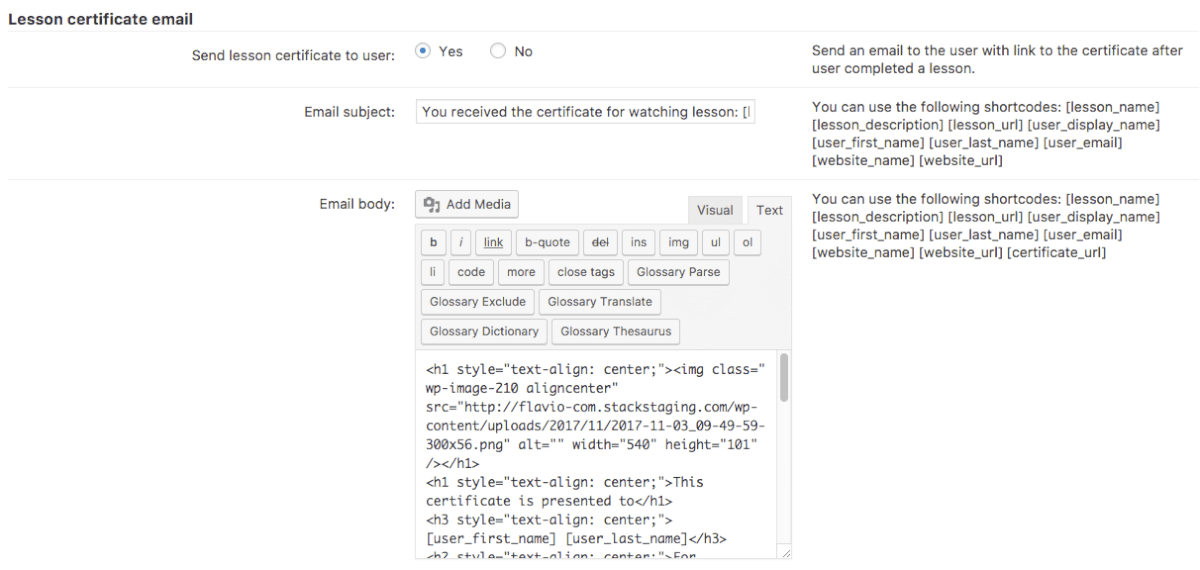
- Certificates – Lesson Certificates email
-

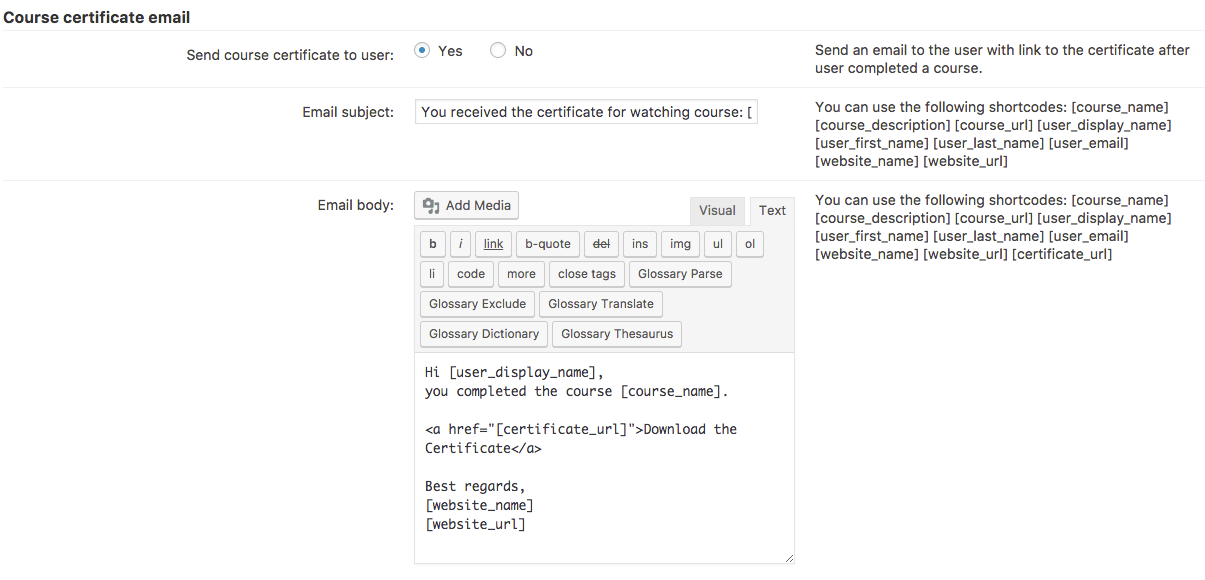
- Certificates – Course Certificates email
-
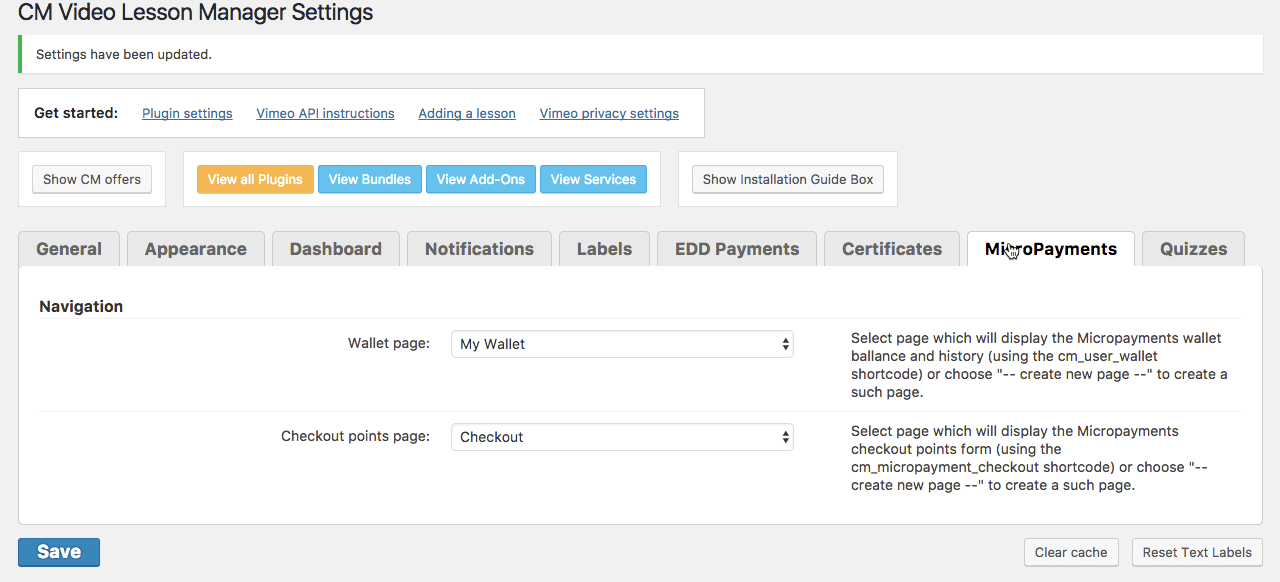
- MicroPayments
-

- Quizzes