Flexible Appointment Scheduling for WordPress
Allow clients to book one-on-one or group appointments through a simple self-service scheduling system.
Manage multiple calendars on your site, each with its own booking form, assigned calendar owner, and moderation settings – ideal for medical practices, wellness centers, consultants, and other service providers.
Advanced Appointment Booking Calendar Controls
|
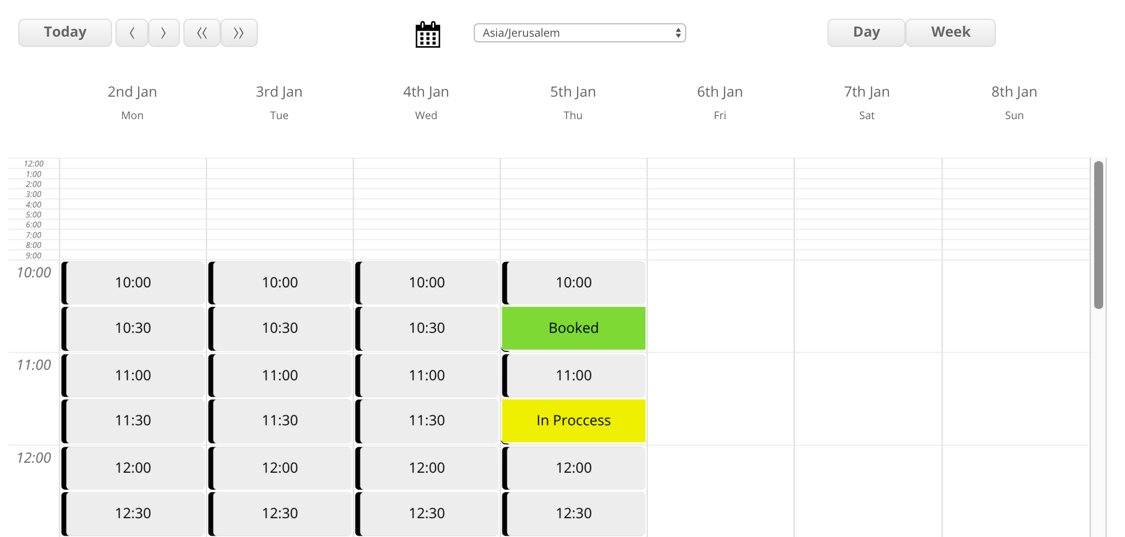
Control when customers can book appointments by defining your availability, blocking specific dates, or setting custom time slots. The WordPress calendar automatically adjusts to each user’s local time zone, ensuring accurate scheduling across regions. Bookings can be confirmed instantly or submitted for approval through a customizable booking request form. |
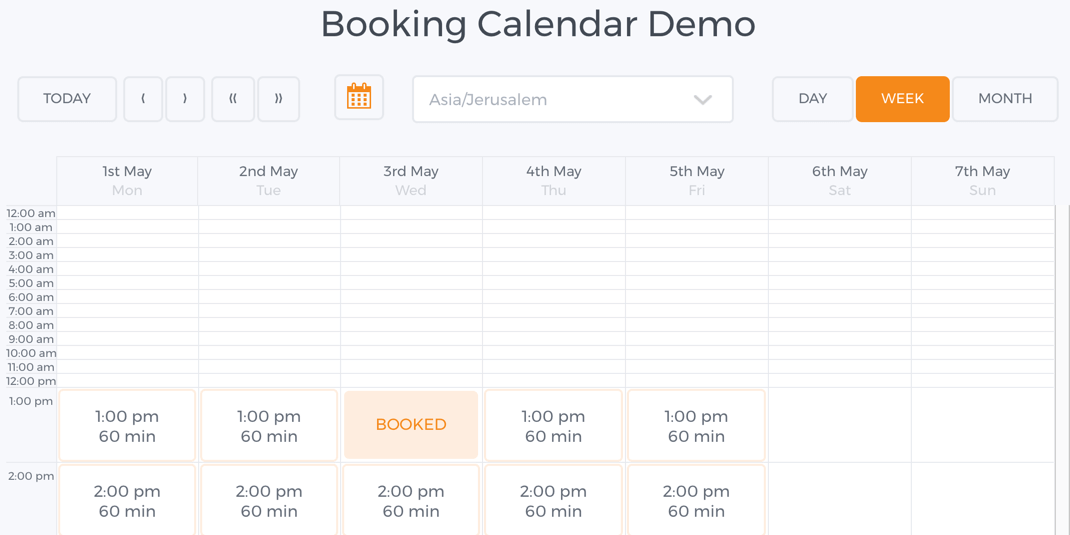 Showing Calendar Availability and Booked Slots
 |
Customizable Appointment Booking Forms
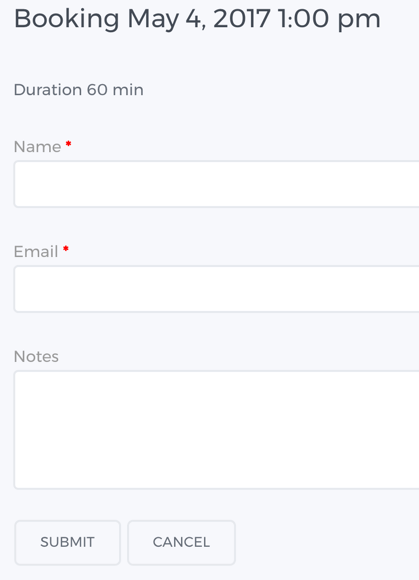 Booking Form Example
 |
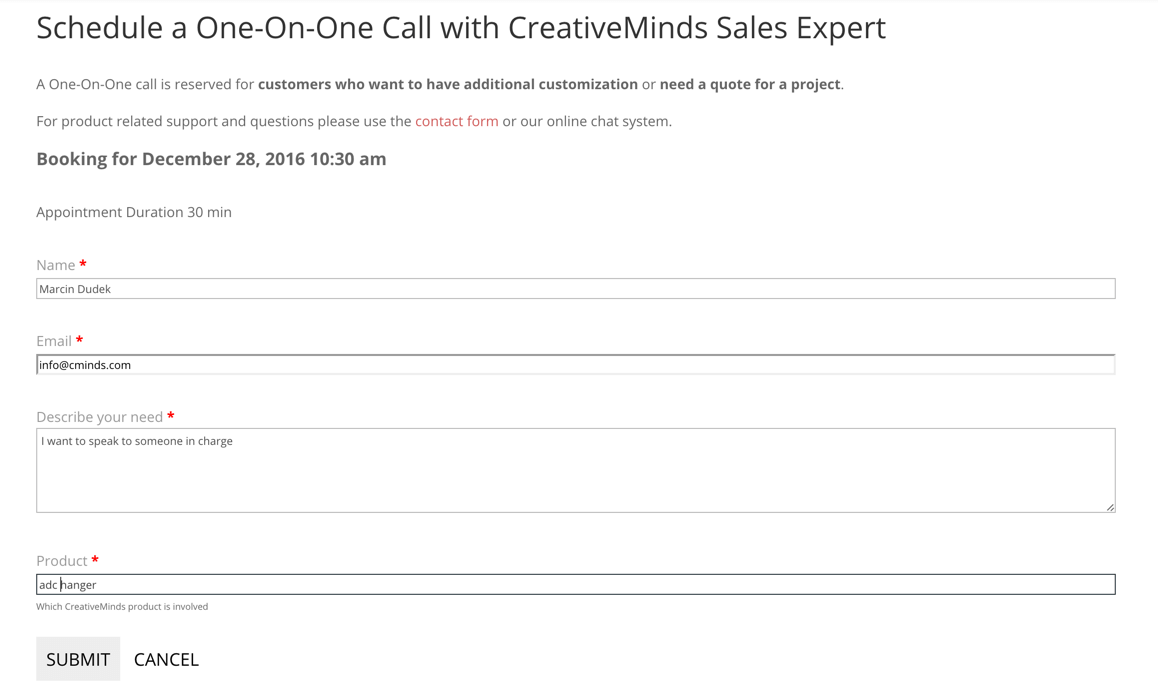
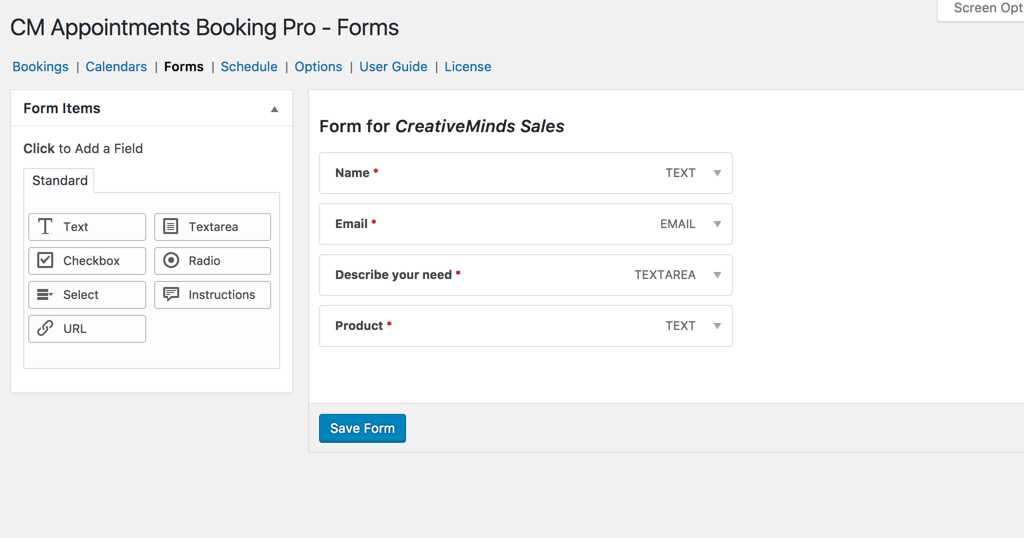
Customize your WordPress appointment booking form by adding unlimited custom fields to collect the exact information you need from customers. Review submitted details before approving a request and communicate directly with clients when necessary. This flexible scheduling form helps ensure you have all required information before confirming an appointment. |
Centralized Appointment Management in WordPress
|
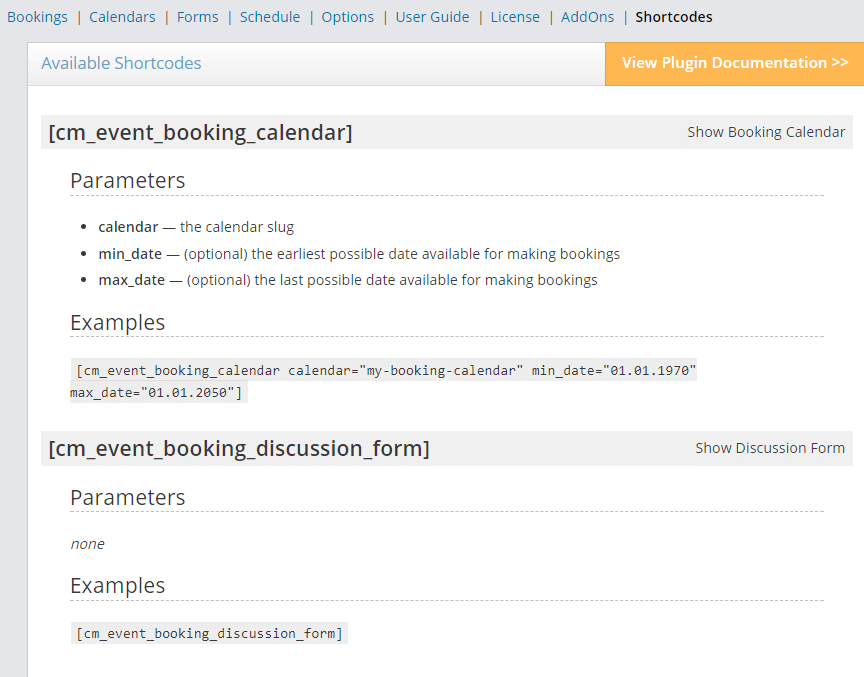
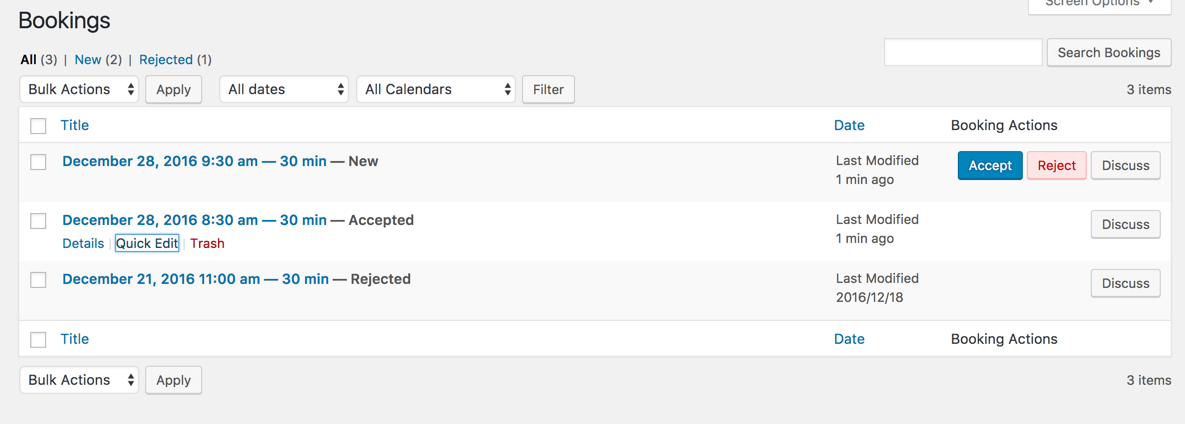
Add your booking calendar to any page using a simple shortcode. All appointment requests are collected in one dashboard, making it easy to manage and track bookings without relying on back-and-forth emails. From the dashboard, you can review booking details and approve, decline, or cancel appointments. |
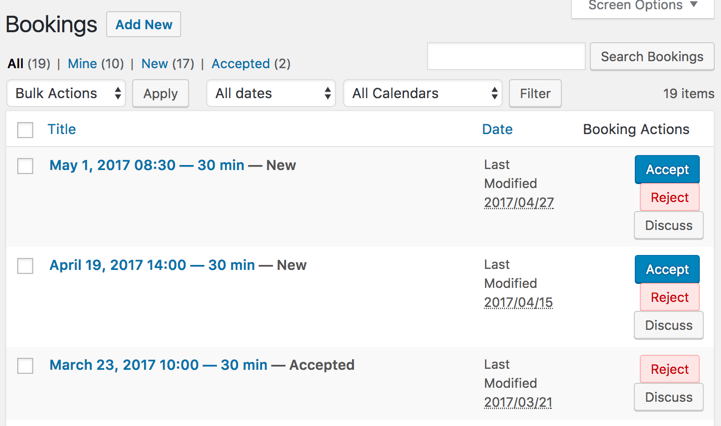 Dashboard Displaying All Booking Requests
 |
Schedule Zoom Meetings Instantly
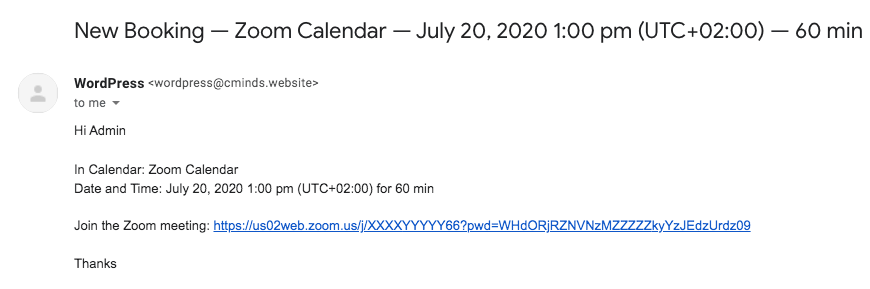 Email message with Zoom link
 |
Create a meeting in your Zoom account for every new booking. Schedule up to 100 calls a day and send the direct link to the user that requested the booking. |
Booking Notification Emails
| When a customer submits a booking request, the WordPress calendar moderator receives an email containing all details provided on the booking form to process and manage the appointment. |
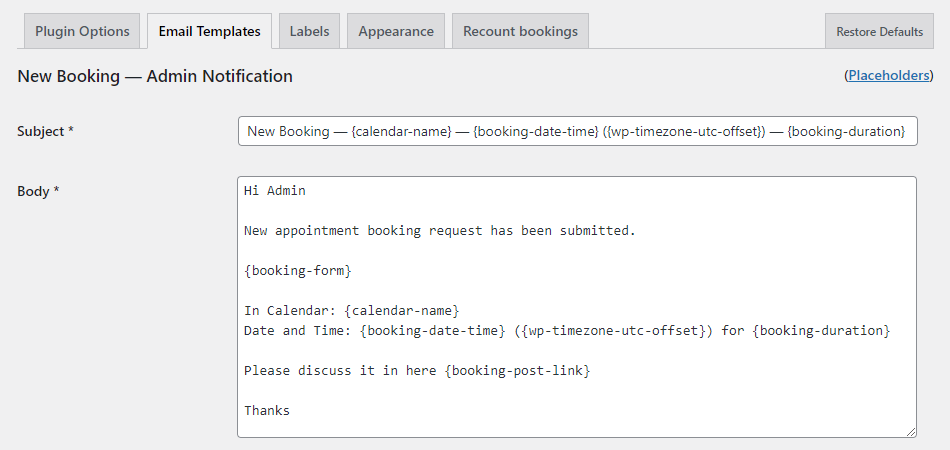 Template for Admin Email Notification
 |
Handle Booking Requests with Your WordPress Calendar
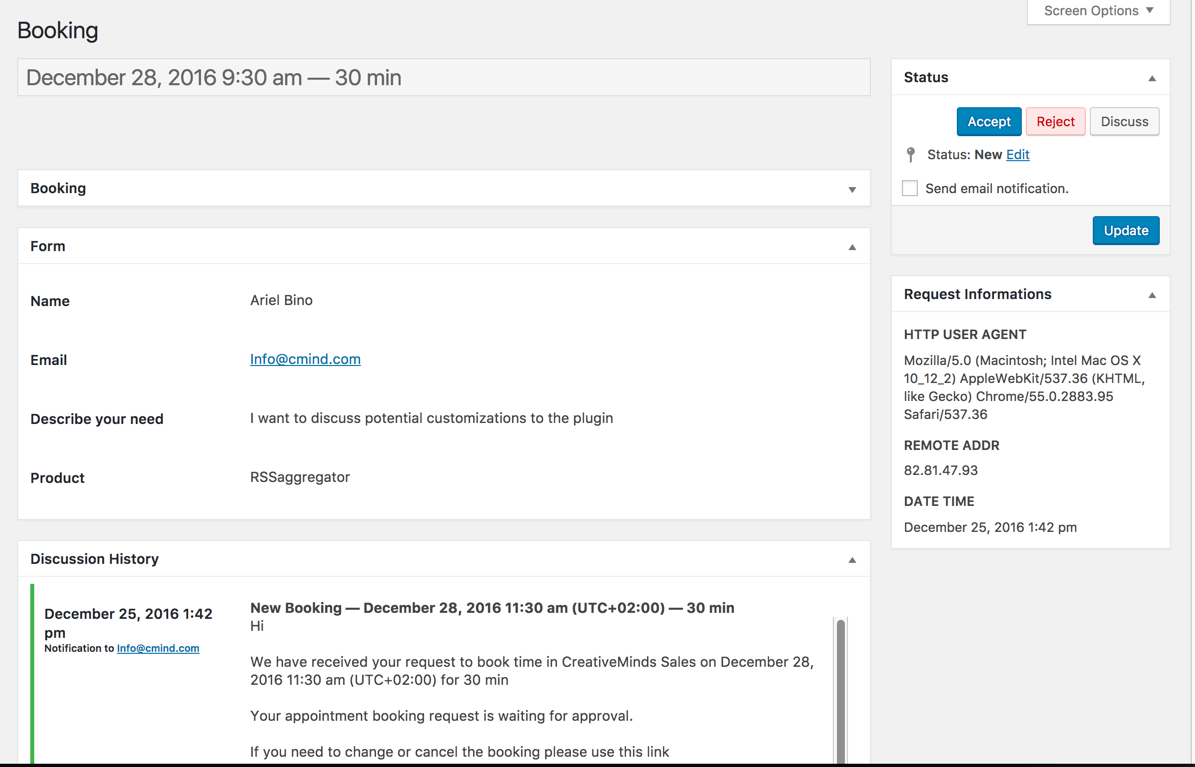
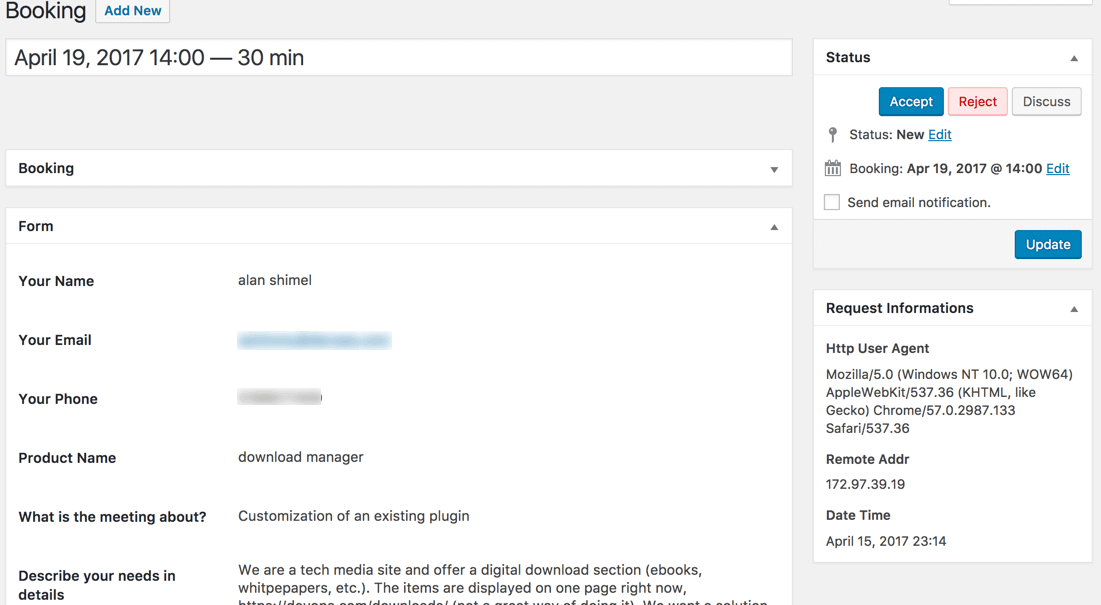 Showing Full Booking Request Details
 |
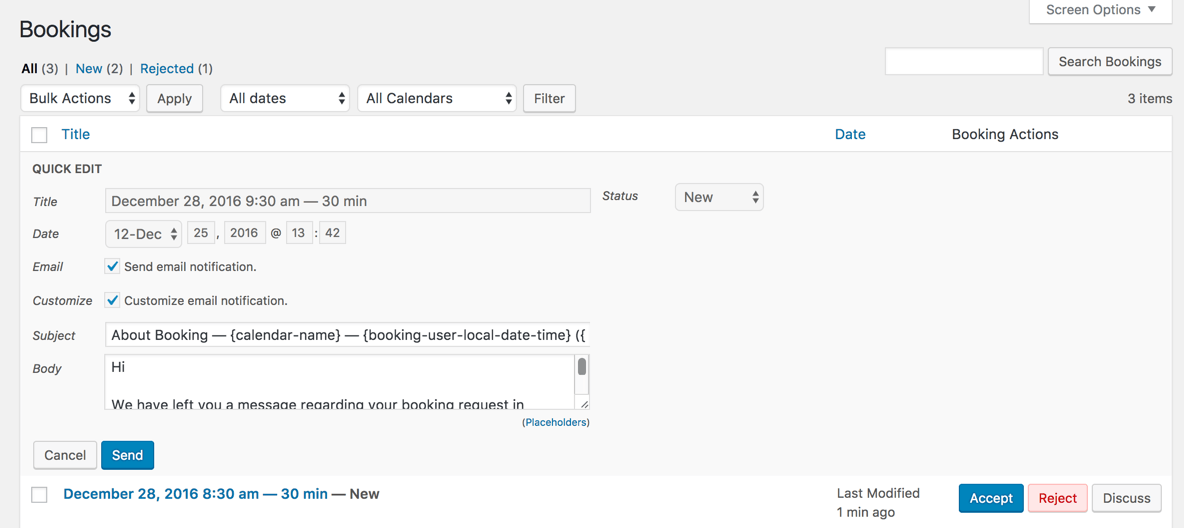
The booking calendar moderator can approve, reject, or communicate with customers regarding their appointment requests. All communication is tracked via a discussion form attached to the specific booking, so both the moderator and customer can follow the conversation until the request is finalized. Appointments can also be automatically accepted if the calendar is set to allow online booking without moderation. |
Take Control of Your Appointment Calendar
Complete Tutorial
Overwhelmed? Check our complete guide on how to create and add calendars to your WordPress site.
Read now: How to Create a Calendar Booking System in WordPress
5 Simple Steps to Build a WordPress Appointment Booking Calendar
- Create your WordPress booking calendar and set the moderator emails and session length
- Define recurring calendar availability on certain days and hours or specify available days
- Define vacation or holiday days – for instance Saturdays and Sundays.
- Customize the calendar booking form to include the information you require for each appointment
- Embed the dynamic booking calendar on any post or page by using a simple shortcode
Appointments Booking Plugin Resources
Get Started with Your Booking Plugin Today
WordPress Appointment Booking Features
Please check the user guide to learn more about this plugin
Booking Calendar Management
Slick Booking Calendar
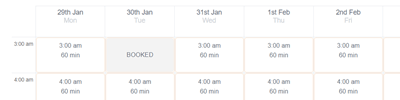
Add calendars anywhere on your site, allowing users to book appointments easily.
Multiple Calendars
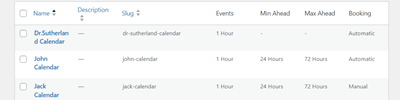
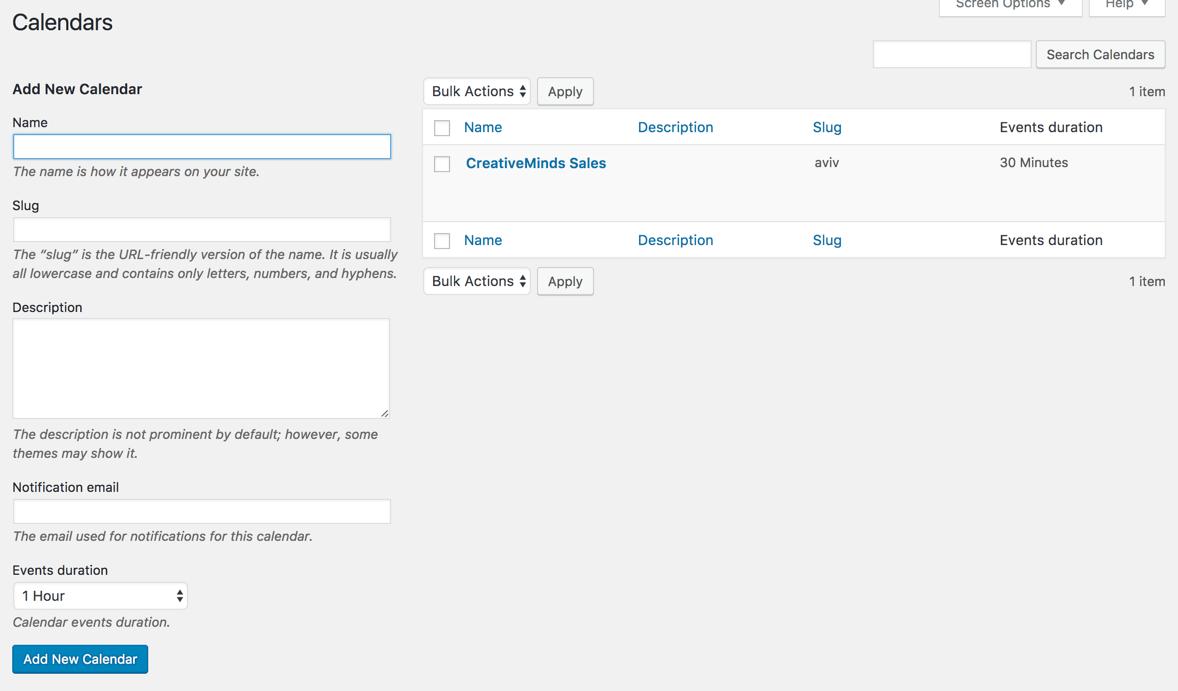
Supports multiple calendars at the same time with individual scheduling preferences. Each calendar can have its own appointment form, event duration times, moderator, session length, availability period etc.
Min hours ahead for booking
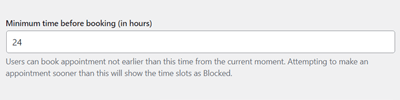
For each calendar, you can define how many hours from the current time a user can book a new appointment.
Availability
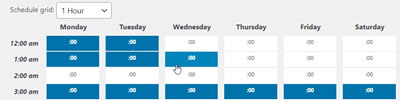
Bookings include an advanced calendar feature set where you define the exact availability of calendar dates and times that customers are permitted to book. You can also define days off when booking is not permitted within the calendar (for instance, weekends).
Appointment Form
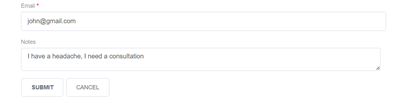
Each calendar has a unique booking form that includes all the necessary information to make bookings. The form can include any number of fields and can be customized as needed. Also, this scheduling form comes with reCaptcha support.
Multiple Spots
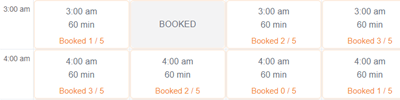
Calendars can have multiple spots for each time slot. The Front-End view will display how many spots are available, if any. If the booking is full, it will be shown as blocked.
Max hours ahead for booking
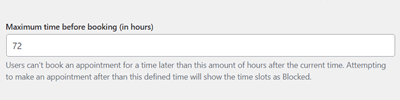
Likewise, for each calendar, you can define how many hours from the current time a user can’t book a new appointment.
Zoom Integration
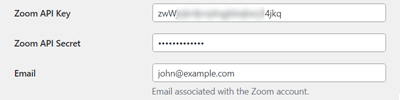
Create a Zoom meeting for every booking and send the details to the user. Requires a free Zoom account.
Booking Moderation & Approval
Moderation
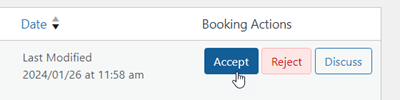
Bookings can be accepted automatically or can be moderated before acceptance. This setting is available for each calendar.
Individual Moderator
Each calendar has a moderator who receives new booking notifications and can discuss booking requests with the customer.
Booking Interface
Multiple Views

Supports Day, Week and Month view on the meeting scheduler.
Shortcode
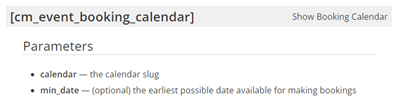
The calendar can be added to any page or post using a simple shortcode.
Mobile Support
When a small screen device is detected, the responsive plugin will switch to Day view, which is adjusted to fit small screens and mobile.
Ready to Translate
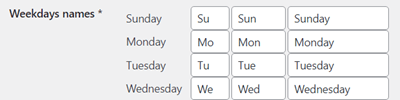
All plugins labels and messages are editable and can be adjusted to any language and terminology in the label settings.
Personalized Timezone
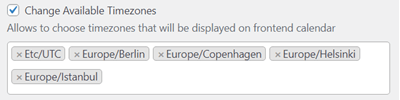
The calendar Front-End view is adjusted based on the customer’s timezone.
Next available slot
Calendars always load the next available slot for new booking.
Customer Interaction & Booking Requests
Calendar Email Reminders
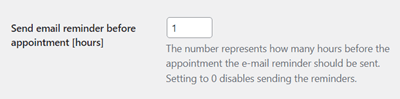
Send automatic reminders to the admin and customer before booking events start. Customize how many hours in advance notification emails will be sent.
Email Notifications
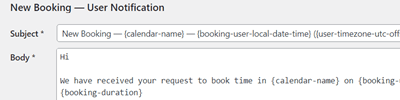
Each booking creates notifications for both the moderator and the customer who has completed the booking.
Admin Side Booking
Manually add bookings from the admin dashboard.
User Time Credit
Add or deduct Time Credit for users to limit the time duration they can book. Can work with payment integration so user can purchase additional credit or grant new registered user a set amount of credit.
Calendar SMS Reminders
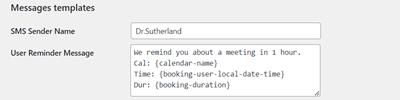
Send automatic SMS reminders to your clients X hours before the appointment. The plugin uses the reliable Amazon SMS service (AWS SNS).
Discussion
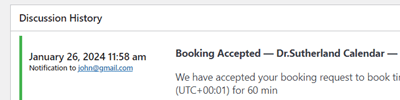
If moderation is set to “yes”, appointment requests can be accepted, rejected or discussed. All discussions are held within the plugin appointment system, so both the moderator and customer can track them easily.
Reschedule Appointments
The admin can edit existing booking date to reschedule bookings. Once changed, a notification will be sent to the user.
Multiple Bookings
Allow users to book a few booking slots, the whole day or more at once.
Add-ons Features
Payments Add-on
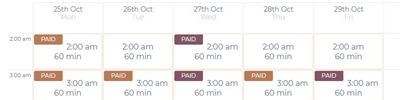
Payments add-on supports payment for setting an appointment using the booking calendar. Based on WooCommerce or EDD cart with more than 100 payment gateway support.
User Calendar Add-on
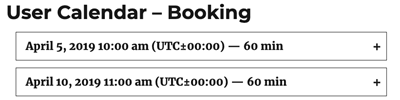
User Calendar add-on enables users to control their booking calendar through a simple front-end interface, allowing them to set availability, manage requests, and more.
Events Add-on
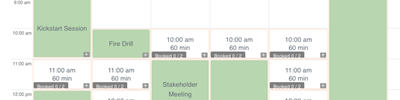
Events add-on enables event bookings with detailed descriptions, seat specifications, and optional payments, enhancing your calendar as a comprehensive solution
Group Meeting Add-on
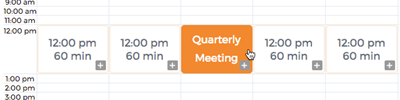
Group Meeting add-on allows multiple bookings for the same meeting. Serves as an event booking solution for your calendar. The group meetings’ name appear in the calendar, making them easy to find.
WordPress Appointments Booking Plans and Pricing
Choose from different license options and pricing plans for the WordPress Appointment Booking plugin to find the version that fits your website’s scheduling needs.
Compare License Options
| PLANS | Pro | Advanced | Ultimate |
| Price includes 1 year support/updates. Manual renewal with 40% discount, not a subscription | $49 | $79 | $119 |
| Number of Websites / License Activations | 1 | 3 | 5 |
| BASIC FEATURES | |||
| Multiple calendars support |  | | |
| Multiple spots | | | |
| Availability | | | |
| Min and max hours ahead for booking | | | |
| Booking notifications | | | |
| User time credit | | | |
| Multiple bookings | | | |
| APPEARANCE FEATURES | |||
| Appointments form manager | | | |
| Multiple calendar views | | | |
| Mobile responsive | | | |
| Personalized timezone | | | |
| Next available slot | | | |
| Translate labels | | | |
| ADMIN TOOLS | |||
| Booking moderation | | | |
| Admin side booking | | | |
| Shortcodes support | | | |
| USER INTERACTION | |||
| Email and SMS reminders | | | |
| Discussion | | | |
| Reschedule appointments | | | |
| INTEGRATIONS | |||
| Zoom integration | | | |
| Amazon SNS integration | | | |
| CM Video Lessons Manager integration | | | |
| CM Business Directory integration | | | |
| CM Expert Directory integration | | | |
| ADD-ONS | |||
| Payment integration |  | | |
| Users have their calendars | | | |
| Ical sync | | | |
| Group meetings | | | |
| Events | | | |
| SUPPORT | |||
| Product Knowledge Base |
 |
|
|
| Priority email support |
|
|
|
| Product updates |
|
|
|
| PLANS | Pro | Advanced | Ultimate |
| Number of Websites / License Activations | 1 | 3 | 5 |
| Price includes 1 year support/updates. Manual renewal with 40% discount, not a subscription | $49 | $79 | $119 |
How to Choose the Right Plan
Compare the features and benefits of each license to determine the one that best suits your appointment scheduling requirements.
- Essential: Best suited for websites that need a simple appointment booking system, supporting multiple calendars and fully customizable booking forms.
- Advanced: Ideal for sites that require payment functionality, allowing users to pay for appointments directly through your website.
- Ultimate: Designed for websites that require a full-featured booking system. This plan includes advanced functionality such as payment processing, calendar synchronization with iCal, individual user calendars, group meeting support, and event management – providing a complete solution for efficiently managing all aspects of appointments on your site.
Choose the plan that fits your site’s needs and start managing appointments effectively on your WordPress website today.
WordPress Appointments Booking Additional Addons and Modules
The following list is additional modules and addons which can be installed together with the Booking Calendar plugin and provide additional functionality
WordPress Appointments Booking Plugin Online Demo
BOOKING CALENDAR DEMO PAGES
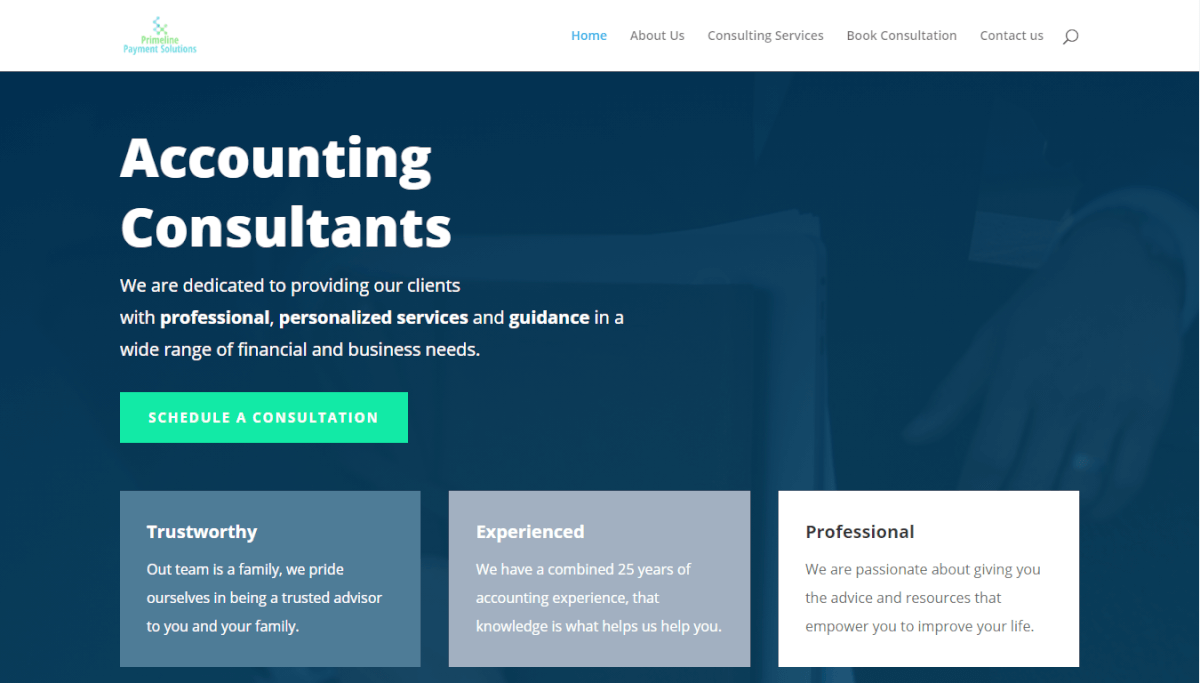
SITES USING THE WP BOOKING CALENDAR PLUGIN

WordPress Booking Calendar Plugin Gallery
-

- Appointment Calendar front-end view
-

- Appointment approval / rejection dashboard
-

- Appointment view from admin dashboard
-

- Appointments grid in admin panel
-

- Appointment booking form
-

- Calendars management
-

- Appointment form customizer
-

- Calendar days off setting

-

- Calendar availability settings

-

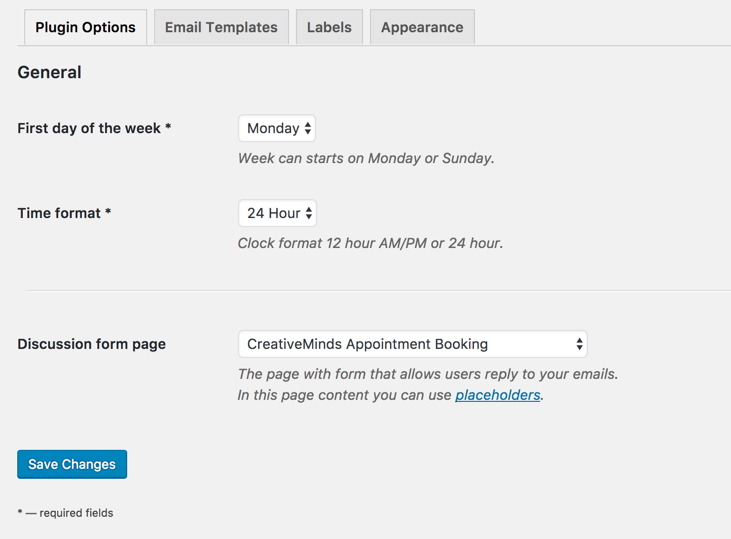
- Plugin general settings
-

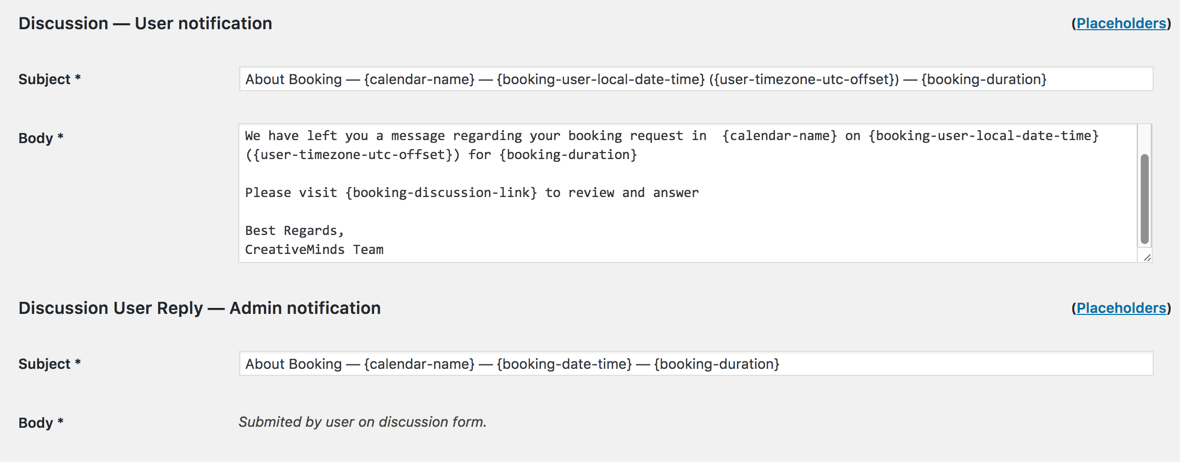
- Plugin notifications settings – 3
-

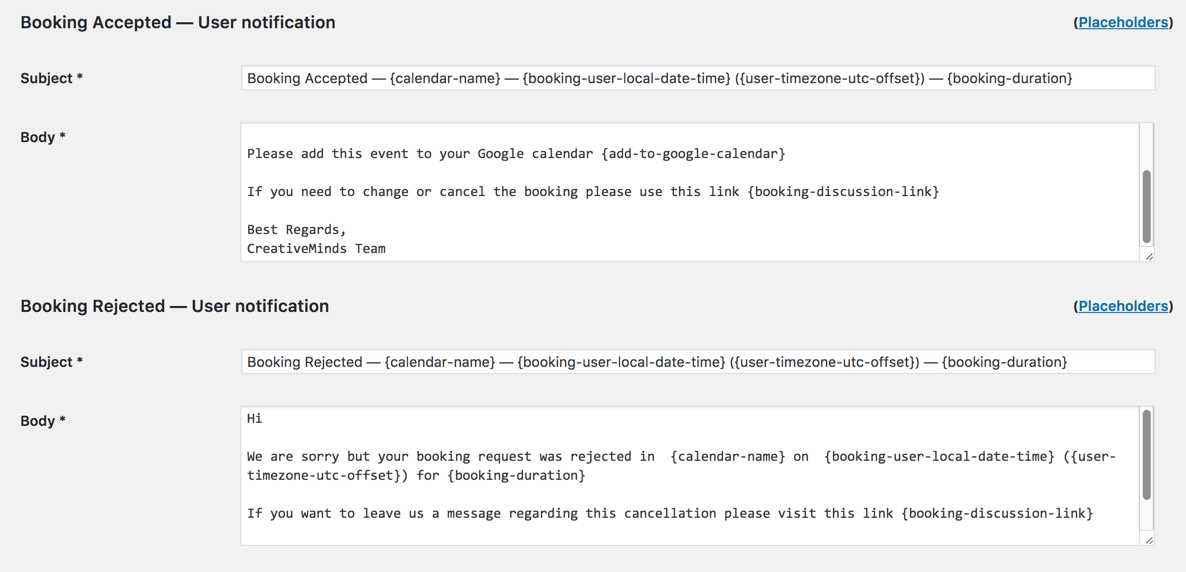
- Plugin notifications settings – 2
-
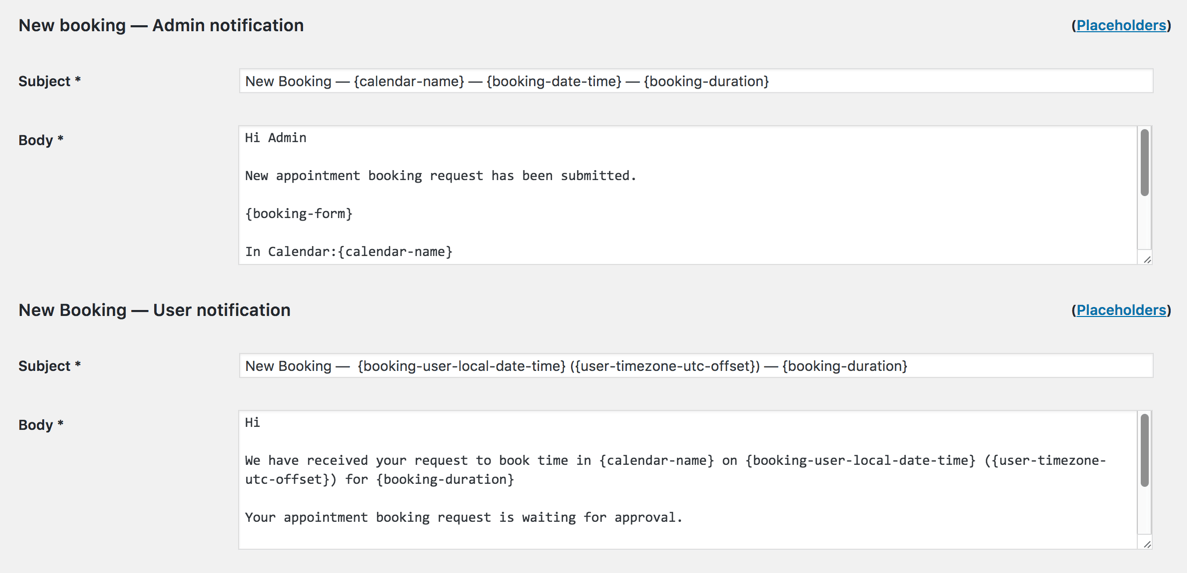
- Plugin notifications settings – 1
-

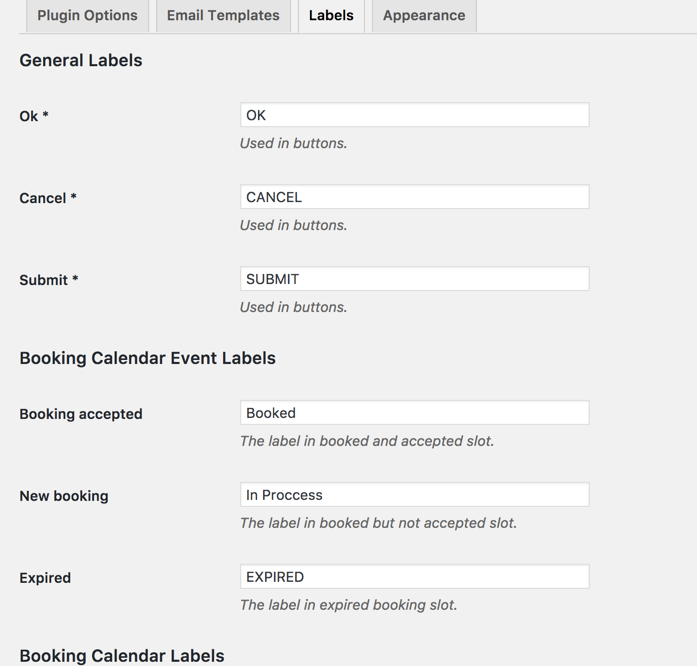
- Plugin labels settings
-

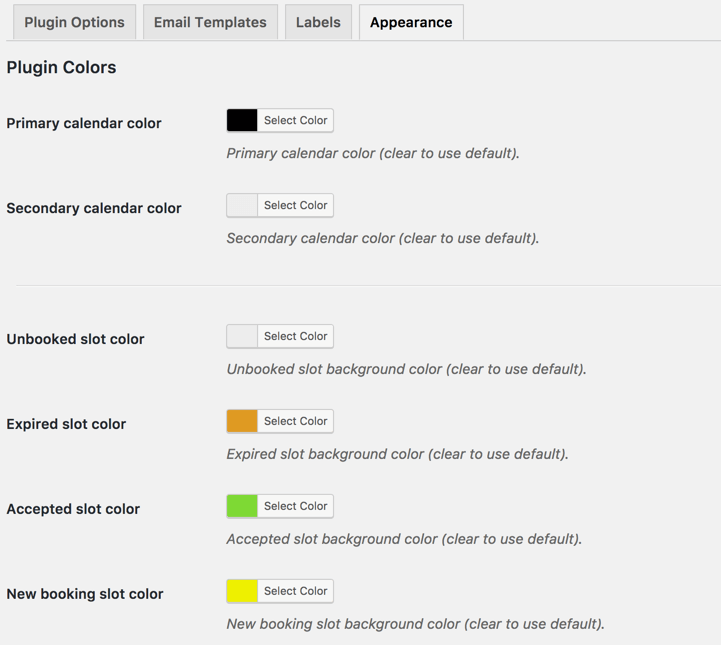
- Plugin colors settings
-

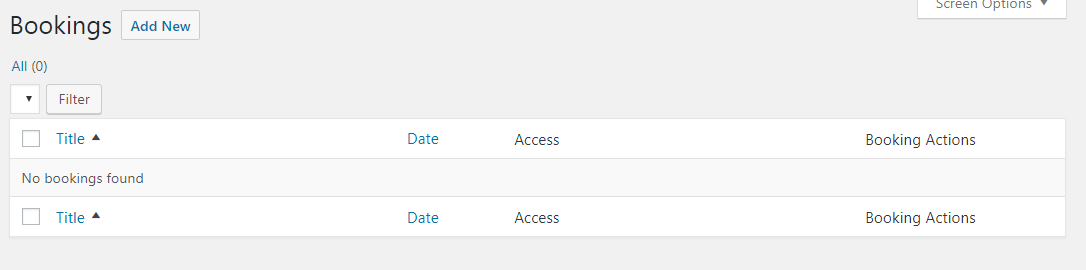
- Bookings
-

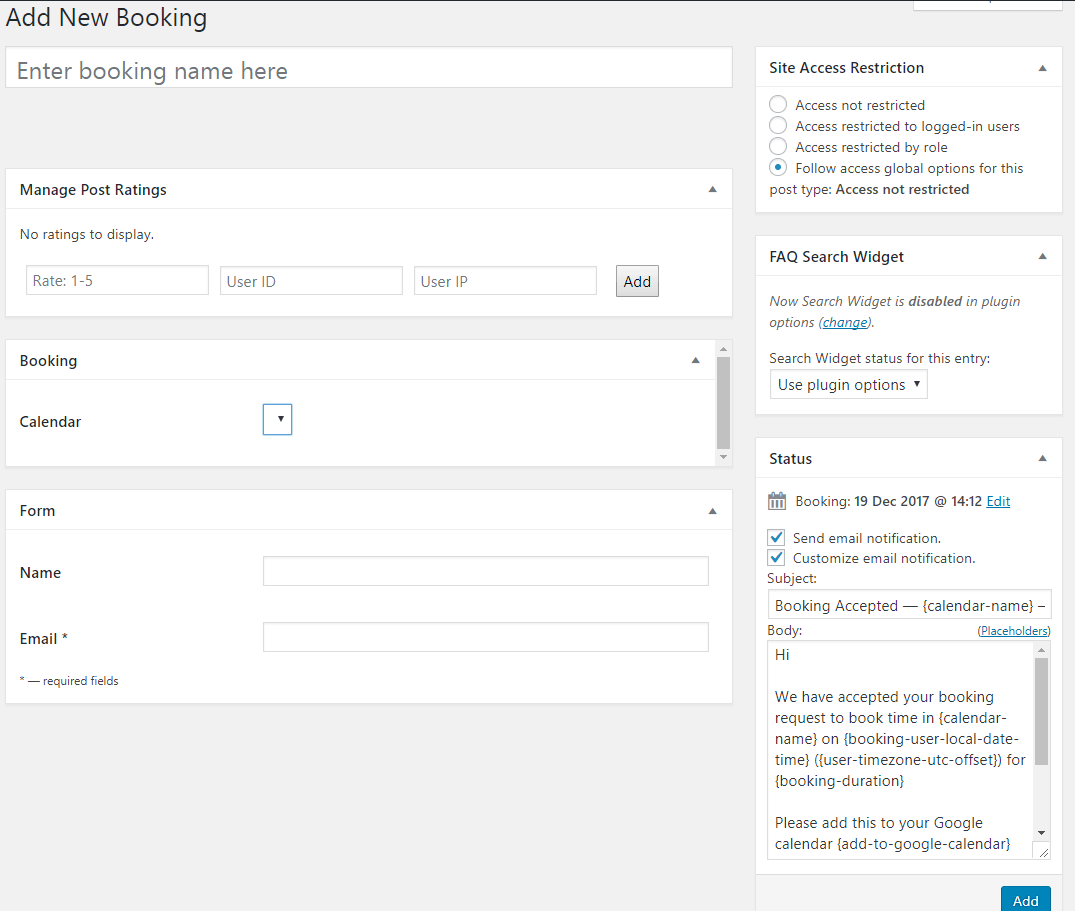
- Add New Booking
-

- Shortcodes