Display Multiple Locations with Searchable Map
Use the Multi Location WordPress plugin to display multiple locations or points of interest on an interactive Google Maps integration.
Each location can include a detailed description, images, videos, full address details, and searchable markers, making it easy for visitors to explore and navigate your map.
The plugin is suitable for creating both simple location maps and fully searchable store locator systems on WordPress sites.
Create a Searchable Store Locator Map
|
With the Multi Location Map plugin, you can build a searchable store locator map that displays all your locations on a single Google Map. Each location has its own dedicated page with structured information, images, and navigation details. Visitors can search locations by ZIP code, category, name, or description, and browse specific location categories embedded anywhere on your site using shortcodes. Set up a searchable store locator and organize all your locations in one place. |
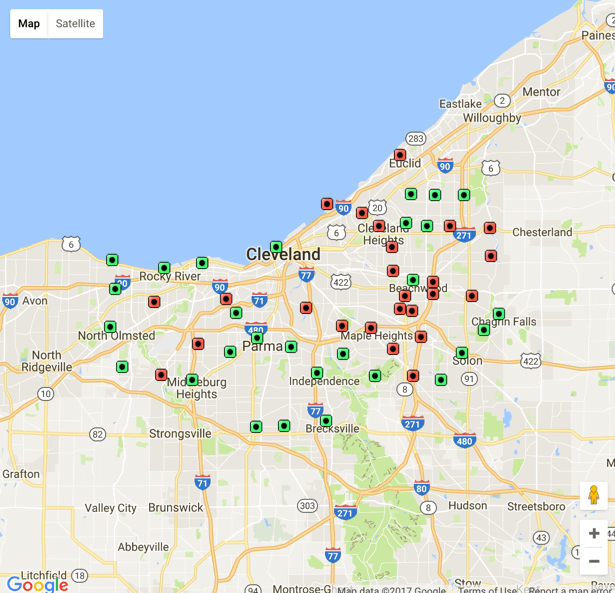 Google Maps Showing All Locations
 |
Benefits of the Multi Location Map Plugin
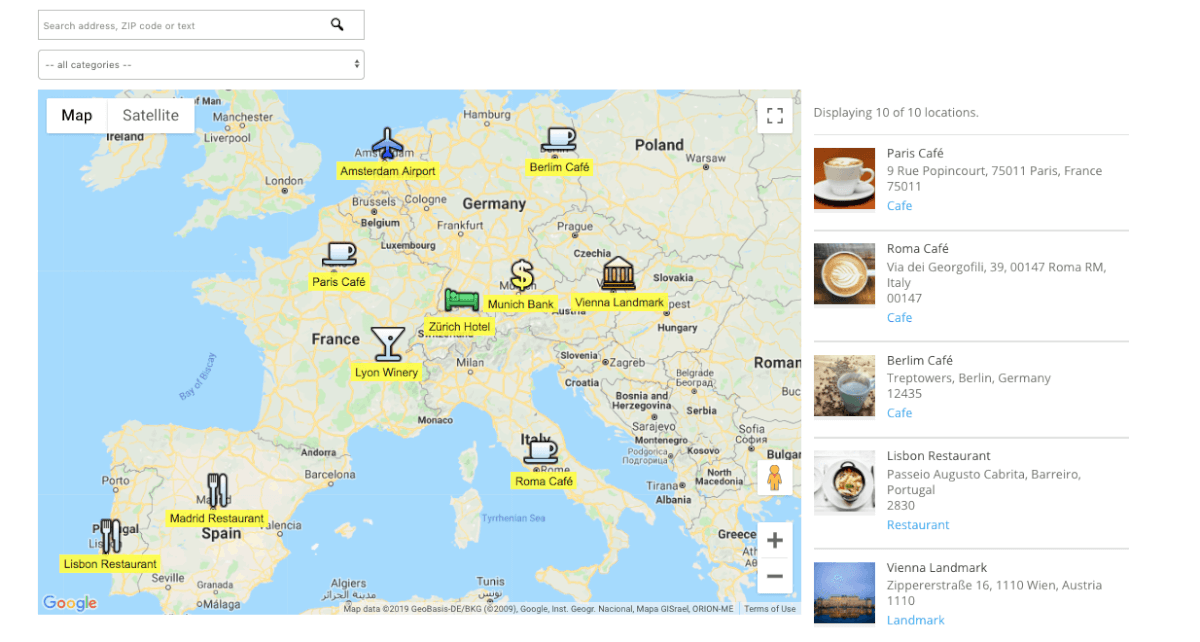 Example Map with Cafes, Restaurants, Banks, Landmarks and Hotels
 |
The plugin supports a wide range of use cases, from listing business branches and retail stores to displaying landmarks, tourist attractions, or local community locations. Each location can be assigned a unique icon based on its category, with full support for custom icon uploads to match your site's design. This flexibility makes it easy to adapt the map to different industries and audiences while keeping the interface intuitive for visitors exploring multiple locations. |
Map Themes and Tiles
|
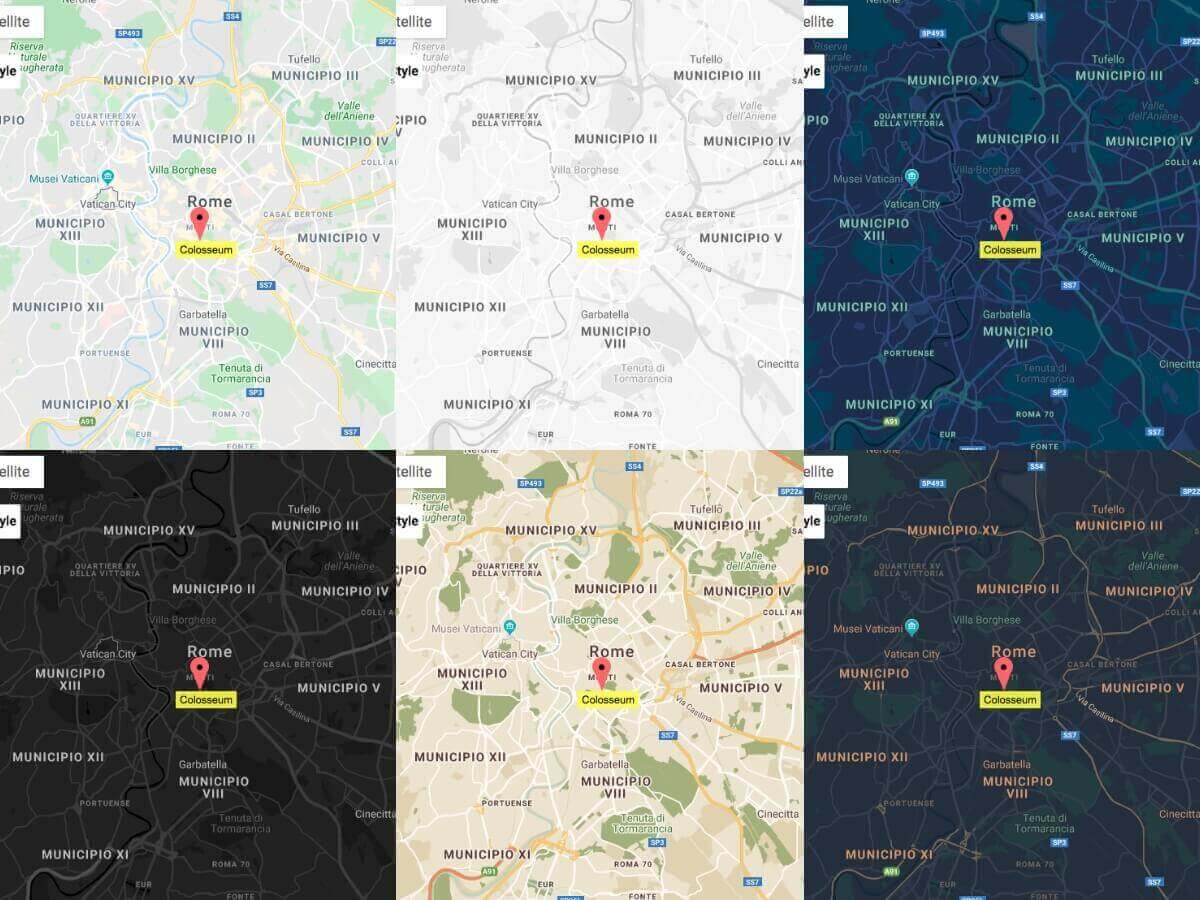
Choose from six predefined map themes, ranging from minimalist layouts to more decorative styles. Users can switch between map, terrain, and satellite views directly on the map interface. The plugin also supports external map tiles, allowing you to include additional layers or data from sources such as OpenStreetMap and other mapping services. |
 Six Map Locations Themes
 |
Add Custom Polygons and Shapes
 Create shapes of any colors with polygons
 |
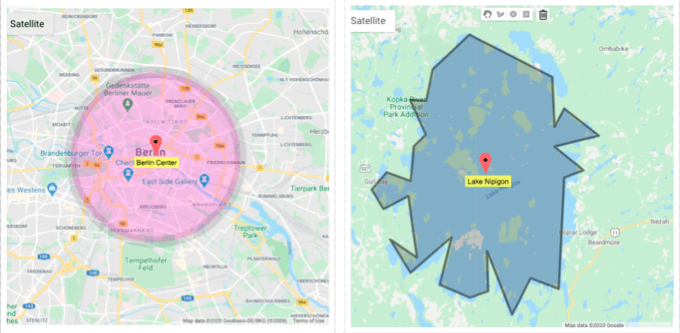
Enhance your maps by adding custom lines, circles, and rectangle polygons to highlight specific areas. Each polygon can be individually styled with custom colors, stroke width, and opacity. Polygons can also display informative tooltips on interaction, making it easy to mark parks, districts, routes, or restricted areas directly on the map. |
User Dashboard for Managing Locations
|
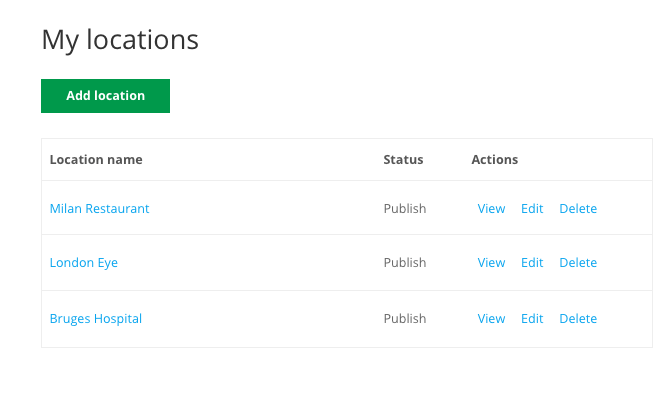
Enable collaboration by allowing specific user roles to add or manage locations through a dedicated user dashboard. Each authorized user can view, edit, and manage the locations they have created. This feature is especially useful for multi-author websites, franchises, or community-driven location directories. Give trusted users controlled access to manage map locations without full admin permissions. |
 List of User Maps
 |
Rich Location Pages and Tooltips
 Location Page with Additional Details
 |
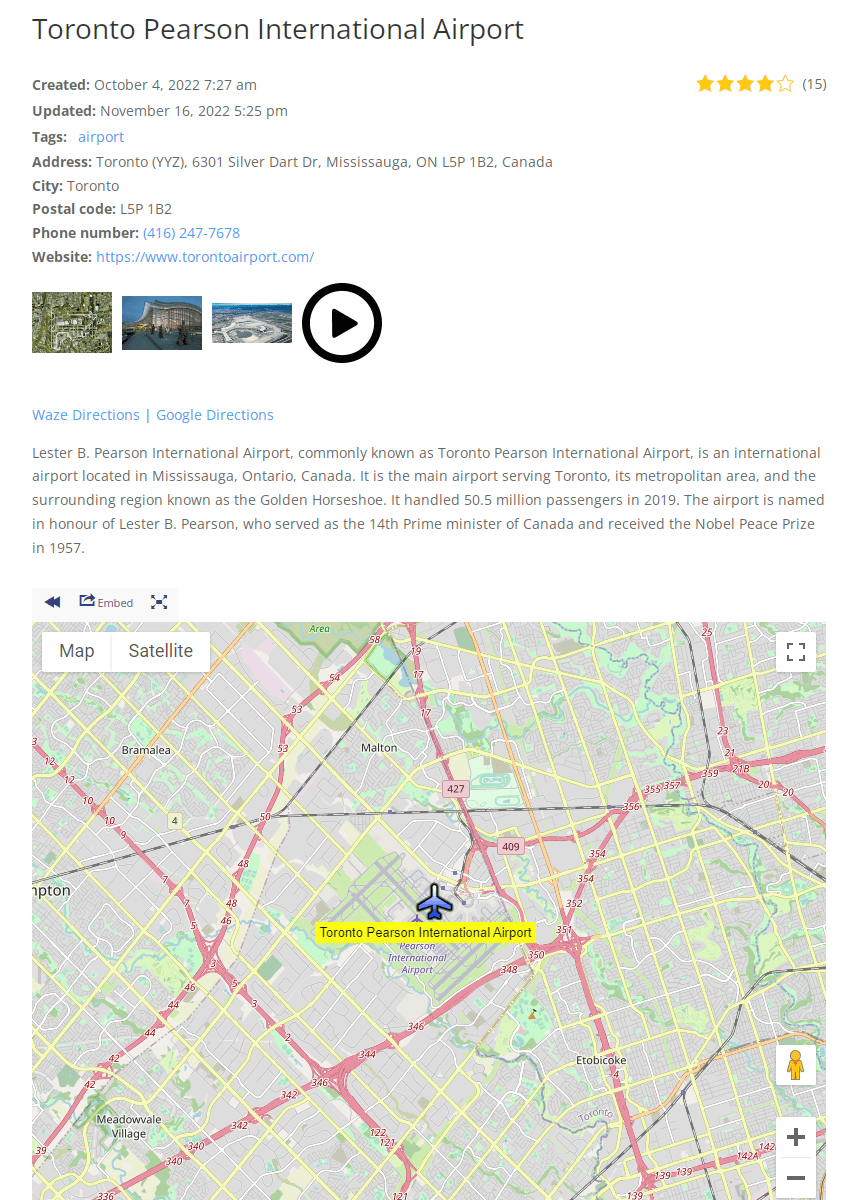
Location data can be displayed either through detailed location pages or interactive tooltips. Clicking a marker can open a full location page or show a rich tooltip - the choice is fully configurable. Location pages support photos, videos, tags, categories, formatted content, and built-in navigation via Google Maps and Waze, ensuring visitors have all essential details in one place. |
Display Quick Info with Location Tooltips
|
Location tooltips provide a compact way to display key information such as the title, address, image, and short description. This is especially helpful for maps with a large number of locations where quick scanning is preferred. Tooltips allow users to preview information without leaving the map view, improving usability and exploration. |
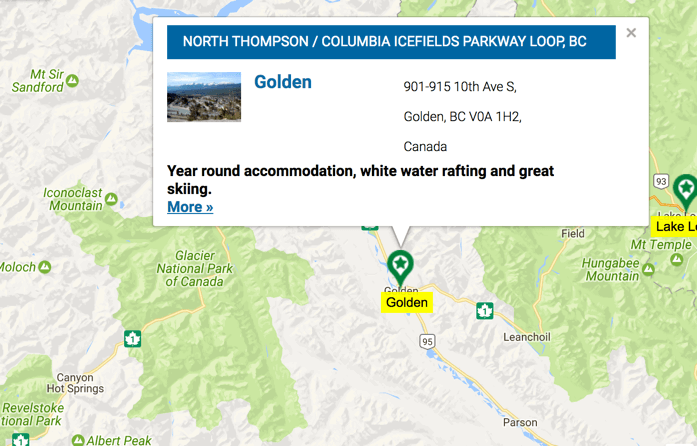 Showing a Tooltip on Map with Store Location and Information
 |
Custom Icons for Each Location
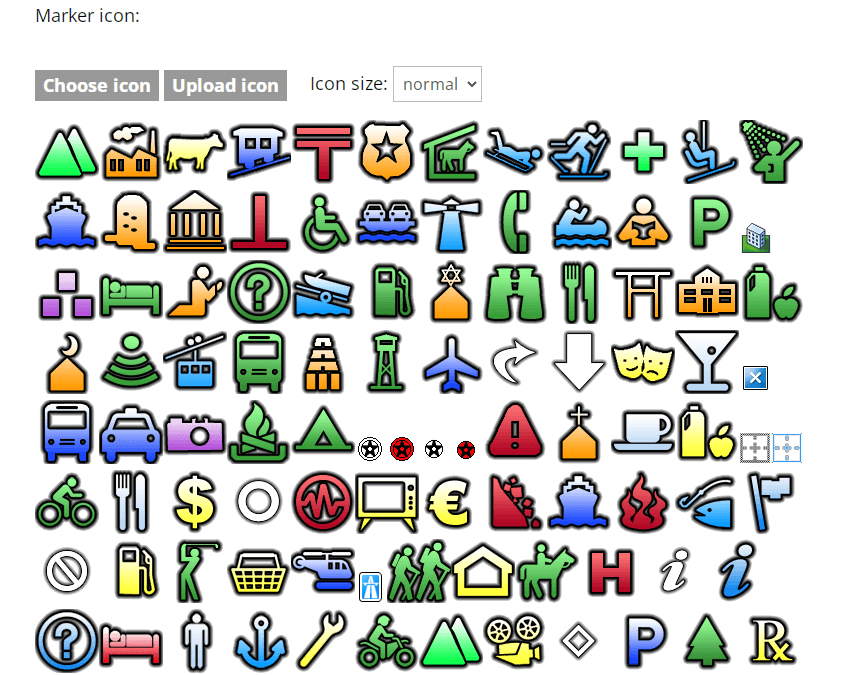 Choosing the Icon for Location
 |
Each location can display a unique icon to improve visibility and differentiation on the map. Choose from a large library of predefined icons or upload custom icons for individual locations or entire categories. This makes it easier for users to visually distinguish different location types at a glance. |
Location Filters and Taxonomies
|
In addition to standard categories, the plugin allows you to create custom taxonomies to build advanced location classification systems. Visitors can filter locations using these taxonomies, making it easier to narrow down results on large maps. This structure works well for complex directories with multiple location types or attributes. |
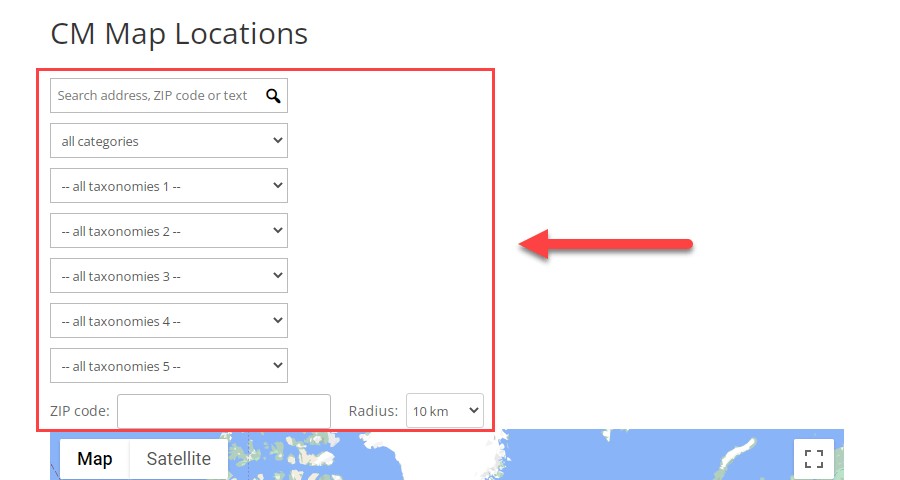 Example of Map Filters
 |
Search Locations by ZIP Code and Radius
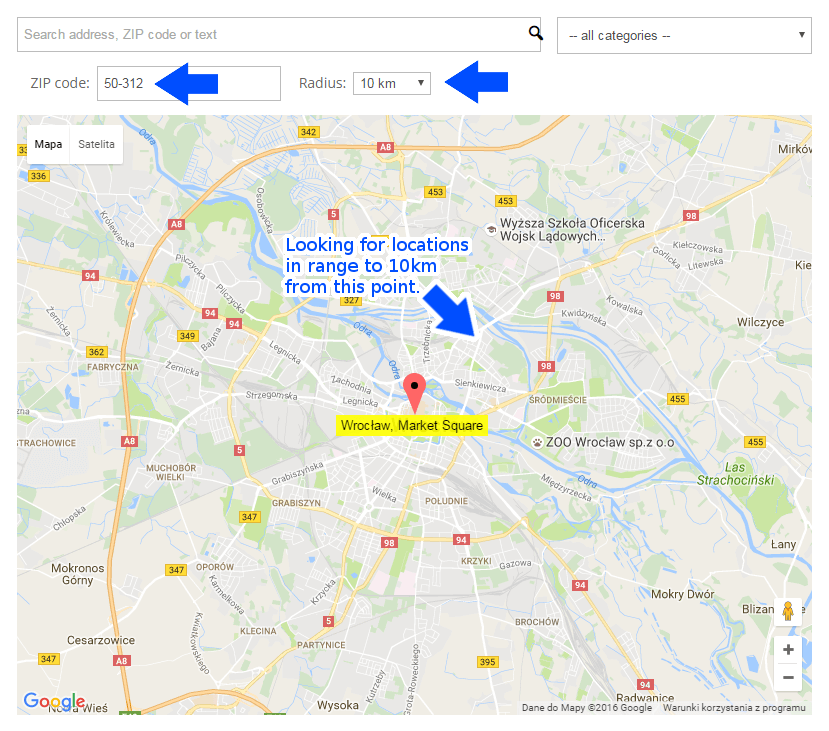 Search by ZIP In Specified Radius
 |
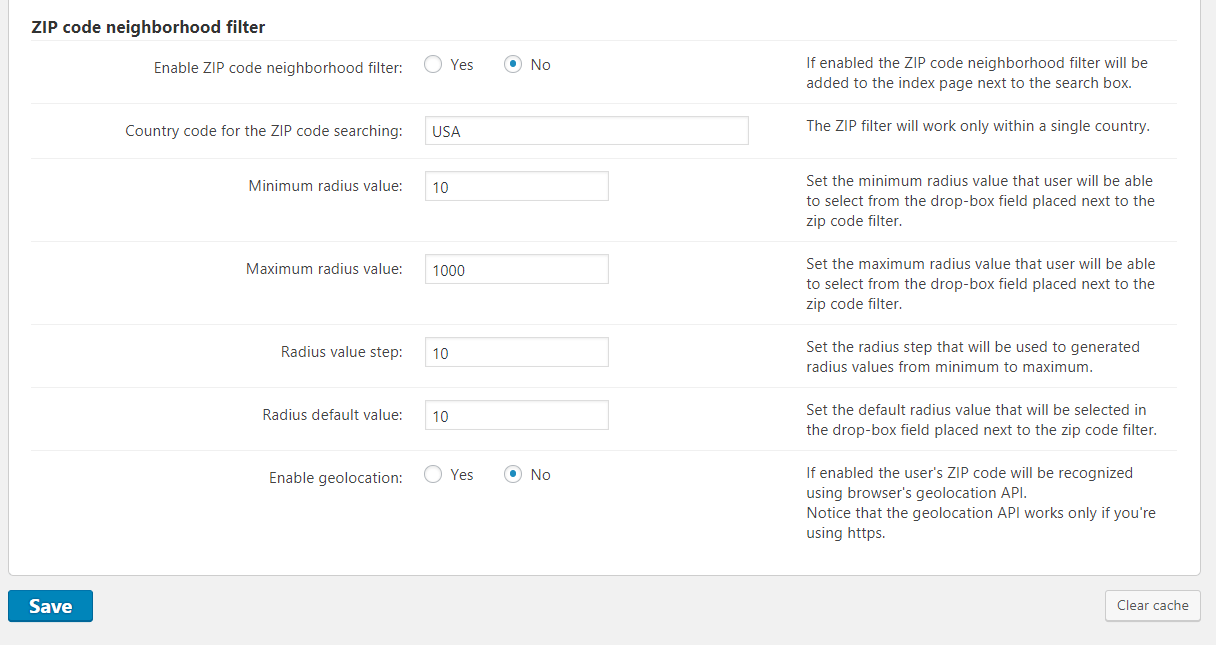
The plugin supports radius-based searches centered around a specified ZIP code. Administrators can define minimum and maximum radius values, as well as selectable radius steps. This feature enables users to quickly find nearby locations within a defined distance range, improving local search accuracy. |
Numbered Markers for Easy Navigation
|
Replace traditional map markers with numbered icons for a clean and organized overview of all locations. Each numbered marker corresponds to an entry in the location list displayed alongside the map. Clicking a number automatically scrolls the page to the matching location entry, creating a smooth connection between the map and the list. |
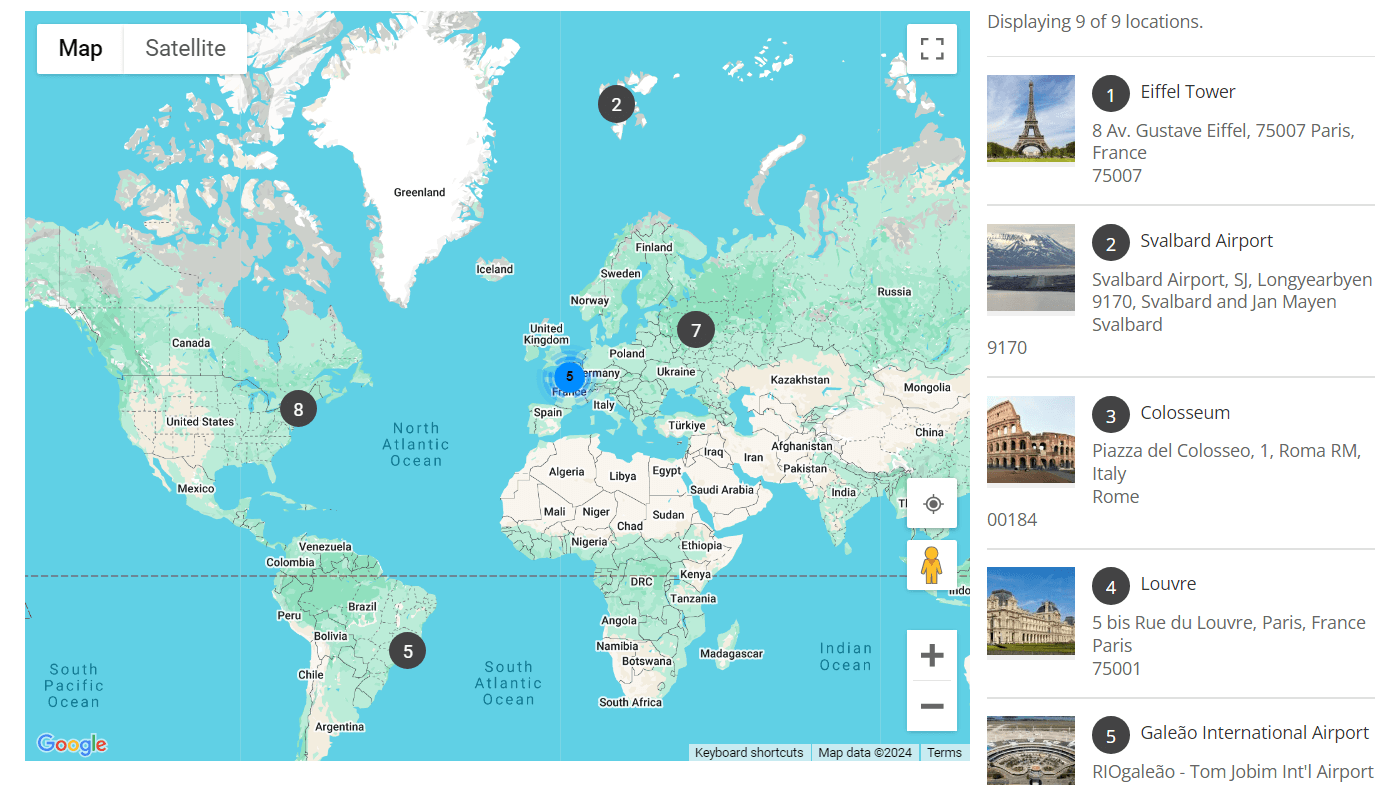 Displaying Markers as Numbers
 |
Boost SEO with Location Pages
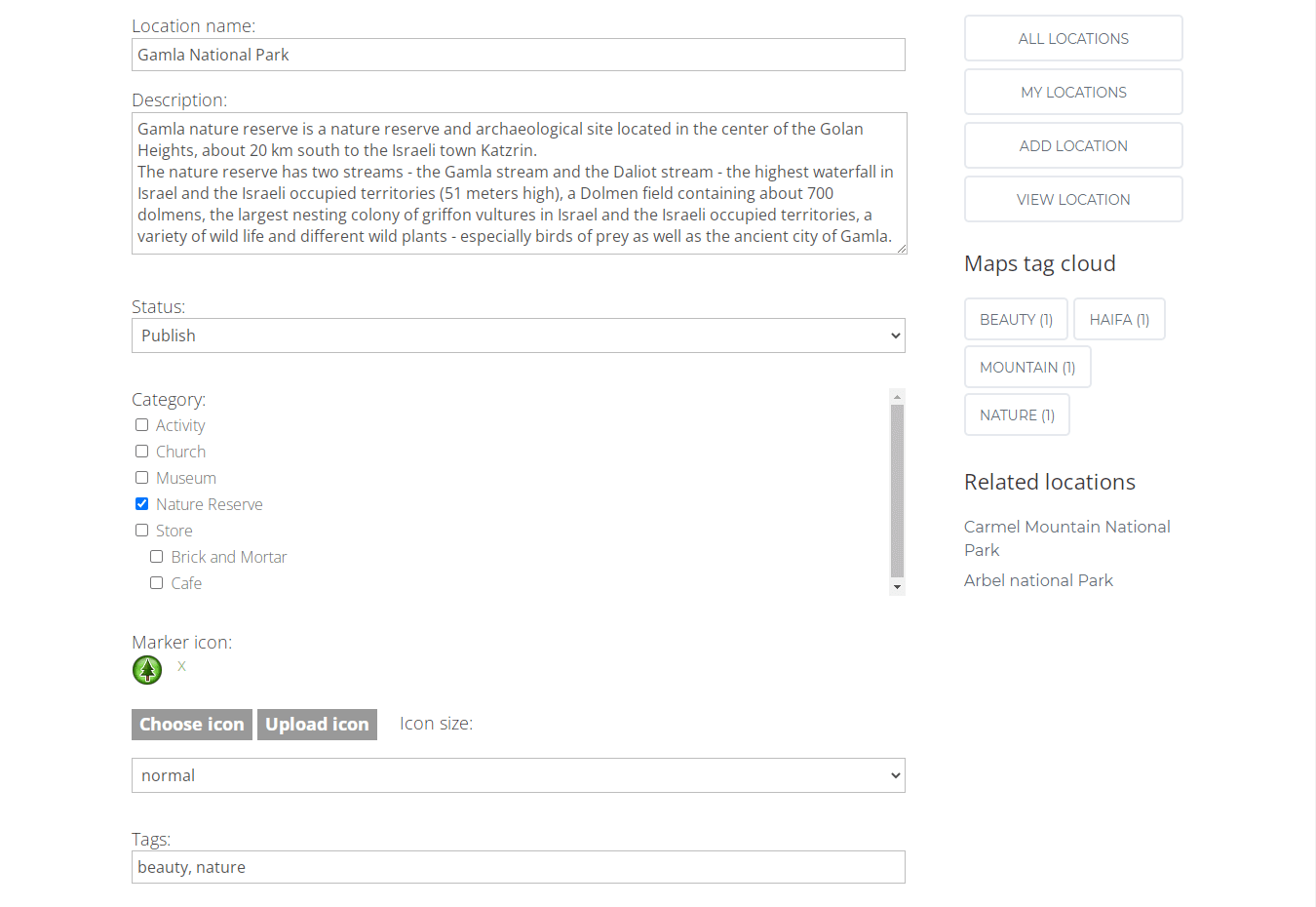 Managing the location
 |
Each location includes its own dedicated page, creating additional indexable content for search engines. These pages are internally linked and structured to support location-based keywords and local SEO strategies. Adding well-defined location pages can help improve visibility in search results and make it easier for search engines to crawl your site. Use location pages to strengthen your site’s SEO and local discoverability. |
Import and Export Map Locations
|
Easily move location data between sites using KML or CSV formats. The import and export tools allow you to edit locations in spreadsheet software such as Excel or Google Sheets before uploading them back to WordPress. This makes it simple to manage large location datasets or migrate maps between environments. |
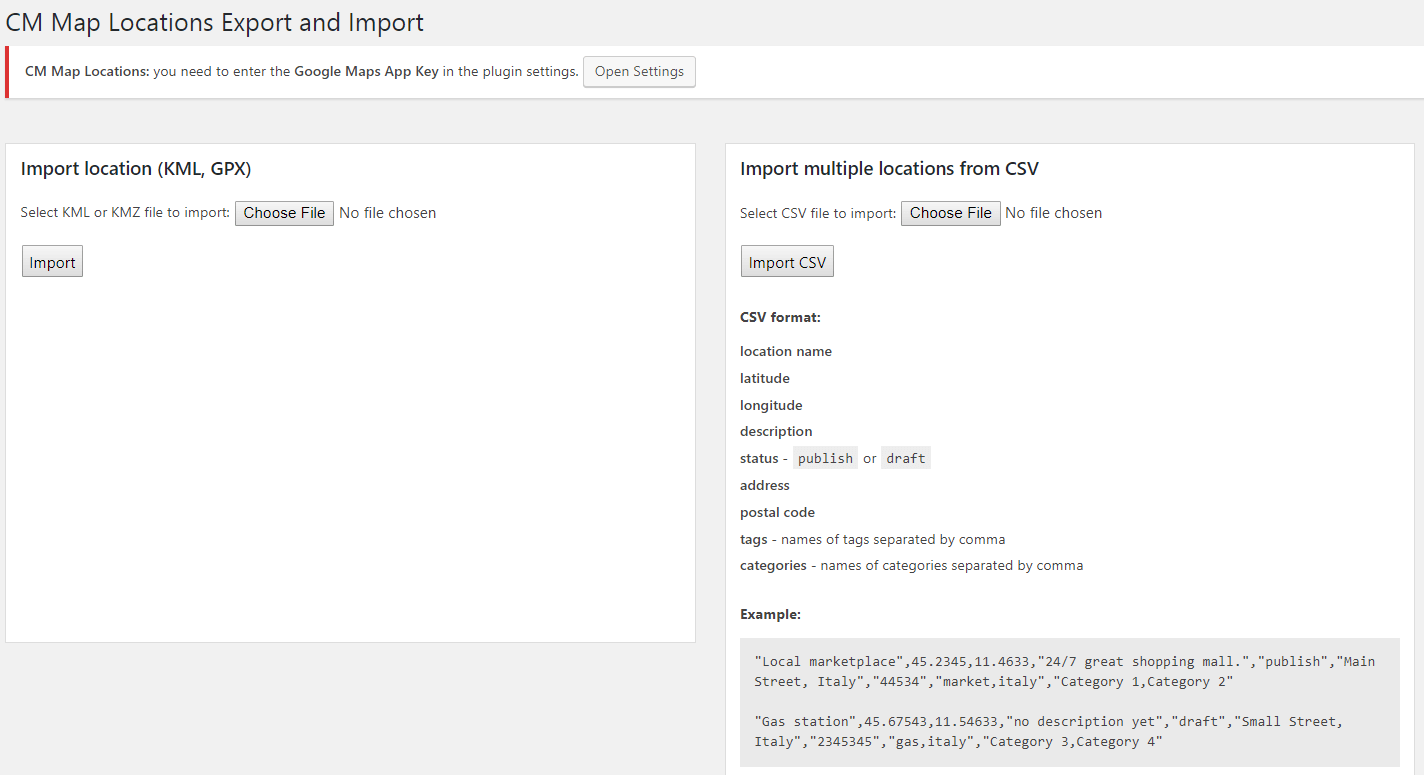 Locations Import Screen
 |
GDPR-Compliant WordPress Plugin
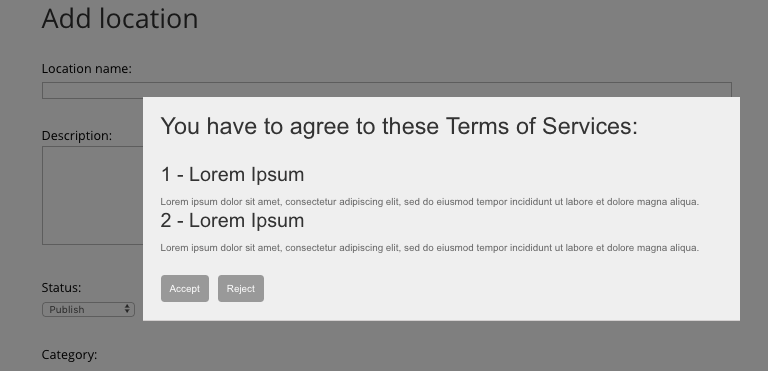 Terms of Service Prompt
 |
The plugin includes built-in GDPR compliance options. You can require first-time users to accept your terms of service before submitting or managing locations. This helps ensure compliance with data protection regulations for user-submitted location data. |
Ready to Create an Interactive Location Map?
Add Locations via REST API and Track Users
Locations can be added from external websites or applications using the REST API.
You can define location name, description, category, coordinates, and even images.
The plugin can also display users’ current locations and travel paths on the map, making it suitable for real-time or activity-based mapping use cases.
Easy External API Set Up
- Generate a Key – Create an API key to securely connect external apps.
- Create a Link – Build a URL containing all required location data.
- Use the Link – Place the link anywhere in your app or website to send location data directly to WordPress.
To learn more, visit: How To – Add Locations From External Services (REST API)
Integrate Location Manager with Other Plugins
Learn How To Create Locations Community
Combine the Location Manager with the PeepSo Integration add-on to allow users to manage locations directly from their social profiles. Read our guide on how to connect PeepSo to your locations directory: Letting Users Manage Their Locations in PeepSo Profile.
Using Location Manager with the Routes Manager
Use the Location Manager together with the Routes Manager plugin to build business catalogs and display all related routes and locations on a single interactive map.
Using Location Manager with the Business Directory
Integrate with the Business Directory plugin to combine directory listings, routes, and custom locations into one map-based solution.
WordPress Multiple Location Map Plugin Highlights
- Google Maps Mapping – Use Google Maps integration and Google Maps navigation to place your location
- Custom Map with all Available Locations – Show an interactive custom map with all locations each having its own icon
- Advanced Search Support – Search map locations by keywords, zip, address or browse by categories
- Store Locator Solution – Use our interactive custom map plugin as a store location solution or to create a store map for a particular area
- Search by Distance – Search by distance from a zip code to show all relevant locations
WordPress Multi Location Map Plugin Additional Resources
Start Building Your Location Map Today
Explore the Key Features of the Multi Location Map Plugin
Please check the user guide to learn more about this plugin.
Core Features
Place locations on a Google Maps
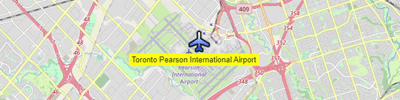
Display locations on Google Terrain, Satellite or regular Map layout.
Detailed location description
Each location can have a detailed description which can include an address and contact information such as website, phone, and email. Location description can show up as a tooltip and also as a seperate landing page.
Images and videos
Images and videos can be added to each location landing page.
Display Templates
Choose between several display templates to support use cases such as a store locator, store list, store map, point of interest and more.
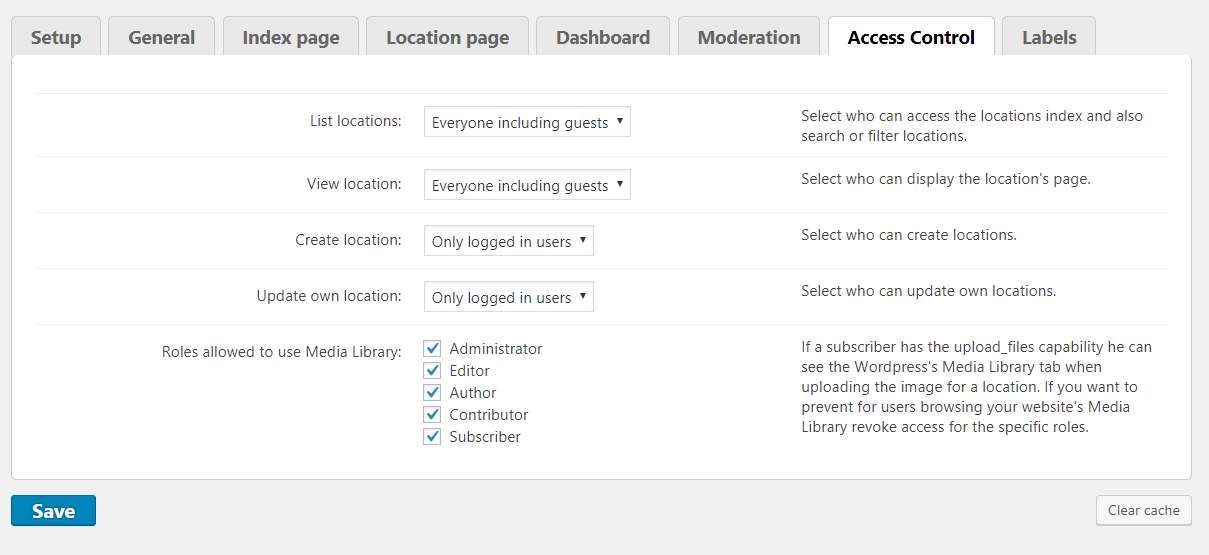
Access control
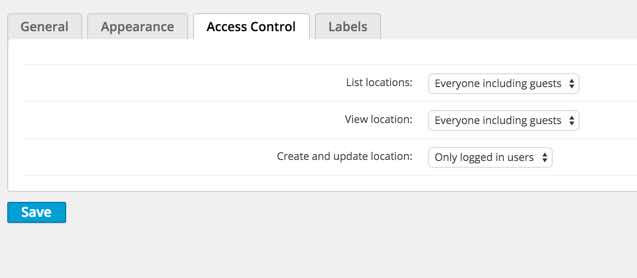
Set which role can create or view locations.
Translate text labels
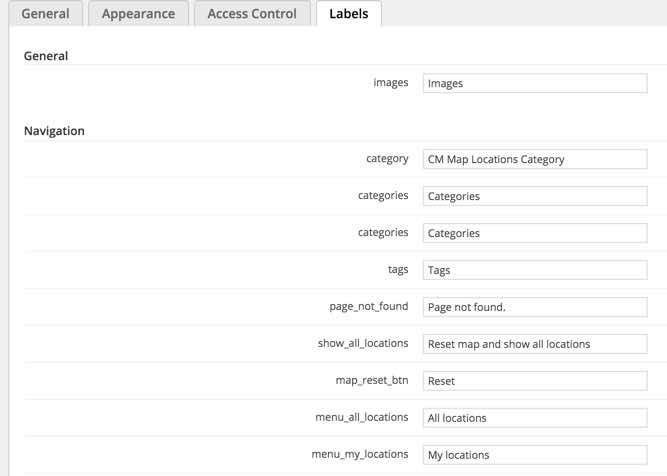
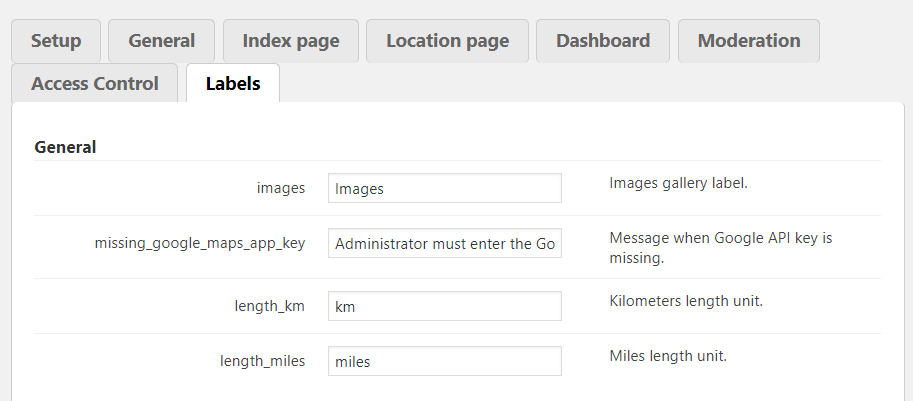
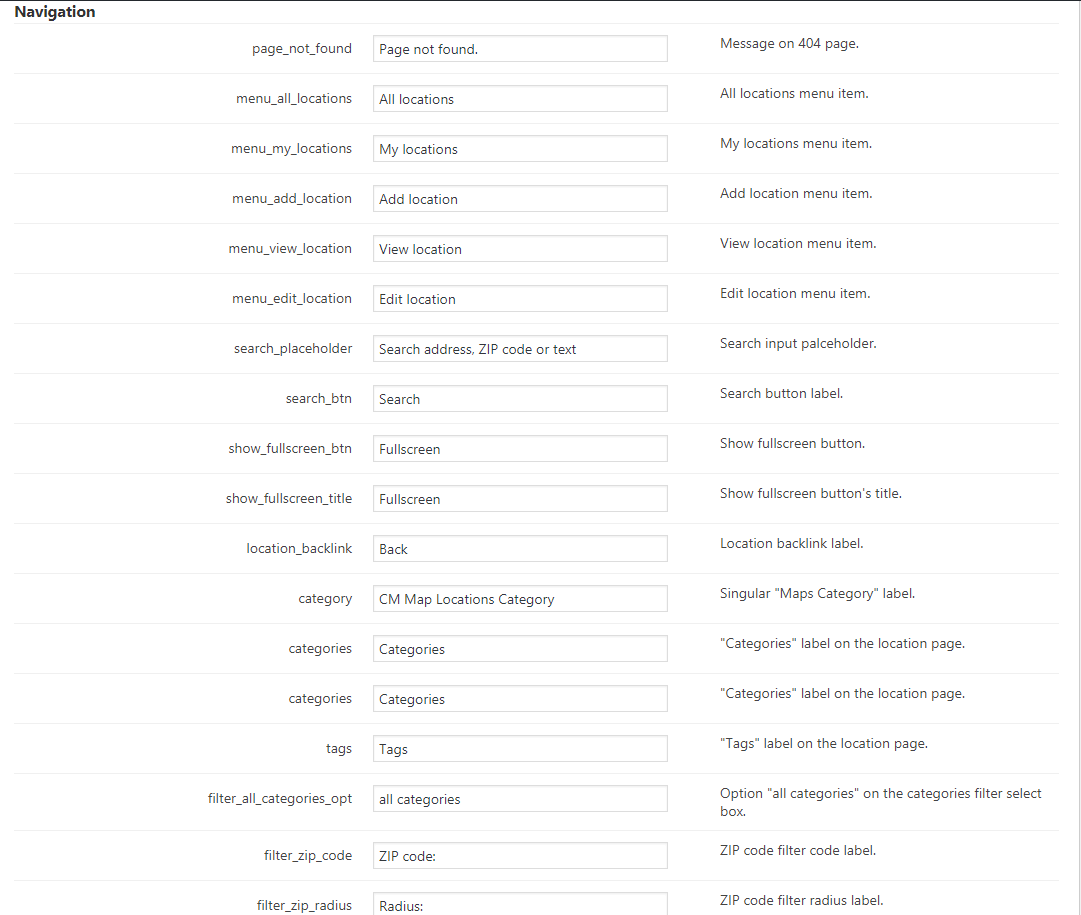
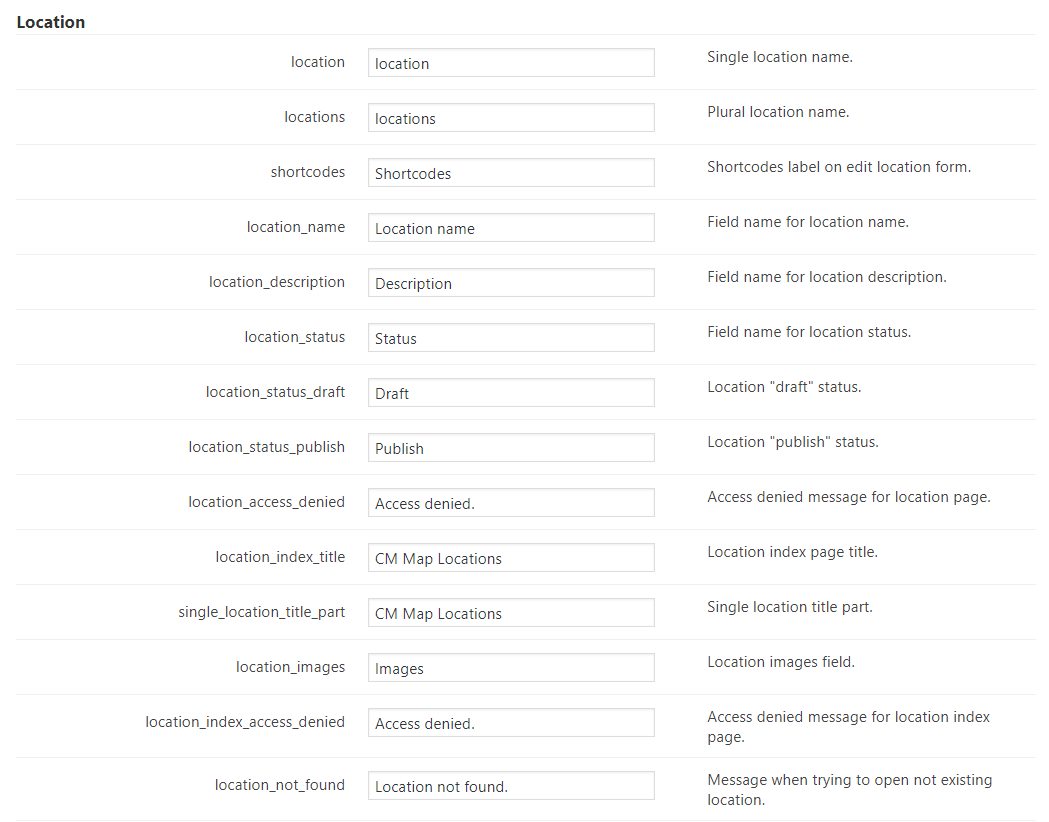
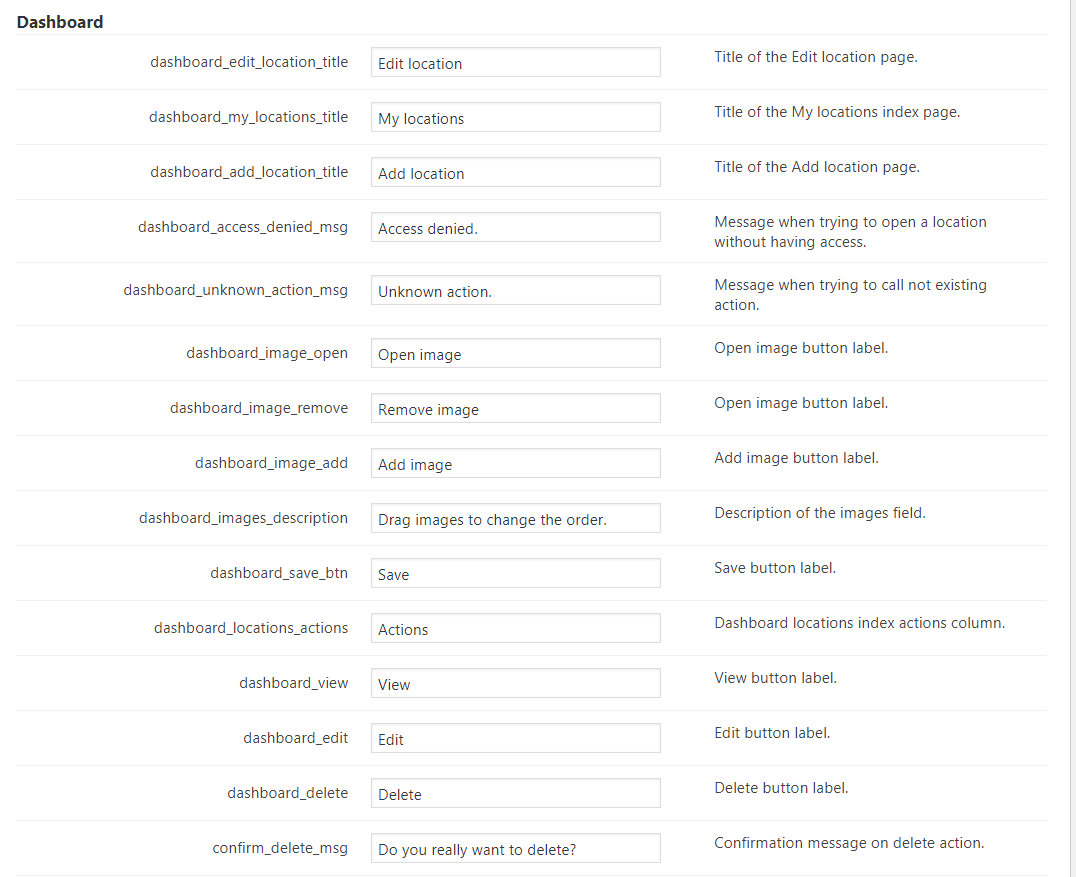
Easily modify all text labels and messages in the plugin settings.
Location Index
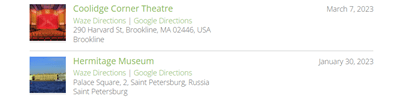
All locations can be displayed in an index page listing all available locations. Locations can be filtered by several parameters. Index page includes both a map with all available locations and a textual list.
Adding a Location Interface
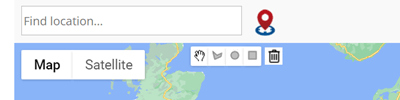
The interface for adding location includes a search bar for finding the location, the geolocation detection button and tools for drawing polygon shapes.
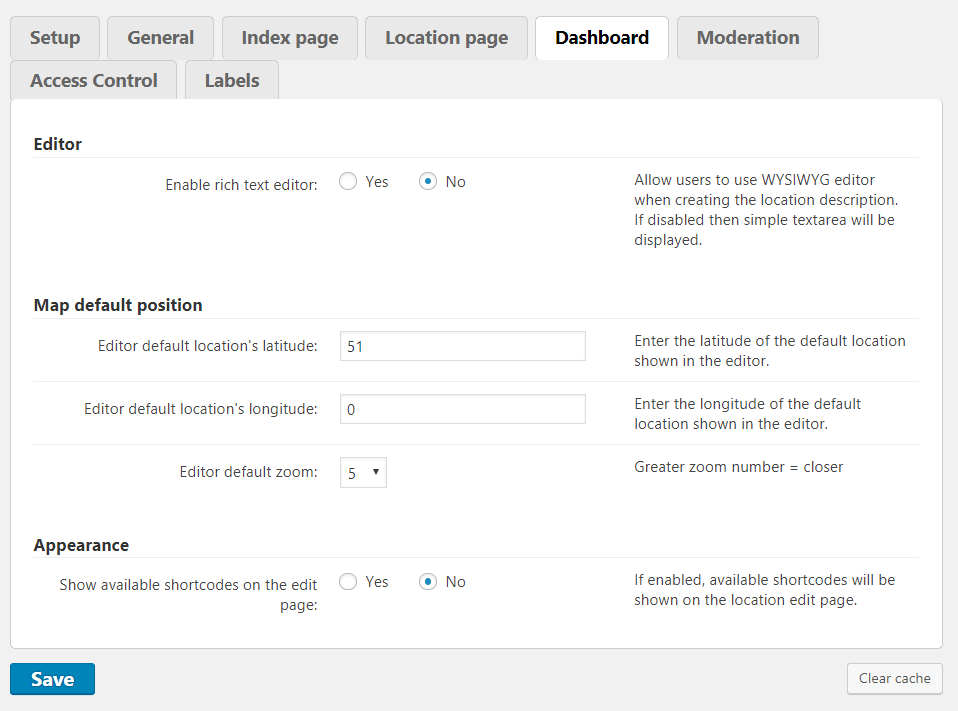
User Dashboard
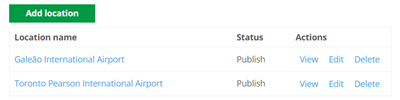
Allow user to see all their posted locations in a dashboard. Let him add new locations or control the status of existing.
Star Rating

Locations can be displayed with a star rating widget which users can use to rate each location.
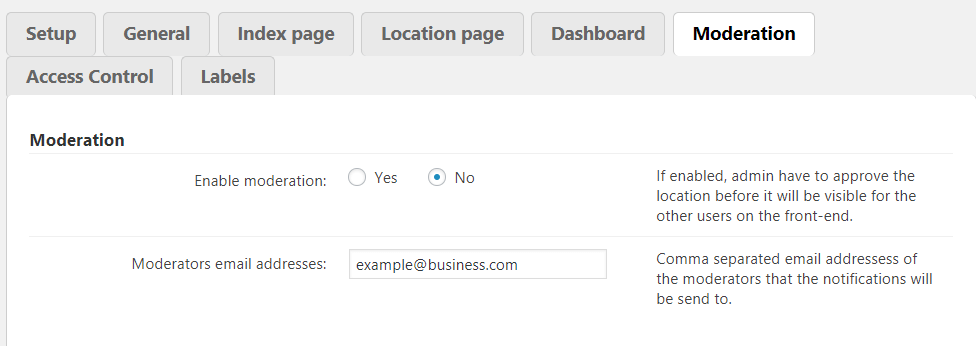
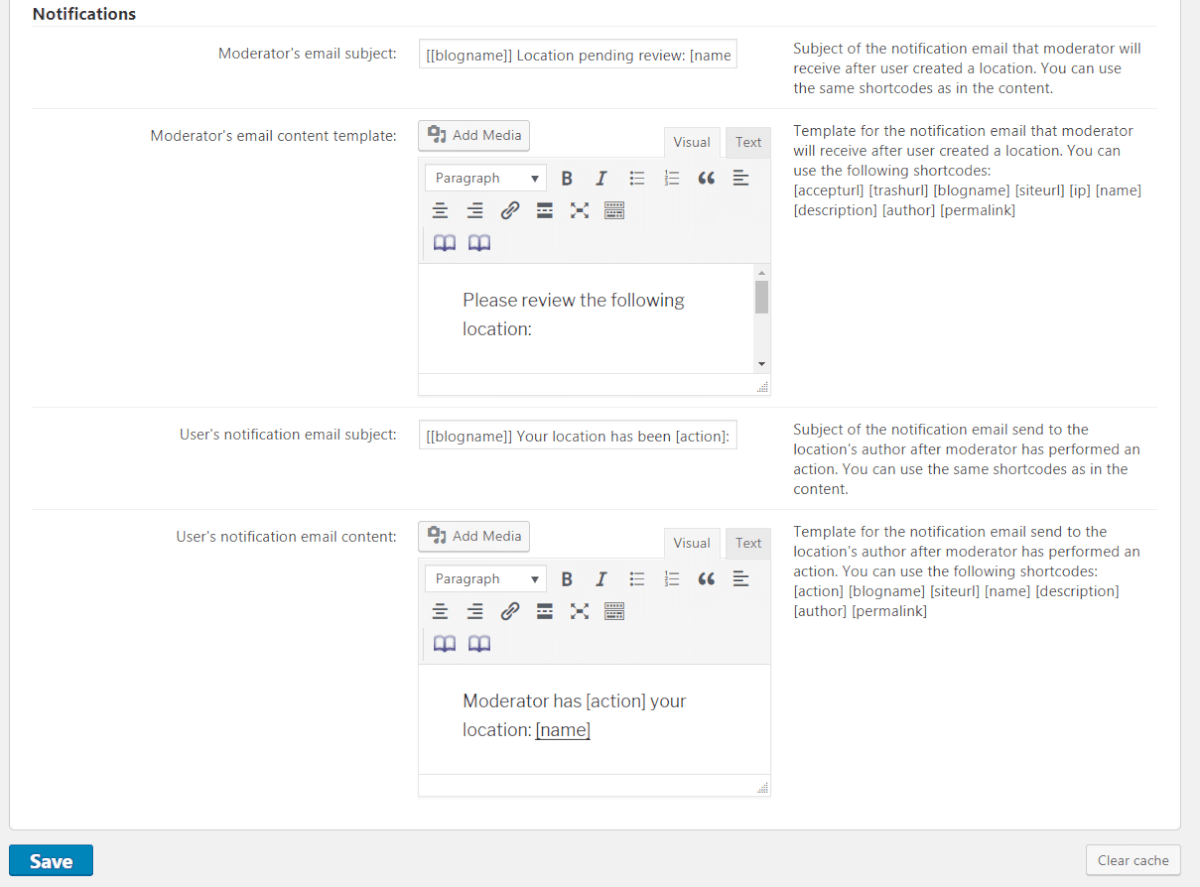
Moderation and Notifications
Let admin moderate user location postings. Send notification to admin when a new location is posted and waiting for moderation. The user receives a notification when location posting is accepted.
RTL support
Supports right-to-left languages.
Interactive Map Features
Tiles/Layers
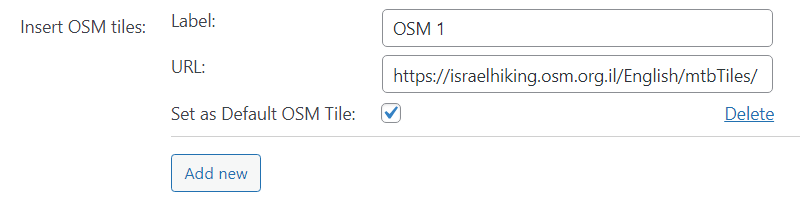
Show traffic cycle, transport and more information with additional layers on top of the map via tiles from OSM (OpenStreetMap) or any other service.
Polygon Shapes
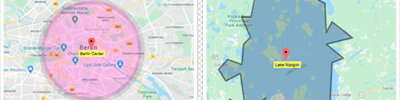
Add lines, rectangle or circle shapes to your locations and mark large areas. Customize look and feel.
Show User Location on Map
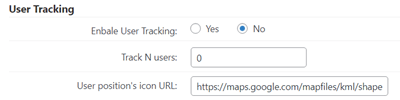
Let users share their geolocation and display it on a map in real time.
Supports Google Maps navigation
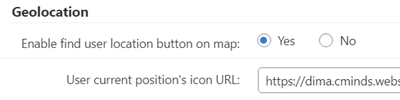
User current location while using a mobile app can be shown on the custom map along the marked location. User can request for navigation information to the location if available.
Load Google Images

Add external images from Google to locations on your website.
Tooltips
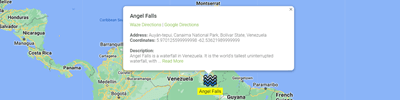
Users can add tooltips to the map for each location and can determine the amount of information displayed in the map tooltip. If enabled, tooltips will automatically display once a location loads.
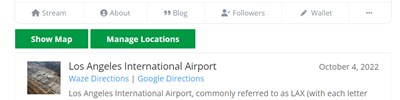
Waze and Google Directions support
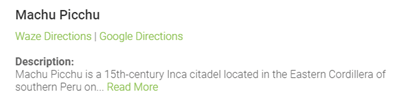
This feature allows to automatically add links to Waze and Google directions for each location that you create.
Six Themes
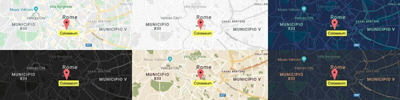
Six themes including basic, retro, night and fancy themes.
Temporary Locations and Polygons
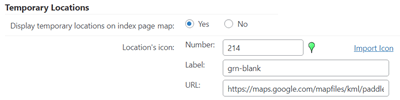
The plugin allows to create temporary locations and polygons. These locations and polygons will be visible on the index map for the specific period of time.
Store temporary locations over time
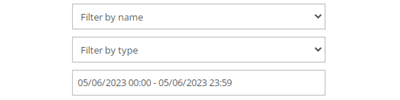
Temporary locations and polygons can be found later by users using name, type, date and time filters.
Add Locations From External Apps
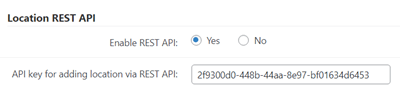
Create locations directly from other sites or mobile apps with the REST API support.
Location Icon
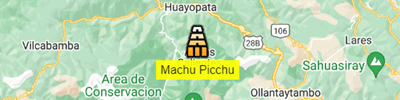
Override location category icon with a unique icon per each specific location or upload your own icon. You can also extend the icons preset with custom icons.
Show Markers As Numbers

Display map markers as numbered icons. Clicking on a number navigates users to the corresponding location in the locations list below the map.
Weather Information
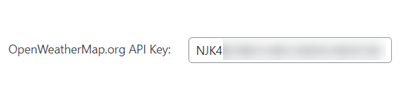
Weather information is shown near each location.
Taxonomies and Filters
Search
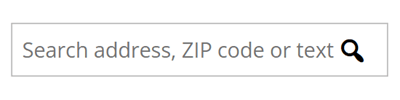
Searching locations supports: description, zip code, addresses and locations name.
Categories
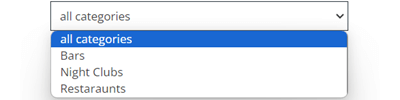
Place locations in categories and assign a unique icon for each category. Filter and display locations by category.
Taxonomies
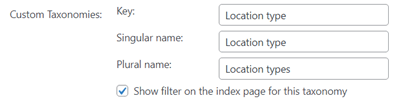
Each location can be indexed under several taxonomies such as location type. Locations can be filtered using taxonomies.
Search by Radius
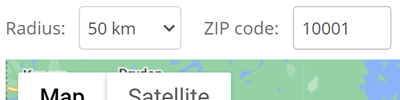
Support searching for locations using a radius from a postal code in any country. Can also use the web browser’s geolocation API.
Tags
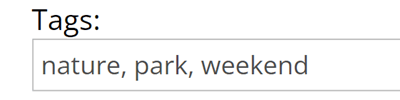
Tags can be added to locations and allow filtering of locations by tag.
Management Tools
Shortcodes
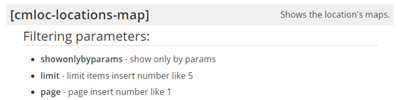
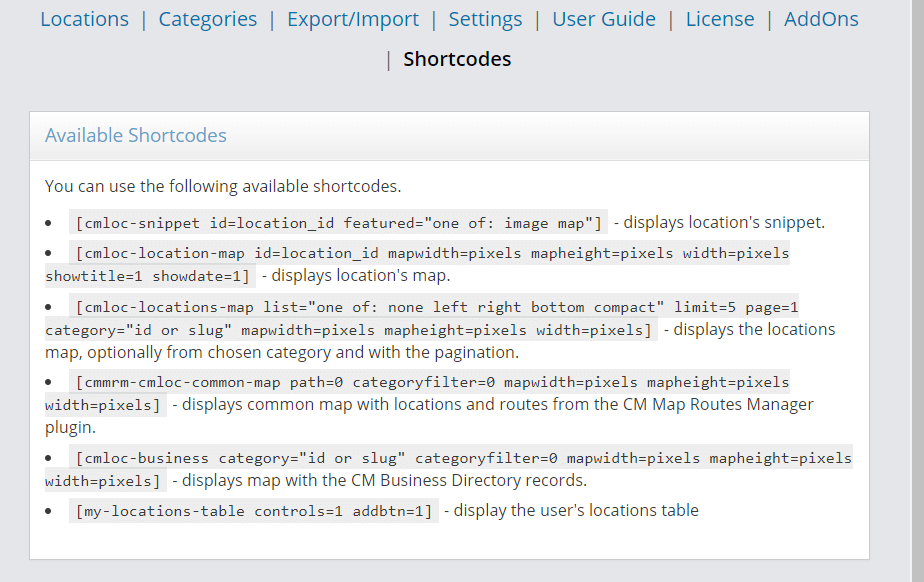
Several shortcodes are supported. Shortcodes can be embedded in posts and show a single location, a unique map with all locations in a category, and more.
Import and Export Locations
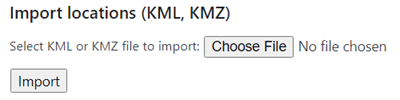
Import and export locations using KML, GPX or CSV format.
Widgets
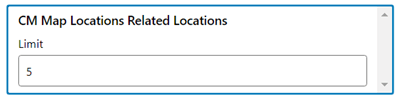
The plugin has a set of useful widgets.
GDPR Compliant
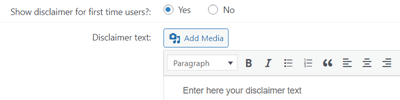
Provides tools that let users have full control over their data, assisting the admin with data regulations compliance.
Add-ons and Plugin Integrations
Locations Anonymous Posting Add-on
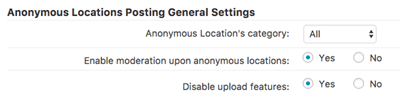
Locations Anonymous Posting add-on lets anonymous users suggest new locations! Comes with moderation and security features to make your map even more social. Supports reCAPTCHA and a Terms of Service page.
Locations Business Hours Add-on
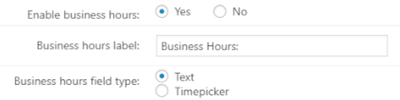
Locations Business Hours add-on allows business owner to indicate daily business open and close hours. Display ‘Open Now’ status on search results.
User Location Add-on
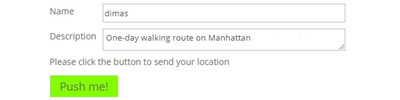
User Location add-on lets multiple users send their location, which will be displayed on a Google Maps. Uses the HTML5 Geolocation API, allowing even guests users to leave the browser open and send location multiple times.
Locations BuddyPress Integration Add-on
Locations BuddyPress Integration add-on adds the ability for BuddyPress community members to create and discuss map locations and point of interest. The admin can moderate locations before they appear.
Locations Custom Fields Add-on
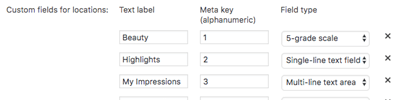
Locations Custom Fields add-on allows to add single-line fields, multi-line areas or 5-grade scales as custom fields to input all kinds of different of information. Add ‘Service’, ‘Price’, and ‘My Impressions’ and much more to locations.
Locations PeepSo Integration Add-on
Locations PeepSo Integration add-on adds the ability for PeepSo community members to create and discuss map locations and point of interest. The admin can moderate locations before they appear.
Maps Routes Manager Plugin
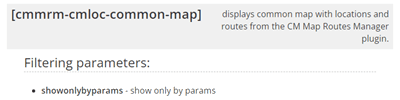
Integrates with the Maps Routes Manager plugin to show both locations and routes on a joint custom map.
Location Manager Plans and Pricing
Choose from different license options and pricing plans for the WordPress Multi Location Map plugin to find the version that fits your needs.
Compare License Options
| PLANS | Essential | Advanced | Ultimate |
| Price includes 1 year support/updates. Manual renewal with 40% discount, not a subscription | $49 | $79 | $119 |
| Number of Websites / License Activations | 1 | 3 | 5 |
| BASIC FEATURES | |||
| Place Locations on Google maps |  | | |
| Add description and images to each location | | | |
| Show all locations on a unique map | | | |
| User Dashboard | | | |
| Option to share location map | | | |
| Polygon support | | | |
| Track users location | | | |
| Create location based on user location | | | |
| Waze and Google Directions support | | | |
| Temporary locations and polygons | | | |
| APPEARANCE FEATURES | |||
| Images and video | | | |
| Location Page display templates | | | |
| Set icon per each location | | | |
| Six Themes | | | |
| Tiles/Layers support | | | |
| Show Markers As Numbers | | | |
| TAXONOMIES AND FILTERS | |||
| Categories Support | | | |
| Tags Support | | | |
| Taxonomies and category filtering | | | |
| Search location using zip, radius and text | | | |
| TOOLS | |||
| Import and export from CSV/KML/GPX | | | |
| API Support | | | |
| Shortcodes support | | | |
| Widgets support | | | |
| Weather information | | | |
| Disclaimer | | | |
| RTL support | | | |
| ADMIN FEATURES | |||
| Customize Labels | | | |
| Access Control | | | |
| Location moderation and notifications | | | |
| INTEGRATIONS | |||
| CM Reviews Integration | | | |
| ADD-ONS | |||
| Routes Manager plugin |  | | |
| PeepSo integration addons | | | |
| Locations Custom fields addon | | | |
| Location anonymous posting | | | |
| Location Business Hours | | | |
| User Location | | | |
| BuddyPress Integration | | | |
| SUPPORT | |||
| Product Knowledge Base |
 |
|
|
| Priority email support |
|
|
|
| Product updates |
|
|
|
| PLANS | Essential | Advanced | Ultimate |
| Number of Websites / License Activations | 1 | 3 | 5 |
| Price includes 1 year support/updates. Manual renewal with 40% discount, not a subscription | $49 | $79 | $119 |
How to Choose the Right Plan
Compare the features and benefits of each license to find the one that suits your needs.
- Essential: Best suited for websites that need a simple multi location map, allowing admins and users to add locations to an interactive Google Map and help visitors find nearby stores or points of interest.
- Advanced: Ideal for projects that need both locations and routes on the same map, enabling the display of multiple locations alongside routes and directions.
- Ultimate: Designed for larger or more complex sites that require advanced location management, including custom fields, opening hours, and integrations with community plugins like PeepSo and BuddyPress.
Choose the plan that fits your site’s needs and start building an interactive location map on your WordPress website today.
Location Manager Additional Addons and Modules
The following list includes additional modules and add-ons which can be installed together with the Multi Location Map plugin to provide enhanced functionality and features.
Location Manager Add-ons
These add-ons extend the capabilities of the Multi Location Map plugin, allowing you to add extra features such as custom fields, business information, advanced forms, and calendar integrations.

Location Manager Related Plugins
Explore other CreativeMinds plugins that can enhance your website alongside the Multi Location Map plugin.


Location Manager Plugin Demo
MAPS LOCATIONS DEMO
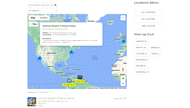
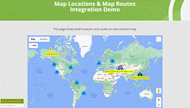
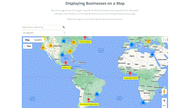
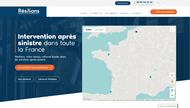
EXAMPLES OF SITES USING GOOGLE MAPS LOCATIONS PLUGIN
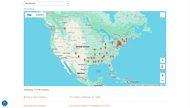
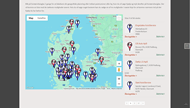
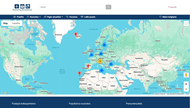
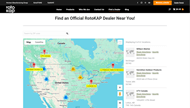
Location Manager Plugin Image Gallery
-

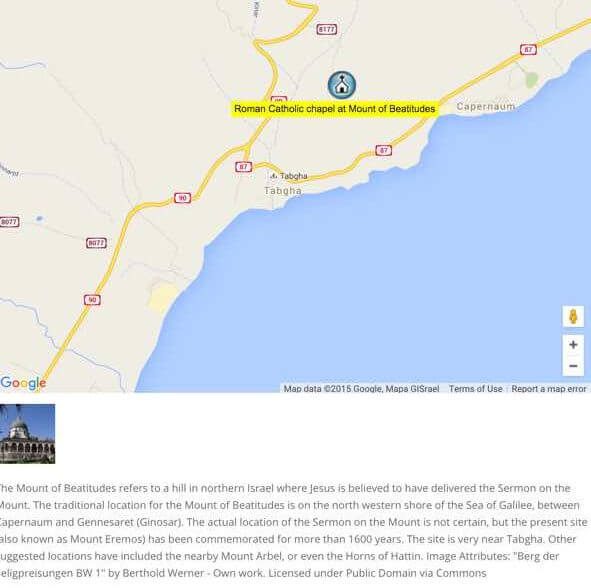
- Location Detailed Description
-

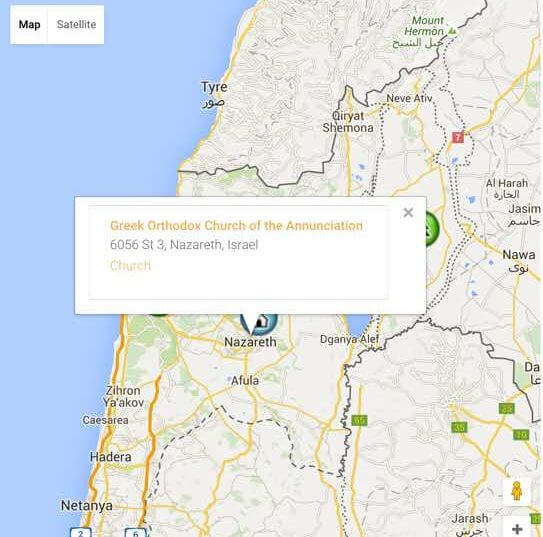
- Location Directory Showing Single Location Details
-

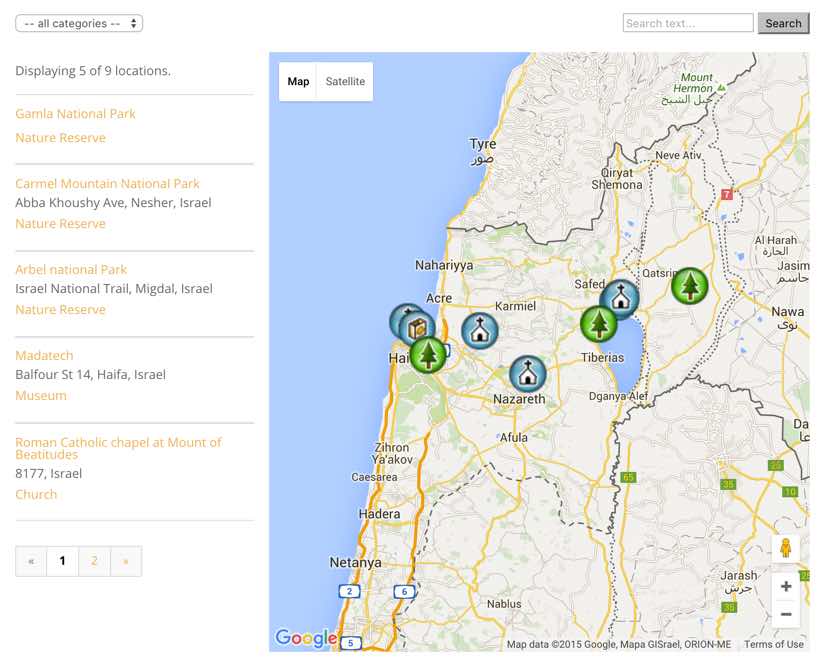
- Locations Directory
-

- Six Map Locations Themes
-

- Create shapes of any colors with polygons
-

- Editing Location Page – Setting Address
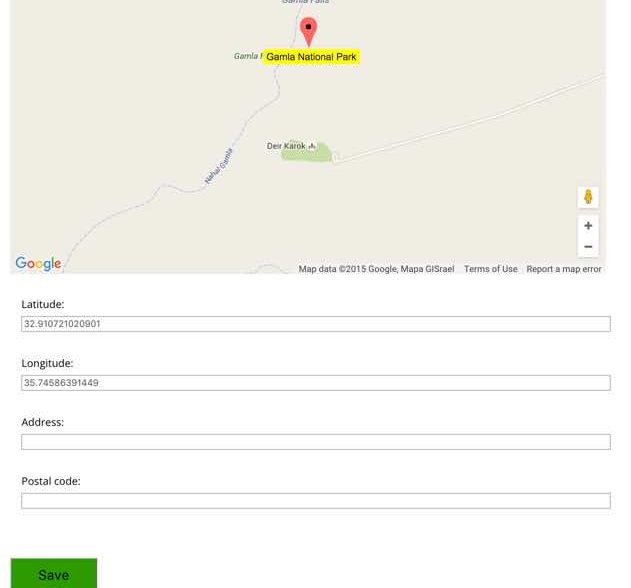
-

- Editing Location Page – Setting Map and Images
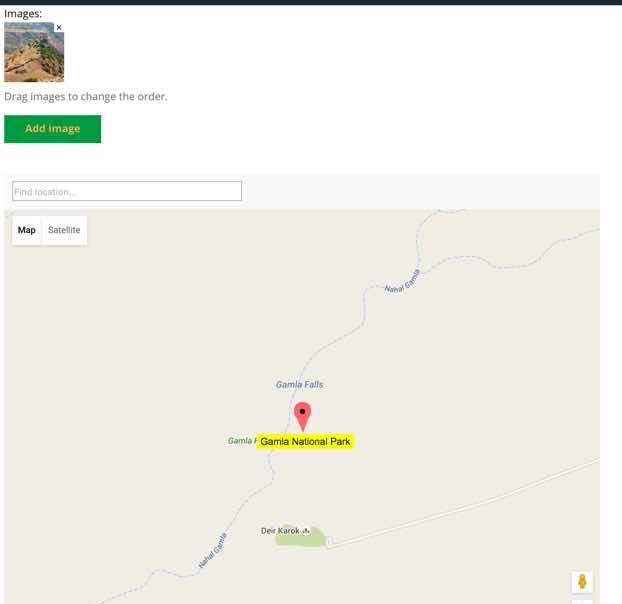
-

- Editing Location Page
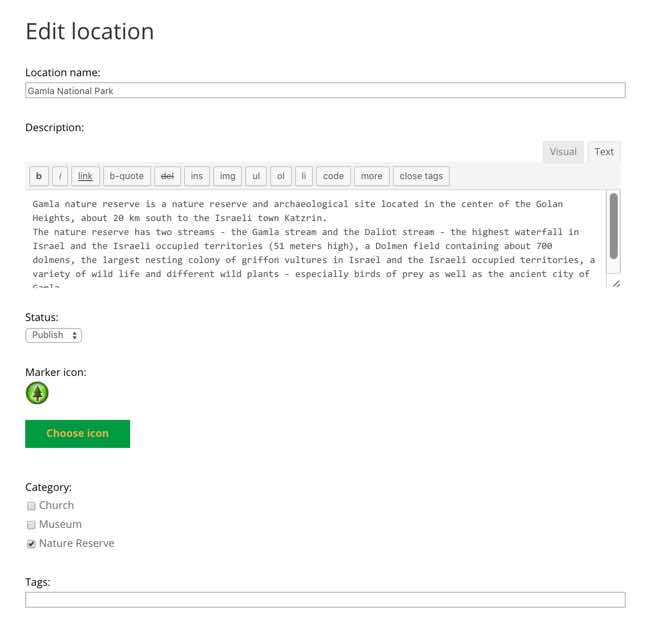
-

- Location Category Icon Selection
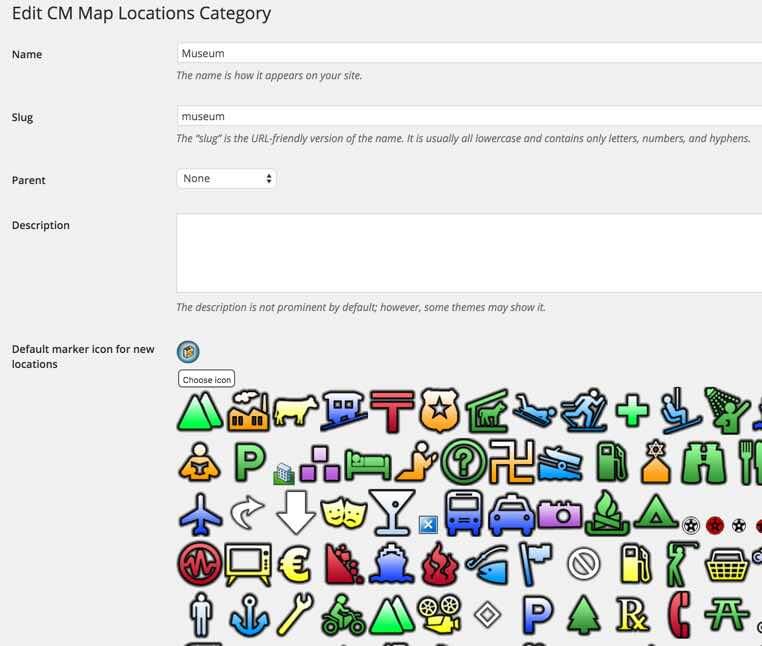
Back-end Gallery
-

- Locations Access Labels Settings
-

- Locations Access Control Settings
-

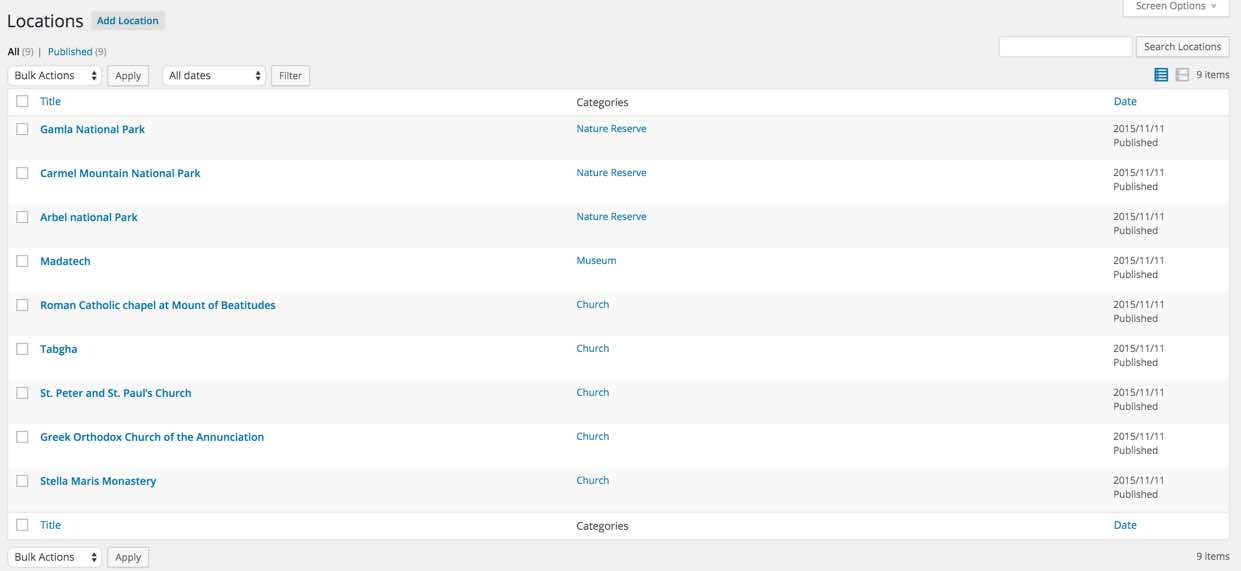
- Locations Admin Grid
-

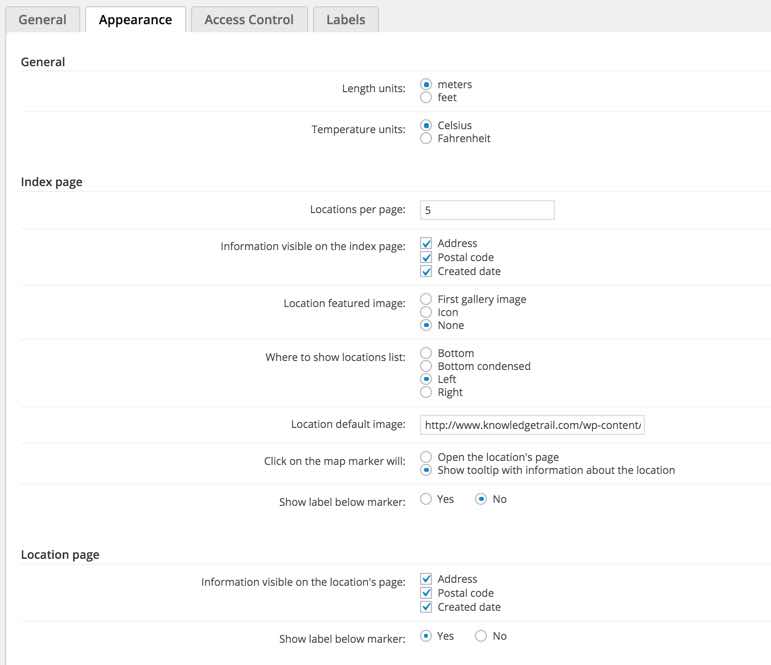
- Locations Appearance Settings
-

- Locations General Settings
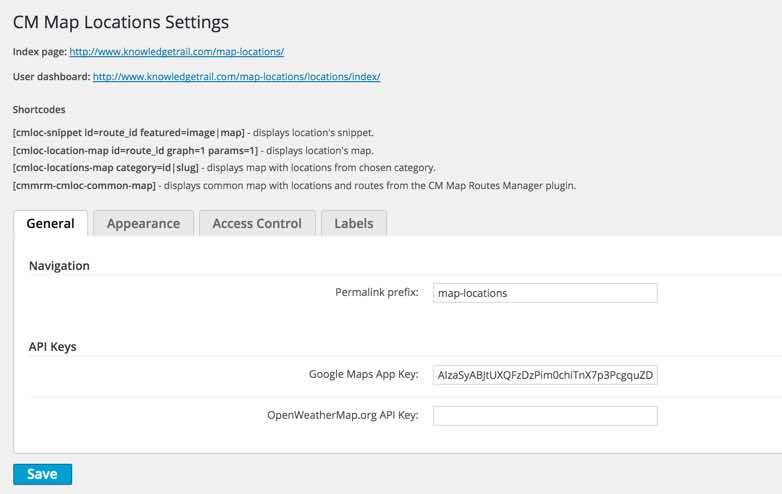
-

- Setup
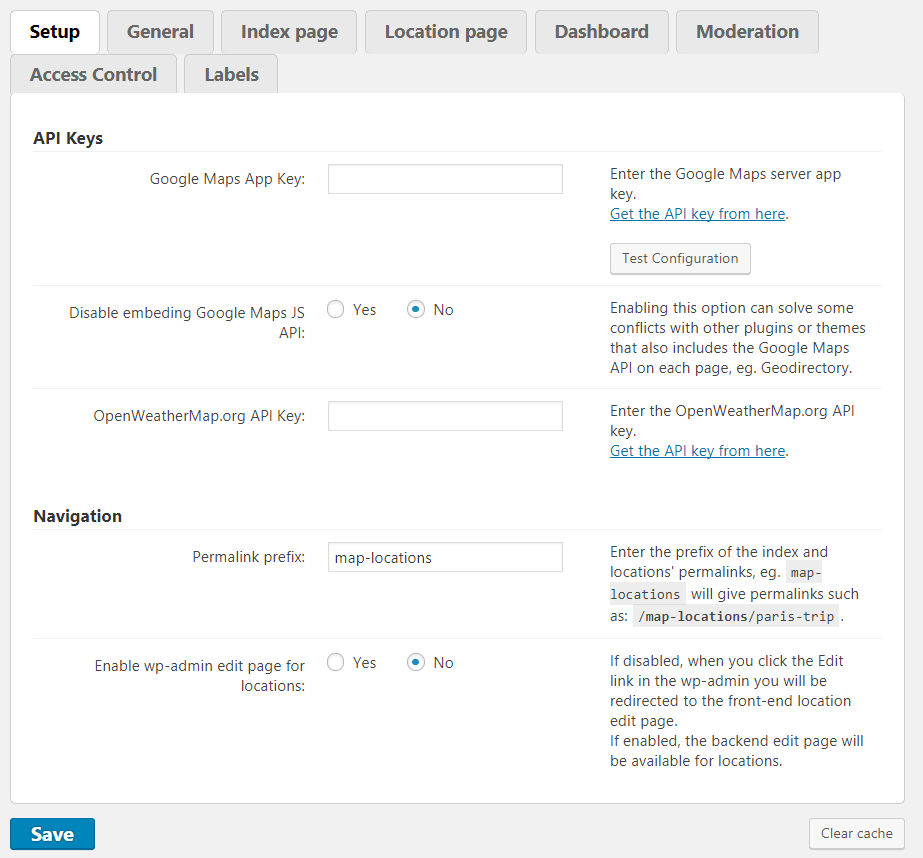
-

- General
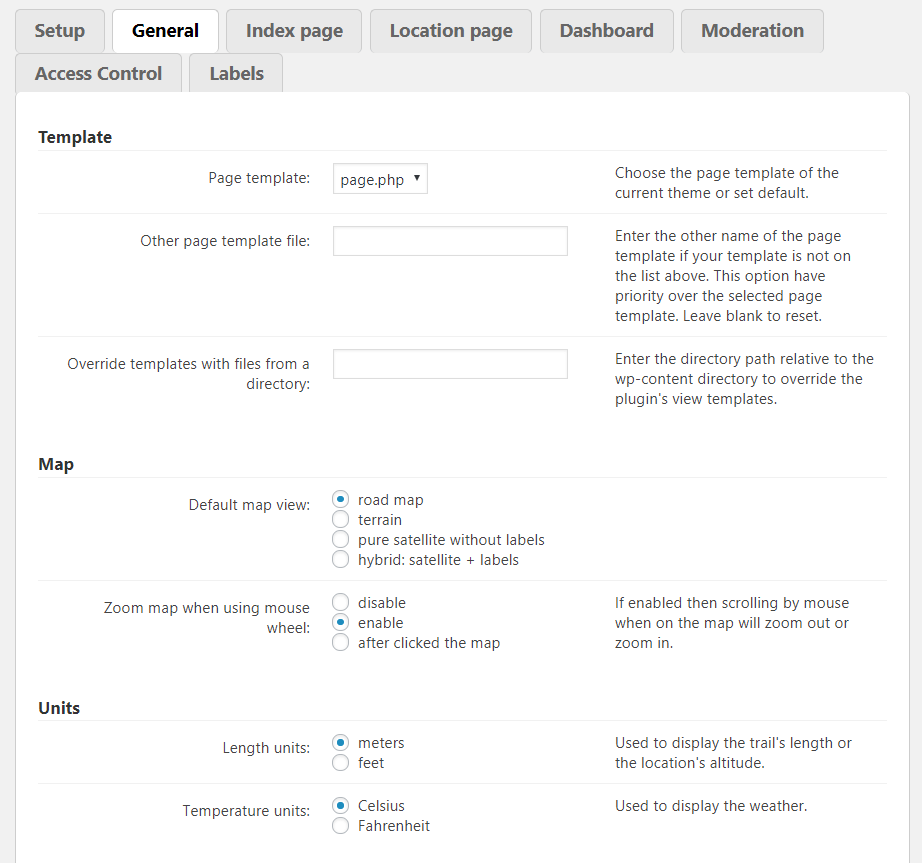
-

- General – Custom CSS
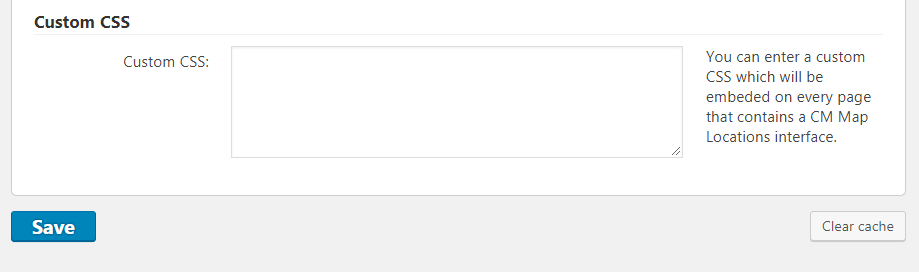
-

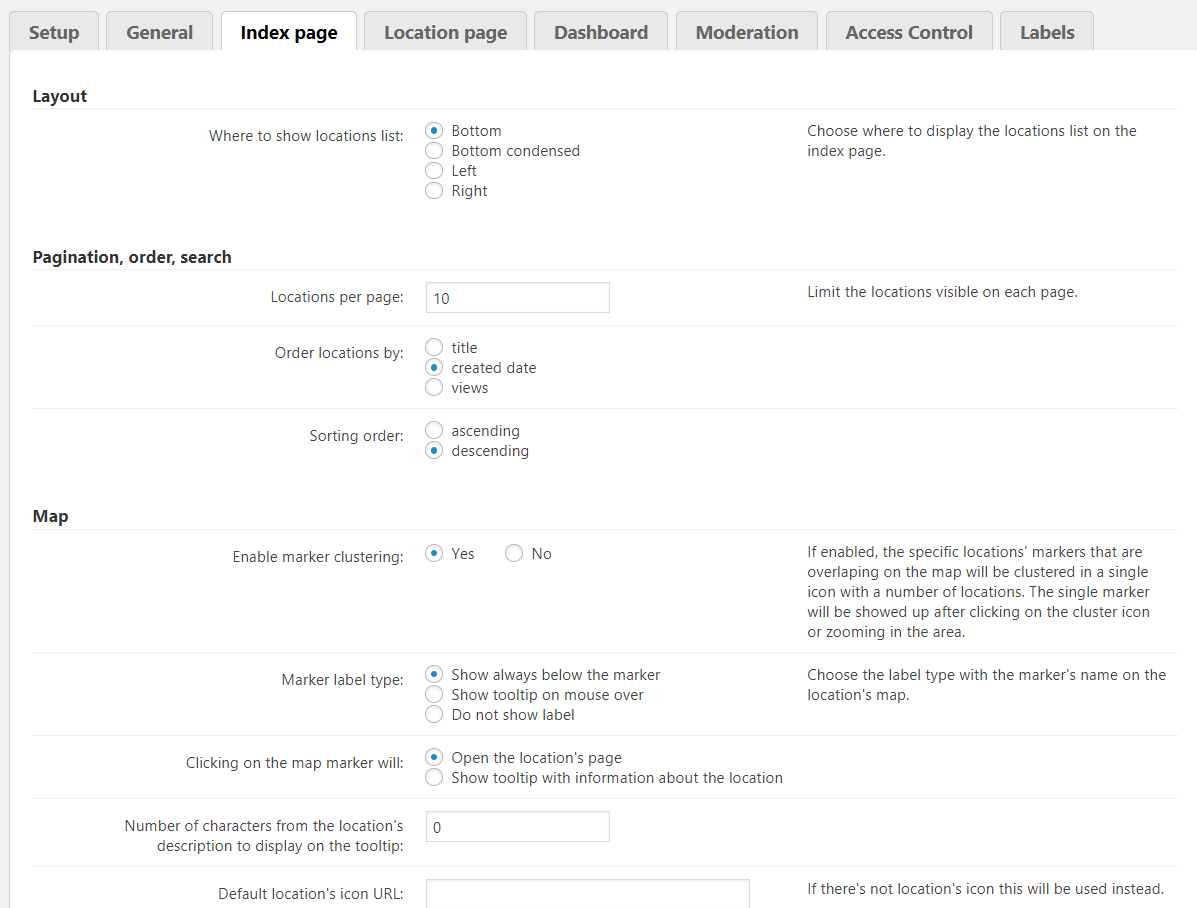
- Index Page Layout, Pagination, Order, Search, Map
-

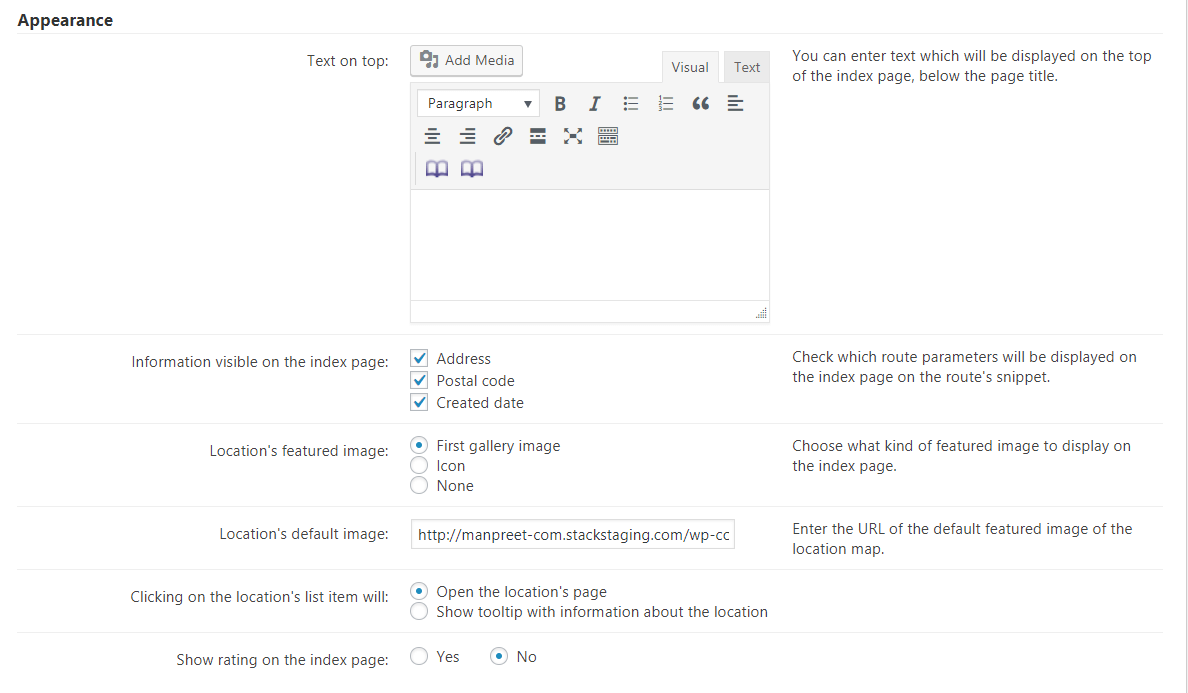
- Index Page – Appearance
-

- Index Page – ZIP code neighborhood filter
-

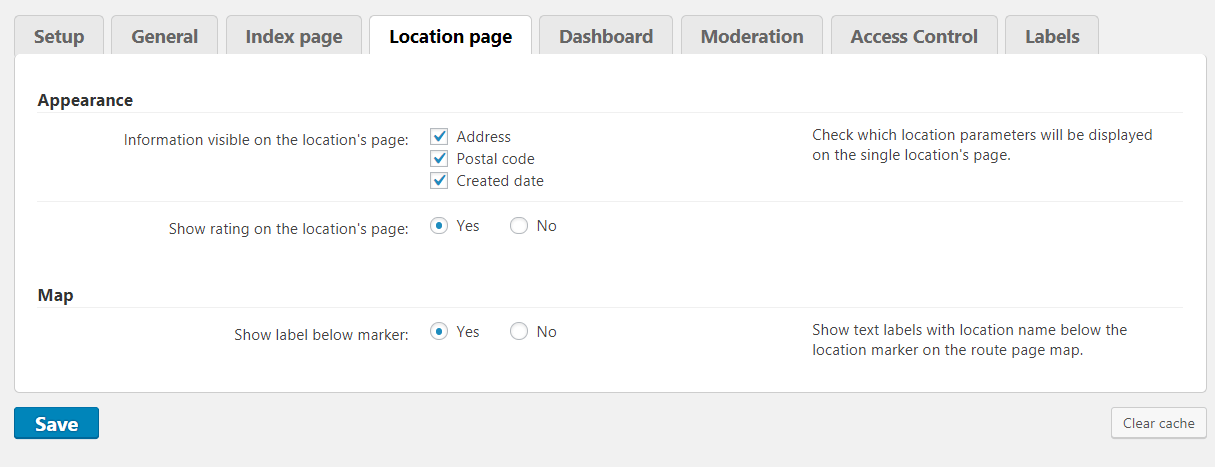
- Location Page
-

- Dashboard
-

- Moderation
-

- Moderation – Notifications
-
- Access Control
-

- Labels – General
-
- Labels – Navigation
-

- Labels – Locations
-

- Labels – Dashboard
-

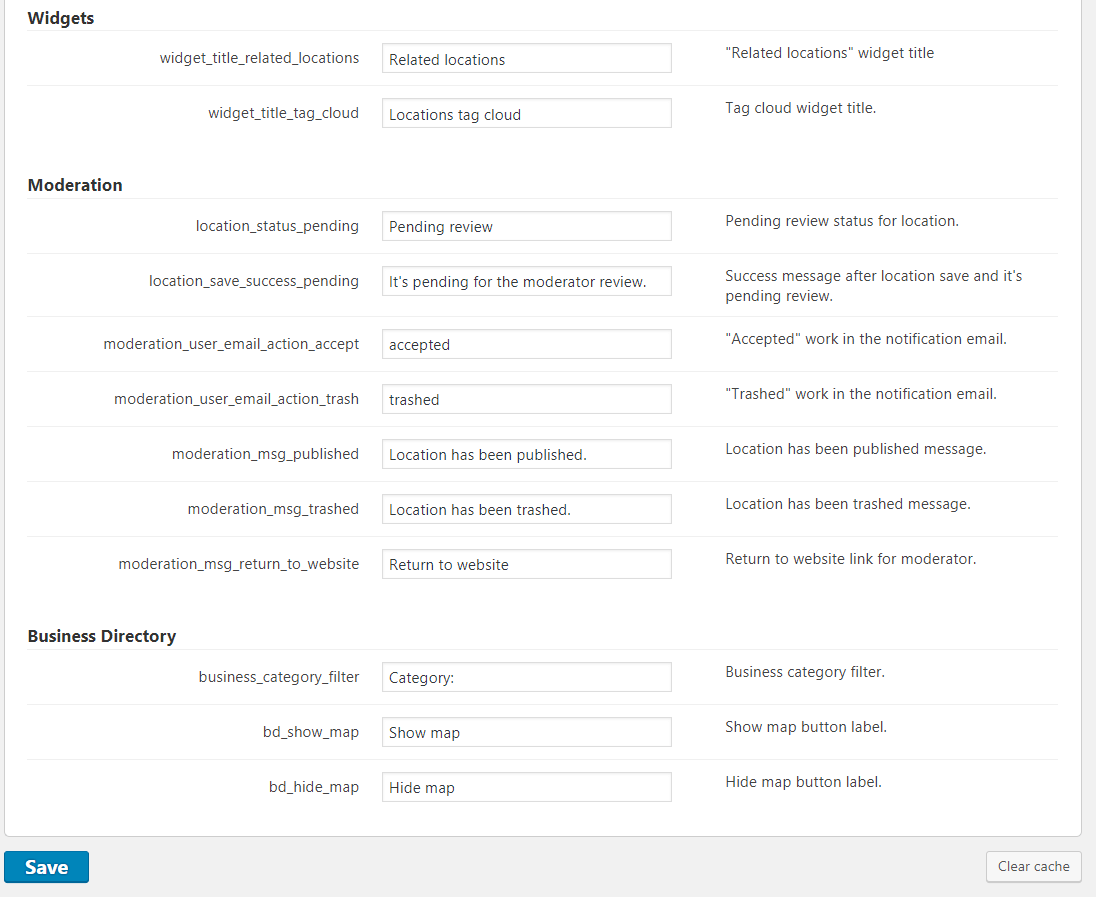
- Labels – Widgets, Moderation, Business Directory
-

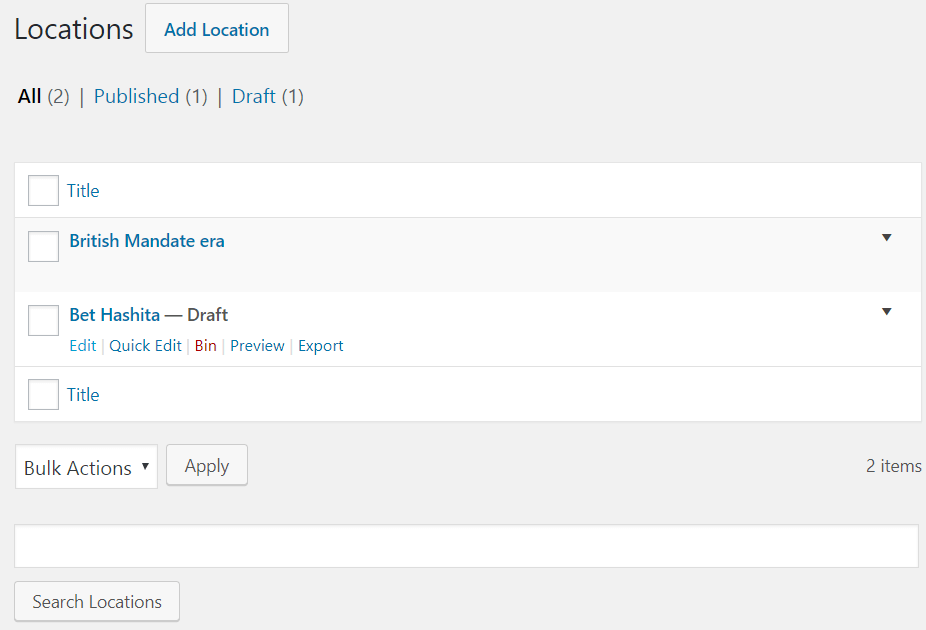
- Locations
-

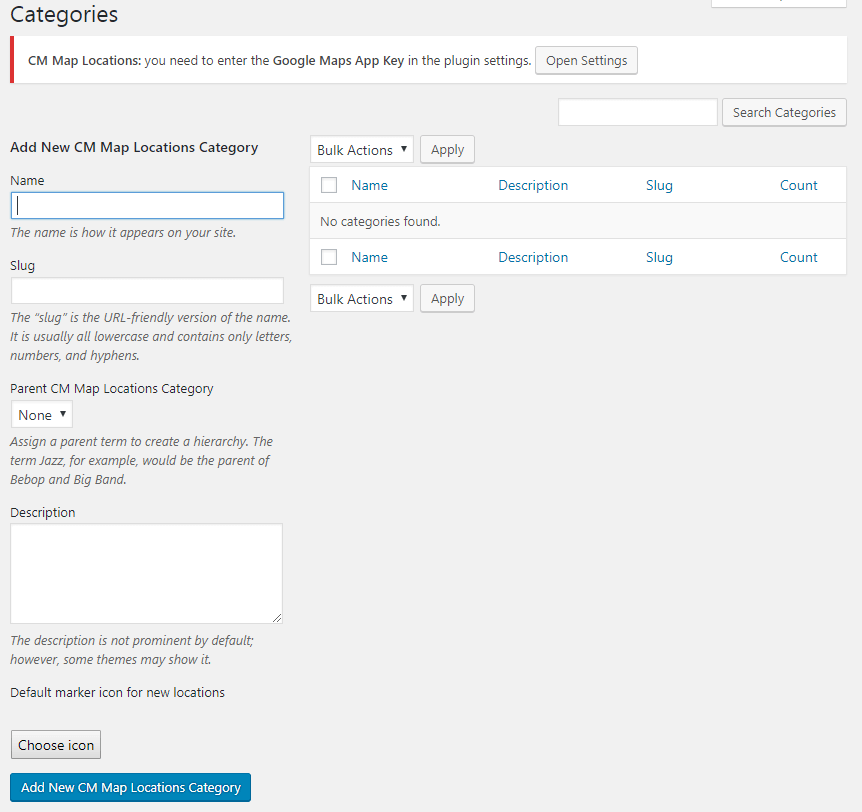
- Categories
-

- Export and Import – KML, GPX
-

- Shortcodes