


Map Routes Plugin for WordPress
The Map Routes Manager plugin lets you create and display travel routes using Google Maps. It includes a searchable catalog of routes and trails with points of interest along each path.
Designed for travel websites, blogs, and outdoor communities, it provides an easy way to showcase hiking, biking, and local routes with detailed location information.
Display multiple routes and locations on a single map and let users explore them for travel or hiking planning.
Route Display and Editing Features
|
This WordPress route plugin lets users create and customize routes by setting directions, adding location details, tagging points of interest, and attaching images or videos. It also supports importing routes from GPX/KML files. Customize map markers and display images, descriptions, and searchable metadata for each location along the route. Display interactive maps with detailed trail information, including additional data such as elevation and temperature for locations worldwide. |
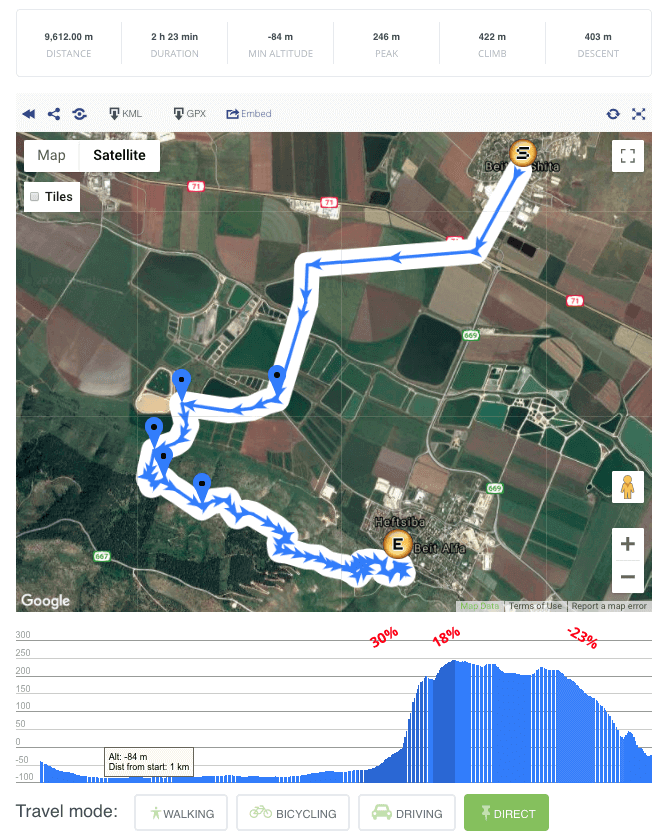 Maps Plugin Route Page with Google Map and Heights Diagram
 |
Display Travel Routes on Google Maps
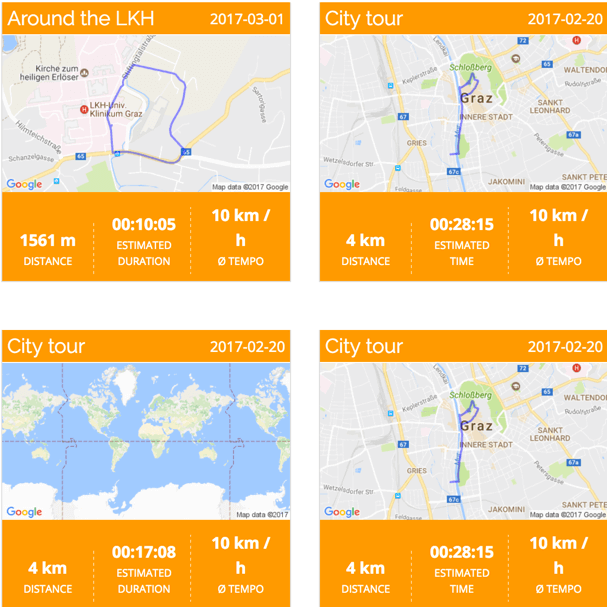 WordPress Google Maps Plugin Route Map Index Page
 |
Track and share hiking, biking, ski trails, walking paths, running routes, and road trips on your WordPress site. Display all routes on a map index page or embed maps using widgets and shortcodes to create responsive, interactive maps anywhere on your site. Easily draw routes or calculate optimized paths between multiple locations. |
Choose and Customize Map Themes and Tiles
|
Choose from six map themes, ranging from minimalist to more detailed styles. Switch instantly between map, terrain, and satellite views to match your content. Upload custom tiles and display additional data from OpenStreetMap or other services to extend your maps with richer information. Experiment with different styles to make your routes more engaging and visually clear. |
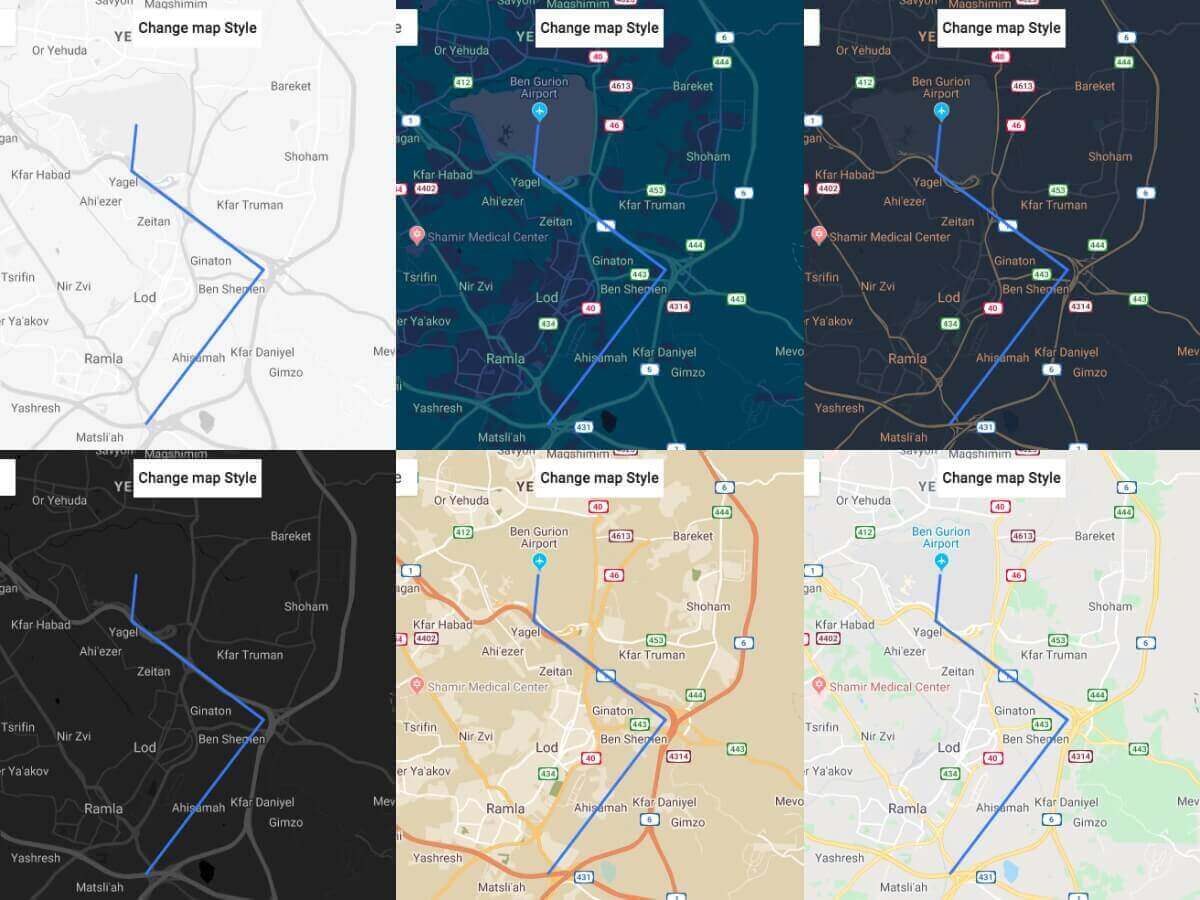 Six Map Routes Themes
 |
Import, Export, and Share Routes via KML & GPX
 Import Routes from GPX or KML Files
 |
Share routes created in the plugin by exporting them as KML or GPX files, compatible with mobile tracking apps such as Strava or Map My Hike. Track your current location relative to a route directly on a mobile browser while following the path. Import routes from external apps using KML or GPX to display them on your WordPress site. |
Import Routes from GPS Devices
|
The Map Routes Manager plugin lets you import GPX and KML files from popular navigation devices like Garmin, Magellan, eTrex, and other handheld GPS units. This allows you to quickly start building a map using routes you've already completed. |
 Route Showing Location Taken from GPS Navigation Device
 |
Import Multiple Routes via CSV
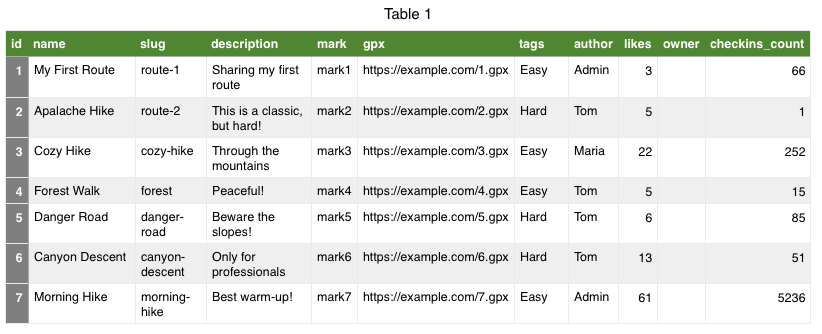 Sample CSV file
 |
Add hundreds of routes at once by uploading a CSV file. Each entry can include a route name, description, tags, author, a GPX file link, and more details. |
Draw and Customize Routes on Google Maps
|
Draw walking paths, hiking trails, mountain bike routes, city walks, roadtrip routes, off-road trails, and more directly on your Google Maps. Adjust your route automatically to show the optimal trail as you drop markers, or manually define your own path and direction for complete control. Customize map marker icons and display groups of locations as clusters when zooming out for a cleaner, interactive map view. |
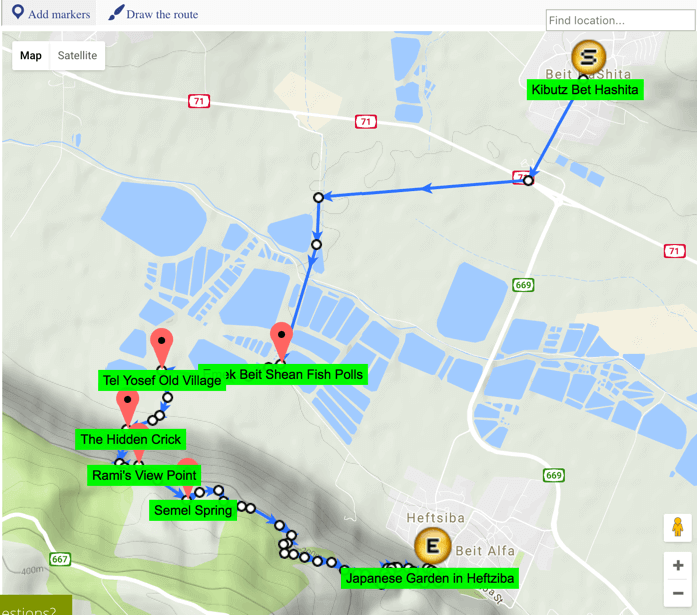 Drawing a Route on Google Maps
 |
Build a Hiking and Trails Website
 Trail page
 |
Learn how to create a directory of trails, routes, and outdoor adventures on your WordPress site. Our step-by-step guide covers everything from connecting the Google Maps API to drawing your first trail and importing routes from KML files. It also shows how to extend your maps using the Custom Fields add-on. Read the full use case: Building a Trails and Hiking Routes Website. |
Highlight Route Locations on Map and List
|
Users can explore a route by clicking through its locations in the list, with each selected point highlighted on the map. Clicking a location directly on the map will highlight the corresponding item in the route list, keeping both views fully synchronized. |
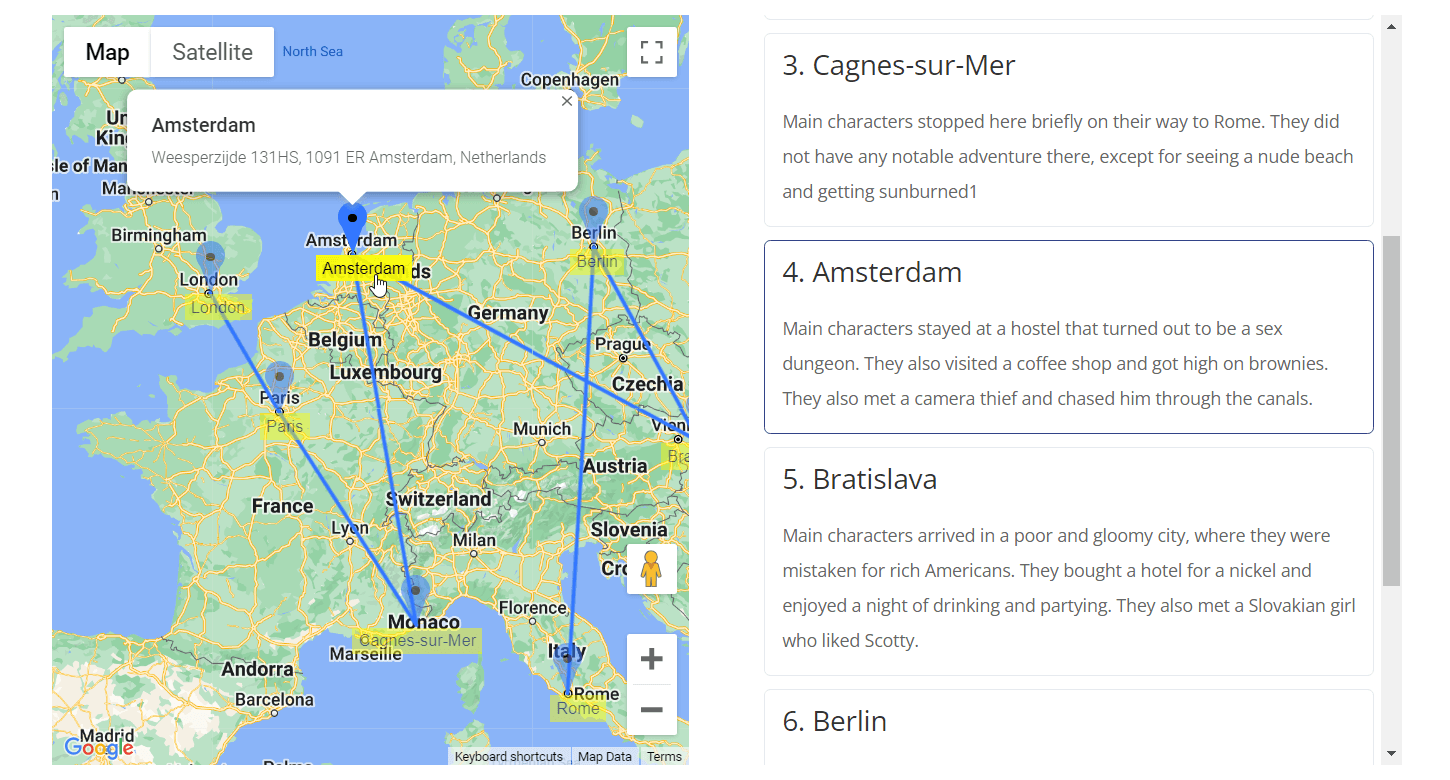 Highlighting location
 |
Build a Route-Sharing Community with PeepSo and BuddyPress
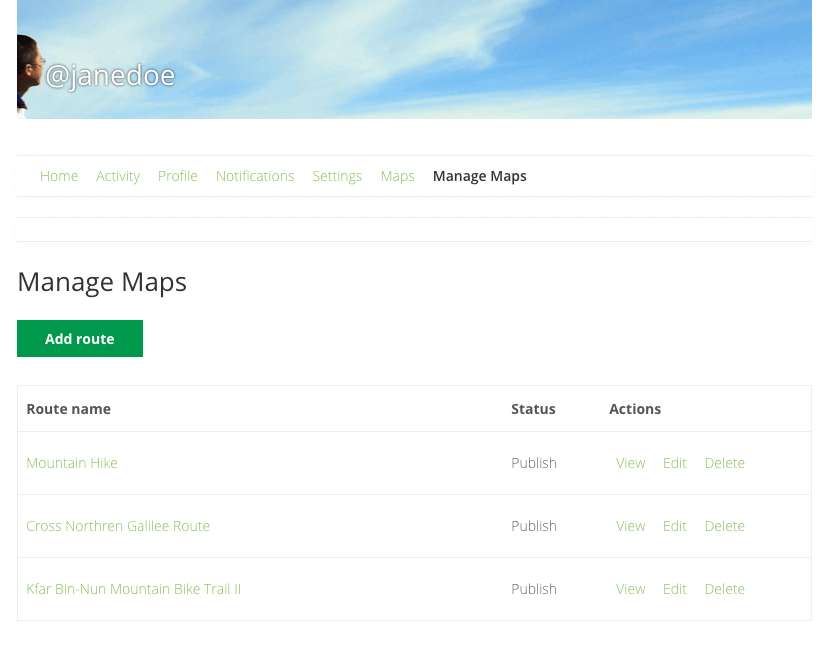 'Manage routes' tab in BuddyPress
 | Learn how to connect PeepSo and BuddyPress with your routes directory. These guides show how to build and manage a community around routes: |
Integrate Routes with Map Locations Plugin
|
The Map Routes Manager plugin integrates with the Map Locations Manager plugin, allowing you to build a powerful point-of-interest (POI) system with detailed routes and location data. Integration Benefits
Read more: Integration between Map Routes and Map Locations. |
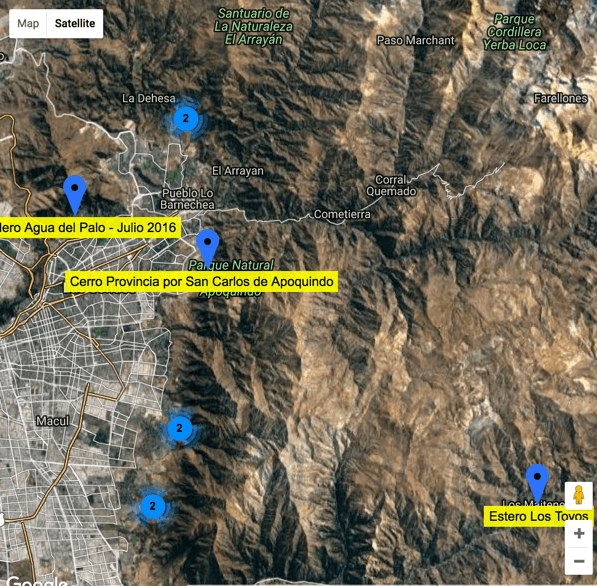 Map Showing Multiple Routes and Locations
 |
Ready to Build Interactive Route Maps?
Using the Map Routes Manager Plugin
- Draw routes on Google Maps – Create custom routes directly on an interactive map.
- Plan and optimize routes – Use waypoints and nearby locations to improve travel paths.
- Add locations and waypoints – Attach points of interest with descriptions and images.
- Display elevation profiles – View elevation gain and loss directly below each route.
- Search map routes – Find routes by keywords, categories, or proximity to a location or ZIP code.
- Import GPX and KML files – Upload routes from GPS devices or mobile apps.
- Export GPX and KML files – Download routes for use on GPS devices or navigation apps.
Additional Resources for Map Routes Manager
Related Blog Resources
- Map Your Journey: A Guide to Adding Travel Maps in WordPress
- 7 Top Plugins to Show Routes and Trails on a Map
- Building Interactive Maps for Your WordPress Travel Blog: Step-by-Step Guide
- How Routes Manager Plugin Helps Him Build a Hiker Community in Scotland
- Top 6 WordPress Plugins To Display Routes With Google Maps in 2022
Start Your Route Mapping Project Today
Map Routes Manager Premium Features for WordPress
Please check the user guide to learn more about this plugin.
Core Features
Draw routes in Google Maps
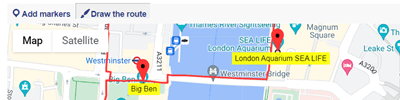
Uses Google Maps as the base for drawing route waypoints and adding route location marks. You can choose to display the route on Google terrain, satellite or regular map layouts. You can also use external tiles.
Routes Index Page
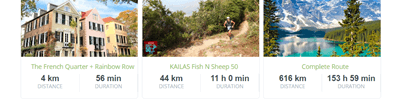
All Routes can be displayed in an index page listing all available routes. Routes can be filtered by several parameters. Index page includes both a map with all available drawn routes and a textual list.
Highlight locations
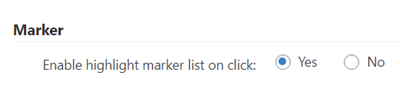
Highlight route locations by clicking on them either on the route map or in the locations list.
User Dashboard
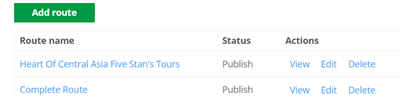
Users can view and edit all their routes in a user dashboard showing all their posted routes. Dashboard is generated using a shortcode and can be placed anywhere.
Option to share route map
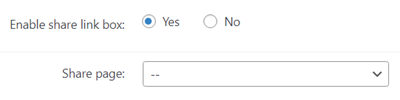
Let users share the link to the route page.
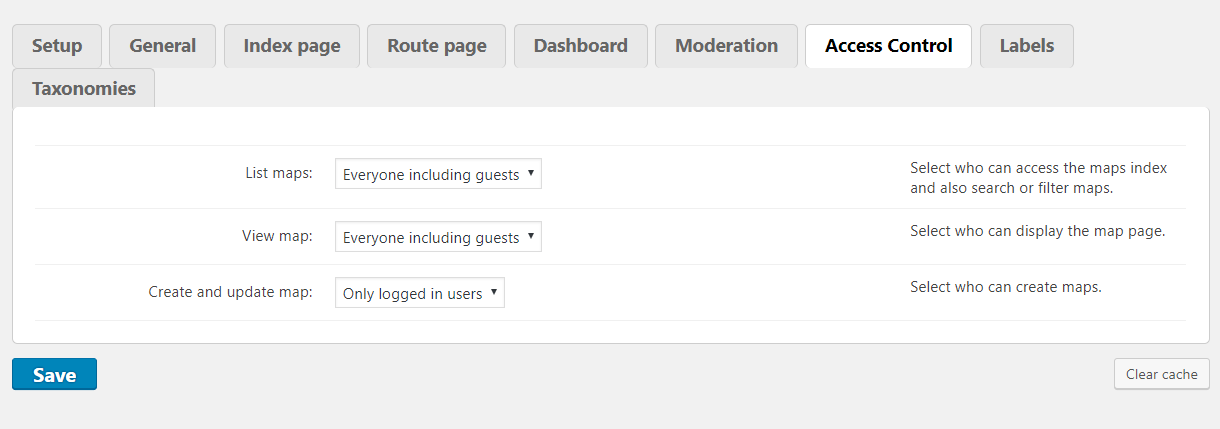
Access control
Control which user roles can create and view map routes.
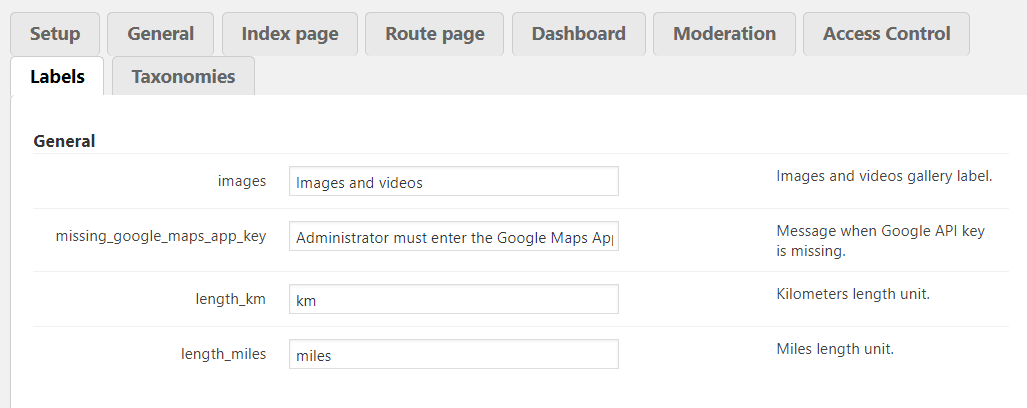
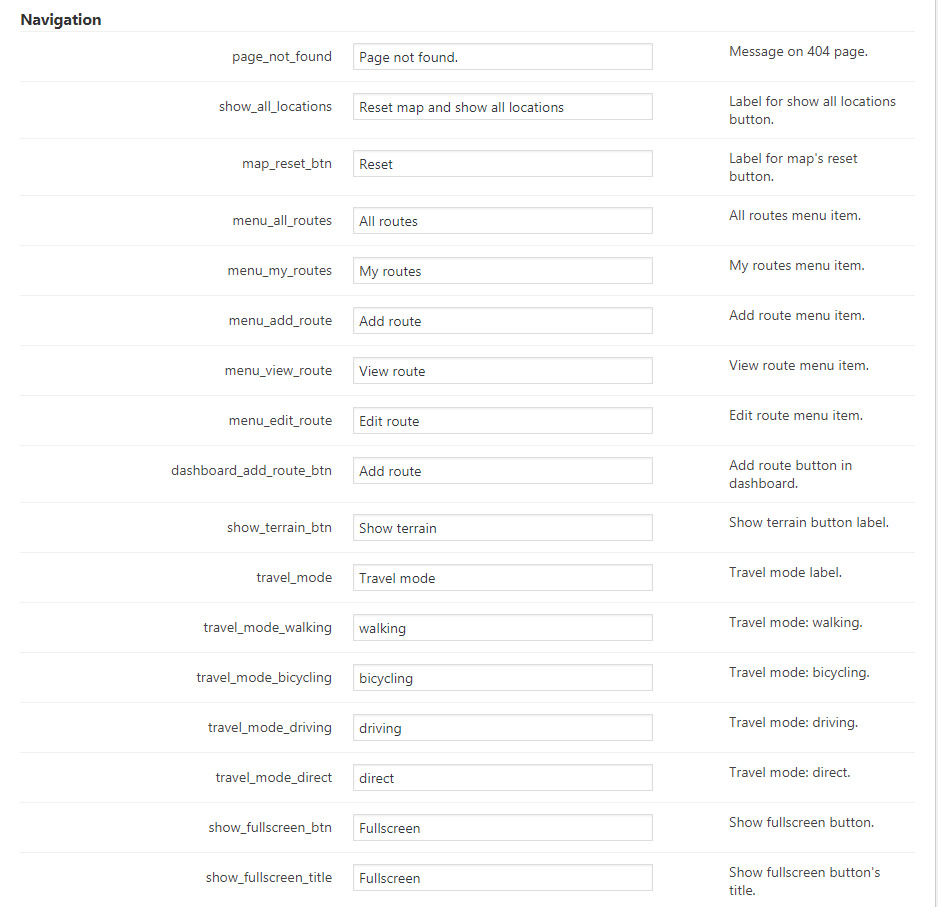
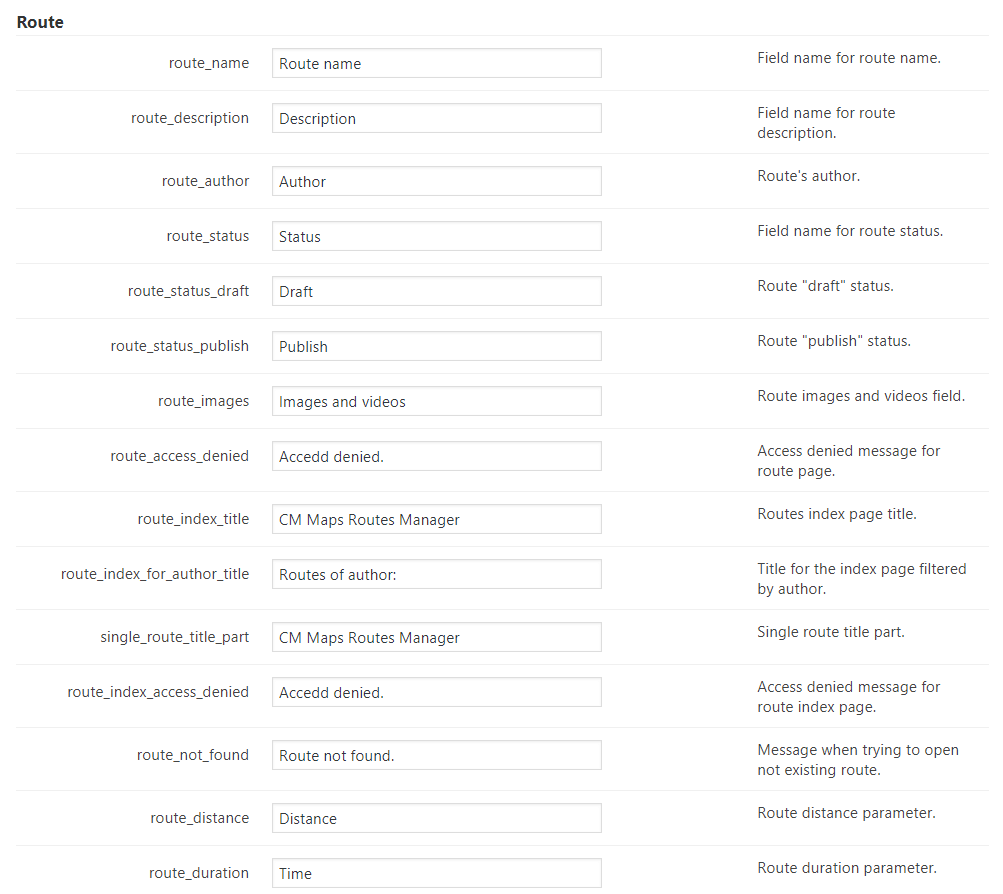
Translate text labels
Easily modify all text labels and messages appearing on the plugin front-end display.
Add points of interests
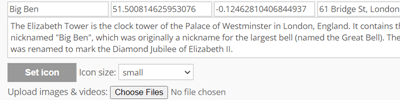
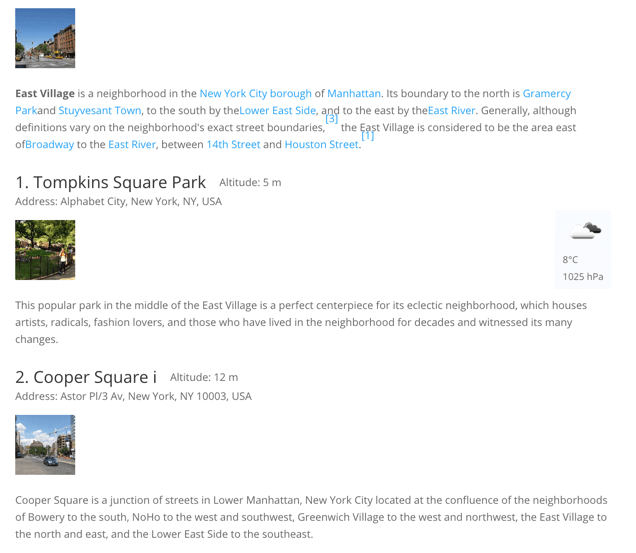
You can add points of interest along the route. Each point of interest can have an image and description. Information can appear as an tooltip on the map route layer.
Add a description and images to each trail
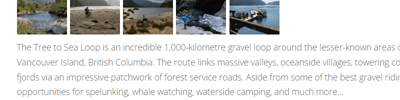
Each route can have a separate page where you can add detailed description and images.
Waze support
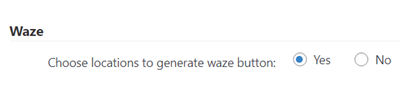
This feature allows to add links to Waze driving direction app for chosen routes. it helps by providing the driving direction to the route starting point.
Weather information
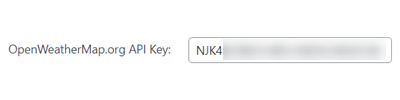
Weather information can be shown near each location or on the top part of the route description.
Vote for a route

Routes can be displayed with a star rating widget which users can use to rate each route.
Moderation and Notifications
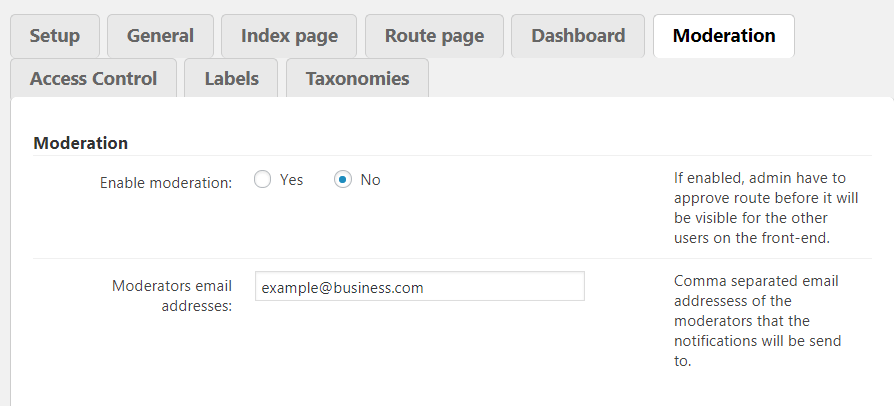
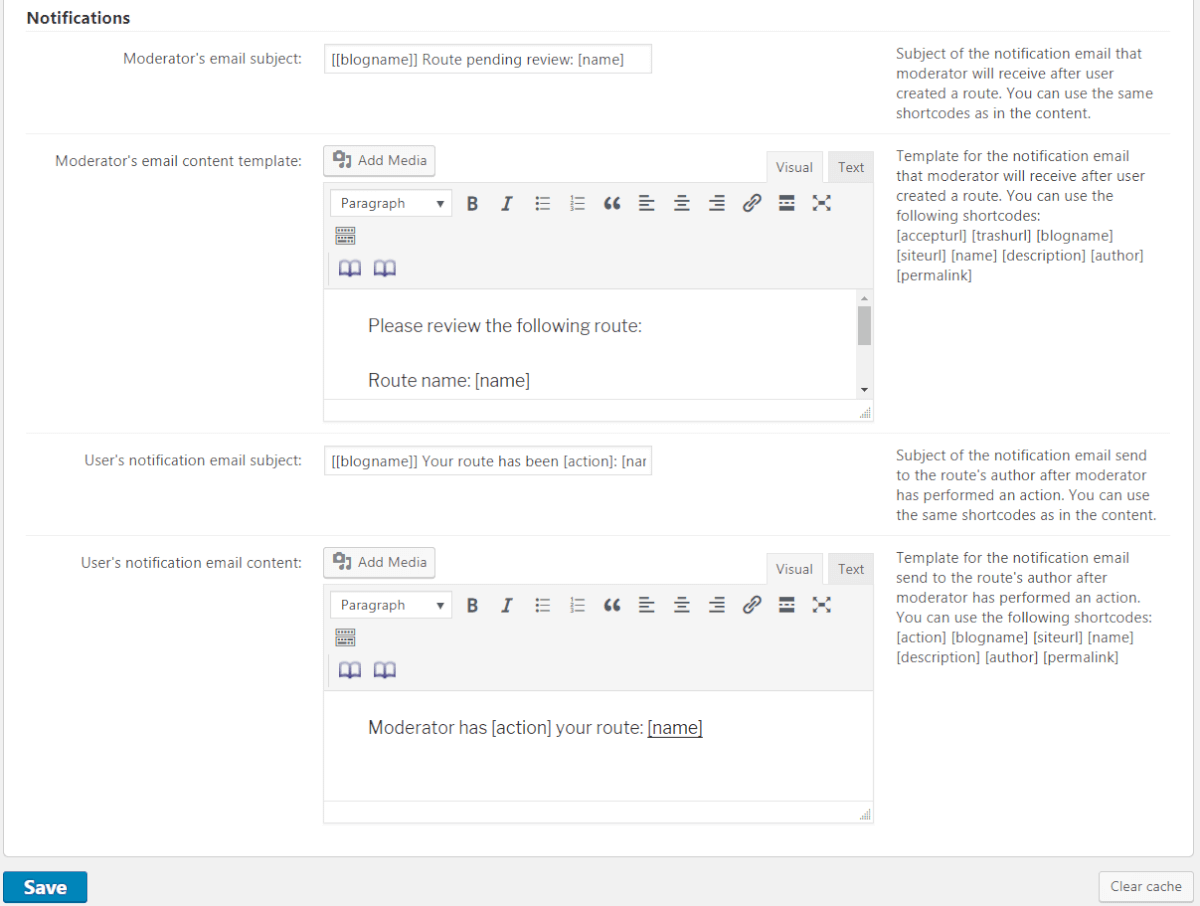
The admin can moderate routes submitted by users. Admins can choose to receive notifications for new routes submitted by users. Users can be notified when their route is approved.
RTL support
Supports right-to-left languages.
Map Appearance
Tiles/Layers
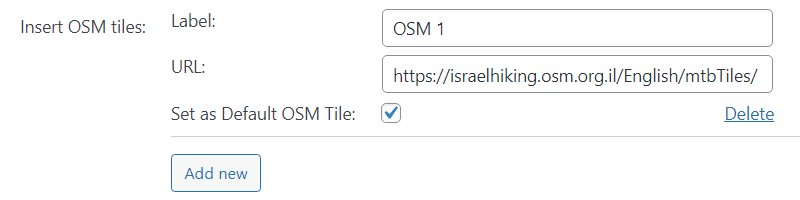
Show traffic cycle, transport and more information with additional layers on top of the map via tiles from OSM (OpenStreetMap) or any other service.
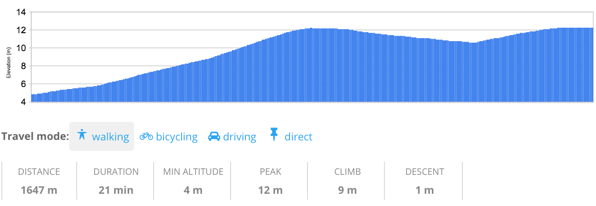
Altitude graph
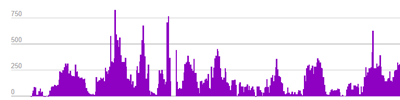
Altitude is added per each trail view and is also accompanied by information such as trail distance, average speed, peak altitude and more.
Track your current location on a mobile device
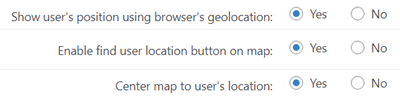
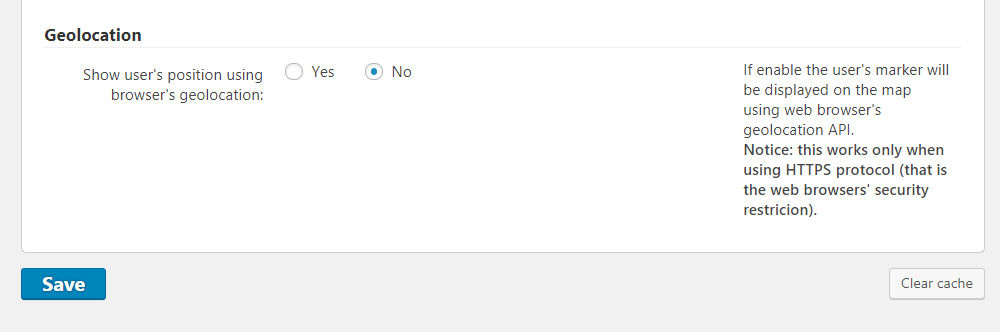
Easily define your current location on the map using geolocation detection on mobile devices.
Route direction arrow
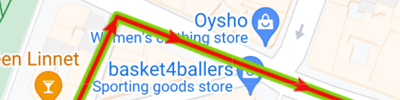
Enable direction arrows which show the route from first to the last point.
Editing route display options
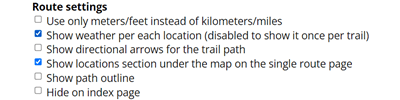
Define the appearance features for each specific route.
Tooltips
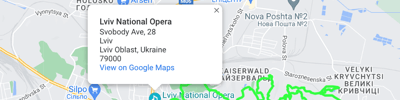
Users can add tooltips to the route map for each location and can determine the amount of information displayed in the map tooltip. If enabled, tooltips will automatically display once a route loads.
Images and Video

Images and video can be added to both trail information or per specific locations along the route.
Load Google Images

Add external images from Google to routes on your website.
Six Themes
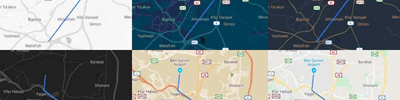
The plugin supports six themes including basic, retro, night and fancy themes.
Slopes
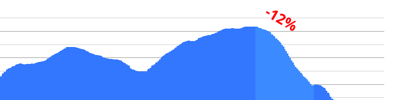
Ability to show slopes on the altitude graph. User can choose per route if to show or not to show slopes and from which angle.
Map clusters display option
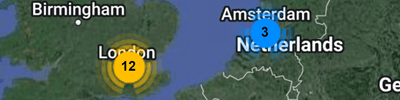
Map markers icons can be grouped and displayed as a map maker cluster upon zooming out.
Route color selection
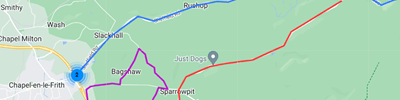
Diversify the routes map by using different colors for each specific route.
Route editor features
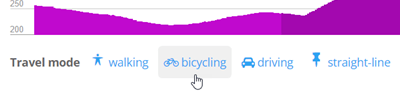
Build routes either manually, or by using google built in modes – for walking, bicycling or driving.
Route calculated parameters
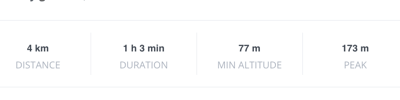
The route parameters such as distance, peak, climb, etc. are calculated automatically.
Custom icons
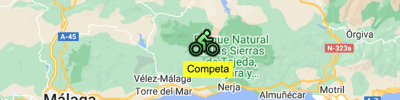
Upload your own icons to create custom map markers for locations along a route.
Taxonomies and Filters
Search
Trail description, map locations, and route name can be searched by keywords.
Categories
Routes can be assigned to categories and filtered by categories.
Taxonomies
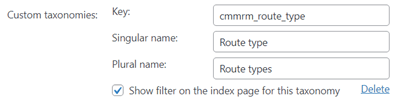
Each route can be indexed under several taxonomies such as route difficulty and route type. Routes can be filtered using taxonomies.
Zip code search
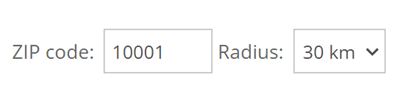
Routes can be searched by region using a zip code search. A zip code must be assigned to a location within the route to the zip search to work.
Tags

Tags can be added to routes and allow filtering of routes by tags.
Management Tools
Shortcodes
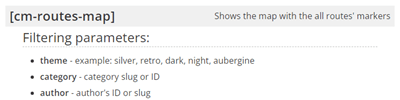
Several shortcodes are supported. Shortcodes can be embedded in posts as a widget to show a single trail, or used to show a map with all trails in a specific category. Shortcodes can also show a user dashboard with all uploaded routes.
Upload route from a KML/KMZ/GPX file
Routes can be imported from any device that generates a KML/KMZ/GPX file. Mobile phones and navigation devices can generate such files.
Upload routes from CSV files
Add multiple routes at once via a CSV file. Include name, description, tags, author and a GPX link for each route.
Widgets
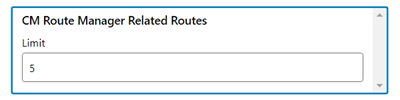
The plugin has a set of useful widgets.
Export route to a KML/GPX file
Routes created can later be exported to a KML/GPX file and shared with mobile devices, other travel sites and navigation aids.
GDPR Compliant
Provides tools that let users have full control over their data, assisting the admin with data regulations compliance.
Add-ons and Plugin Integrations
Routes Anonymous Posting Add-on
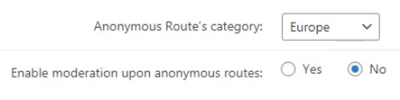
Routes Anonymous Posting add-on allows non logged-in users to safely post routes from the Front-End. The admins can moderate each routes before displaying them. Supports reCAPTCHA for enhanced security.
Routes PeepSo Integration Add-on
Routes PeepSo Integration add-on adds the ability for PeepSo community members to collaborate and discuss trail routes, points of interest & hikes next to embedded maps.
Routes Strava Integration Add-on
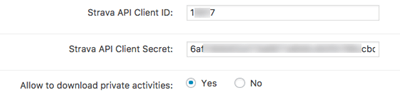
Routes Strava Integration add-on allows users to share and import routes created with the Routes Manager on Strava and import routes from Strava to Routes Manager.
Routes Custom Fields Add-on

Routes Custom Fields add-on allows to add custom fields to the route page. Custom fields are also used to filter routes. Use single-line fields, multi-line areas or 5-grade scales as custom fields to input all kinds of different of information.
Routes BuddyPress Integration Add-on
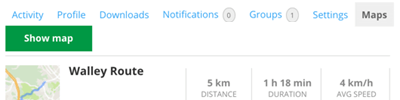
Routes BuddyPress Integration add-on allows users to integrate the routes manager plugin with BuddyPress and share users routes in BuddyPress user profile.
Map Locations Manager Plugin
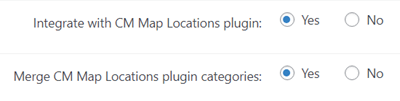
Integrates with the Maps Locations Manager plugin to show both locations and routes on a joint custom map.
Map Routes Manager Plugin for Wordpres Plans and Pricing
Choose from different license options and pricing plans for the Map Routes Manager plugin to find the version that best fits your needs.
Compare License Options
| PLANS | Essential | Advanced | Ultimate |
| Price includes 1 year support/updates. Manual renewal with 40% discount, not a subscription | $49 | $79 | $119 |
| Number of Websites / License Activations | 1 | 3 | 5 |
| BASIC FEATURES | |||
| Draw routes on a Google Map |  | | |
| Add a description and images to each trail | | | |
| Add route locations | | | |
| Highlight locations | | | |
| Show all routes on a Google Map | | | |
| Option to share route map | | | |
| Waze support | | | |
| Voting | | | |
| MAP APPEARANCE | |||
| Six themes | | | |
| Tiles/Layers support | | | |
| Images and video | | | |
| Set icon per each location | | | |
| Altitude graph | | | |
| Slopes | | | |
| On Map Tooltips | | | |
| Track your current location on a mobile device | | | |
| Map clusters display option | | | |
| Route direction arrow | | | |
| Route color selection | | | |
| Editing route display options | | | |
| Route editor features | | | |
| Route calculated parameters | | | |
| TAXONOMIES AND FILTERS | |||
| Categories Support | | | |
| Tags Support | | | |
| Taxonomies and category filtering | | | |
| Search routes | | | |
| Search routes by zip | | | |
| TOOLS | |||
| Import Locations from CSV Files | | | |
| Import Locations from KML/GPX | | | |
| Export to KML/GPX | | | |
| Shortcode support | | | |
| Widgets support | | | |
| Weather information | | | |
| Disclaimer | | | |
| RTL support | | | |
| ADMIN FEATURES | |||
| Customize Labels | | | |
| Access Control | | | |
| Routes moderation and notification | | | |
| INTEGRATIONS | |||
| CM Reviews Integration | | | |
| ADD-ONS | |||
| CM Google Map Locations Manager plugin |  | | |
| CM PeepSo Integration add-on | | | |
| CM Google Map Routes Custom Fields add-on | | | |
| CM Anonymous Posting add-on | | | |
| CM Strava Integration | | | |
| CM BuddyPress Integration | | | |
| SUPPORT | |||
| Product Knowledge Base |
 |
|
|
| Priority email support |
|
|
|
| Product updates |
|
|
|
| PLANS | Essential | Advanced | Ultimate |
| Number of Websites / License Activations | 1 | 3 | 5 |
| Price includes 1 year support/updates. Manual renewal with 40% discount, not a subscription | $49 | $79 | $119 |
How to Choose the Right Plan
Compare the available license options to choose the plan that best fits your website’s needs and level of functionality.
- Essential: Best suited for simple websites that need basic route creation and display. Allows admins and users to draw routes on Google Maps and adapt them for walking, biking, or driving use cases.
- Advanced: Ideal for projects that require both routes and locations in a single system. Includes the Map Locations plugin, enabling you to display interactive maps with routes and nearby points of interest on your website.
- Ultimate: Designed for advanced or community-driven platforms that need full functionality and extensibility. Includes all add-ons and supports features like custom fields, user-submitted routes, and integrations with PeepSo, BuddyPress, and Strava.
Choose the plan that best matches your project and start building interactive route maps on your WordPress site.
Map Routes Manager Additional Add-ons and Modules
The following list includes additional modules and add-ons that can be installed together with the Map Routes Manager plugin to extend its functionality and add advanced features.
Map Routes Manager Add-ons
These add-ons extend the functionality of the Map Routes Manager plugin, allowing you to add advanced features such as user submissions, custom fields, integrations, and enhanced route management tools.





Related Plugins
Explore other CreativeMinds plugins that can be used alongside the Map Routes Manager plugin to enhance your website with additional mapping, location, and community features.



Google Map Routes Manager Demo
MAPS ROUTE MANAGER DEMO
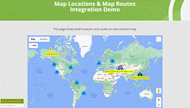
EXAMPLES OF SITES USING GOOGLE MAPS ROUTE MANAGER
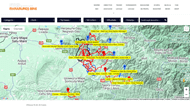

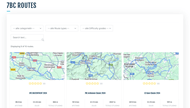
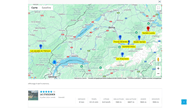
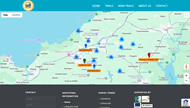

To see the major features of the Google Maps Route Manager Plugin, check out the video clips below.
For more in-depth descriptions, visit our Video Tutorial Library or plugin User Guide.
CREATE MAPS
 Create Route Map
|  Route Index Page
|  Embed Route Map
|
 Draw Routes
|  Upload Routes
|  Download Routes
|
SEARCH MAPS AND MAP SHARING
 Route Search
|  Route Index Taxonomies
|  Tags and Categories
|
 Access Control
|  Moderation and Notifications
|  User Dashboard
|
CUSTOM MAP DISPLAY
 Map Location Tooltips
|  Route Images and Video
|  Add POIs
|
 Custom Icons
|  Route Ratings
|  Elevation and Weather Display
|
Map Routes Manager Plugin Image Gallery
-

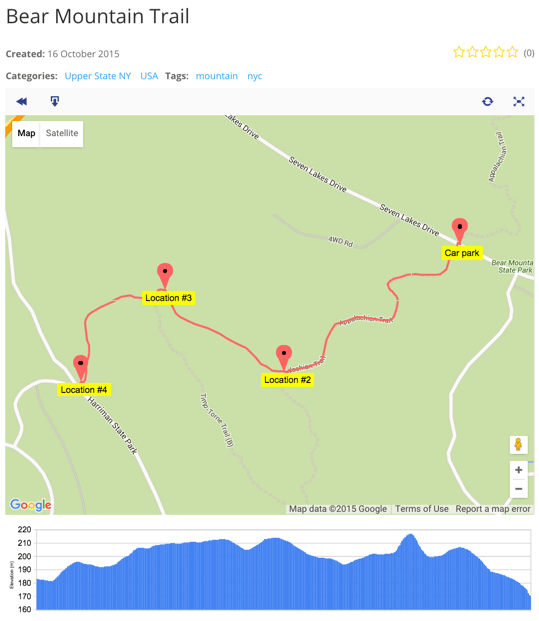
- Route elevation graph
-

- Locations with images and description shown on route page
-

- Nature trail shown on map
-

- Several routes shown on map

-

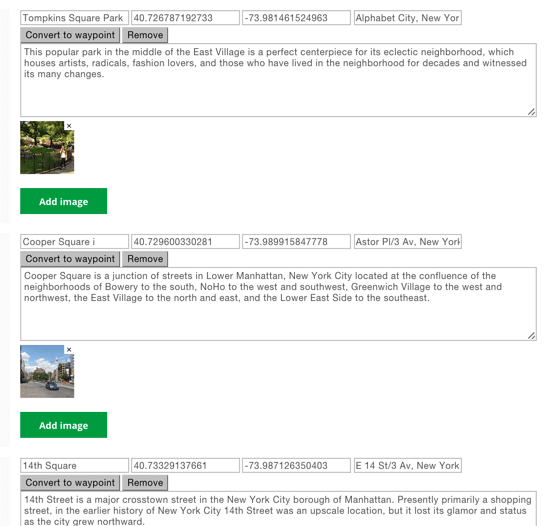
- Route locations edit screen
-

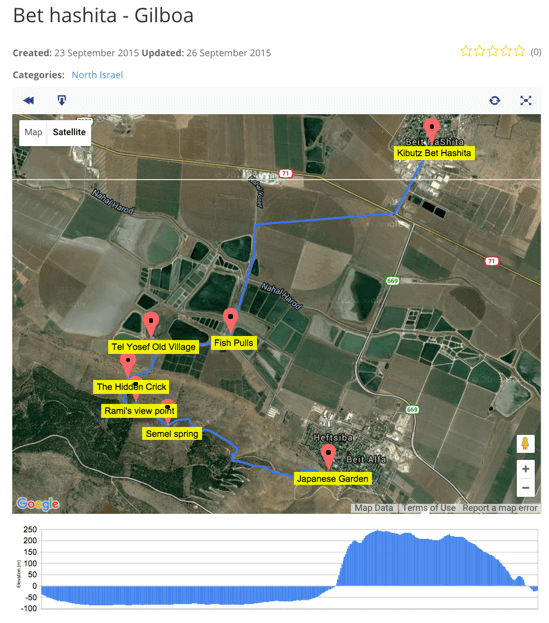
- Route shown on satellite map
-

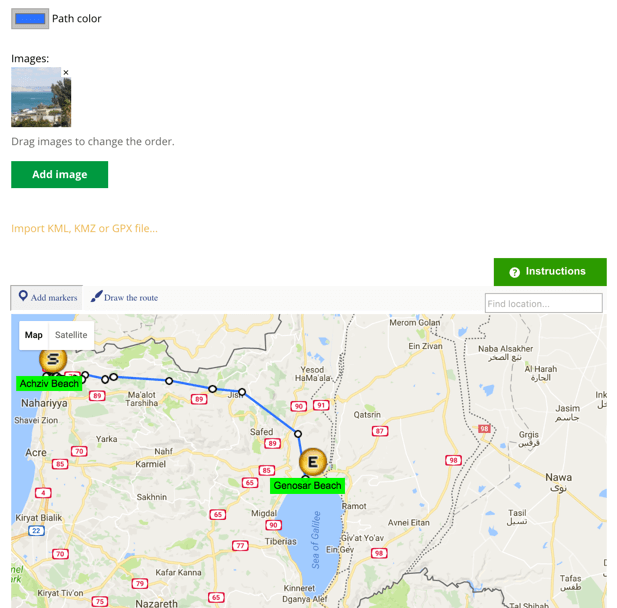
- Manually Adding Route
-

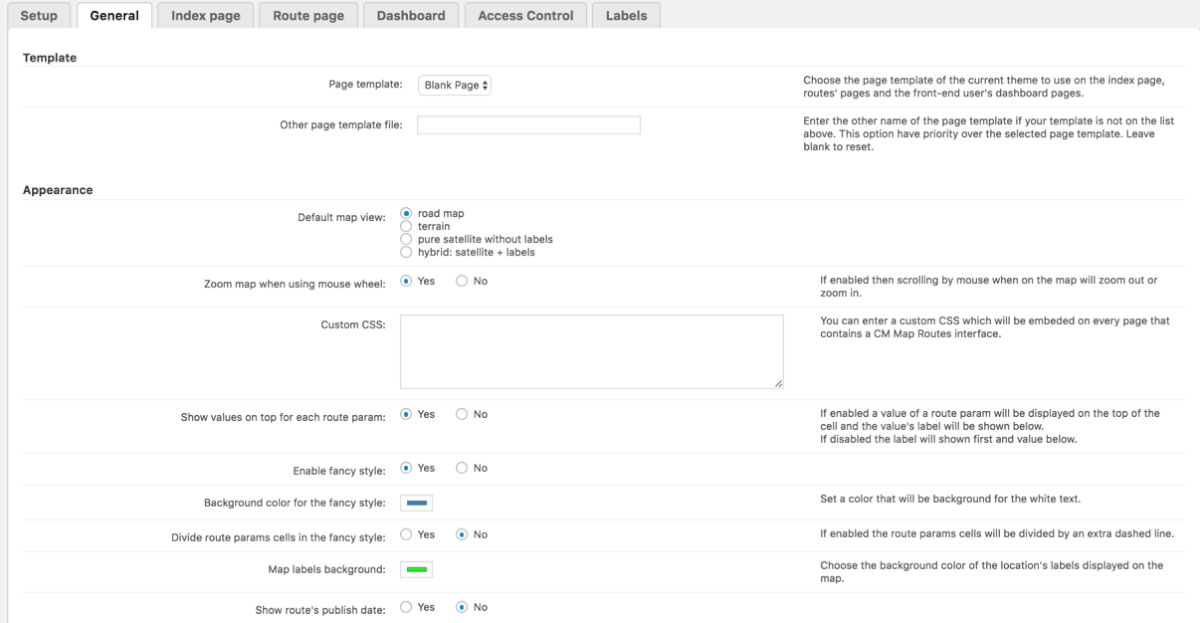
- Route Manager Extensive Settings
-
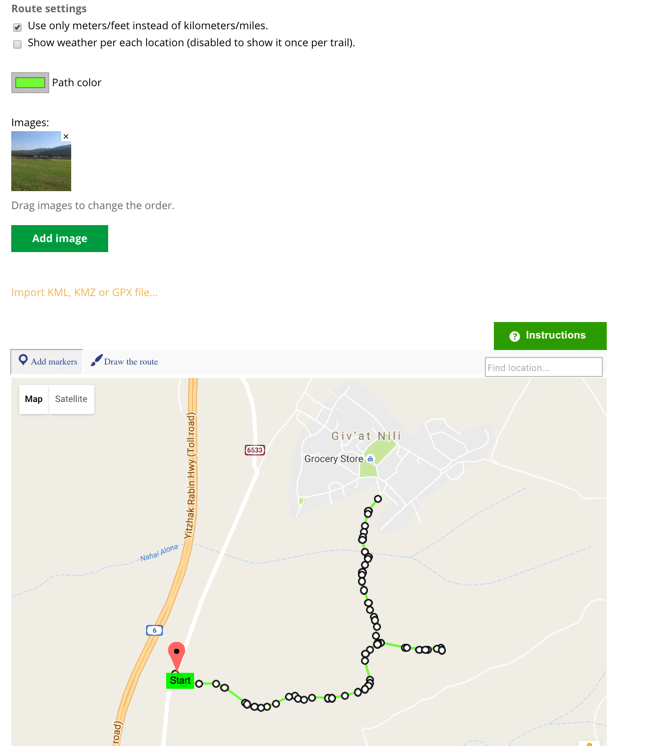
- Importing GPX Route
Back-end Gallery
-

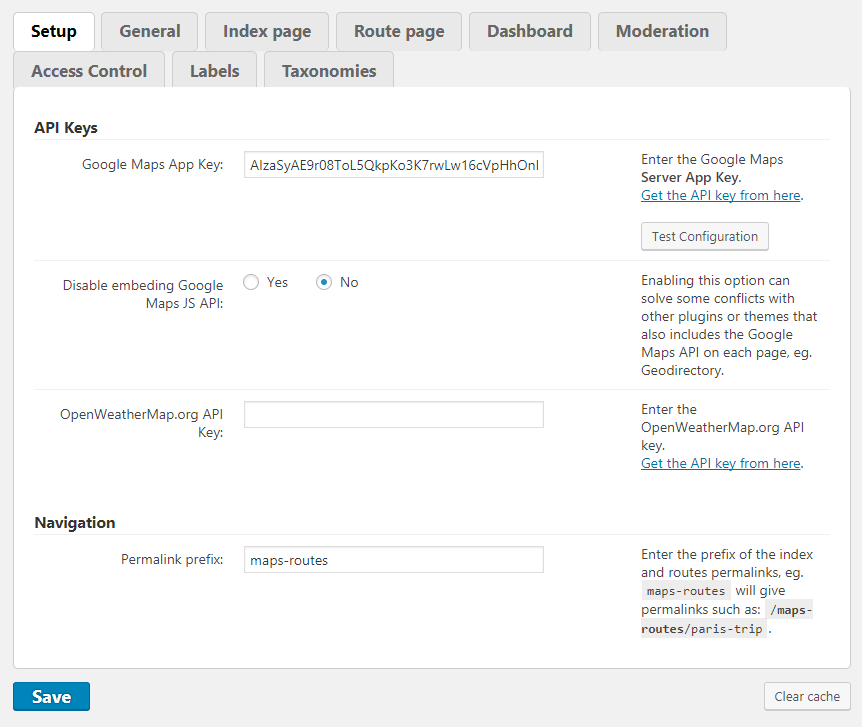
- Setup
-

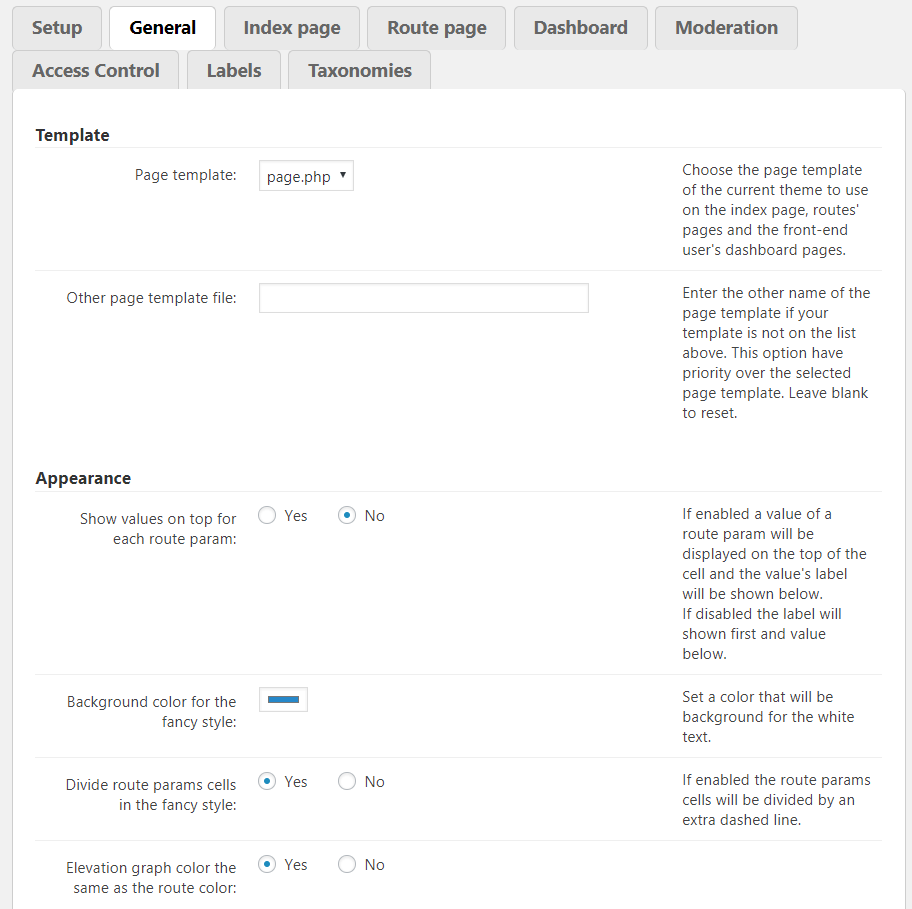
- General
-

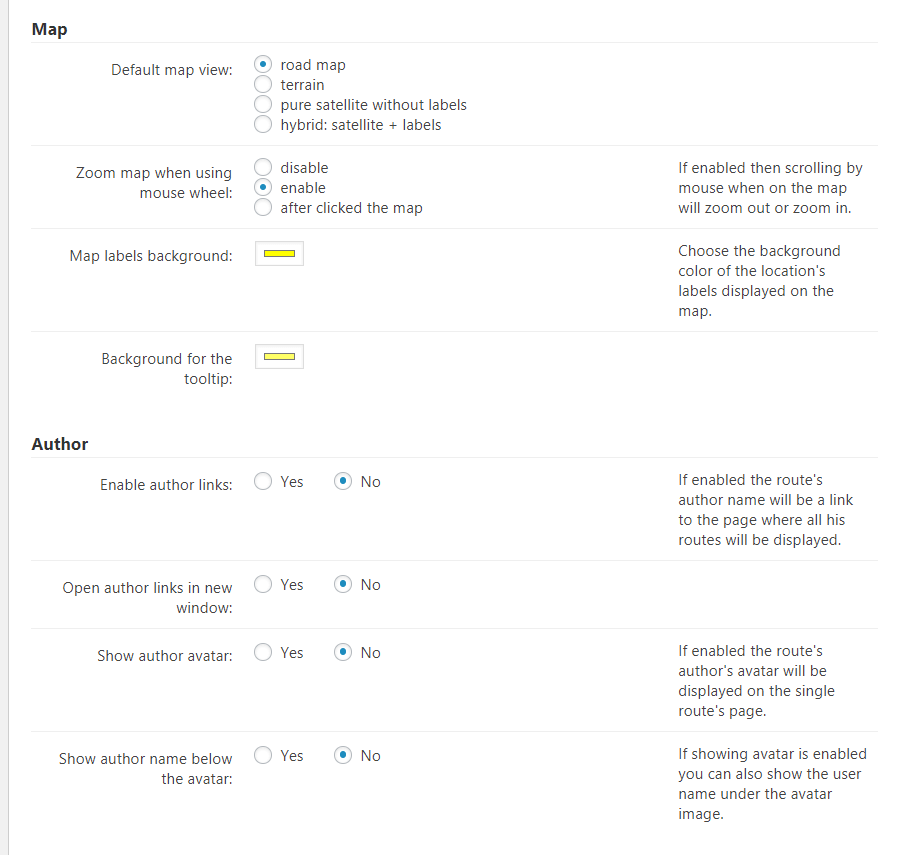
- General – Map, Author
-

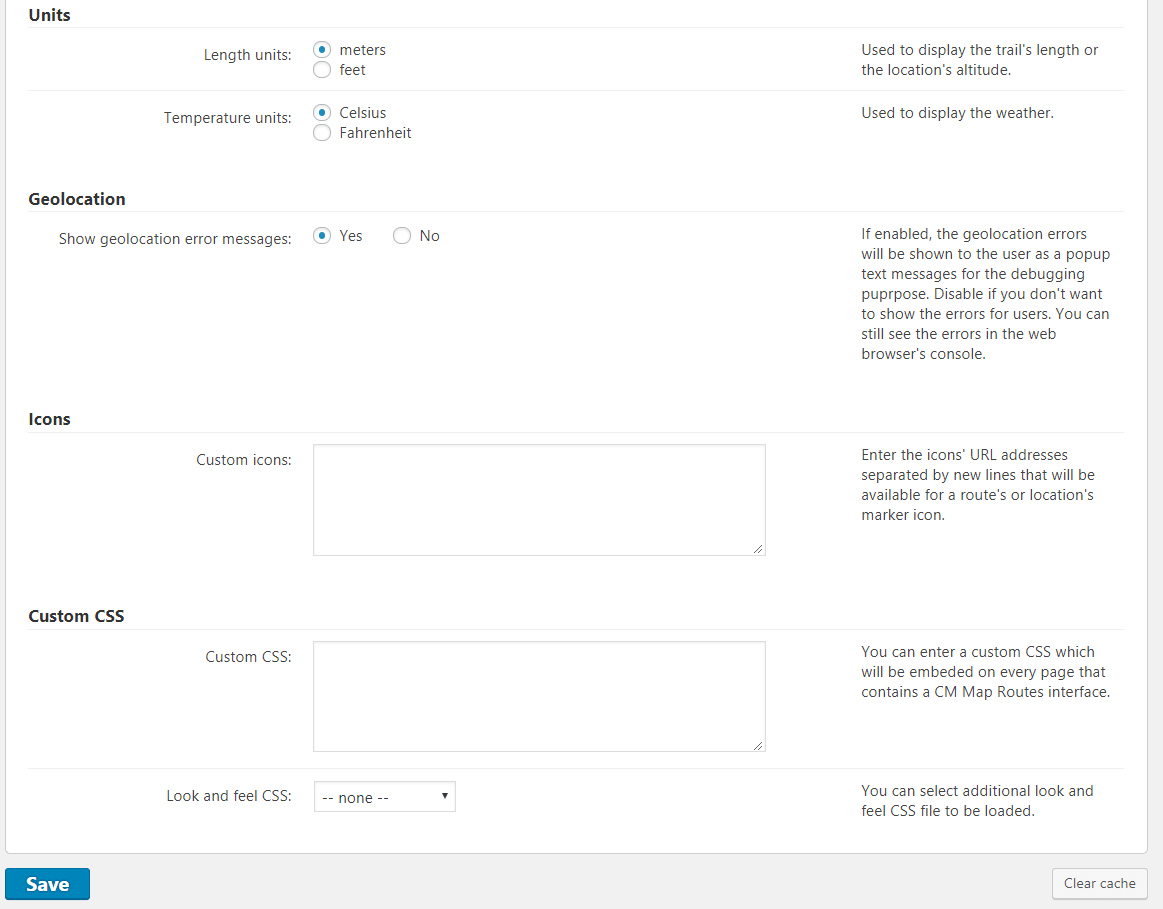
- General – Units, Geolocation, Icons, Custom CSS
-

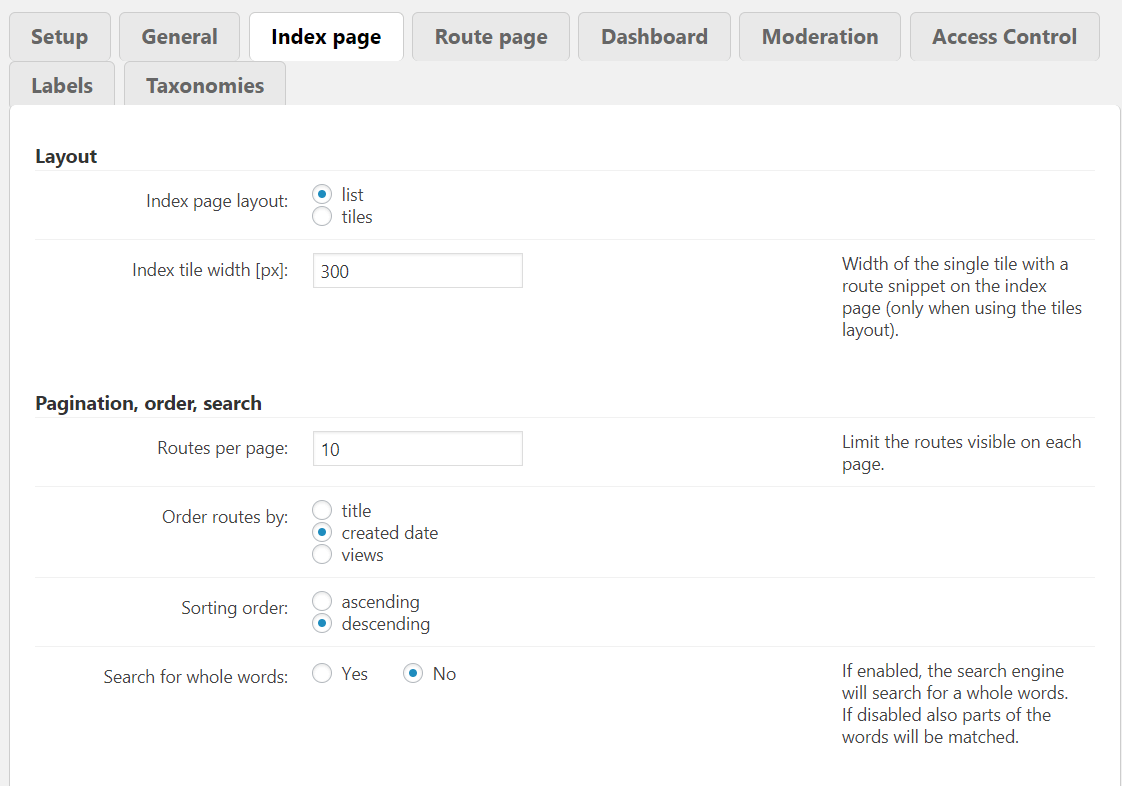
- Index Page
-

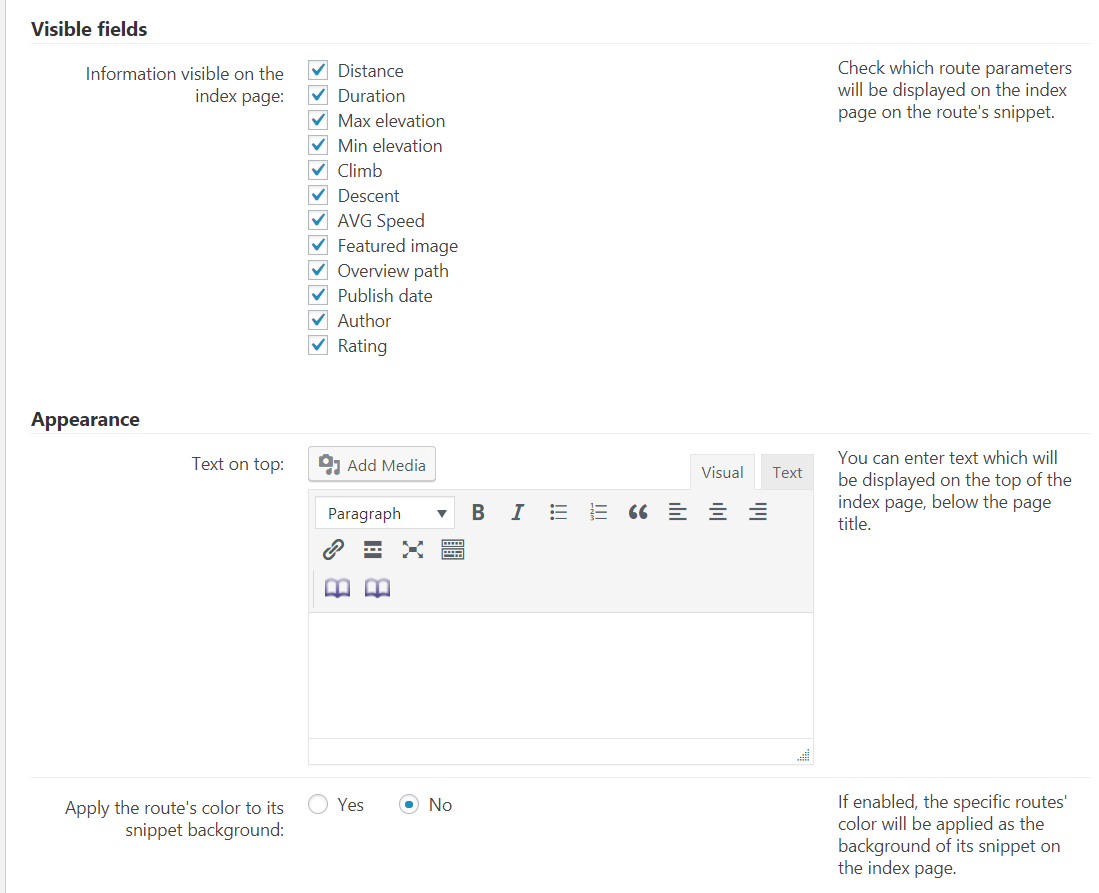
- Index Page – Visible Fields, Appearance
-

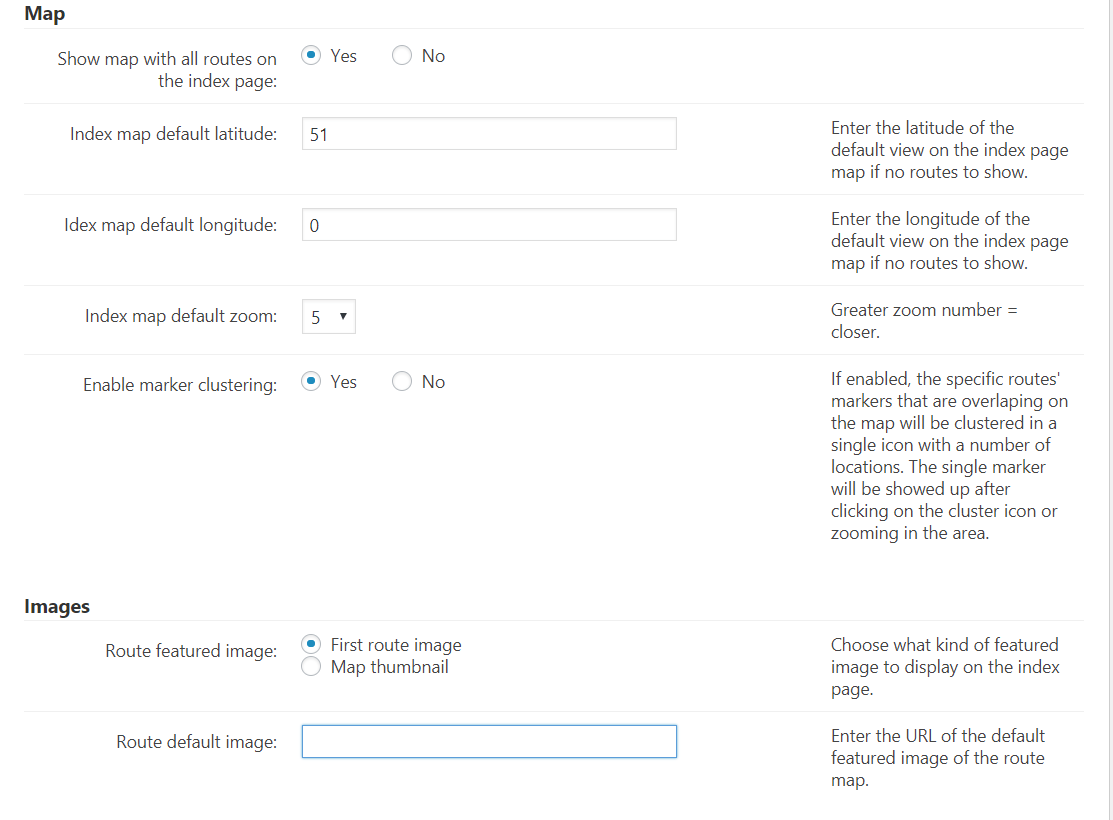
- Index Page – Map, Images
-

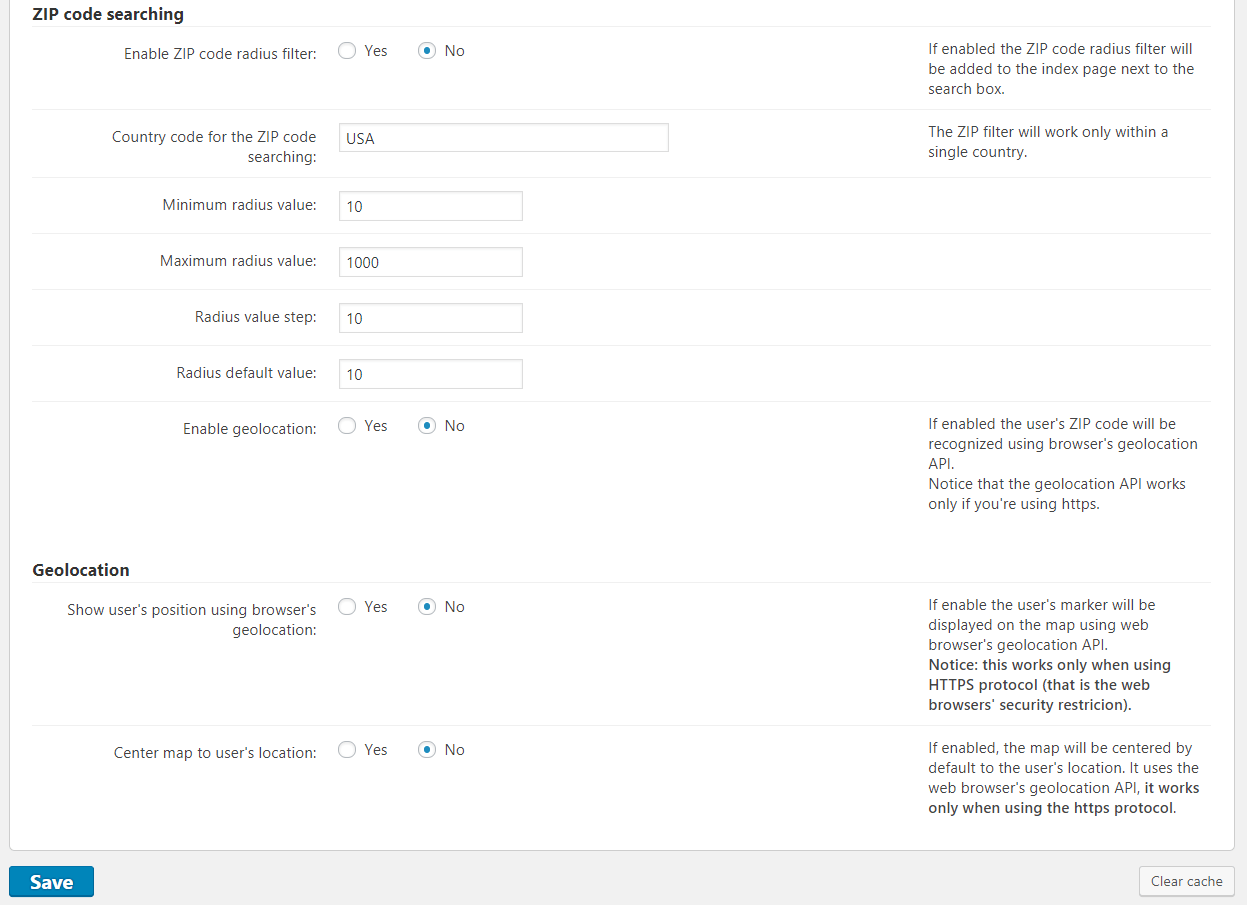
- Index Page – ZIP code searching, Geolocation
-

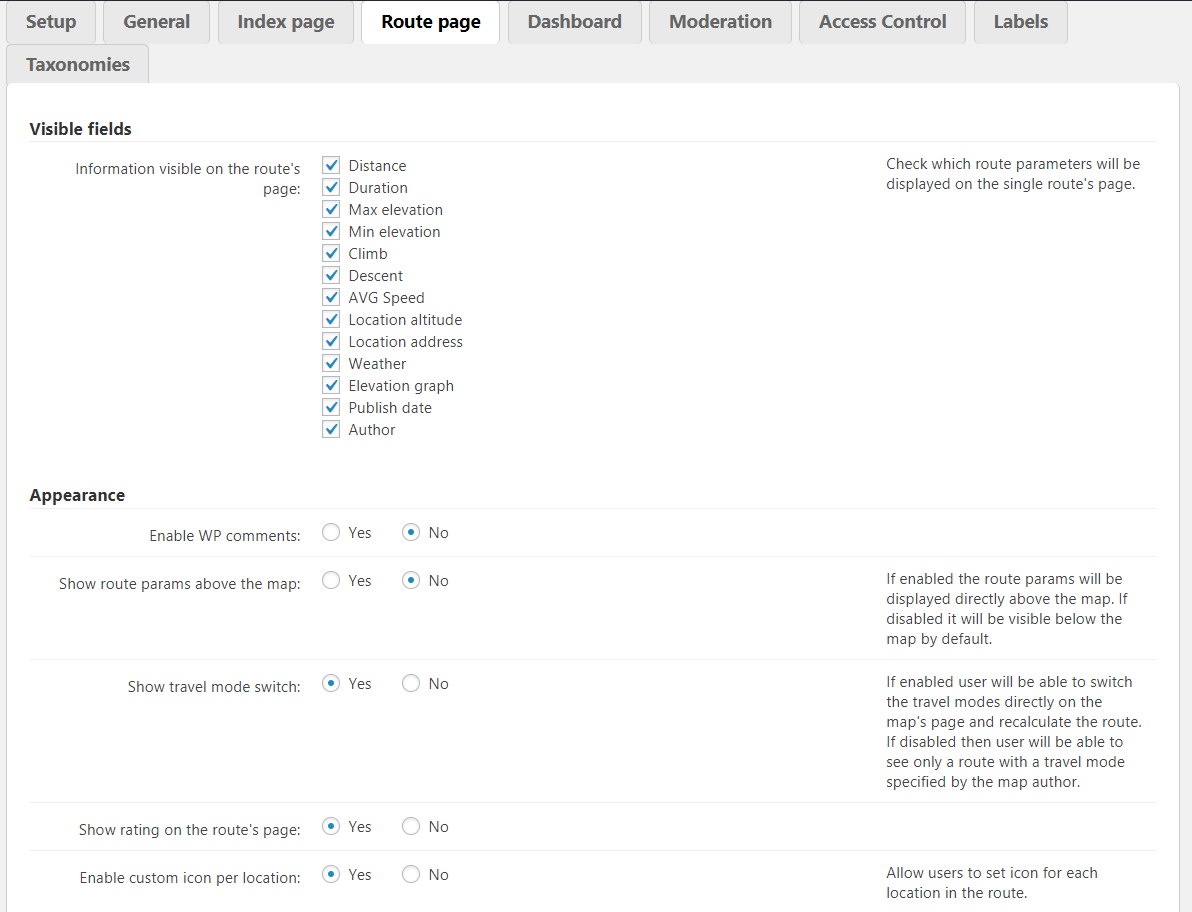
- Route Page
-

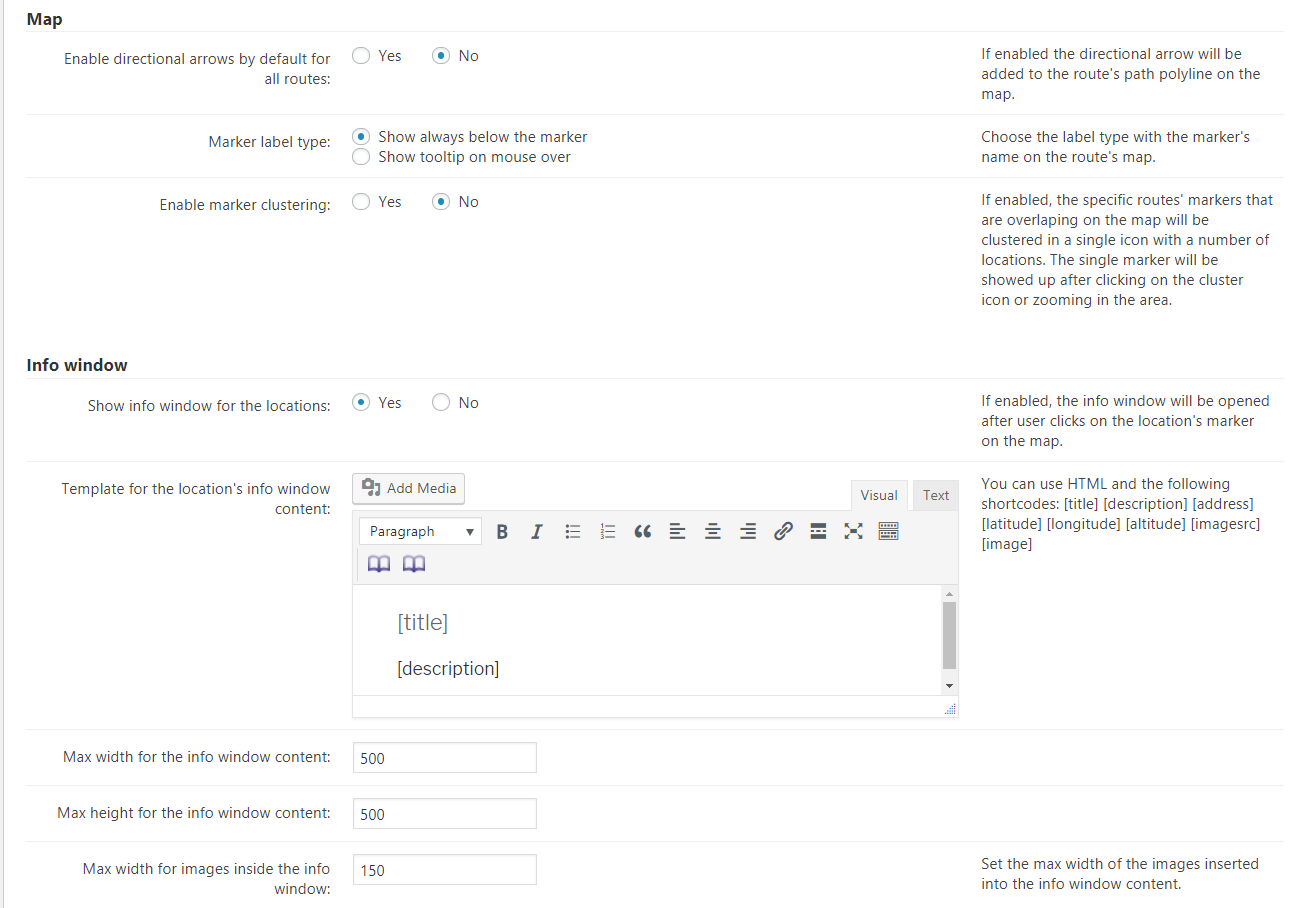
- Route Page – Map, Info window
-

- Route Page – Geolocation
-

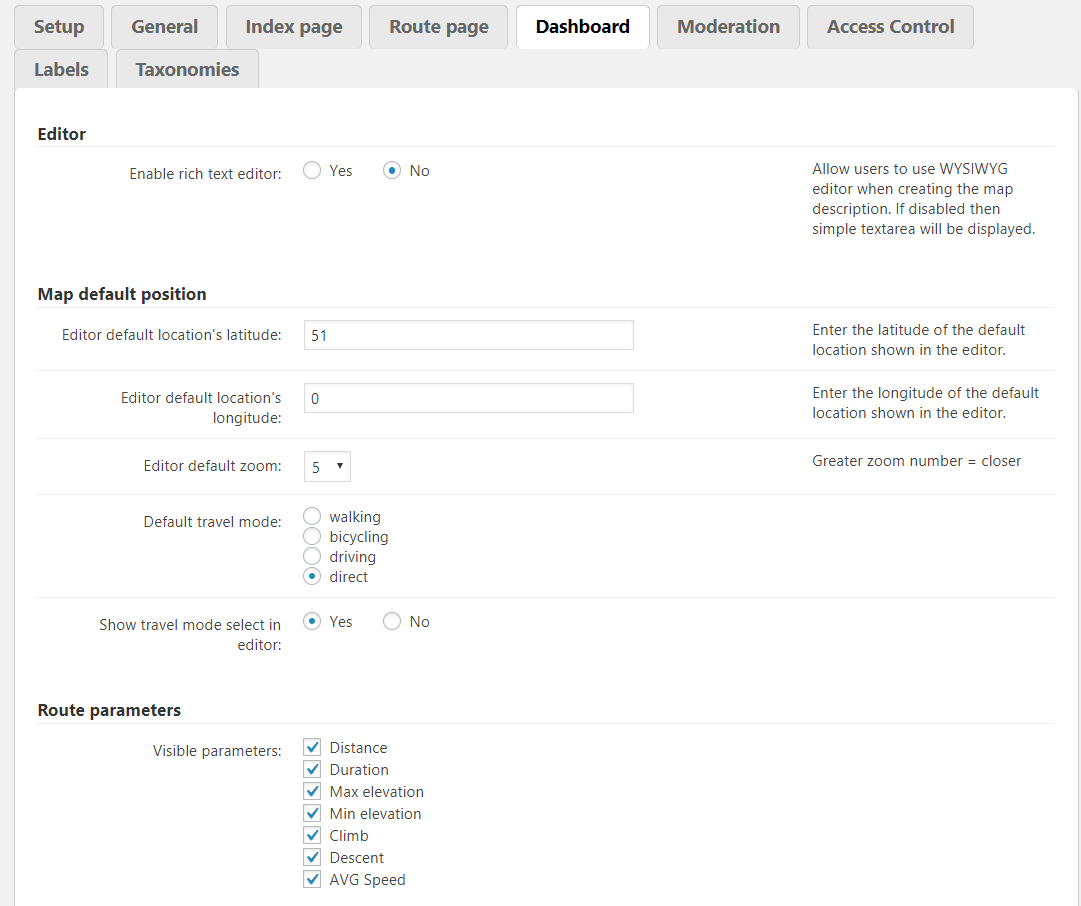
- Dashboard
-
- Dashboard – Importing, Info window, Geolocation

-

- Moderation
-

- Moderation Notifications
-

- Access Control
-

- Labels
-

- Labels – Navigation
-

- Labels – Route
-

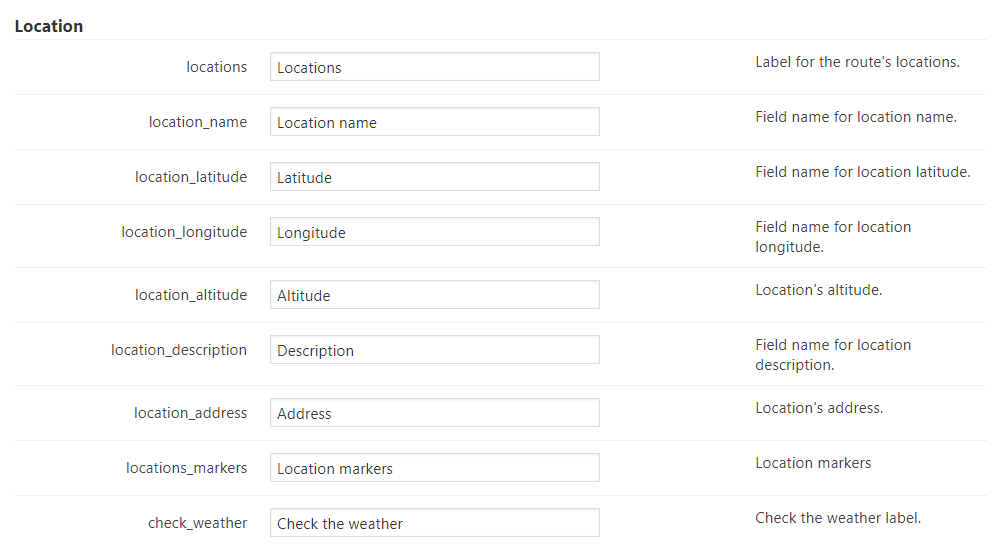
- Labels – Location
-

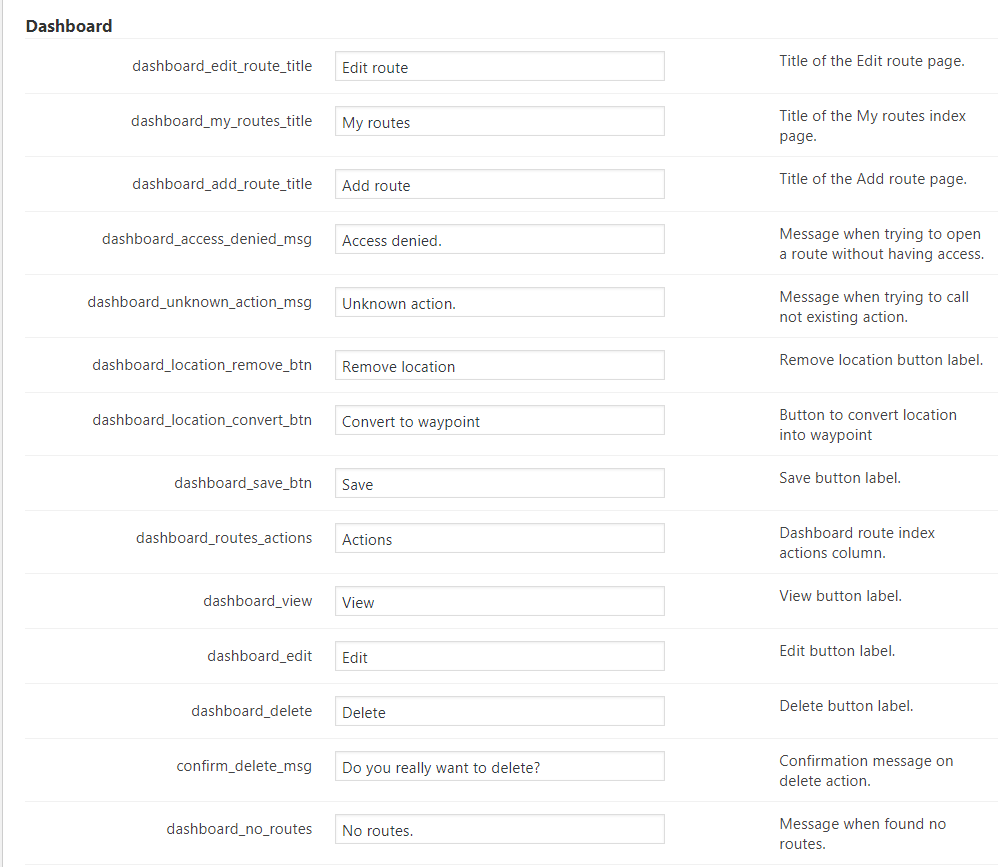
- Labels – Dashboard
-

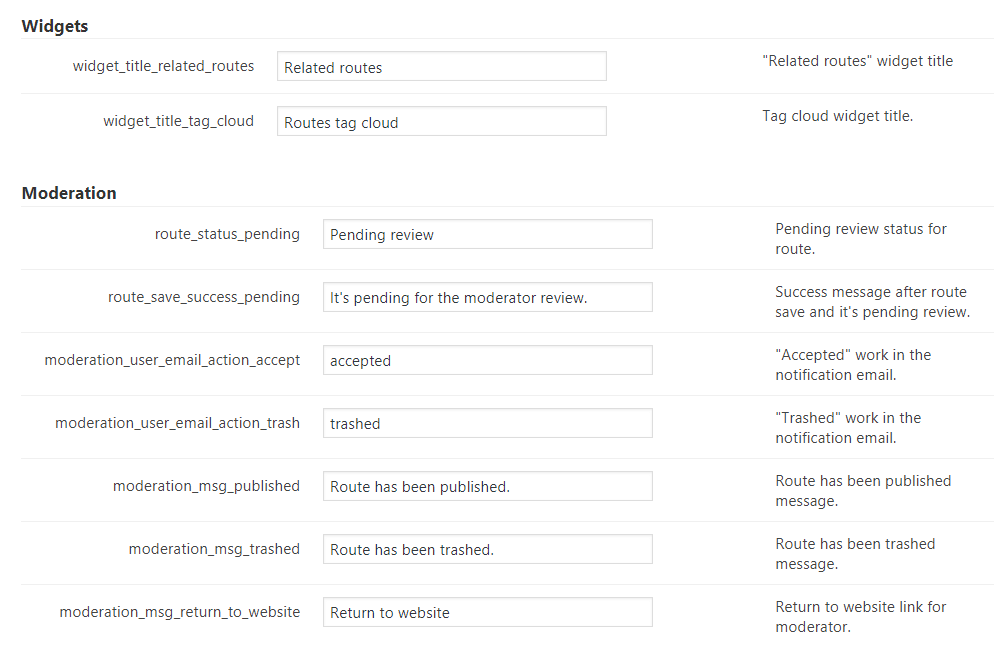
- Labels – Widgets, Moderation
-

- Labels – Other

-
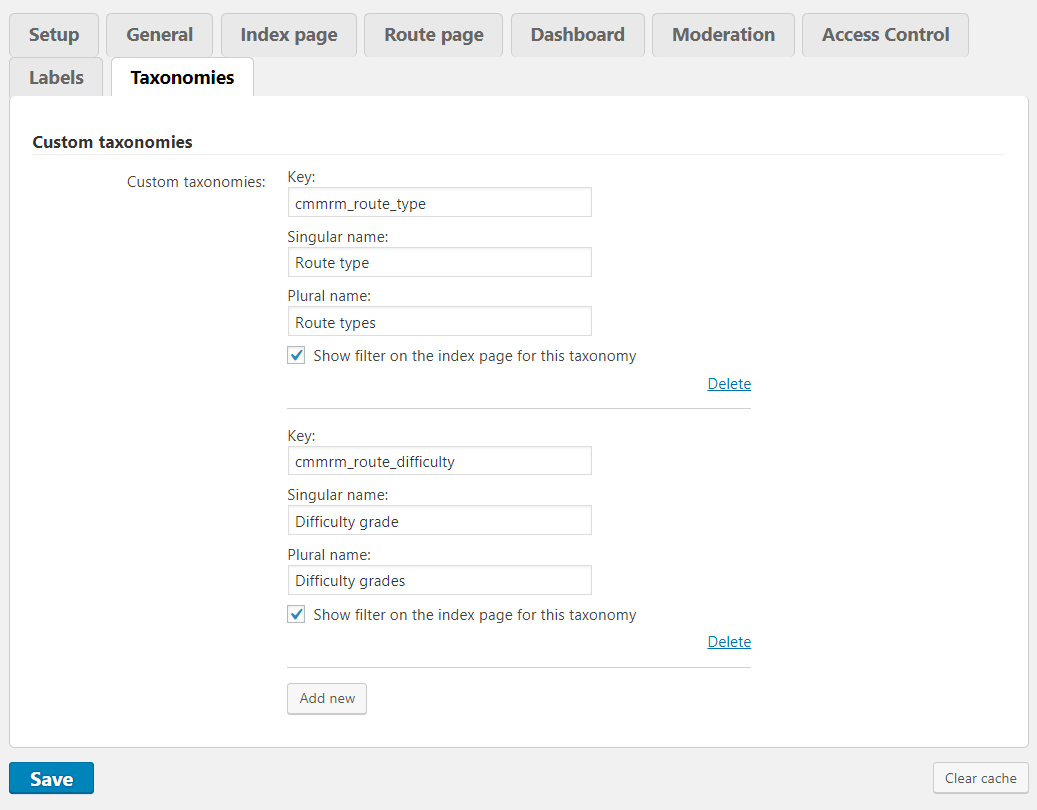
- Taxonomies
-
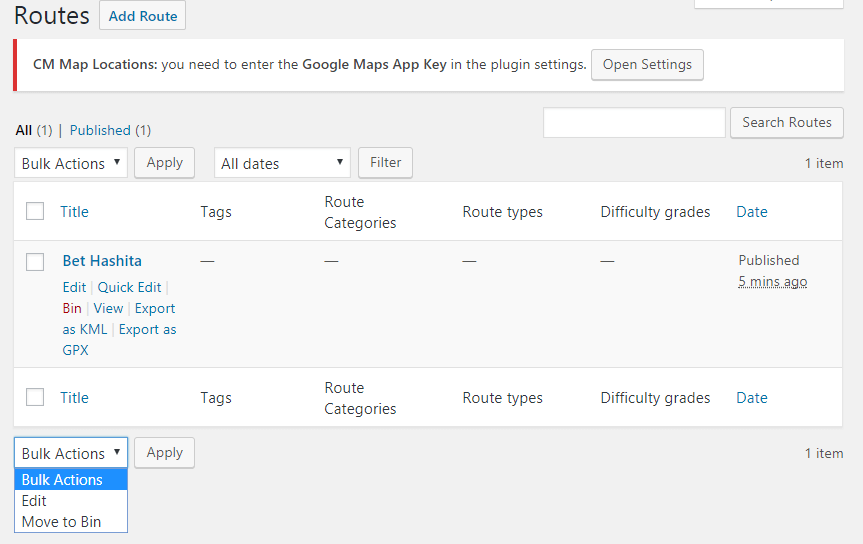
- Routes
-

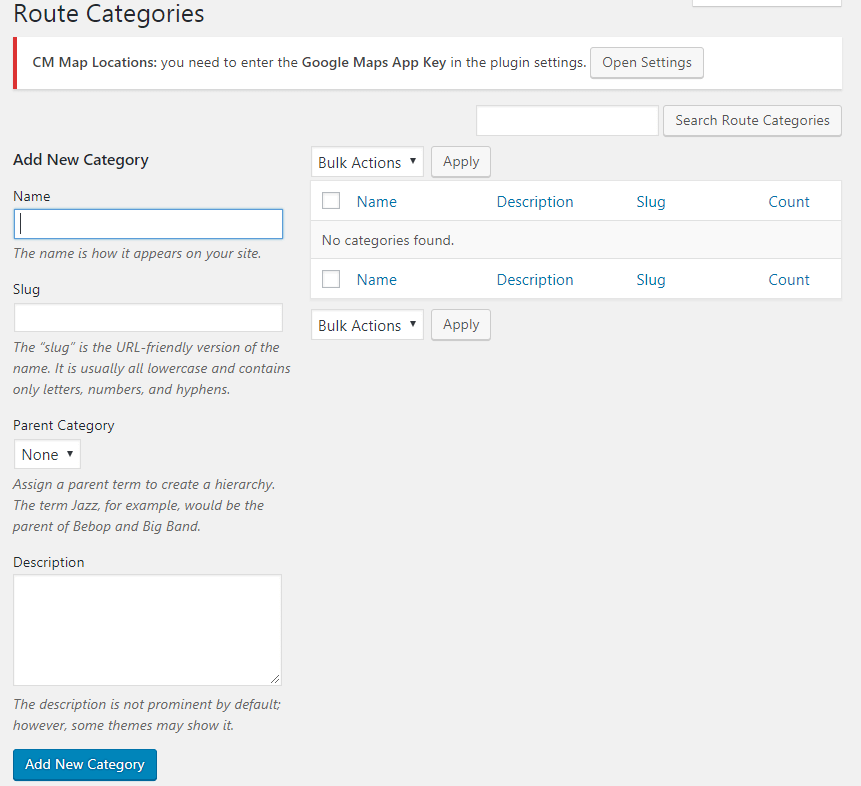
- Route Categories
-

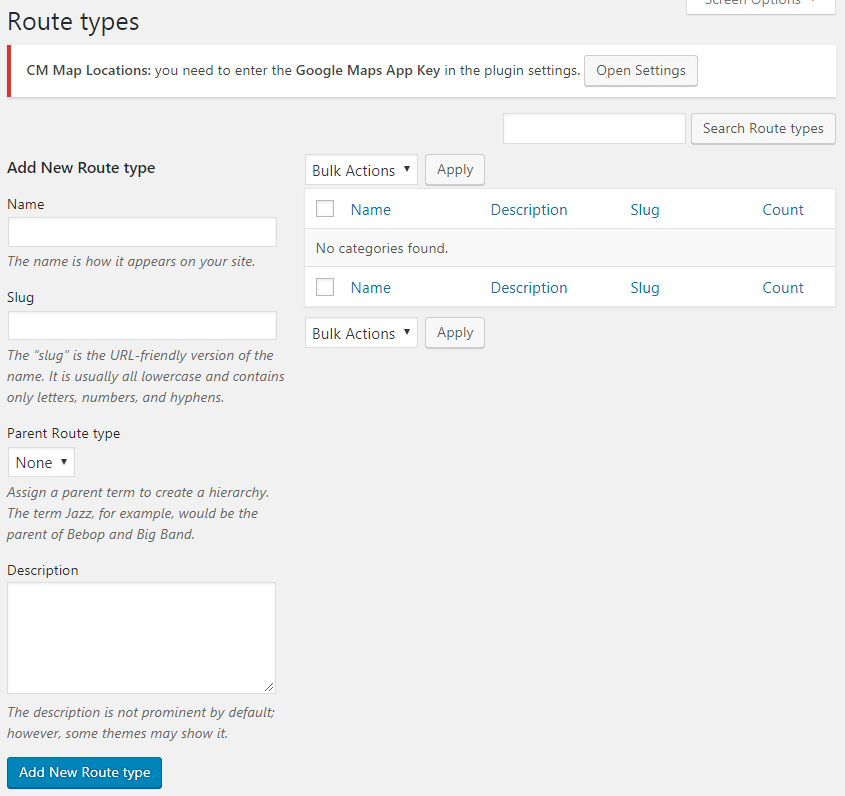
- Route types
-

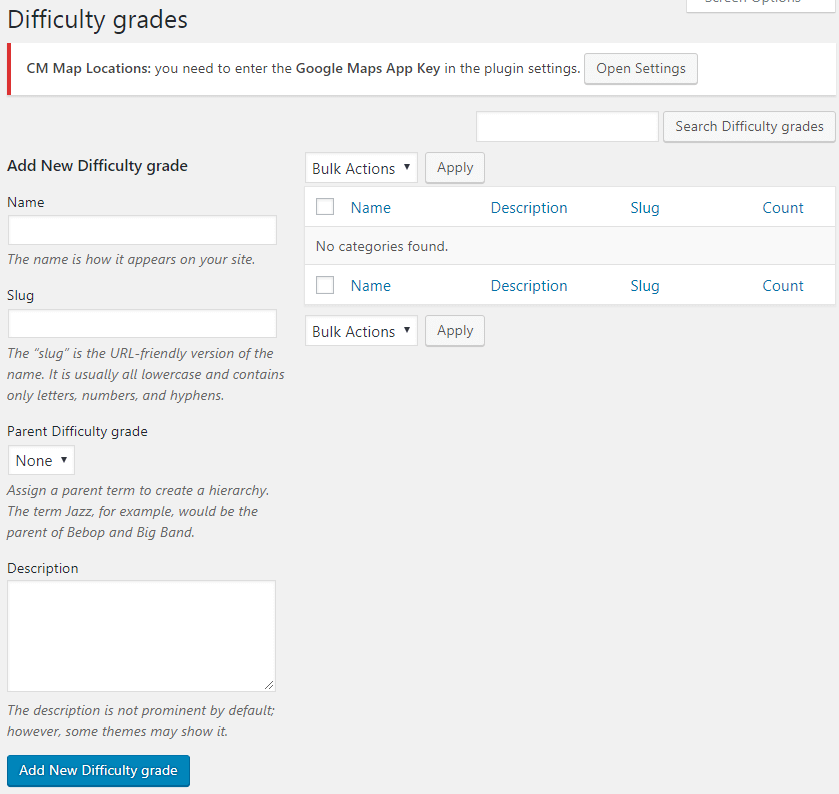
- Difficulty grades
-

- Export and Import
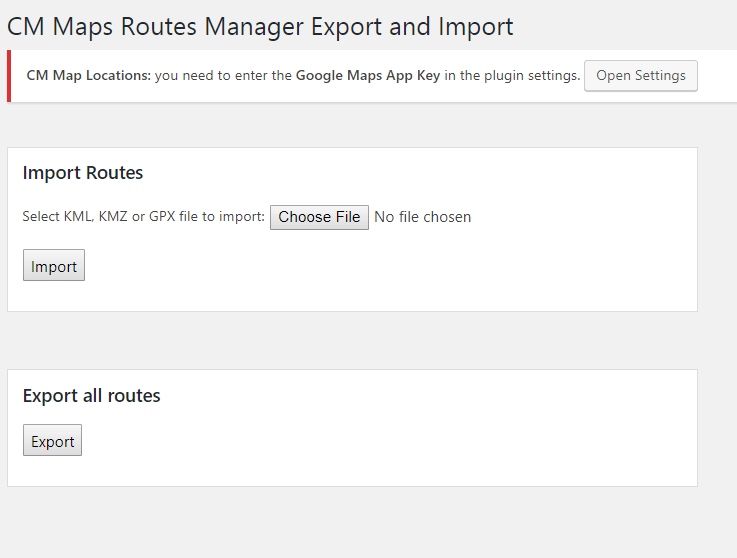
-

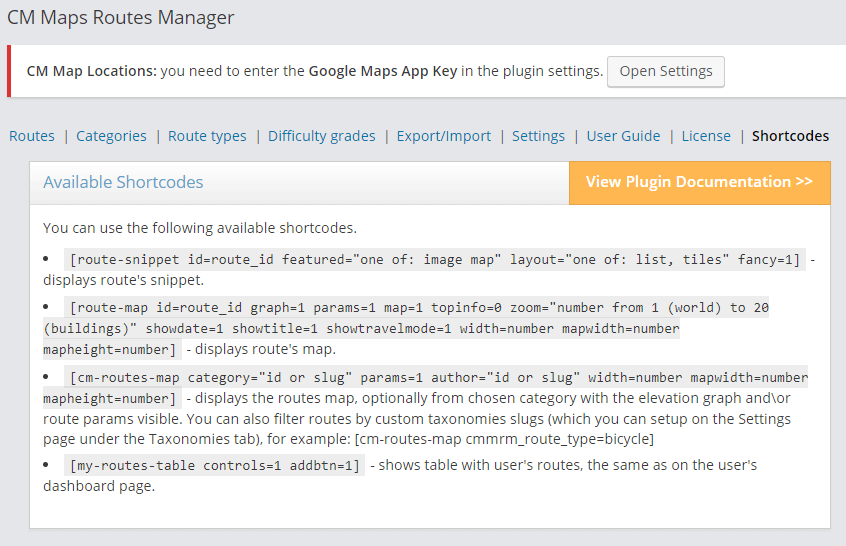
- Shortcodes
Customer Reviews about Map Routes Manager Plugin

| Excellent Plugin
We run a volunteer based website which is recording and sharing walking routes in our region and this plugin has proved to be ideal. I look forward to see it develop. The pro version is well worth the money! |

| Perfect Fit
The CM Map Routes Manager was the perfect fit when it came to sharing walking routes. |

| Great Support
The Routes plugin is the best I’ve found for managing trails and maps, combined with Locations plugin. Also CreativeMinds has THE BEST support of any WordPress plugin I have used. I asked two things and they responded quickly and politely, and fixed both super fast! Amazing. |

| Great customer after buying PRO version
I had some compatibility problems with my purchased theme, but the guys from CM plugin help me to correct all the issues to make things work. Great help=great plugin! |
- Excellent Support
great plugin struggled at first with the templates as I wanted to achieve something very bespoke but support helped me achieve this
great plugin struggled at first with the templates as I wanted to achieve something very bespoke but support helped me achieve this
- Superb
Very happy to have found a maps-plugin with elevation graph and working with shortcodes. Many settings. Support was helpful and answered quickly.
Very happy to have found a maps-plugin with elevation graph and working with shortcodes. Many settings. Support was helpful and answered quickly.
- Great support
The Routes plugin is the best I’ve found for managing trails and maps, combined with Locations plugin. Also CreativeMinds have THE BEST support of any WordPress plugin I have used. I asked two things and they responded quickly and politely, and fixed both super fast! Amazing.
The Routes plugin is the best I’ve found for managing trails and maps, combined with Locations plugin. Also CreativeMinds have THE BEST support of any WordPress plugin I have used. I asked two things and they responded quickly and politely, and fixed both super fast! Amazing.
- Excellent Plugin
We run a volunteer based website which is recording and sharing walking routes in our region and this plugin has proved to be ideal. I look forward to see it develop. The pro version is well worth the money!
We run a volunteer based website which is recording and sharing walking routes in our region and this plugin has proved to be ideal. I look forward to see it develop. The pro version is well worth the money!
- Responsive support for responsive website
Using PRO version and had some issues in development showing the map and elevation graph responsive to browser and screen size. CM responded quickly to my questions and resolved them for me.
FYI – graph and elevations appear to truncate when you use responsive views in Firefox, Chrome etc unless you refresh the screen. So its just a development issue to be aware of. When using the plugin normally on phones and tablets there’s no problem at all 🙂
Using PRO version and had some issues in development showing the map and elevation graph responsive to browser and screen size. CM responded quickly to my questions and resolved them for me.
FYI – graph and elevations appear to truncate when you use responsive views in Firefox, Chrome etc unless you refresh the screen. So its just a development issue to be aware of. When using the plugin normally on phones and tablets there’s no problem at all 🙂
- Great tool for hikers!
I have been using many tools to document my hiking trips and this one is great!
I have been using many tools to document my hiking trips and this one is great!
- Scout troop uses this plugin
When we plan a trip we’re sending the map with the trail to our scouts’ parents. Great solution.
When we plan a trip we’re sending the map with the trail to our scouts’ parents. Great solution.
- Great customer after buying PRO version
I had some compatibility problems with my purchased theme, but the guys from CM plugin help me to correct all the issues to make things work. Great help=great plugin!
I had some compatibility problems with my purchased theme, but the guys from CM plugin help me to correct all the issues to make things work. Great help=great plugin!