A website’s first impression is often shaped not by its content, but by the small, high-visibility messages that guide attention – promotions, updates, alerts, or time-sensitive offers.
A notification bar allows you to control that layer of communication without disrupting the browsing experience, turning a static website into a flexible messaging system that can adapt to campaigns, timing, and user context.

Building a Flexible Messaging Layer With a WordPress Notification Bar Plugin
A typical use case for a WordPress Notification Bar Plugin is to replace static banners with dynamic, campaign-driven messaging that can be customized, scheduled, and targeted across different parts of a website.
Instead of manually editing pages whenever an announcement changes, you can manage multiple message variants, control where they appear, and define how they behave depending on conditions like device type, page URL, or timing.
This approach turns simple announcements into structured communication campaigns that can evolve over time, rather than one-off visual elements.
October 2026 Offer – For a Limited Time Only:
Get WordPress Notification Bar Plugin for 15% off! Don’t miss out!
From Static Banners to Campaign-Based Communication
Traditional notification banners are usually fixed – one message, one placement, and limited flexibility. A campaign-based system changes this by allowing multiple messages under a single campaign, which can rotate or be displayed selectively.
This means a single notification setup can support different messaging strategies: alternating promotional messages, seasonal updates, or multiple variations of the same announcement. Instead of editing individual pages, you manage communication centrally and let the system handle delivery logic.
Controlling Where and When Messages Appear

One of the key strengths of a notification bar system is targeting. Messages can be configured to appear globally across the entire website or restricted to specific pages, posts, or URL patterns.
This makes it possible to align messaging with user intent. For example, visitors landing on a product page can see context-specific promotions, while homepage visitors receive broader announcements.
Device-based rules also allow messages to be adapted for mobile or desktop experiences, ensuring consistency without sacrificing usability.
Timing is another important layer. Campaigns can be scheduled or activated based on time ranges, allowing website owners to prepare announcements in advance and automatically rotate content based on relevance.
Designing Attention Through Visual Customization
Beyond placement and targeting, notification bars are highly customizable from a visual perspective. Typography, colors, spacing, and layout can be adjusted to match branding requirements, while HTML support allows for richer content such as links, images, or structured messaging.
This transforms the notification bar from a simple strip of text into a flexible UI component that can carry both informational and promotional content without breaking visual consistency.
Want a Better Way to Show Website Messages?
Measuring Engagement Instead of Guessing It
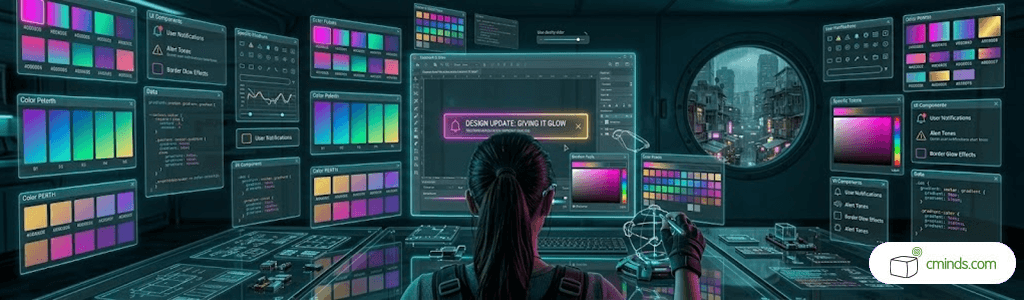
A major advantage of structured notification systems is the ability to track how users interact with messages. Instead of relying on assumptions about performance, you can analyze impressions, click behavior, and engagement rates for different campaigns or message variants.
This data makes it easier to refine communication strategies over time – identifying which messages perform well, which formats attract attention, and how users respond to different types of announcements.
A Small Interface Element With a Large Strategic Role
Although a notification bar occupies minimal screen space, its impact on communication strategy is significant. It acts as a persistent but unobtrusive layer that connects users with important updates, promotions, or contextual information.
When used effectively, it can:
- Highlight key announcements without interrupting content flow
- Support marketing campaigns without redesigning pages
- Deliver context-aware messages based on user behavior or location
- Improve visibility of time-sensitive content in a consistent way
- Provide measurable insights into user engagement
In this sense, it functions less as a visual component and more as a lightweight communication framework embedded into the website.
Final Perspective
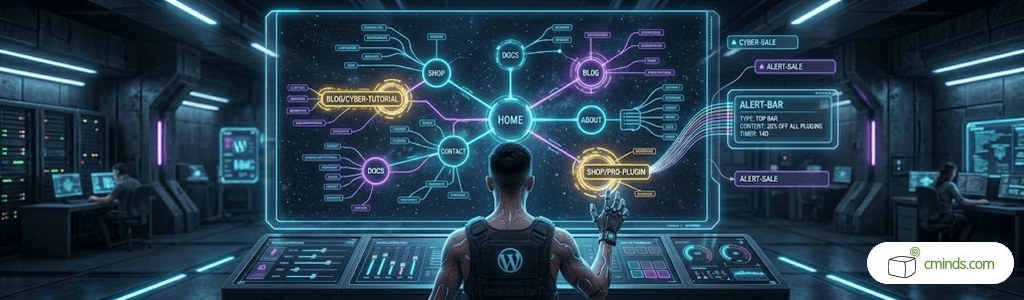
A notification bar system is not just a UI enhancement – it is a structured way to manage communication across a WordPress site. By shifting from static messages to dynamic campaigns, websites gain the ability to control attention, adapt messaging, and measure impact in a unified system.
To see how you can build a fully functional notification-based communication layer on your own WordPress website, check out our use case on how to create and configure a WordPress Notification Bar Plugin from scratch: