Publishing consistent, original content takes time and effort – but with the RSS Post Importer plugin and AI tools like ChatGPT or Gemini, you can automate part of the process.
Instead of importing plain RSS items, the plugin lets AI rewrite, expand, or translate them into unique articles ready for your WordPress site.
From Feeds to Articles: The Core Idea
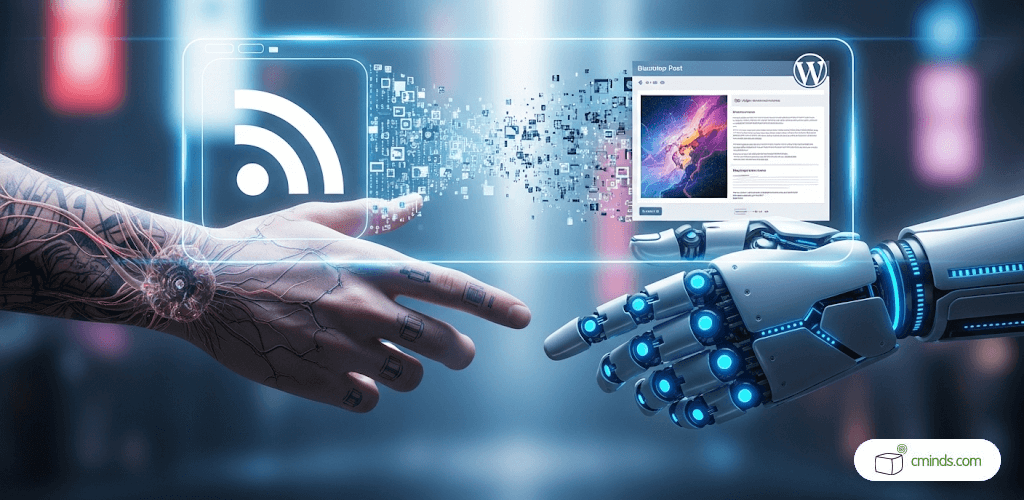
RSS Post Importer pulls articles, posts, or updates from external websites directly into WordPress. Traditionally, that meant simply re-publishing existing content – a useful approach for aggregators or networks of related sites.
With AI integration, the process changes: imported feed items can be rewritten, summarized, translated, or even expanded into longer posts. The plugin handles the fetching, while the AI transforms the raw material into unique, tailored content.
March 2026 Offer – For a Limited Time Only:
Get WordPress RSS Post Importer Plugin for 25% off! Don’t miss out!
Why AI Integration Matters
AI tools bring clear advantages:
- ChatGPT (by OpenAI) and Gemini (by Google) can generate natural, human-like text.
- They can take a short RSS snippet and produce a polished blog post with a fresh title and new body.
- You can tailor the output to your needs – whether it’s concise summaries, in-depth rewrites, or translations.
Typical results include:
- Converting a headline into a longer opinion piece.
- Translating imported items into another language.
- Adjusting the tone to match your brand’s voice.
The outcome: a site that updates automatically with content that feels original and relevant.
Practical Use Cases
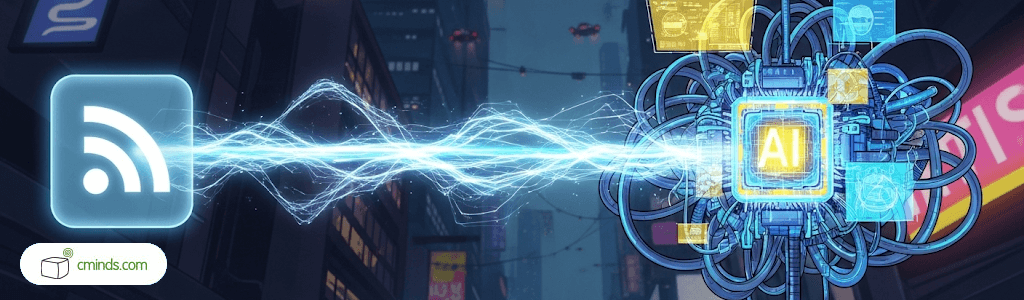
Site owners are applying RSS Post Importer with AI in different ways:
- News aggregation with a twist – pull in industry updates and rewrite them in your editorial style.
- Multilingual blogs – instantly translate incoming posts into languages your audience prefers.
- Niche content curation – focus on selected feeds, then let AI expand them into detailed posts.
- SEO optimization – generate unique rewrites to avoid duplication and strengthen rankings.
ChatGPT or Gemini: Which One to Choose?
You don’t have to stick to a single AI model – the plugin supports both:
- ChatGPT: known for clarity, structure, and professional tone. Great for summaries, reliable rewrites, and straightforward articles.
- Gemini: Google’s AI model, designed with creativity and evolving safety filters in mind. Useful for producing varied, engaging content.
You can even assign different feeds to different AIs and compare which results work best for your site.
Example: Setting Up AI Integration (ChatGPT)
Configuration is straightforward. After adding your ChatGPT API key, you can:
- Enable global AI settings – apply one default configuration for all imported feeds.
- Override settings per feed – customize behavior for specific sources.
For example, you could set a global rule to “rewrite articles in English”, but override one feed to “translate into French”.
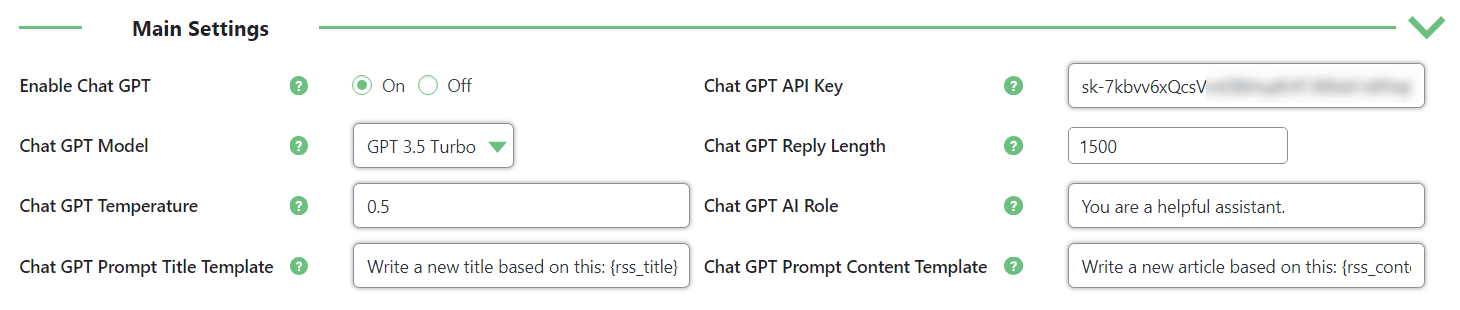
General ChatGPT Integration Settings
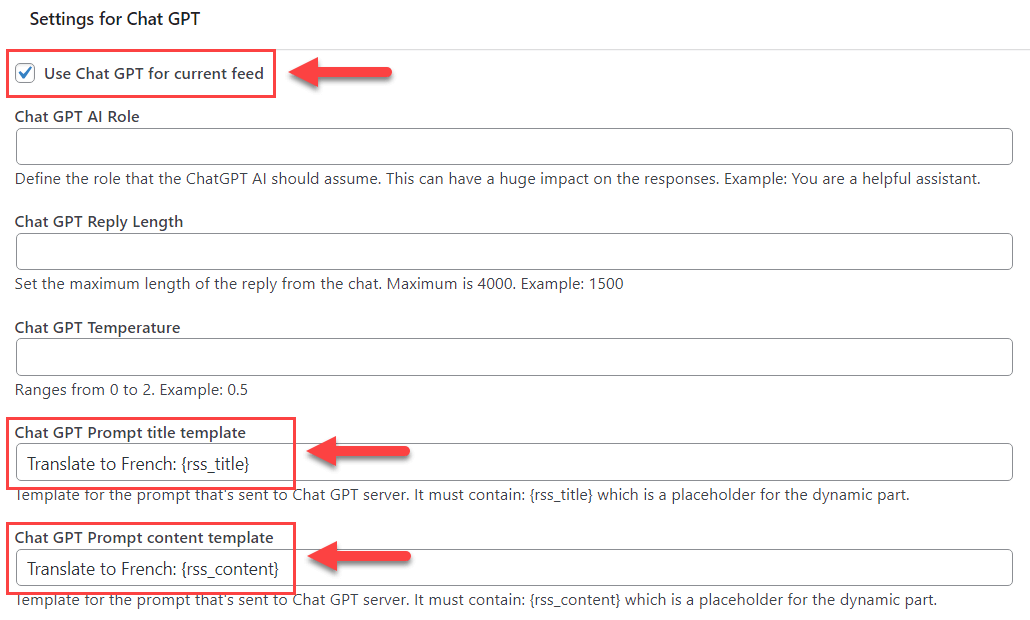
Overriding ChatGPT Integration Settings Per Feed
Smarter Content, Less Work
Instead of starting from scratch, you can let AI draft articles from RSS snippets and then refine them. This blend of automation and editorial control is often the sweet spot: your site stays fresh, you save hours, and the final posts still reflect your brand voice.
Final Thoughts
Using RSS Post Importer with AI integration can transform how your WordPress site handles incoming content. Instead of simply republishing RSS items, you can offer readers rewritten, expanded, or translated articles that feel fresh and engaging.
The plugin’s combination of global settings and per-feed customization allows you to control the level of automation while maintaining editorial quality. Over time, this approach helps your site stay consistently updated, provides more value to your audience, and saves you significant time on content creation.