In a digital environment where content is constantly published across blogs, news sites, and niche platforms, it becomes increasingly difficult to keep everything organized in one place.
Instead of manually collecting links or copying updates, WordPress site owners can automatically aggregate and display relevant content from multiple sources, creating a centralized and continuously updated content hub.
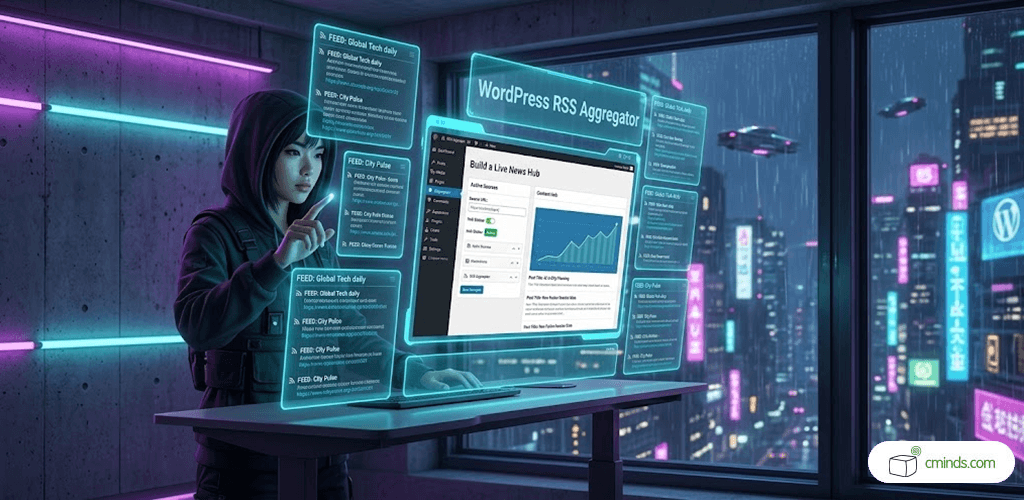
Turning your WordPress site into a curated content hub
A WordPress RSS Aggregator allows you to transform your website into something far more powerful than a standard blog or news page. Instead of manually sourcing and publishing updates, you can automatically collect relevant articles from external websites and display them in a structured format.
This turns your WordPress site into a dynamic content hub that continuously updates itself with fresh material from across the web. Every item remains linked to its original source, ensuring proper attribution while giving your visitors a unified reading experience in one place.
This approach is especially useful for niche websites that want to cover broad topics without producing every piece of content manually.
October 2026 Offer – For a Limited Time Only:
Get Curated RSS Aggregator Plugin for 20% off! Don’t miss out!
Creating structure out of scattered information
The real challenge with content aggregation isn’t collecting data – it’s making it readable and meaningful.
Instead of presenting a raw stream of links, a WordPress RSS Aggregator allows you to organize content into thematic groups. For example, a digital marketing website might separate content into SEO, social media, email marketing, and analytics sections.
Each category becomes a focused stream of information, helping users quickly find what matters most to them. Multiple categories can also be combined into larger collections, giving you full control over how content is structured across your site.
The result is not just a feed – it becomes a curated editorial experience.
Filtering content so only what matters appears

Not every article from an RSS feed is relevant to your audience. That’s why intelligent filtering plays a key role in building a useful content hub.
By applying keyword-based rules, you can define exactly which items should appear in each category. This ensures that only relevant content is displayed, while unrelated or low-value posts are automatically excluded.
Over time, this creates a highly focused content system where each section of your site reflects a specific topic or intent – without requiring manual moderation.
Adding context with tags and smart labeling
As your content library grows, simple categorization may no longer be enough. Tags introduce an additional layer of structure that helps users explore content in more flexible ways.
Tags can highlight attributes such as content type, urgency, or format. For example, posts can be marked as “breaking news”, “review”, “tutorial”, or “analysis”, allowing users to quickly understand the nature of each item.
This transforms your website into a more interactive discovery system, where content is interconnected across multiple dimensions rather than just grouped in lists.
Ready to Build Your Own Content Hub?
Designing a readable and engaging content experience
A well-structured WordPress RSS Aggregator is not only about functionality – presentation plays a major role in usability.
Instead of overwhelming users with long lists of links, content can be displayed in clean, structured layouts that improve readability. Grouping items by category and visually separating sections helps users quickly scan and focus on what matters most.
Even small design decisions – such as layout density or how sources are displayed – can significantly improve the overall experience.
The goal is to make aggregated content feel intentional and editorial, not automated.
Keeping your content hub constantly updated

One of the key advantages of a WordPress RSS Aggregator is automation.
Once configured, your site continuously fetches new content from connected RSS feeds. This ensures that your pages stay up to date without requiring manual intervention.
At the same time, you retain full control over what is displayed, how long content remains visible, and how frequently feeds are refreshed. This balance between automation and editorial control is what makes RSS aggregation especially powerful for content-heavy websites.
Building more than a feed – building a content ecosystem
When used strategically, a WordPress RSS Aggregator turns a WordPress site into more than just a publishing platform. It becomes a structured ecosystem of curated knowledge, where users can explore topics across multiple sources in one place.
Instead of competing with other publishers, your site becomes a guide that organizes and contextualizes content from across the web.
This can help you:
- Increase returning traffic through continuously updated content
- Improve SEO through dynamic and frequently refreshed pages
- Build authority in your niche by curating high-quality sources
- Reduce the need for constant manual content production
Final thoughts
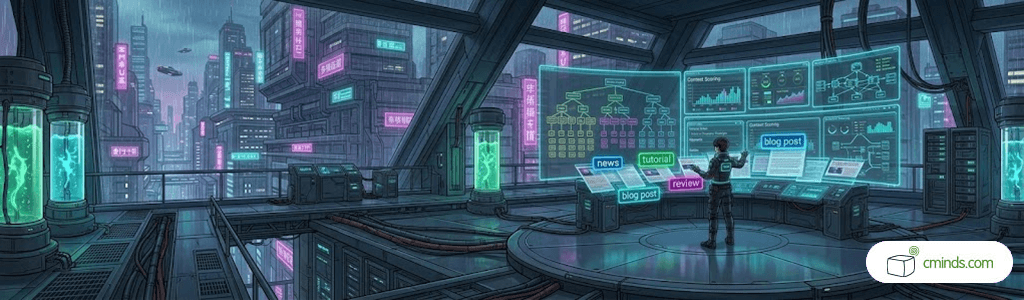
A well-designed RSS aggregation system is not just a technical feature – it’s a content strategy. By structuring, filtering, and presenting external content in a meaningful way, you can turn a WordPress site into a powerful discovery platform that delivers real value to users.
To see how you can build a fully functional content aggregation system on your own WordPress website, check out our use case on how to create and configure a WordPress RSS Aggregator from scratch: